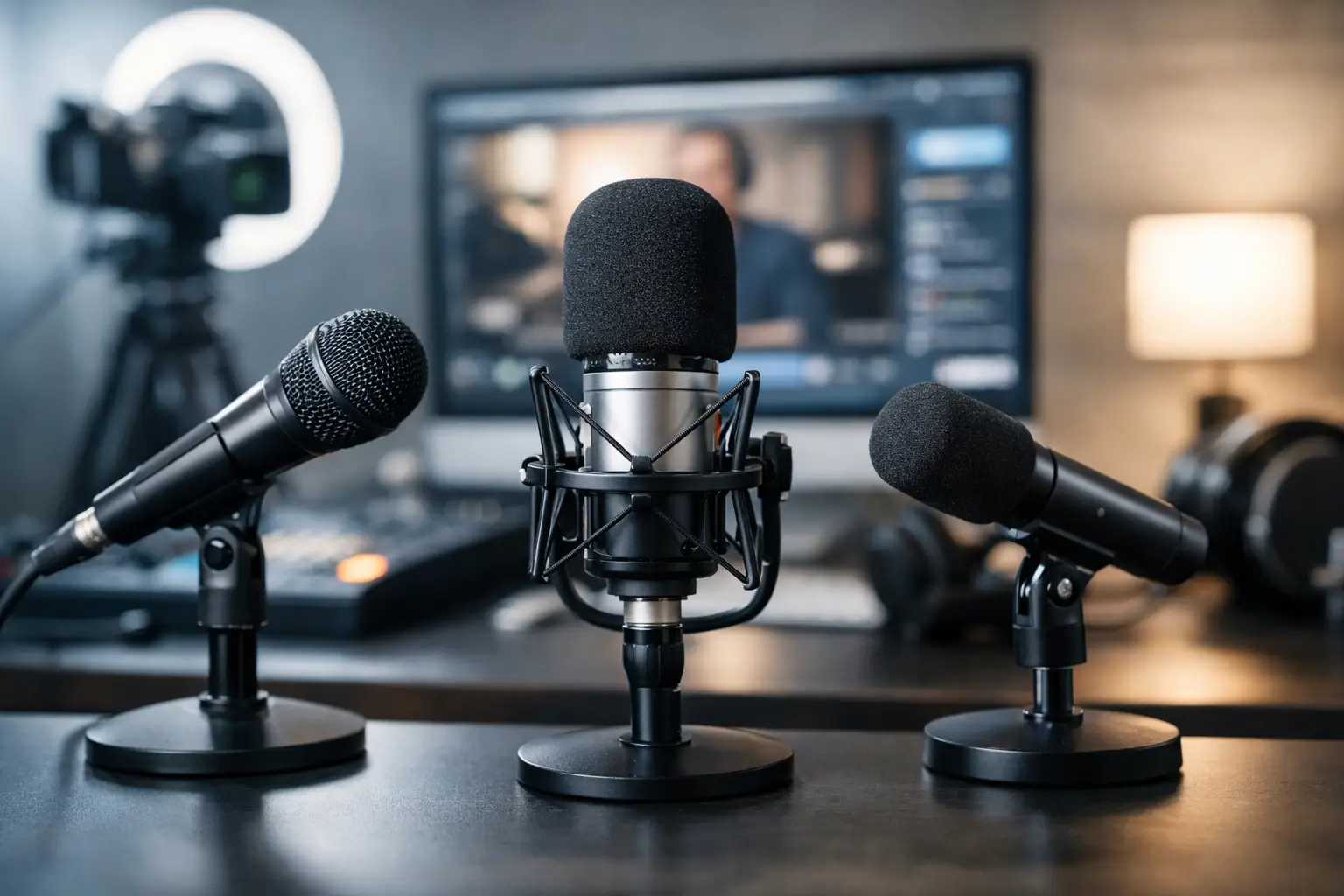
In a live stream, viewers will forgive a lot in the image, but they rarely forgive bad sound. If you are looking for top microphones for live streaming recording, the most important thing is not just the price or a popular brand. The choice depends on the room, the speaker’s movement, the type of connection, and whether the recording takes place with a computer, camera, or audio interface.
In brief
- Choose a microphone based on the use case — room, movement, connection, and content determine the choice.
- USB is a fast and simple solution when working on a computer; XLR gives more control for professional use.
- A wireless lavalier is best when the speaker is moving or needs discreet camera mounting.
- Shotgun is useful for camera-oriented filming situations, but it is not a universal long-distance solution.
- Accessories (stand, pop filter, shock mount, windscreen) and monitoring are just as important as the microphone itself.
What to choose for different tasks
| Task | Solution | Why |
|---|---|---|
| Solo streaming and podcasting from a computer | USB or XLR dynamic microphone with close placement and direct monitoring | Provides a focused voice sound, picks up less room noise, and is easy to set up. Improves speech clarity without a complicated audio chain. |
| Regular professional live streams with multiple participants | XLR microphones with an audio interface or mixer plus multichannel monitoring | Provides more precise gain control, the ability to add effects and compression, and easy expansion to multiple lines. |
| Moving video, courses, presentations, or social media videos | Wireless clip-on (lavalier) microphone | Maintains a stable voice level, lets the speaker move freely, and keeps shots cleaner without a visible microphone. |
| Outdoor reporting or situations where the microphone cannot be in frame | Shotgun microphone with a windscreen and boom arm mount | The directional pattern helps focus on the speaker's voice from the camera position, while the windscreen reduces wind noise outdoors. |
| Testing before purchase or one-off projects | Consider renting a microphone or short-term rental | Rental lets you practically test whether a specific system fits the room and workflow before making a purchase. |
Frequently asked questions
How do I choose between a USB and XLR microphone for live streaming?
The choice depends on the flexibility and budget you need. USB is more convenient and faster to start with, while XLR provides better control, the ability to add more microphones, and more professional preamps.
Is a wireless lavalier system reliable for live streaming?
Yes, if you choose a reliable frequency range and a quality receiver, and also check battery performance. However, it is important to test the system in the real environment, because interference and signal loss can occur in urban settings or where there is a high concentration of devices.
What is the role of a pop filter, boom arm, and shock mount?
These accessories reduce unpleasant clicks, wind noise, and mechanical vibrations from the desk or stand. They help achieve a more stable and professional sound without much post-processing.
When is a shotgun microphone not a good choice?
A shotgun is not the solution if the speaker is far from the camera or the room has pronounced echo. Its directional pattern requires precise positioning, and in open spaces the result can be worse than expected.
How important is acoustics compared with microphone quality?
Acoustics often determine the final result more than microphone specifications. Even the best microphone in a bad room will record echo and background noise, so acoustic treatment or choosing a less sensitive microphone can be decisive.
Can one microphone be enough for all projects?
Rarely — usually one device has limitations depending on the scenario. It is better to choose a solution that matches your primary use case, or consider a kit with multiple models or rental tests.
Useful links
- Wireless clip-on microphones - Additional information about lavalier/wireless systems described in the article section about moving videos and presentations.
- Audio tehnika - The section on XLR systems and audio interfaces is related to the audio equipment category, where interfaces and mixers can be found.
- Mikrofoni - General product category to compare USB, XLR, dynamic, and condenser microphones discussed in the article.
- Clip-on microphones (Lavalier) - Directly related category if the reader wants to view lavalier solutions for the mentioned use cases.
- Microphone recording rental - The article recommends considering rental before purchase — this link points to options for short-term rental and testing.
- Stands - The section on mounting and ergonomics mentions desk stands and boom arms, which can be found in this category.
That is exactly why a microphone for live streaming is not just another accessory. It is a work tool that affects perceived quality, speech clarity, and also the viewer’s trust in the content. A good solution is not necessarily the most expensive one, but the one that works predictably for the specific task.
How to evaluate top microphones for live streaming recording
Before looking at models, it is worth understanding four basics. The first is the recording environment. If you are speaking in an untreated room with echo, a very sensitive condenser microphone can pick up more of the room than the voice. In such a case, a dynamic microphone will often be more practical.
The second is working distance. If the microphone will be close to the mouth on a stand or boom arm, desk or studio solutions can be used. If the person moves, leads a presentation, or films themselves full-body, a wireless lavalier microphone is the more logical choice.
The third factor is the connection. USB microphones are convenient for computers and quick streaming. XLR microphones usually offer greater flexibility, but they require an audio interface or mixer. Camera-oriented shotgun microphones work well in situations where the microphone cannot be in the frame, however they are not a universal solution for every room.
The fourth is content. A podcast-style conversation requires one scenario, a gaming stream another, and a corporate live broadcast with multiple participants yet another. If you skip this step, you often end up buying a technically good but unsuitable microphone.
Top microphones for live streaming recording by use case
USB microphones for solo streaming and podcasting
If the live stream is run from a computer and an easy start is important, a USB microphone is one of the most sensible solutions. It does not require a separate audio interface, setup is usually quick, and many models already include a headphone output for monitoring.
This category is well suited to content creators, remote interviews, podcast recording, and product presentations. Here, you should not look only at bit depth or sample rate. It is more practical to evaluate how well the microphone controls background noise and how consistently it sounds without aggressive post-processing.
If the room is not acoustically treated, a USB dynamic model often has the advantage. A USB condenser microphone, on the other hand, can provide a more detailed and open sound, but it will require a more disciplined working environment. This is a good example of where more expensive does not always mean more suitable.
XLR microphones for more professional control
If live streams are a regular part of the job, an XLR system gives more options. With an audio interface or mixer, you can more precisely adjust gain, connect multiple microphones, use compression, limiting, or mix several signals at once.
Dynamic speech microphones often win here. They are less forgiving of room issues and are popular in radio, podcast, and broadcast formats. Condenser XLR microphones, meanwhile, are useful in a controlled studio environment where you want more detail and nuance in the voice.
Keep in mind that the XLR path means higher initial costs and more components. However, the system grows with the project. If today you need one microphone, but tomorrow two or four, this solution is much more flexible.
Wireless lavalier microphones for video live streams
If the person is moving, filming with a phone or camera, or the live stream takes place at an event, a wireless lavalier system is a very practical choice. It helps maintain a stable voice level, reduces distance issues, and makes the frame visually cleaner.
Such microphones work especially well in interviews, event reporting, training videos, and social media live streams. If the system has two transmitters, it is possible to record two speakers at the same time without a separate complicated audio chain.
An important nuance is frequency stability, battery life, and receiver compatibility with a phone, camera, or computer. Sometimes a cheaper wireless set looks good on paper, but in a real environment it loses signal or causes interference. In a live stream, that risk costs more than the initial savings.
Shotgun microphones for cameras
A shotgun microphone is a good solution when speech needs to be recorded from the camera side and a lavalier microphone cannot be used. It is often used in reporting, events, and video live streams with an operator.
However, keep in mind that a shotgun microphone is not a magical distance solution. If the speaker is too far away, the voice will still lose clarity. Indoors with echo, the result is sometimes worse than expected. Therefore, this category is best chosen when there is a clear filming scenario and control over the distance.
What to pay attention to when comparing models
The polar pattern is one of the key parameters. Cardioid picks up more from the front and less from the sides, so it is often a good standard for speech. Supercardioid or shotgun patterns are more directional, but require more precise positioning.
Sensitivity and gain requirements are the second important point. Some dynamic microphones require more amplification, and not every cheaper interface provides that cleanly enough. If the signal is weak, noise appears. That is why a microphone should always be evaluated together with the rest of the audio chain.
Mounting and ergonomics affect more than it first seems. A desk stand, boom arm, shock mount, and pop filter are not just convenience items. They help achieve a more consistent signal and reduce mechanical noise.
Latency control is also important. During a live stream, direct headphone monitoring allows you to notice problems immediately, not after the recording. If the microphone or interface does not support this, setup becomes less convenient.
The most common mistakes when choosing a microphone for live streaming
A common mistake is buying a microphone that is too sensitive for a poor room. As a result, viewers hear the fan, keyboard, and echo instead of a convincing voice. The second mistake is ignoring placement. Even a good microphone sounds bad if it is too far away.
The third mistake is thinking that one device will fit everything. For example, a desk microphone is good for computer streaming, but inconvenient for a moving presentation. A lavalier system, on the other hand, is convenient for video work, but does not always deliver the same close, full studio sound as a quality dynamic microphone on a boom arm.
Another issue is insufficient attention to accessories. Wind protection, spare batteries, adapters, and the correct cable are not small details in a live stream. They are elements that determine whether the system will work without interruptions.
Which microphone to choose for different scenarios
If you work alone at a computer, record podcasts, or stream games, the most practical option is usually a USB or XLR dynamic microphone placed close to you. It helps produce focused speech and less room noise.
If you film courses, presentations, or social media content with movement, a wireless lavalier microphone will usually be more effective. It lets you maintain a consistently loud and clear voice even when the distance to the camera changes.
If you create interviews or event live streams with multiple people, you need to think systemically. In such cases, you often need several microphones, a reliable receiver, a mixer or audio interface, and a clear signal path. The choice is not between one model, but between an entire working setup.
If you are not sure about the right format, a rational step is to test the specific category in practice first. This is especially important for audio equipment, because the room and usage habits affect the result more than the specification table.
When to buy and when to consider renting
If live streams happen regularly and there is a clear work scenario, purchasing is logical. You can create a stable setup, get used to the specific sound, and optimize all other equipment around this system.
If the project is one-time, more complex, or you need to compare several solutions, renting is often more practical. It allows you to test whether a specific wireless system, shotgun microphone, or XLR kit truly fits the task. This approach is especially useful for teams working with different types of video content and wanting to avoid a mistaken purchase.
In a specialized equipment center like Master Foto, this is a significant advantage — it is possible not only to compare categories, but also to choose a solution for a specific project rather than just theoretical specifications.
A good microphone for live streaming is not the one most often praised online. A good microphone is the one that provides a clear, stable, and repeatable result in your room, with your recording chain, and in your working rhythm. If you start the choice from the use case rather than from advertising, it is much easier to find the right option.