Нет товаров
 Facebook
 Google

- Напишите свой отзыв
Важная информация!
С 19 ноября магазин переезжает в новое помещение по адресу: ул. Дзирнаву, 151, Рига!
- 14 ноября - последний рабочий день на улице Ф.Садовникова 39.
- 16 и 17 ноября - магазин будет закрыт в связи с переездом.
- 19 ноября будем рады видеть вас по новому адресу.
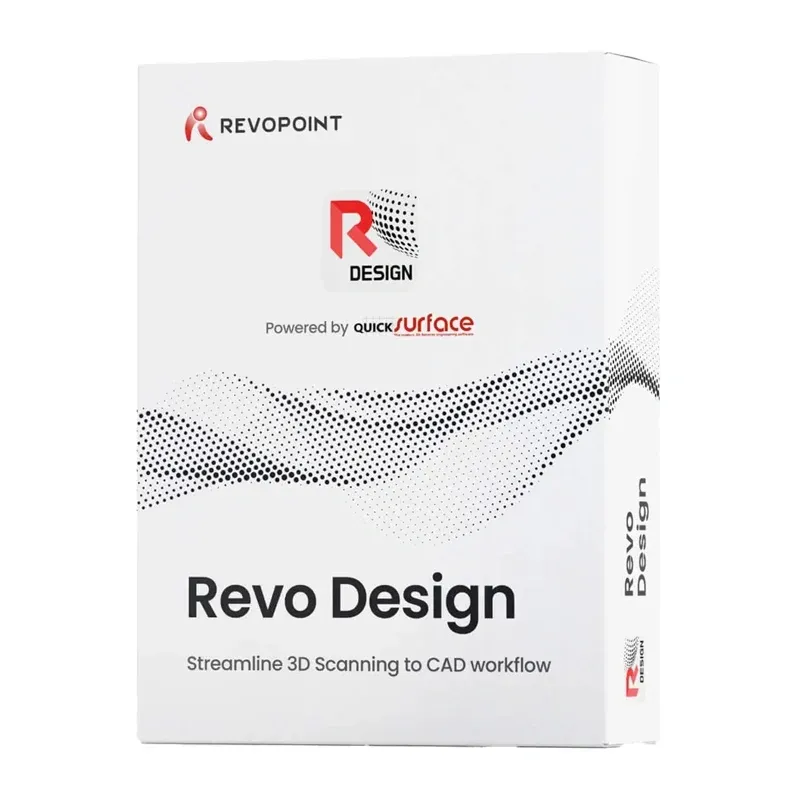
Revo Design Software (1-Year License) - electronic code


 Помощник на основе искусственного интеллекта
или спросите
| Вид продукта | Другие аксессуары |
| Совместимость | Цифровая доставка (email Пн–Пт 8:00–16:00) |
- 1. Оцените свои возможности.
- 2a. Если вы хотите приобрести только один товар в лизинг через Aizdevums.lv, заполните заявку здесь
- 2b. Если вы хотите приобрести несколько товаров или воспользоваться услугами другой лизинговой компании, добавьте товары в корзину и выберите лизинговую услугу при оформлении заказа.
Мы предлагаем лизинг от Aizdevums SIA, Incredit SIA, ESTO.
Консультанты проверят наличие товаров в корзине и отправят ссылку на заявку на кредит. - 3. Если вы получите положительный ответ, свяжитесь с нами по поводу приобретения товара. Наши консультанты проверят наличие товара.
- 4. Если товар есть в наличии в магазине или его можно заказать со склада, и вы получили положительный ответ от наших консультантов, посетите наш магазин для оформления документов на покупку и аренду.
- 4a. Вы также можете попросить нас выставить счет за этот товар и обратиться в один из филиалов арендодателя для оформления лизинговых документов*.
- 5. После оформления лизинговых документов вы можете забрать товар в магазине (если он есть в наличии) или сообщить нашим консультантам о необходимости заказать его со склада.
- * Возможна организация доставки товаров, приобретенных в лизинг, поэтому весь процесс покупки можно завершить удаленно.
** Та же последовательность действий при заключении договора аренды используется и для договоров аренды, предлагаемых компанией InCredit Group.
*** В случае возникновения каких-либо сомнений, свяжитесь с нашими консультантами!
Внимание! При использовании лизинговых услуг тщательно оцените свою платежеспособность!Отправить заявку
Revo Design Software (annual license) - electronic code
Revo Design is CAD software that allows you to convert 3D scans into models ready for further editing and design. It supports STL, OBJ, and PLY files and offers tools for improving scan quality, reconstructing object shapes, and surface modeling. It also allows you to verify the accuracy of your designs and export finished models in IGES and STEP formats, so you can use them in other CAD/CAM programs. It is ideal for, among other things, recreating existing parts, modifying their shapes, and preparing simple designs. The software is available with an annual license, and the activation key is delivered electronically.

Prepare 3D scans for further work
Revo Design allows you to import 3D scans in STL, OBJ, and PLY formats, even for large and detailed models. The program lets you smooth out irregularities, remove unnecessary parts, fill holes, reduce the number of polygons, and crop selected areas. You can also align multiple scans to achieve a more accurate representation of the object. The available tools make it easy to prepare scanned objects for further processing without having to start from scratch.

Create and edit 3D models
With Revo Design, you can recreate the shapes of existing objects and modify them according to your project’s needs. The program allows you to create 2D and 3D sketches, prepare cross-sections, and transform them into 3D models by extruding or rotating selected shapes. Tools are also available for trimming surfaces, aligning them with a scanned object, and manually modeling irregular elements. The automatic surface generation feature further simplifies the recreation of more complex shapes, reducing the amount of work required to prepare a CAD model.

Control the accuracy of your designs
Revo Design offers a feature for comparing the prepared model with the original 3D scan, which allows you to detect differences between their shapes. This enables you to check your work as you go, quickly identify areas requiring corrections, and adjust the design accordingly. The software also allows you to verify that the lines and curves you create match the scanned object. This feature facilitates the accurate reproduction of existing elements and reduces the risk of overlooking significant differences.

Integration with Other Software
Revo Design allows you to export finished CAD models to IGES and STEP formats, enabling you to transfer designs to other CAD/CAM programs and continue editing them. It also lets you save scan data in STL format, which facilitates the further use of the prepared files. An additional benefit is integration with Revo Scan and Revo Scan 5 MetroX, which provide quick access to Revo Design and allow you to efficiently transition from scanning an object to editing its model. However, Revo Design is a separate software program that must be downloaded and installed independently.

Annual License and Activation
The version of Revo Design offered here comes with an annual license, which allows you to use the program for one year. After purchase, you will receive an email with a license key within a maximum of 3 business days. To get started, download the software from the Revopoint product page using the “Download” button, which takes you to the QUICKSURFACE website, then install and activate it using the license key you received. A single account can be used on only one device at a time, and the purchased software is non-refundable and non-exchangeable.

System Requirements and Technical Support
Revo Design requires a computer running a 64-bit version of Windows 10, an Intel Core i5 processor or higher (or equivalent), at least 16 GB of RAM, a hard drive with a capacity of at least 256 GB, and a dedicated NVIDIA or AMD graphics card. After activation, an Internet connection is not required, but it allows the software to automatically check for updates. If you have any questions or issues, you can use the Revopoint Help Center, the user forum, or schedule a one-on-one video call with a representative from the manufacturer. A 30-day trial version is also available, allowing you to explore the program’s features before purchasing.


