0 Товар Товары 0 Товар - € 0.00
Предпросмотр корзины
Нет товаров
Бесплатно получить в магазине! Доставка
€ 0.00 НДС:
€ 0.00 Итого
Продукт был добавлен в вашу корзину
Количество :
Итого
Товаров в корзине: 0 [/ 1] Ваша корзина пуста. В вашей корзине 1 товар.
Сумма корзины с НДС:
Стоимость доставки с НДС: Бесплатно получить в магазине!
НДС: € 0.00
Итого с НДС:
 Facebook
  Google
Магазин фото и видео техники, прокат и консультации экспертов
- Напишите свой отзыв
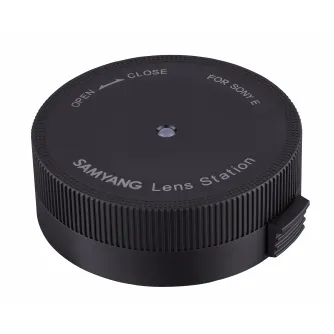
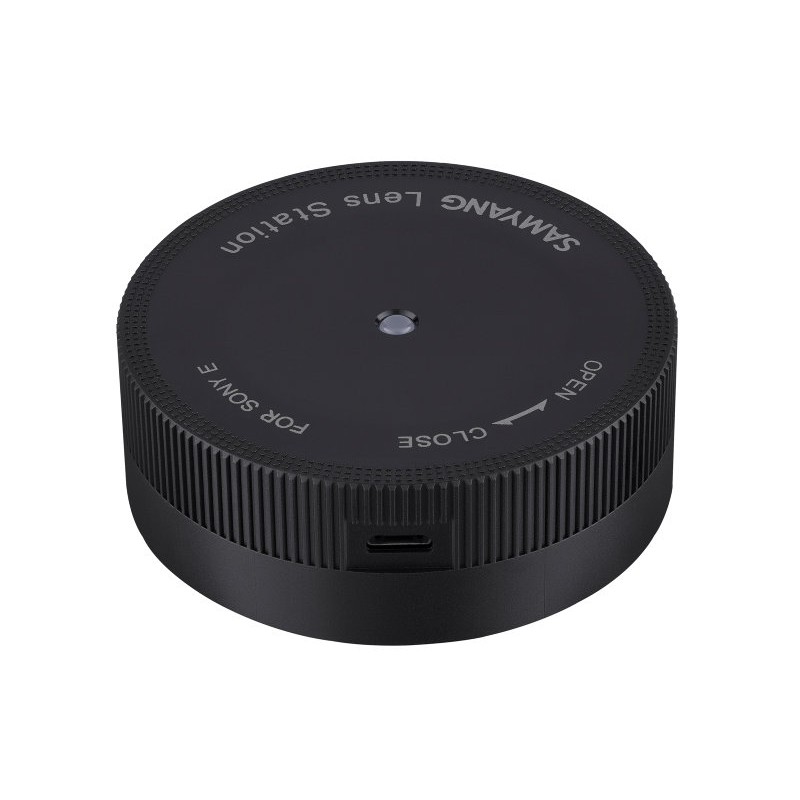
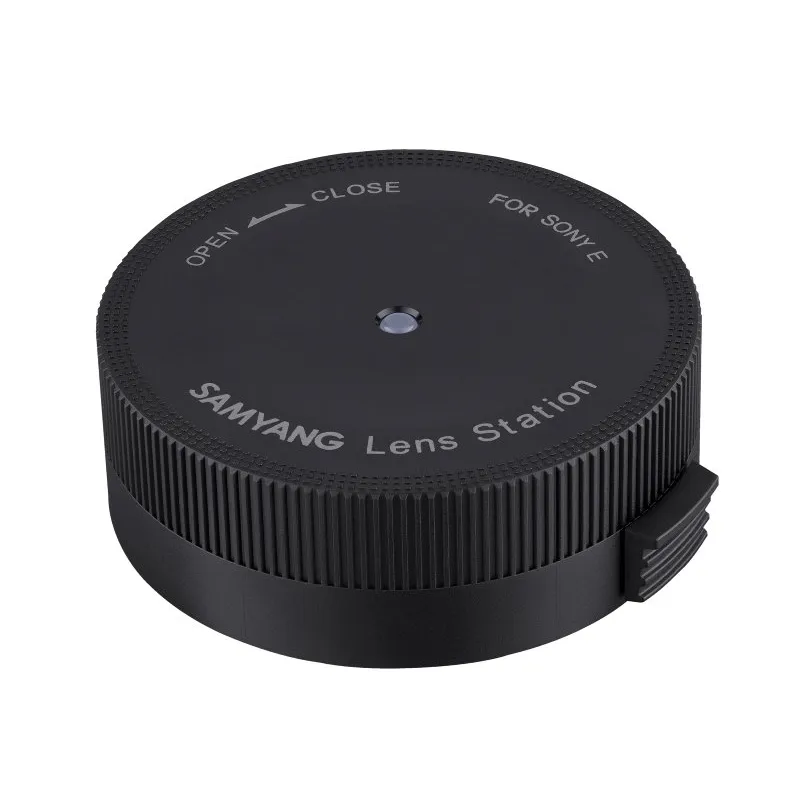
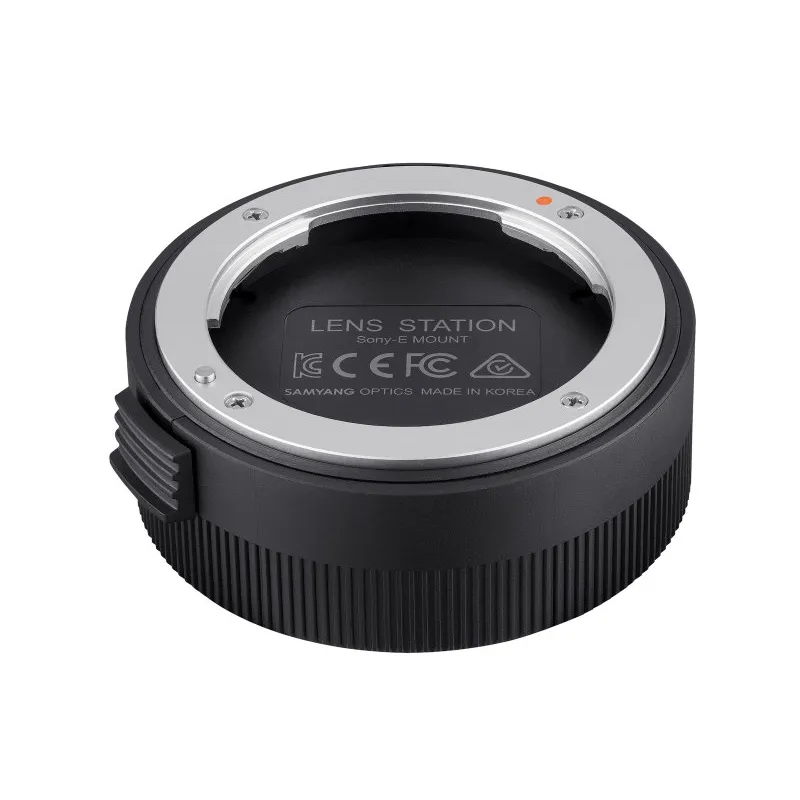
Устройство Samyang Lens Station для обновления прошивки и калибровки автофокусных объективов Sony E с помощью ПО Lens Manager.
Samyang Lens Station для объективов AF Sony E
Код продукта: 12153


SKU: 12153
Модель: FZ5ZZZZZ001
EAN: 8809298880996
Состояние Новый продукт
Производитель: SAMYANG
Найдите похожие товары
Найдите похожие товары
 Помощник на основе искусственного интеллекта
Это бета-версия нашего нового чата с ИИ помощником, способного отвечать как на стандартные, так и на сложные вопросы о товарах и работе магазина.
или спросите
Какие функции? Есть в наличии? Акции и скидки? Какие отзывы?
| Вид продукта | Lens Station |
| Адаптер для камер | Sony E |
Описание продукта
- Обновление прошивки AF объектива
- Калибровка фокуса
- Калибровка диафрагмы
- Калибровка чувствительности ручной фокусировки
- Совместимость только с креплением Sony E
Lens Station — устройство, предназначенное для настройки производительности объектива и обновления прошивки серии автофокусных объективов Samyang. Для обновления прошивки или калибровки фокуса, диафрагмы и чувствительности ручной фокусировки загрузите бесплатное программное обеспечение 'Lens Manager'.
Инструкция по использованию
Для работы с Lens Station установите программное обеспечение Lens Manager на компьютер. Оно доступно бесплатно и поддерживает только автофокусные объективы Samyang, исключая объективы с ручной фокусировкой и другие бренды.
- Установите объектив на Lens Station: снимите крышку корпуса Lens Station, совместите красную точку на креплении Lens Station с белой точкой на креплении автофокусного объектива, затем поверните объектив в сторону CLOSE до щелчка.
- Подключите Lens Station: используйте USB-кабель для подключения Lens Station к компьютеру, затем запустите Lens Manager для настройки функций или обновления прошивки.
- Снимите объектив: после завершения обновлений или настройки закройте программу, отключите USB-кабель и поверните объектив в сторону OPEN, удерживая кнопку освобождения объектива на устройстве.
Для более подробной информации обратитесь к руководству пользователя.
Общая информация
- Материал: алюминий, синтетический материал
- Цвет: черный
- Тип продукта: менеджер объективов
- Высота: 25 мм
- Вес: 55 г
- Диаметр: 66 мм
Технические характеристики
- Особенности: обновление системы для объективов Samyang AF Sony E
- Тип крепления: Sony E-Mount
- Электронная передача данных: да
Упаковка
- Окружность: 455 мм
- Высота: 85 мм
- Длина: 130 мм
- Вес с упаковкой: 190 г
- Ширина: 95 мм