No products
 Facebook
 Google

- Write a review
Important information!
From 19 November the store is moving to new premises at 151 Dzirnavu Street, Riga!
- 14 November - the last working day at 39 F.Sadovņikova street.
- The store will be closed on 16 and 17 November due to the move.
- From 19 November, we look forward to welcoming you at our new address.
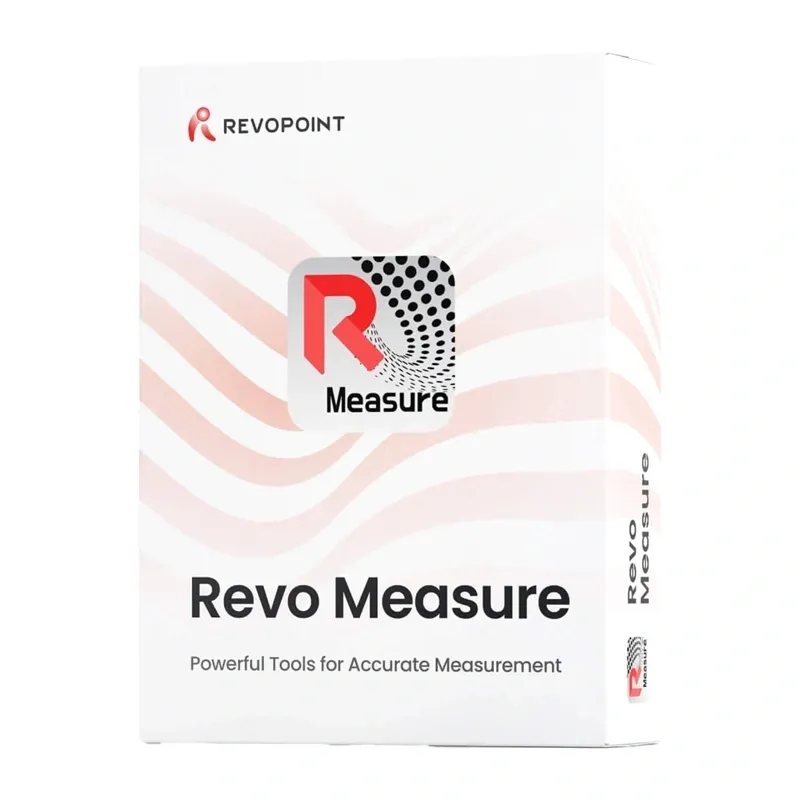
Revopoint Revo Measure Standalone Edition Perpetual Licence


 AI ASSISTANT CHAT
Or ask about:
| Type of Product | 3D Printer accessory |
- 1. Evaluate your options.
- 2a. If you want to buy only one product with Aizdevums.lv leasing, then fill out the application here
- 2b. If you want to buy several items or use another leasing company, then put the items in the basket and choose the leasing service when ordering.
We offer leasing from Aizdevums SIA, Incredit SIA, ESTO.
Manager will check the availability of the items in the cart and send the loan application link. - 3. If you receive a positive response, contact us to purchase the product. Consultants will check the availability of the product.
- 4. If the product is available in the store or to be ordered from the warehouse, and you have received an affirmative answer from our consultants, please visit the store to proceed with purchase and leasing documents.
- 4a. You can also ask us to issue an invoice for this product and visit one of the leasing company branches to sign up leasing documents *..
- 5. Once the leasing documents have been signed up, you can receive the product in the store, if it is on site or inform our consultants and they will order it for you from the warehouse.
- *It is possible to arrange delivery for leased goods, so you can also perform the entire purchase process remotely.
**The sequence of leasing steps is the same for leases offered by InCredit Group.
***In case of doubt, contact our consultants!
When using leasing services, carefully evaluate your options to repay the loan!Lease
Revo Measure Standalone Edition
Revo Measure Standalone Edition is professional 3D metrology software from Revopoint for precise measurements, dimensional inspection and quality analysis of scanned objects. Compare point clouds and 3D meshes with CAD models or technical drawings to detect deviations, verify part compliance with design requirements and identify potential assembly issues. The software provides measurement tools, GD&T geometric tolerance analysis, automation for repeat inspections, and export to detailed PDF and JSON reports. Its measurement algorithms have been evaluated by the German metrology institute PTB for compliance with internationally recognised standards for accuracy and reliability. The intuitive interface and integration with Revo Scan support work with 3D data throughout the quality-control process.
Measurements and Tolerance Analysis
Measure dimensions, angles and volumes of 3D models, as well as distances between points, lines and planes. Revo Measure supports the recognition and creation of geometric elements including points, lines, planes, circles, cylinders, spheres and cones, enabling detailed analysis of complex parts. GD&T tools support inspection of straightness, flatness, roundness, cylindricity, concentricity, position, parallelism, perpendicularity, slope, and radial and total runout. Cross-section creation supports measurements such as distances, angles, diameters, circumferences, thicknesses and radii of internal structures.
Deviation Detection and Alignment
Compare scanned objects directly with CAD reference models to check whether components match their design specifications. Colour-coded deviation maps show differences across the surface and local discrepancies, helping identify areas that need attention. Automatic and manual alignment options include point-based alignment and an advanced 3-2-1 method with seven combinations of planes, axes and points. These tools help align measurement data precisely with reference geometry, including complex parts and conical or cylindrical features. Define coordinate systems by entering numerical values, selecting geometric features, or moving and rotating axes to maintain a consistent reference for subsequent measurements.
Automated Inspection and 3D Model Tools
Save completed measurement processes as templates and use them to inspect subsequent parts automatically. Real-time file monitoring detects new data and starts measurements automatically, supporting serial inspection. The software also provides automatic recognition and batch creation of geometric features in CAD models, including circles, cylinders, spheres, planes and cones. Create measurement geometry using smart fitting, point selection, coordinate entry or auxiliary objects. Meshes, vertices, textures and CAD models can be displayed for convenient viewing and detailed analysis of individual elements.
File Formats and Revo Scan Integration
Revo Measure works with Revopoint 3D scanners and data from third-party devices. It imports point clouds in PLY, PTS, XYZ, CSV, ASC and TXT formats, and 3D meshes in PLY, STL, OBJ and 3MF formats. CAD models can be imported directly in native and neutral formats: STP, STEP, IGS, IGES, IPT, IAM, CATPART, CATPRODUCT, SLDASM, SLDPRT, ASM, PAR, PSM, X_B, X_T, JT, SAT, SAB, 3DXML, MODEL, PRC, IFC and VDA. Supported CAD files do not need to be converted beforehand. Integration with Revo Scan allows point clouds and meshes to be imported with a single click. For scans made with Revopoint devices, colour and texture information is also preserved to support surface analysis and clear presentation of results.
Reports and Results
Export inspection results as standardised PDF reports or JSON files. Reports can include measurement data, deviation-analysis charts and colour maps showing differences between a scan and its reference model. Results can be presented, archived and shared with design, production or quality-control teams. Texture and colour visualisation helps with interpreting model details. Customise the view, set model colours and add frequently used functions to organise the work environment.
Licence and Digital Delivery
This Standalone Edition is supplied as an electronic code, with no physical medium. The perpetual Personal Edition licence allows use on one computer without a time limit and includes three years of free software updates. After the three-year update period, the licence remains valid and the software can continue to be used. Download the software from the official Revopoint website, install it on a compatible computer and enter the licence key to activate it. The source product information states that the key is delivered by email within three business days of ordering and that the software is non-returnable and non-refundable after activation.
System Requirements and Languages
- Operating system: 64-bit Windows 10 or Windows 11.
- Processor: at least 8 cores and 16 threads, with a base frequency of at least 2.4 GHz; examples include a 12th-generation Intel Core i7 or AMD Ryzen 7 5800.
- Memory: 32 GB RAM.
- Graphics: NVIDIA GeForce RTX 3050 with 8 GB of memory.
- Internet connection: optional, but recommended for activation and downloading updates.
- Interface languages: English, Simplified Chinese, Traditional Chinese, French, German, Italian, Spanish, Japanese, Korean, Russian, Portuguese and Turkish.