No products
 Facebook
  Google
- Write a review
Important information!
From 19 November the store is moving to new premises at 151 Dzirnavu Street, Riga!
- 14 November - the last working day at 39 F.Sadovņikova street.
- The store will be closed on 16 and 17 November due to the move.
- From 19 November, we look forward to welcoming you at our new address.
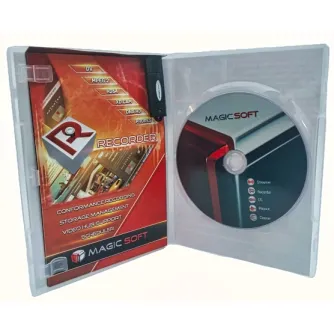
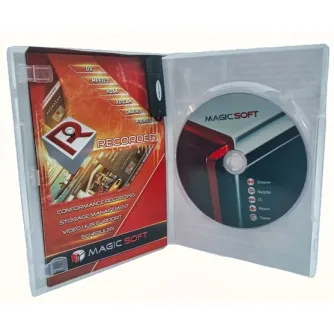
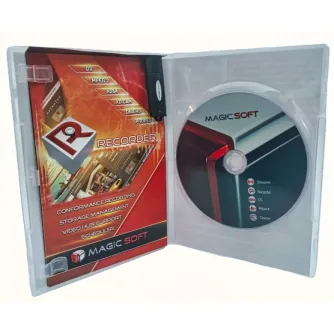
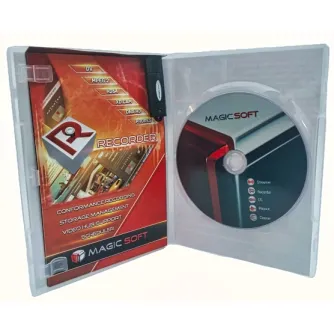
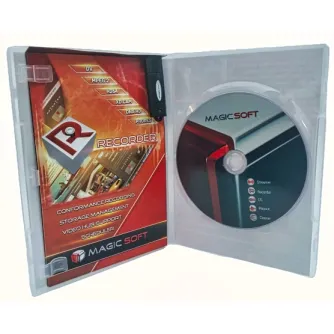
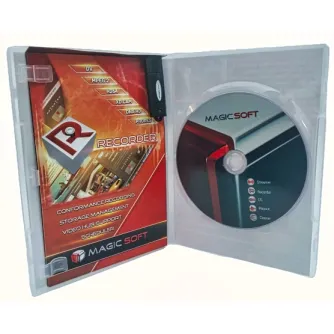
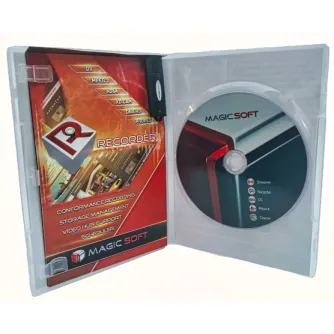
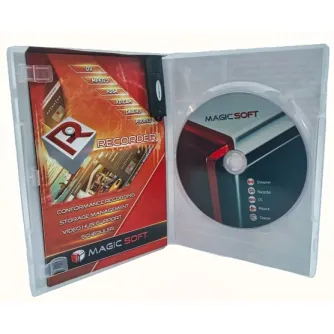
MagicSoft CG Upgrade from ver 7 SD to ver 9 4K


 AI ASSISTANT CHAT
Or ask about:
| Type of Product | Video Mixer |
| Connector | 3,5mm |
- 1. Evaluate your options.
- 2a. If you want to buy only one product with Aizdevums.lv leasing, then fill out the application here
- 2b. If you want to buy several items or use another leasing company, then put the items in the basket and choose the leasing service when ordering.
We offer leasing from Aizdevums SIA, Incredit SIA, ESTO.
Manager will check the availability of the items in the cart and send the loan application link. - 3. If you receive a positive response, contact us to purchase the product. Consultants will check the availability of the product.
- 4. If the product is available in the store or to be ordered from the warehouse, and you have received an affirmative answer from our consultants, please visit the store to proceed with purchase and leasing documents.
- 4a. You can also ask us to issue an invoice for this product and visit one of the leasing company branches to sign up leasing documents *..
- 5. Once the leasing documents have been signed up, you can receive the product in the store, if it is on site or inform our consultants and they will order it for you from the warehouse.
- *It is possible to arrange delivery for leased goods, so you can also perform the entire purchase process remotely.
**The sequence of leasing steps is the same for leases offered by InCredit Group.
***In case of doubt, contact our consultants!
When using leasing services, carefully evaluate your options to repay the loan!Lease
MagicSoft CG Character Generator and Graphics Software
Broadcast Quality
MagicSoft CG features a GPU-based rendering engine supporting all SD, HD, and 4K video modes. It produces 24-bit TrueColor graphics with an 8-bit alpha channel providing 256 transparency levels. De-interlacing and anti-flicker display options ensure proper output of images and live video. The engine offers antialiasing for TrueType and OpenType fonts and anisotropic filtering for images utilizing the GPU.
3D Working Environment (No Layers)
Objects can be animated by moving, rotating, and changing color and transparency, with dynamic movement along the z-axis, removing the limitations of layer-based programs. Rendering for both Preview and On Air is GPU-accelerated, reducing CPU load. A key-frame system describes object characteristics over time and interpolates these between key-frames.
Scripting and Automation
MagicSoft CG supports scripting, enabling applications such as SMS to TV. The TCP/IP protocol allows remote control of project display and content.
Features
- Support for 4K video modes
- Support for up to 4 simultaneous inputs
- Support for Decklink or NDI inputs
- Option for NDI output as RGBA
- 64-bit application architecture
- New blending mode improving appearance of highly transparent images and eliminating black contours around white text
- Shared rendering buffer keyed by MagicSoft Playout, removing mandatory Decklink hardware for MagicSoft CG card
- On-the-fly lossless texture compression
- Playback of clips in various codecs and containers (e.g., H264, Quicktime PNG, TGA with alpha)
- Lower CPU consumption during live capture
- Support for OpenType fonts
- GPU-accelerated text rasterization using Direct2D
- Improved "2D text fit" feature optimized for Arabic text
- Kerning support for GPU-accelerated 2D text items
- Autofit with kerning support
- Implemented "text-justify" option for text fit feature
- Adjustable distance between text rows
- Improved image selection preview dialog
- Enhanced user interface for PC monitors with lower resolutions
- Support for latest Decklink and Intensity drivers
- Manager application with watchdog and email reporting
- Extended logging capabilities