No products
 Facebook
  Google
- Write a review
Important information!
From 19 November the store is moving to new premises at 151 Dzirnavu Street, Riga!
- 14 November - the last working day at 39 F.Sadovņikova street.
- The store will be closed on 16 and 17 November due to the move.
- From 19 November, we look forward to welcoming you at our new address.
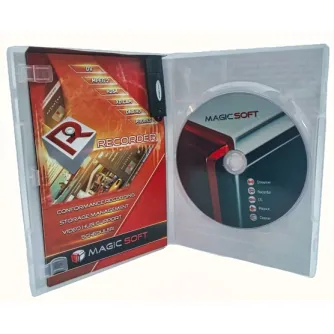
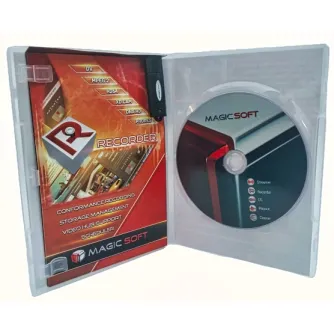
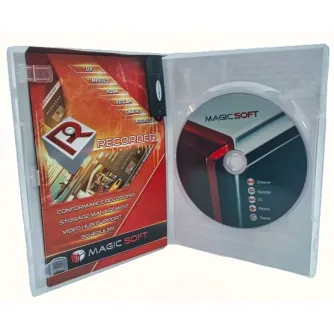
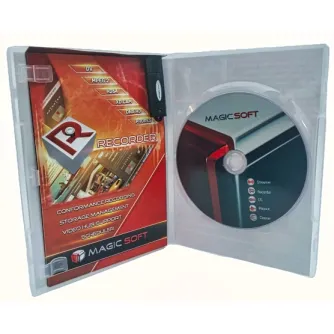
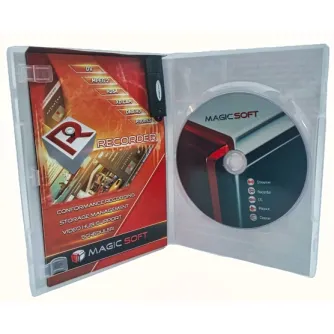
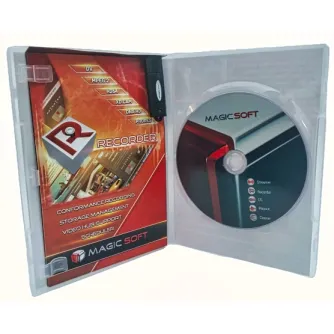
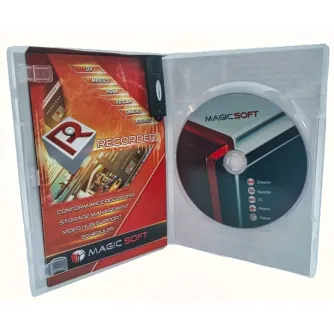
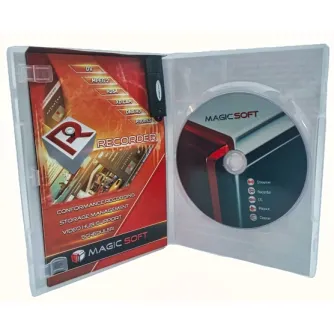
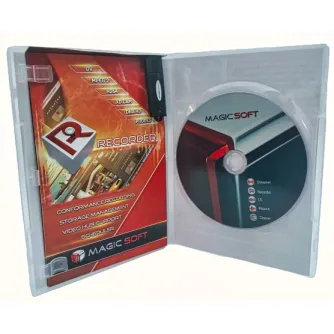
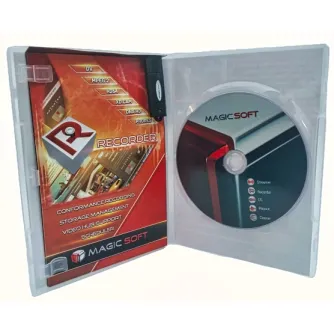
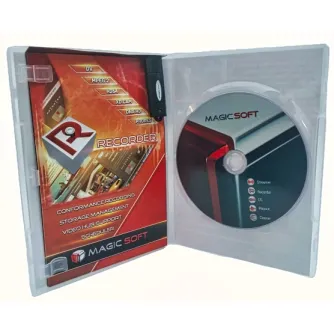
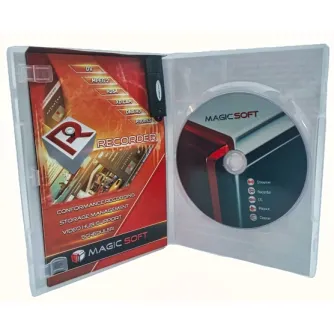
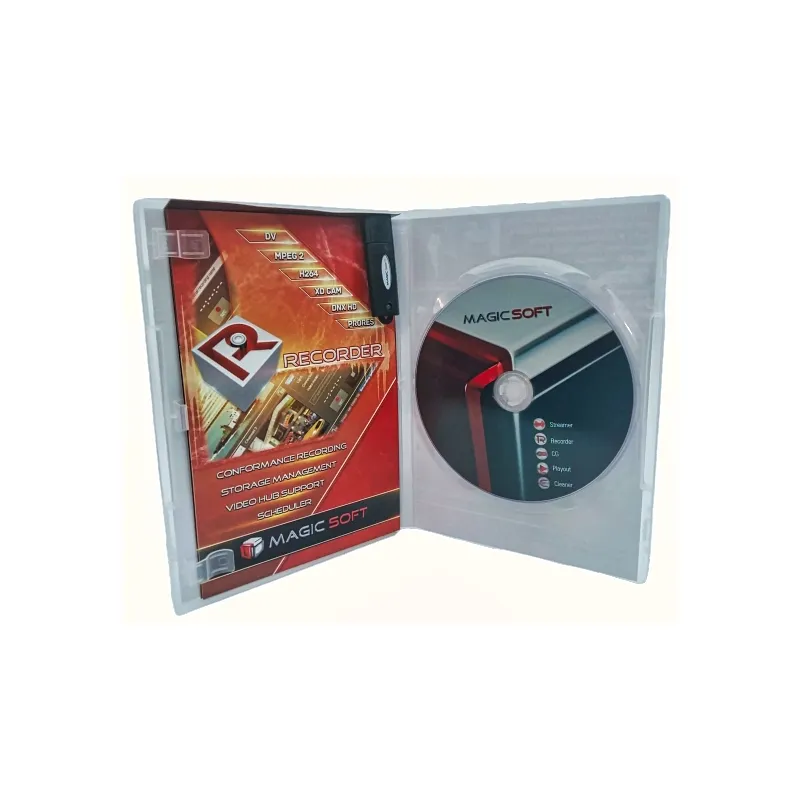
MagicSoft Recorder Upgrade v2 to v4


 AI ASSISTANT CHAT
Or ask about:
| Type of Product | Video Mixer |
| Connector | 3,5mm |
- 1. Evaluate your options.
- 2a. If you want to buy only one product with Aizdevums.lv leasing, then fill out the application here
- 2b. If you want to buy several items or use another leasing company, then put the items in the basket and choose the leasing service when ordering.
We offer leasing from Aizdevums SIA, Incredit SIA, ESTO.
Manager will check the availability of the items in the cart and send the loan application link. - 3. If you receive a positive response, contact us to purchase the product. Consultants will check the availability of the product.
- 4. If the product is available in the store or to be ordered from the warehouse, and you have received an affirmative answer from our consultants, please visit the store to proceed with purchase and leasing documents.
- 4a. You can also ask us to issue an invoice for this product and visit one of the leasing company branches to sign up leasing documents *..
- 5. Once the leasing documents have been signed up, you can receive the product in the store, if it is on site or inform our consultants and they will order it for you from the warehouse.
- *It is possible to arrange delivery for leased goods, so you can also perform the entire purchase process remotely.
**The sequence of leasing steps is the same for leases offered by InCredit Group.
***In case of doubt, contact our consultants!
When using leasing services, carefully evaluate your options to repay the loan!Lease
MagicSoft Recorder - Ingest Application for Broadcast and Post-production
MagicSoft Recorder is an ingest application designed for broadcast and post-production environments. It supports Windows 7, 8, 8.1, 10, and Windows Server 2012 and 2016 (64-bit versions only). It is optimized for multi-camera ingest and conformance recording, supporting up to 8 video inputs with 2 simultaneous recordings per input.
Supported Video Modes
- 4K UHD: 23.98 / 24 / 25 / 29.97 / 30 / 50 / 59.94 / 60 fps
- HD 1080p: 23.98 / 24 / 25 / 29.97 / 30 / 50 / 59.94 / 60 fps
- HD 1080i: 50 / 59.94 fps
- HD 720p: 50 / 59.94 fps
- SD: PAL / NTSC
Input Support
The software supports inputs from AJA, DeckLink, Intensity cards, and NDI. For cards, inputs can be configured as analog or digital depending on the card capabilities.
MagicSoft Recorder Viewer
This application allows previewing recorded files and outputting to DeckLink or Intensity cards. Video features include setting and playing between "Mark In" and "Mark Out" points, frame-by-frame preview, interlacing type changes, and field swapping. Audio features include monitoring individual audio tracks and routing audio for up to 16 channels.
Additional Modules
- TimeCode and NLE Support: Adds support for timecode (LTC / RP 188 / RS422), mark insertion, and project saving compatible with Final Cut Pro, Edius, Premiere, and Vegas.
- Web Browser Remote: Enables channel monitoring and management via web browsers on Windows, MacOSX, iOS, and Android devices.
- Transcoder: Converts and records any input resolution into desired video formats (e.g., NTSC input transcoded to PAL).
- Closed Caption: Captures closed captions into media files (H264 codec) and exports separate .scc, .srt, and .webvtt files.
Supported Video Codecs and Containers
- AVC Intra 50 and AVC Intra 100 (.mxf)
- H264 8-bit (.mp4, .mov, .avi, .mkv, transport stream)
- H264 10-bit (.mp4, .mov, .avi, .mkv, transport stream)
- HEVC 8-bit (.mp4, .mov, .avi, .mkv, transport stream)
- HEVC 10-bit (.mp4, .mov, .avi, .mkv, transport stream)
- H264 8-bit using NVIDIA GPU (.mp4, .mov, .avi, .mkv, transport stream)
- HEVC 8-bit using NVIDIA GPU (.mp4, .mov, .avi, .mkv, transport stream)
- HEVC 10-bit using NVIDIA GPU (.mp4, .mov, .avi, .mkv, transport stream)
- H264 8-bit using AMD GPU (.mp4, .mov, .avi, .mkv, transport stream)
- HEVC 8-bit using AMD GPU (.mp4, .mov, .avi, .mkv, transport stream)
- XdCAM (.mov, .mxf)
- ProRes (.mov)
- DNxHD 8-bit (.mov, .mxf)
- DNxHD 10-bit (.mov, .mxf)
- DNxHR (.mov, .mxf)
- MPEG2 program stream and transport stream
- DV (.avi, .mov, .mxf, rawDV)
- DVCPRO (.avi, .mov)
- Uncompressed YUV 8-bit (.avi, .mov)
- Uncompressed YUV 10-bit (.avi, .mov)