No products
 Facebook
 Google

- Write a review
Important information!
From 19 November the store is moving to new premises at 151 Dzirnavu Street, Riga!
- 14 November - the last working day at 39 F.Sadovņikova street.
- The store will be closed on 16 and 17 November due to the move.
- From 19 November, we look forward to welcoming you at our new address.
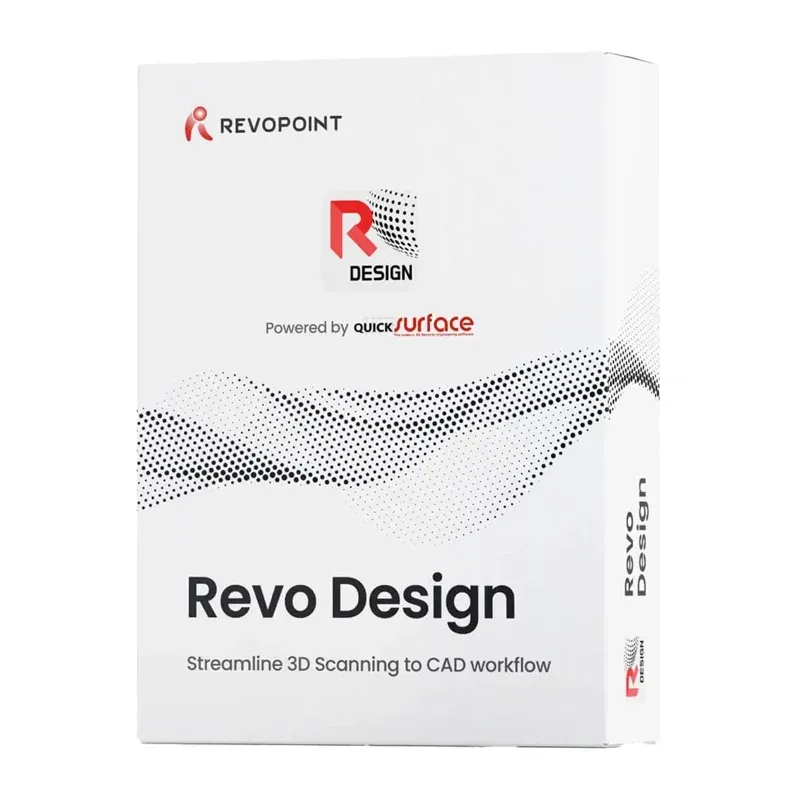
Revo Design Pro Software (Perpetual Licence) Electronic Code


 AI ASSISTANT CHAT
Or ask about:
| Type of Product | Other Accessories |
| Compatible | Digital delivery (email Mon-Fri 8:00-16:00) |
- 1. Evaluate your options.
- 2a. If you want to buy only one product with Aizdevums.lv leasing, then fill out the application here
- 2b. If you want to buy several items or use another leasing company, then put the items in the basket and choose the leasing service when ordering.
We offer leasing from Aizdevums SIA, Incredit SIA, ESTO.
Manager will check the availability of the items in the cart and send the loan application link. - 3. If you receive a positive response, contact us to purchase the product. Consultants will check the availability of the product.
- 4. If the product is available in the store or to be ordered from the warehouse, and you have received an affirmative answer from our consultants, please visit the store to proceed with purchase and leasing documents.
- 4a. You can also ask us to issue an invoice for this product and visit one of the leasing company branches to sign up leasing documents *..
- 5. Once the leasing documents have been signed up, you can receive the product in the store, if it is on site or inform our consultants and they will order it for you from the warehouse.
- *It is possible to arrange delivery for leased goods, so you can also perform the entire purchase process remotely.
**The sequence of leasing steps is the same for leases offered by InCredit Group.
***In case of doubt, contact our consultants!
When using leasing services, carefully evaluate your options to repay the loan!Lease
Revo Design Pro is CAD software for converting 3D scans into models ready for further editing and design. It supports STL, OBJ and PLY files, and lets you create new elements, modify existing ones and save finished designs in IGES, STEP and PARASOLID formats. Tools are provided for improving scan quality, 3D modelling and checking design accuracy. The software is suited to industrial design, modifying automotive parts and recreating objects with complex shapes. This product includes a perpetual licence, with the activation key delivered electronically.
Prepare 3D scans for further work
Import 3D scans in STL, OBJ and PLY formats, including large and detailed models. Revo Design Pro can smooth irregularities, remove unwanted fragments, fill holes, reduce polygon counts and crop selected areas. Multiple scans can also be aligned to represent an object more accurately. Automatic surface recognition helps prepare scanned objects for further editing in a CAD programme.
Create and modify 3D models
Recreate existing objects, modify their structure and design new elements. Create 2D and 3D sketches, then turn them into 3D models by extruding, rotating or guiding a shape along a specified path. Tools are available for merging and splitting solids, changing surface thickness, rounding edges, creating holes and duplicating elements. Advanced features can recreate irregular surfaces and adjust their shape to match a scan, supporting more challenging projects.
Check design accuracy
Compare a prepared model with a 3D scan to detect differences in shape. This helps identify areas that need correction and monitor design accuracy in real time. Analysis tools for surface straightness and slope are also available to help reproduce the original object accurately.
Integration with other software
Revo Design Pro imports CAD models in IGES and STEP formats and exports finished designs in IGES, STEP and PARASOLID formats. Scan data can also be saved in STL format for transfer to other CAD/CAM programmes. Integration with Revo Scan and Revo Scan 5 MetroX supports a quick transition from scanning an object to editing its model. Revo Design Pro is a standalone programme.
Perpetual licence and activation
The perpetual licence does not require renewal. The activation key is delivered by email within a maximum of 3 business days after purchase. Download and install the programme, then activate it with the supplied key. One account can be used on one device at a time. The software is non-refundable and non-exchangeable.
System requirements
- 64-bit Windows 10
- Intel Core i5 processor or better, or equivalent
- At least 16 GB RAM
- Hard drive with at least 256 GB capacity
- Dedicated NVIDIA or AMD graphics card
An internet connection is not required after activation, but it enables automatic checks for available updates.


