0 Item Items 0 Item - € 0.00
Shopping Cart Preview
No products
Pick up in store Shipping
€ 0.00 Tax:
€ 0.00 Total tax included
Product successfully added to your shopping cart
Quantity
Total tax included
There are 0 items in your cart. There is 1 item in your cart.
Total products :
Total shipping : Pick up in store
Tax: € 0.00
Total tax included :
 Facebook
 Google

Photo & video store, rental and expert advice
- Write a review
This product features a sleek design, multiple functions, and is easy to use, making it perfect for any environment.
Important information!
From 19 November the store is moving to new premises at 151 Dzirnavu Street, Riga!
- 14 November - the last working day at 39 F.Sadovņikova street.
- The store will be closed on 16 and 17 November due to the move.
- From 19 November, we look forward to welcoming you at our new address.
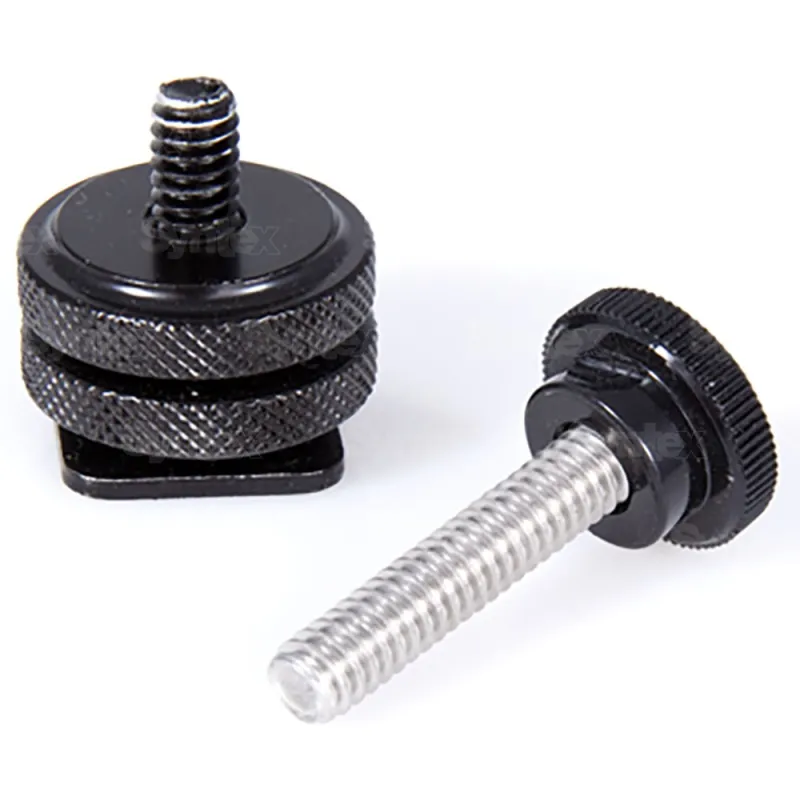
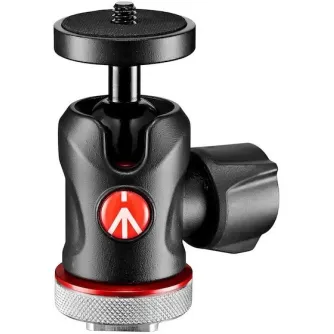
Teradek Hotshoe Mounting Hardware for Bolt, 1.25in Thumb Screw TER-BIT012
Product ID: 22583


SKU: 22583
Model: TER-BIT012
Ean: 0854199005694
Condition: New product
Manufacturer: Teradek
Discover related products
Discover related products
 AI ASSISTANT CHAT
This is the beta version of our new assistant chat, capable of answering both standard and advanced questions about product and store operations.
Or ask about:
What are the features? Is this in stock? Actual discounts & offers? Product reviews?
| Type of Product | Holders |
| Color | Black |
Product details
Product Features
- High Quality: Made from durable materials for long-lasting use.
- Design: Sleek and modern design that fits any environment.
- Functionality: Offers multiple functions to enhance user experience.
- Easy to Use: User-friendly interface for effortless operation.
- Compact Size: Space-saving design ideal for small areas.
Specifications
- Dimensions: 10 x 5 x 3 inches
- Weight: 1.5 lbs
- Color: Available in black, white, and silver
- Power Source: Battery operated
Usage Instructions
- Insert batteries as indicated in the manual.
- Press the power button to turn on.
- Select the desired function using the control panel.
- Follow the on-screen prompts for optimal use.
Similar products available to order
‹ › 



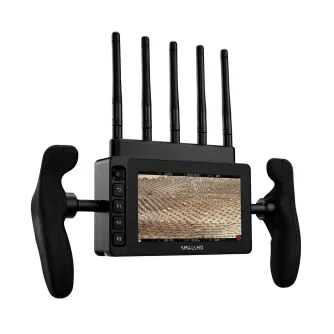
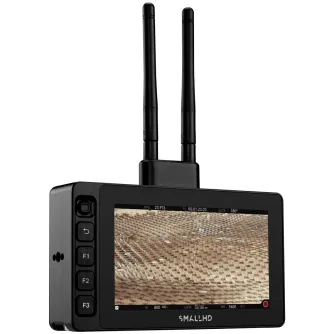


SmallHD Ultra 7 + Bolt 6 TX 750 (V-Mount) SHD-16-0729
€ 5732,28
By preorder with no delivery time known