0 Item Items 0 Item - € 0.00
Shopping Cart Preview
No products
Pick up in store Shipping
€ 0.00 Tax:
€ 0.00 Total tax included
Product successfully added to your shopping cart
Quantity
Total tax included
There are 0 items in your cart. There is 1 item in your cart.
Total products :
Total shipping : Pick up in store
Tax: € 0.00
Total tax included :
 Facebook
  Google
Photo & video store, rental and expert advice
- Write a review
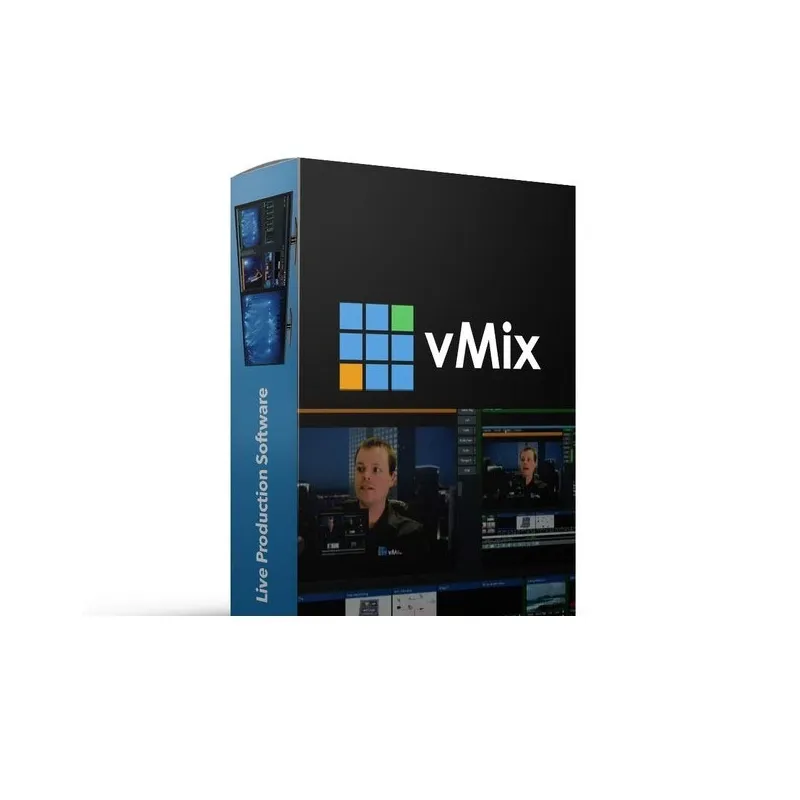
vMix Basic HD is Windows live production software supporting up to 4 inputs, HD streaming, recording, virtual sets, chroma key, and NDI support.
vMix Software Basic HD for Windows
Product ID: 54569


SKU: 54569
Model: VMIXBHD
Condition: New product
Manufacturer: vMix
Discover related products
Discover related products
 AI ASSISTANT CHAT
This is the beta version of our new assistant chat, capable of answering both standard and advanced questions about product and store operations.
Or ask about:
What are the features? Is this in stock? Actual discounts & offers? Product reviews?
Product details
vMix Software Basic HD for Windows - Live Production Software
vMix is a Windows-only live production software designed for professional video production using your PC. It supports input and output via SDI and HDMI capture cards from Blackmagic Design, enabling you to create, record, and stream high-quality live video productions.
Input and Output Capabilities
- Total inputs: 4
- Camera/NDI inputs: 3
- Maximum resolution: 1920x1080 pixels (Full HD)
- Overlay channels: 1
- Recording channels: 1
- Video playlist: Not supported
- MultiCorder: Not supported
- GT Designer Advanced: Not supported
Key Features
- Supports multiple camera inputs including webcams and capture cards
- NDI support for sending and receiving high-quality, low-latency video and audio over local networks
- Supports popular video formats such as AVI, MP4, H264, MPEG-2, WMV, MOV, and MXF
- DVD playback with menu navigation
- Audio support for MP3, WAV, and multiple audio devices including sound cards and ASIO interfaces
- Simultaneous live streaming, recording, and output
- Streaming to platforms like Facebook Live, YouTube, Twitch, and Ustream
- Live recording in full HD to AVI, MP4, MPEG-2, or WMV formats
- Output via AJA, Blackmagic, and Bluefish cards to professional decks and monitors
- Virtual camera support for third-party software such as Skype, Zoom, Google Hangouts, and VLC
- 13 transition effects including Cut, Fade, Zoom, Wipe, Slide, Fly, CrossZoom, FlyRotate, Cube, CubeZoom, Vertical Wipe, Vertical Slide, and Merge
- Built-in HD virtual sets with real-time chroma keying and customizable camera presets
- Screen capture from PC and Mac desktops on the network, useful for PowerPoint and Skype presentations
- vMix Call feature to add up to 8 remote guests via browser and webcam
- Built-in title templates and scoreboard with real-time editing
- Video delay and instant replay with configurable slow motion playback (5% to 400%)
- Web browser input with full mouse control and HTML5 video/audio support
- Integrated audio mixer with mute, auto-mixing, delay, EQ, compressor, and noise gate
- Real-time video effects including color correction, deinterlacing, sharpening, zoom, rotation, panning, and cropping
- Multi View feature to combine multiple inputs with customizable layout
- Full NDI capabilities for sending and receiving video, audio, and graphics across local networks
- 4 overlay channels with individual transition effects, positioning, and borders
- Touch screen web interface for remote control via tablets and smartphones with customizable shortcut buttons
Licensing and Upgrades
vMix Basic HD license is a one-time purchase with free upgrades for 12 months. After this period, users can continue using the last version or purchase an upgrade to access the latest features.
System Requirements and Supported Hardware
vMix supports a range of graphics cards and video capture hardware. For detailed system requirements and supported devices, refer to the official vMix documentation.








