0 Товар Товары 0 Товар - € 0.00
Предпросмотр корзины
Нет товаров
Бесплатно получить в магазине! Доставка
€ 0.00 НДС:
€ 0.00 Итого
Продукт был добавлен в вашу корзину
Количество :
Итого
Товаров в корзине: 0 [/ 1] Ваша корзина пуста. В вашей корзине 1 товар.
Сумма корзины с НДС:
Стоимость доставки с НДС: Бесплатно получить в магазине!
НДС: € 0.00
Итого с НДС:
 Facebook
  Google
Магазин фото и видео техники, прокат и консультации экспертов
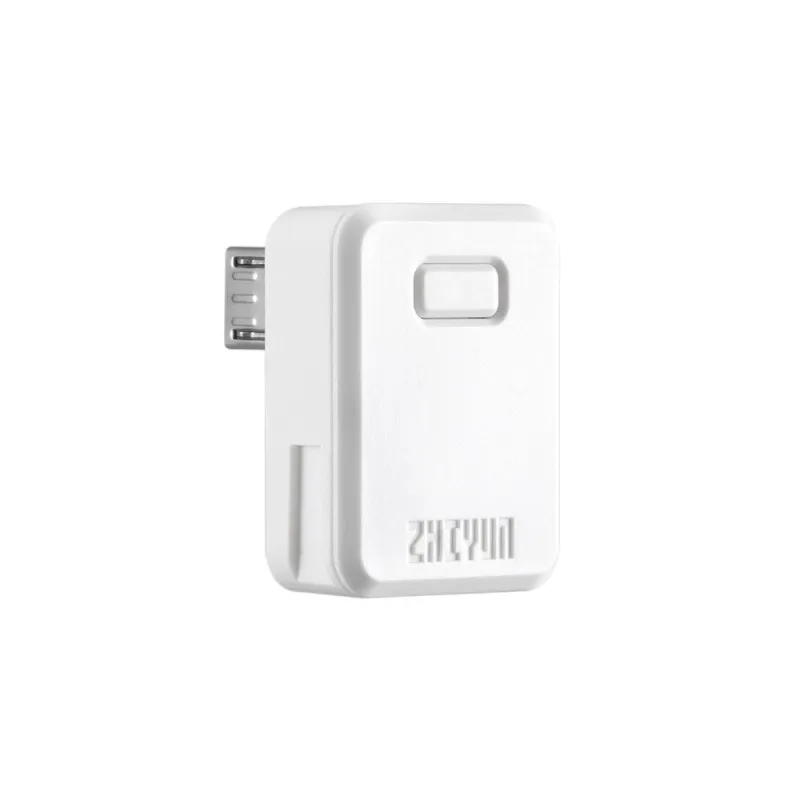
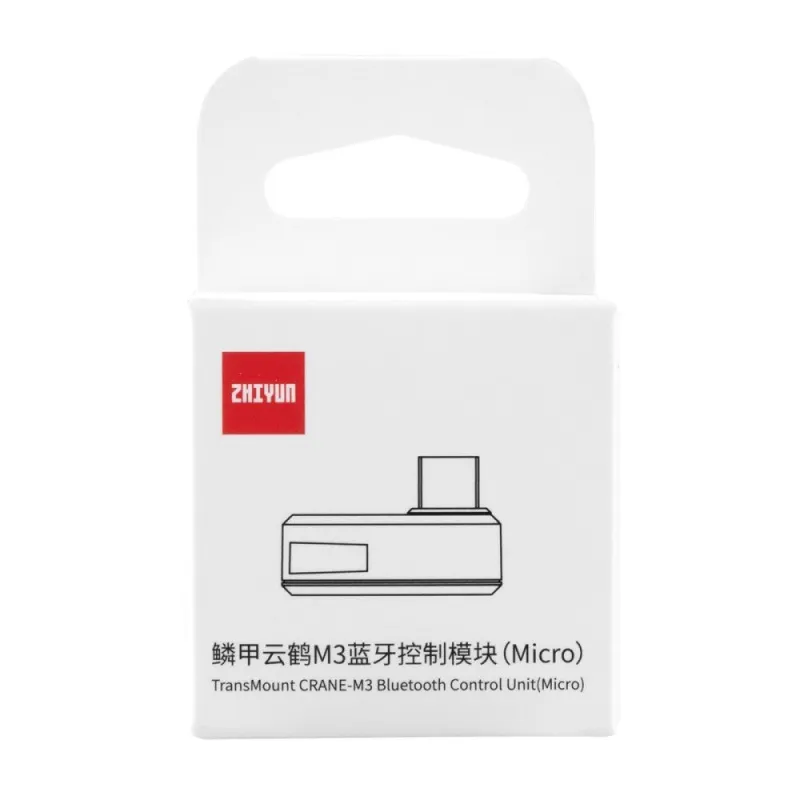
Zhiyun TransMount CRANE-M3 Bluetooth Control Unit (Micro) (C000570)
Код продукта: 57348


SKU: 57348
Модель: C000569
EAN: 6970194086965
Состояние Новый продукт
Производитель: ZHIYUN
Найдите похожие товары
Найдите похожие товары
 Помощник на основе искусственного интеллекта
Это бета-версия нашего нового чата с ИИ помощником, способного отвечать как на стандартные, так и на сложные вопросы о товарах и работе магазина.
или спросите
Какие функции? Есть в наличии? Акции и скидки? Какие отзывы?
| Вид продукта | Аксессуары для камеры |
| Вид продукта | Accessories for stabilizers |
| Совместимость | universāla |
| Управление вспышкой | TTL |
Описание продукта
Zhiyun TransMount CRANE-M3 Bluetooth Control Unit (Micro) (C000570)
Bluetooth Pairing
- When connecting to Crane-M3 for the first time, the Bluetooth control unit should be paired with the gimbal.
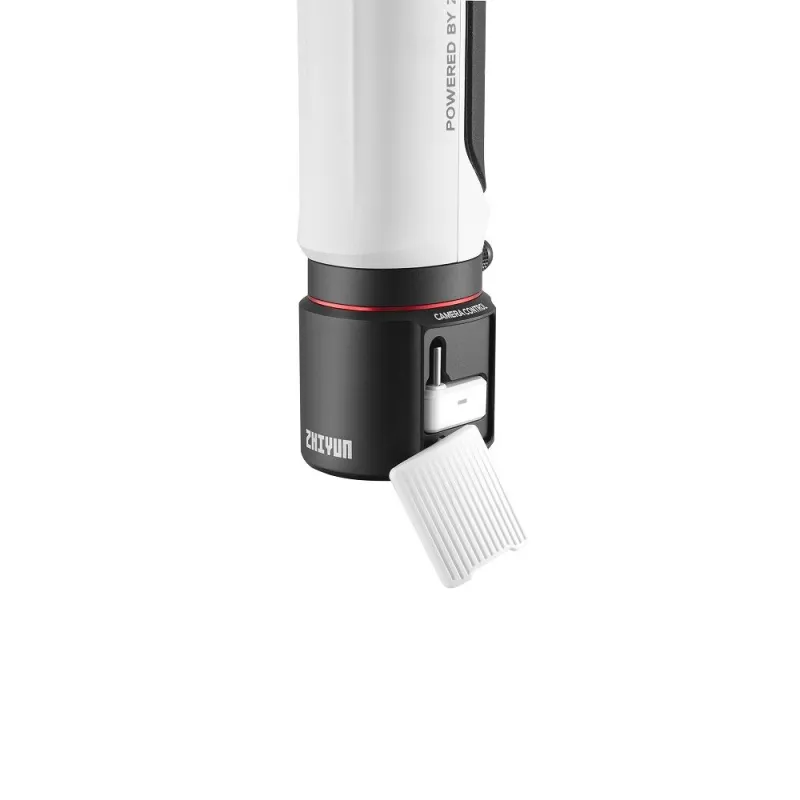
- Pairing method: Install the Bluetooth control unit to the expansion base, power on the Crane-M3, wait for approximately 3 seconds for the control unit to be automatically paired with the gimbal.
Installation
- Install the Bluetooth control unit to the USB port of the camera. Make sure to choose the proper Bluetooth control unit corresponding to the USB port type.
- Power on Crane-M3 and Bluetooth control unit. When the initial Bluetooth pairing is completed, the Bluetooth control unit will automatically search to connect to the Crane-M3 Bluetooth while the indicator light turns into quick flashing blue light. When the Bluetooth connection is successful, the indicator light will turn into a solid blue light.
- When the Bluetooth connection is successful, you can control the camera to take photos/film videos via the filming button on Crane-M3. For adjusting camera parameters, go to Settings - Control Wheel in the touch screen menu to customize your parameter settings and slide the adjustment wheel to adjust.
Supported functions may vary for different cameras. For more details on the supported camera models and functions, please check the Crane-M3 Camera Compatibility List in the download area.
Please note that you need the Expansion Base for using the Bluetooth Control Unit.