0 Item Items 0 Item - € 0.00
Shopping Cart Preview
No products
Pick up in store Shipping
€ 0.00 Tax:
€ 0.00 Total tax included
Product successfully added to your shopping cart
Quantity
Total tax included
There are 0 items in your cart. There is 1 item in your cart.
Total products :
Total shipping : Pick up in store
Tax: € 0.00
Total tax included :
 Facebook
  Google
Photo & video store, rental and expert advice
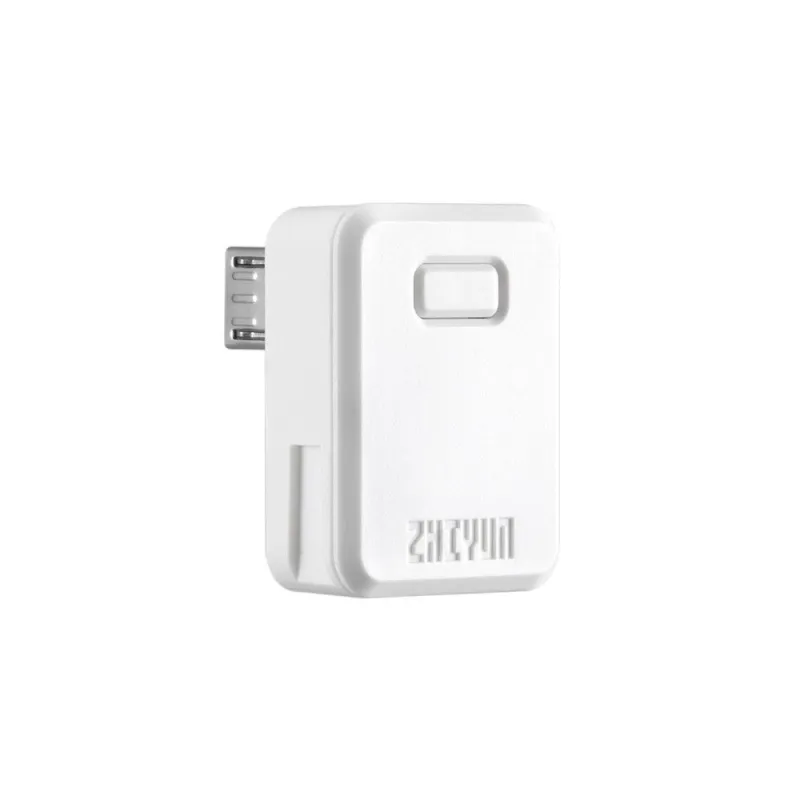
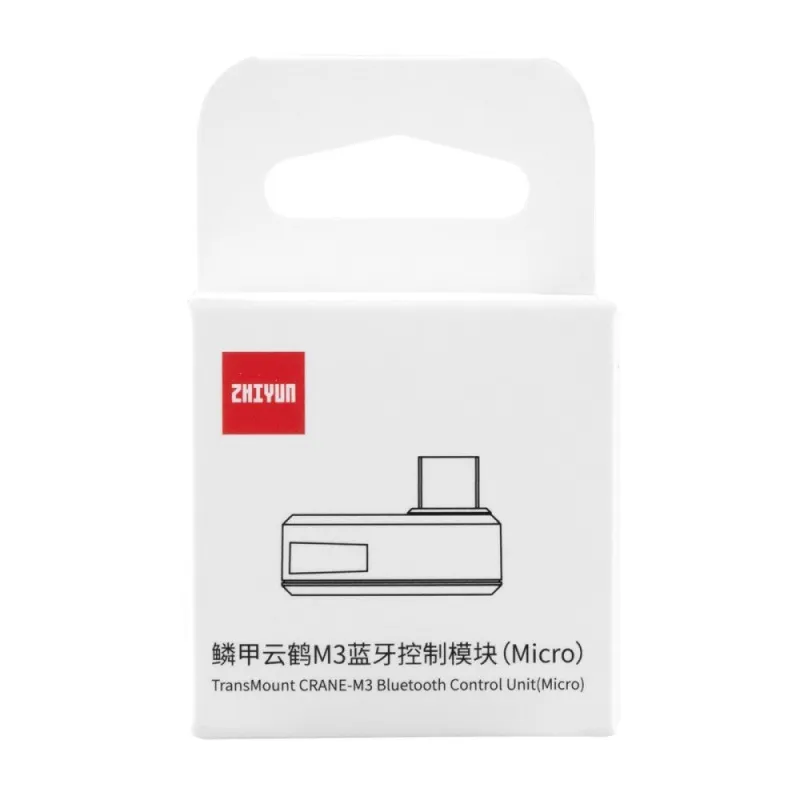
Zhiyun TransMount CRANE-M3 Bluetooth Control Unit (Micro) (C000570)
Product ID: 57348


SKU: 57348
Model: C000569
Ean: 6970194086965
Condition: New product
Manufacturer: ZHIYUN
Discover related products
Discover related products
 AI ASSISTANT CHAT
This is the beta version of our new assistant chat, capable of answering both standard and advanced questions about product and store operations.
Or ask about:
What are the features? Is this in stock? Actual discounts & offers? Product reviews?
| Type of Product | Accessories |
| Type of Product | Accessories for stabilizers |
| Compatible | universāla |
| Speedlite control | TTL |
Product details
Zhiyun TransMount CRANE-M3 Bluetooth Control Unit (Micro) (C000570)
Bluetooth Pairing
- When connecting to Crane-M3 for the first time, the Bluetooth control unit should be paired with the gimbal.
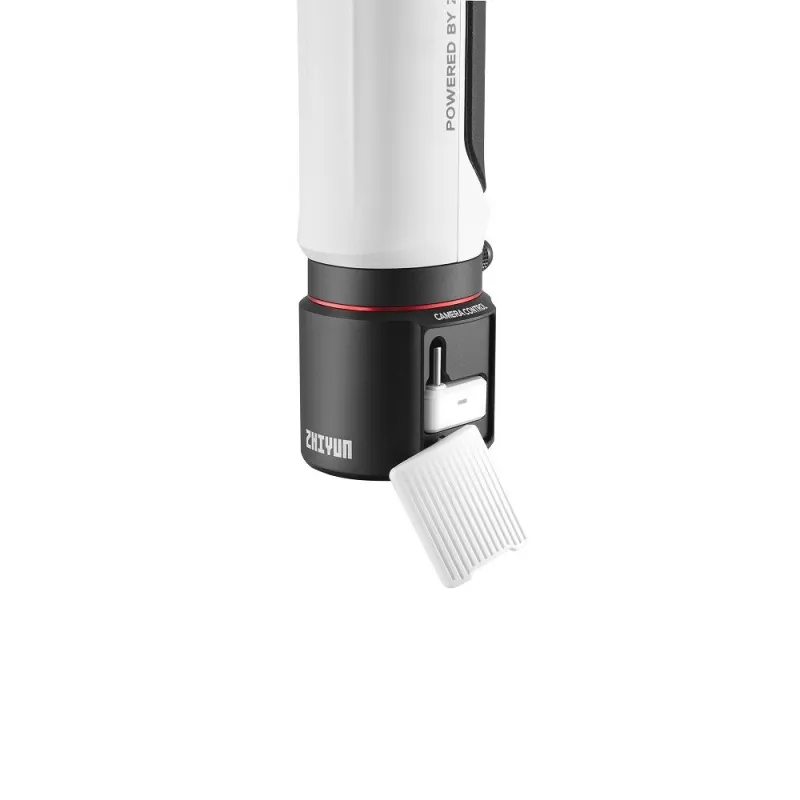
- Pairing method: Install the Bluetooth control unit to the expansion base, power on the Crane-M3, wait for approximately 3 seconds for the control unit to be automatically paired with the gimbal.
Installation
- Install the Bluetooth control unit to the USB port of the camera. Make sure to choose the proper Bluetooth control unit corresponding to the USB port type.
- Power on Crane-M3 and Bluetooth control unit. When the initial Bluetooth pairing is completed, the Bluetooth control unit will automatically search to connect to the Crane-M3 Bluetooth while the indicator light turns into quick flashing blue light. When the Bluetooth connection is successful, the indicator light will turn into a solid blue light.
- When the Bluetooth connection is successful, you can control the camera to take photos/film videos via the filming button on Crane-M3. For adjusting camera parameters, go to Settings - Control Wheel in the touch screen menu to customize your parameter settings and slide the adjustment wheel to adjust.
Supported functions may vary for different cameras. For more details on the supported camera models and functions, please check the Crane-M3 Camera Compatibility List in the download area.
Please note that you need the Expansion Base for using the Bluetooth Control Unit.