0 Item Items 0 Item - € 0.00
Shopping Cart Preview
No products
Pick up in store Shipping
€ 0.00 Tax:
€ 0.00 Total tax included
Product successfully added to your shopping cart
Quantity
Total tax included
There are 0 items in your cart. There is 1 item in your cart.
Total products :
Total shipping : Pick up in store
Tax: € 0.00
Total tax included :
 Facebook
  Google
Photo & video store, rental and expert advice
- Write a review
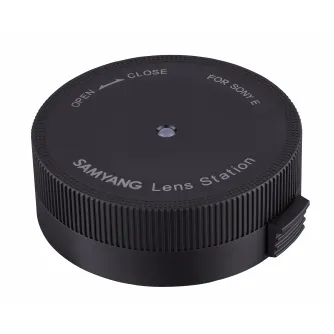
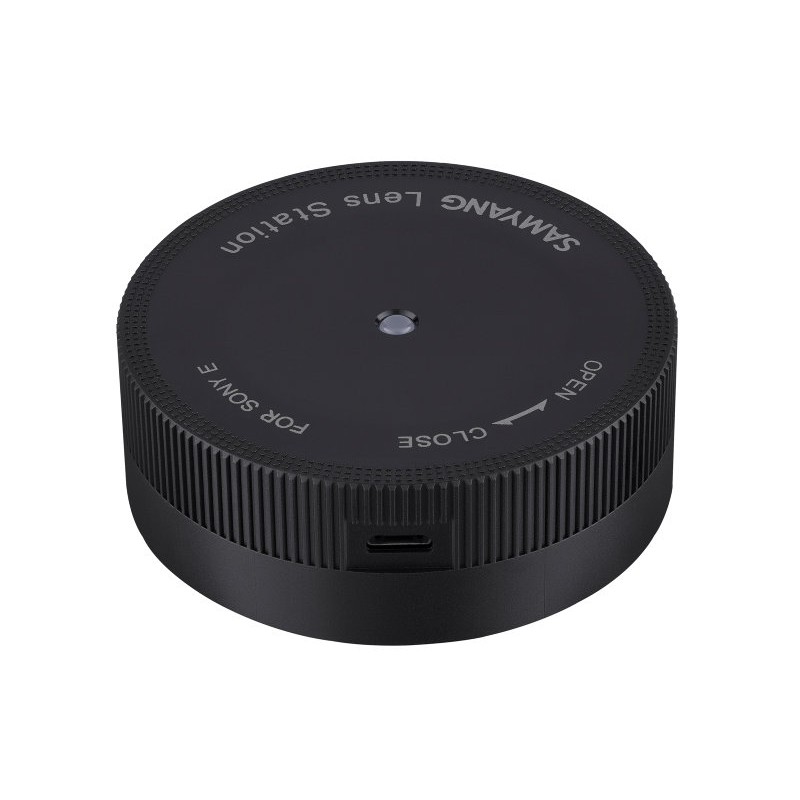
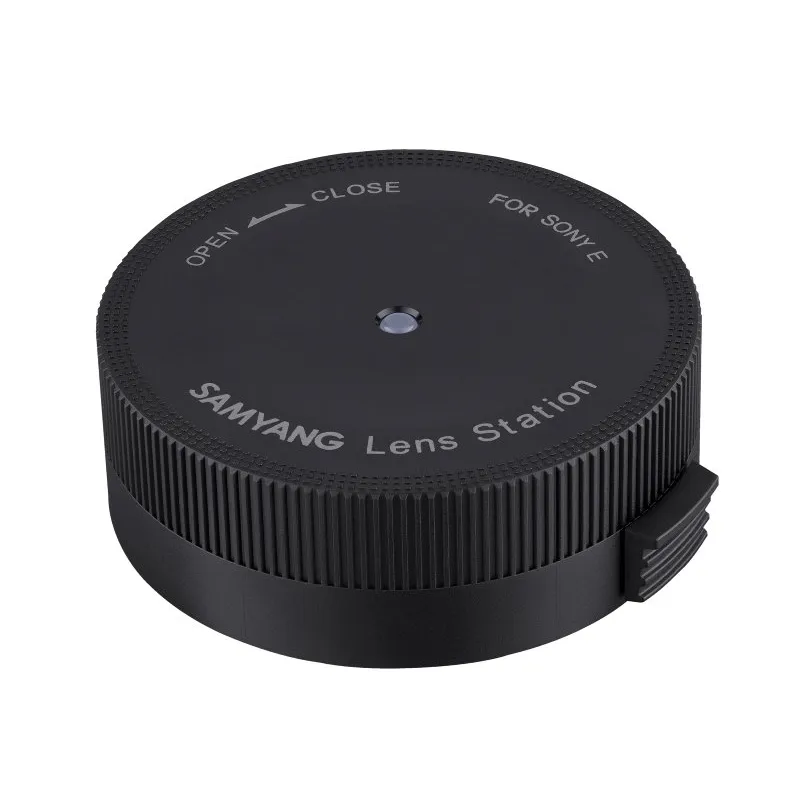
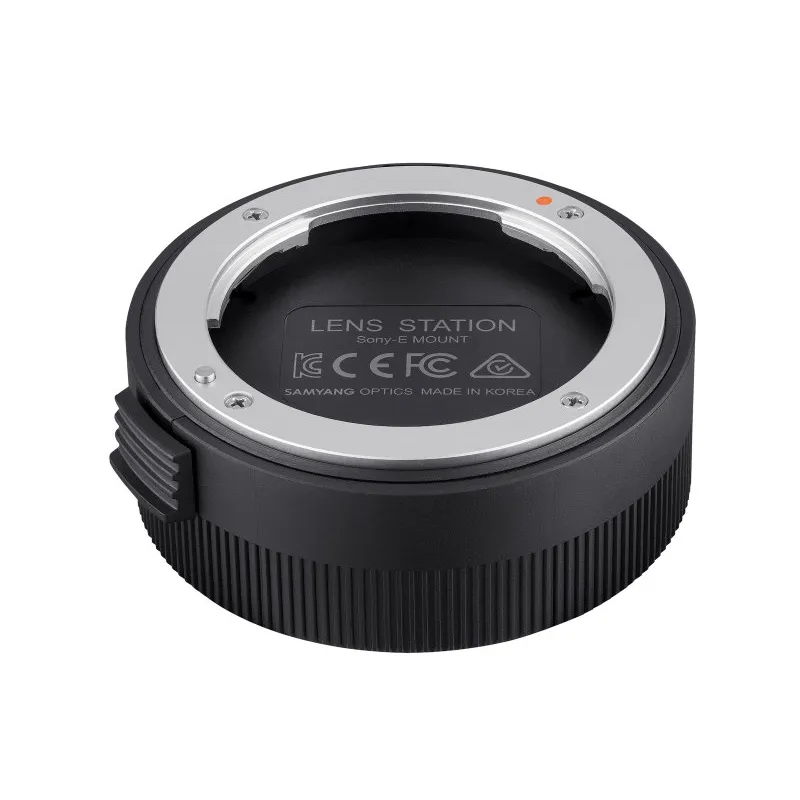
Lens dock for Samyang AF Sony E mount lenses to update firmware and calibrate focus and aperture, compatible with macOS and Windows.
Samyang Lens Station for AF Sony E Lenses
Product ID: 12153


SKU: 12153
Model: FZ5ZZZZZ001
Ean: 8809298880996
Condition: New product
Manufacturer: SAMYANG
Discover related products
Discover related products
 AI ASSISTANT CHAT
This is the beta version of our new assistant chat, capable of answering both standard and advanced questions about product and store operations.
Or ask about:
What are the features? Is this in stock? Actual discounts & offers? Product reviews?
| Type of Product | Lens Station |
| Adapter is for cameras | Sony E |
Product details
- AF lens firmware update
- Calibrate focus
- Calibrate aperture
- Calibrate manual focus sensitivity
- Compatible only with Sony E mount
The Lens Station is a device designed to customize lens performance and update the firmware of Samyang autofocus lens series. To update firmware or calibrate focus, aperture, and manual focusing sensitivity, please download the free 'Lens Manager' software.
Usage Instructions
To use the Lens Station, install the Lens Manager software on your computer. This software is available for free from Samyang's official website and supports only Samyang autofocus lenses, excluding manual focus lenses and other brands.
- Attach the lens to the Lens Station: Remove the body cap of the Lens Station, align the red dot on the Lens Station mount with the white dot on the autofocus lens mount, then rotate the lens toward CLOSE until it clicks.
- Connect the Lens Station: Use a USB cable to connect the Lens Station to your computer, then start the Lens Manager software to customize features or update firmware.
- Remove the lens: After completing updates or customization, close the software, disconnect the USB cable, and rotate the lens toward OPEN while pressing the lens release button on the device.
Refer to the user manual for more detailed information.
General Information
- Material: Aluminium, synthetic material
- Color: Black
- Product Type: Lens manager
- Height: 25 mm
- Weight: 55 g
- Diameter: 66 mm
Specifications
- Special Features: System update for Samyang AF Sony E lenses
- Type: Sony E-Mount
- Electronic Data Transfer: Yes
Packaging
- Girth: 455 mm
- Height: 85 mm
- Length: 130 mm
- Weight including packaging: 190 g
- Width: 95 mm