No products
 Facebook
  Google
- Write a review
Sunlu S4 Filament Dryer


 AI ASSISTANT CHAT
Or ask about:
| Type of Product | 3D Printer accessory |
Sunlu S4 Filament Dryer
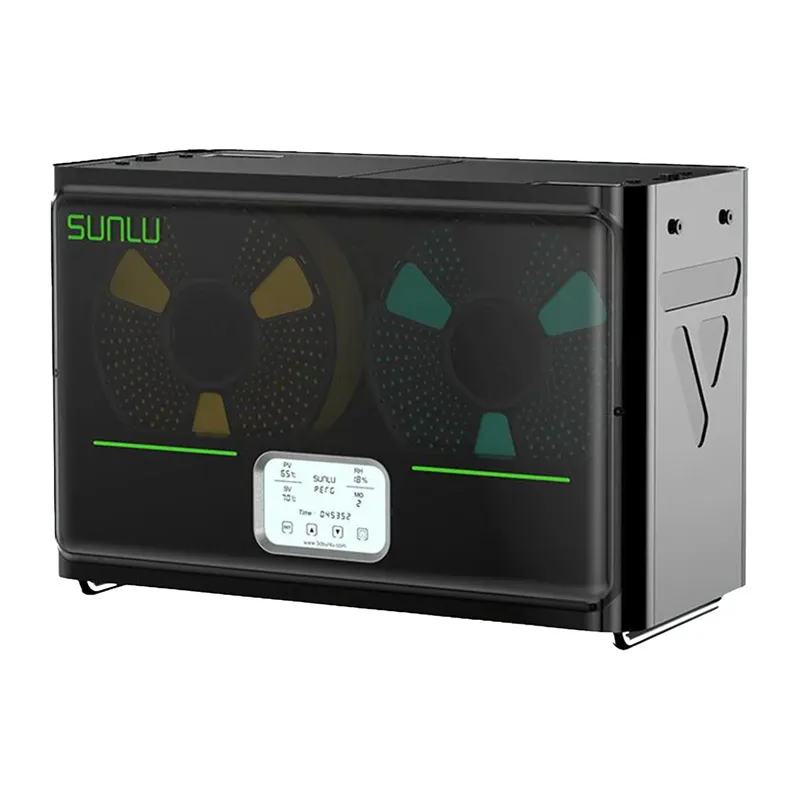
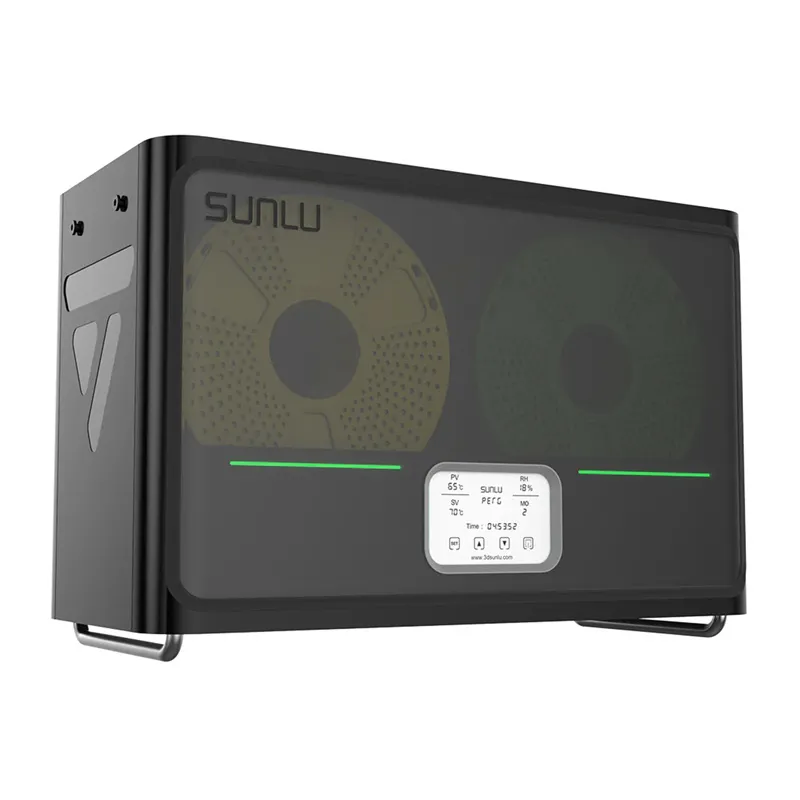
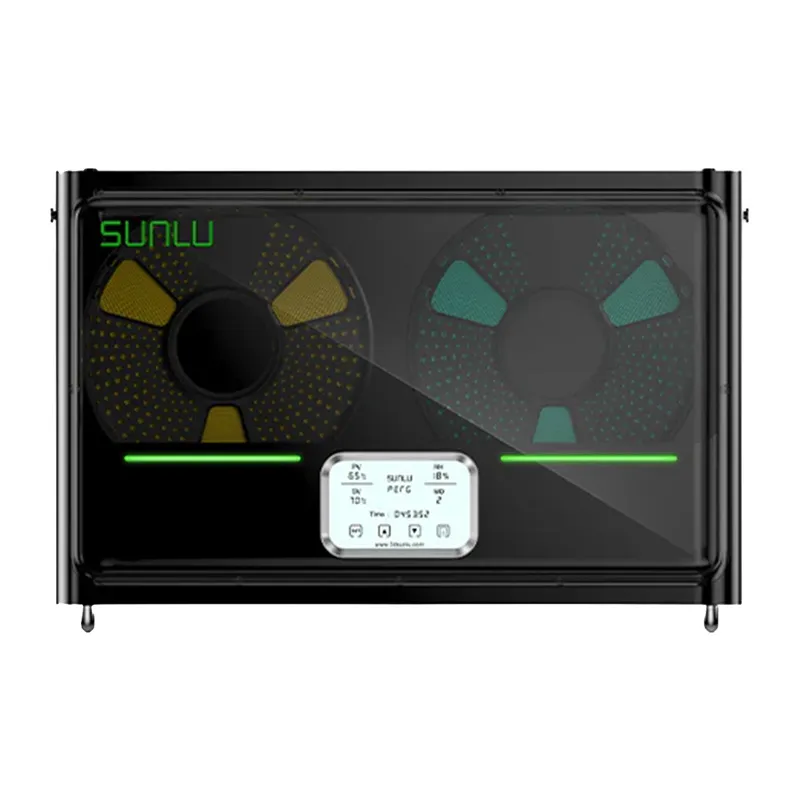
The SUNLU FilaDryer S4 is a filament dryer designed for demanding 3D printing users. It can dry up to four 1 kg spools simultaneously and supply filament to multiple printers. With a rated power of 320–330 W, heating to 50°C in approximately 30 minutes and a maximum temperature of 70°C, it provides effective drying for materials such as PA and PC. Features include automatic humidity control, a touchscreen LCD, eight filament outlets and preset material profiles.
Dry up to four filaments simultaneously
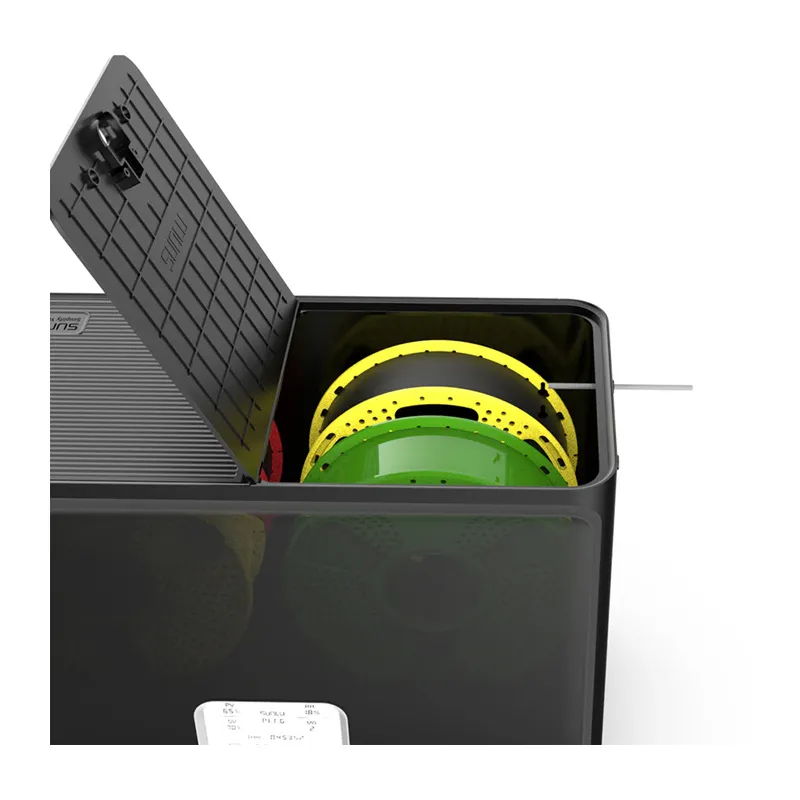
The large chamber, with internal dimensions of 450 × 210 × 211 mm, accommodates up to four spools at once. This is useful for multicolour printing or operating several printers simultaneously, keeping different materials ready without repeatedly changing spools.
Rapid heating and high power
The PTC heater delivers up to 330 W of power, reaching 50°C in approximately 30 minutes and a maximum temperature of 70°C. This helps reduce filament preparation time, including for hygroscopic materials.
Even temperature distribution
Three fans, positioned at the sides and bottom, circulate air through the chamber and maintain temperature stability within ±3°C. Even drying helps support consistent filament performance and print quality.
Automatic humidity control
The humidity control system automatically starts drying when humidity exceeds the selected range of 30–50% and stops when it reaches approximately 25. This reduces the need for manual monitoring and helps keep filament ready for use.
Safety and ease of use
The dryer has a triple safety system comprising a PTC heater, a temperature sensor and software protection. It monitors temperature in real time and alerts the user to abnormalities. The touchscreen LCD and preset profiles for PLA, ABS, PETG, TPU, PA and PC simplify operation.
Compatibility and flexible setup
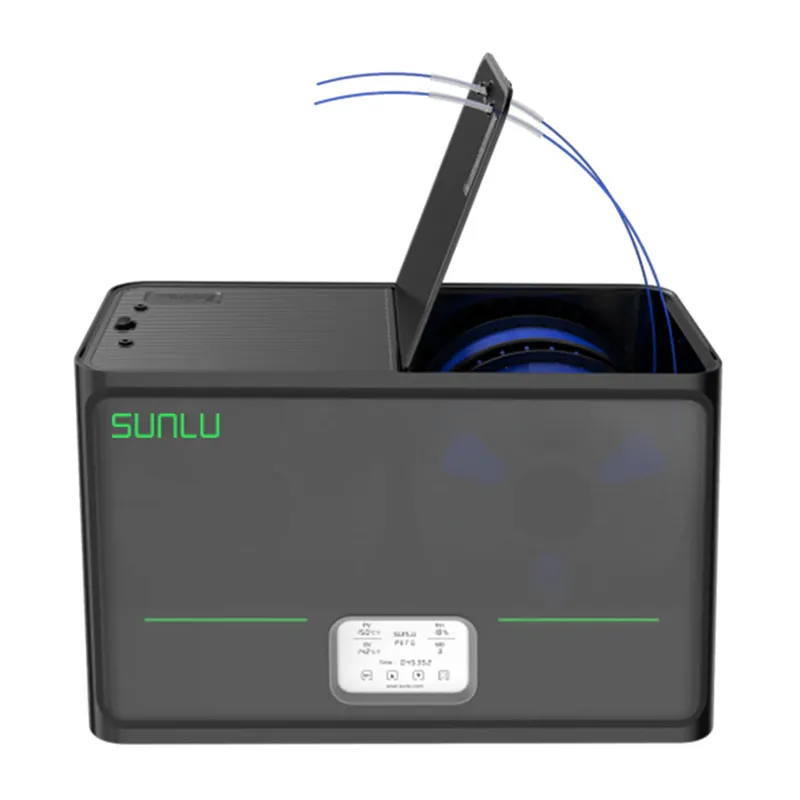
The SUNLU S4 supports filament diameters of 1.75 mm, 2.85 mm and 3.00 mm and is compatible with most 3D printers. Eight filament outlets can be used with PTFE tubes, allowing flexible workstation configurations and simultaneous feeding to multiple printers.
Specifications
- Manufacturer: Sunlu
- Model: Fila Dryer S4
- Rated power: 320–330 W
- Power supply: AC 100–240 V, 50–60 Hz
- Maximum temperature: 70°C
- Heating time to 50°C: approximately 30 minutes
- Capacity: 4 spools (1 kg each)
- Internal dimensions: 450 × 210 × 211 mm
- Device dimensions: 516 × 278 × 350 mm
- Net weight: 4.8 kg
- Gross weight: 5.5 kg
- Heating system: PTC heater and 3 fans
- Temperature stability: ±3°C
- Humidity control: Automatic; starts at 30–50% and stops at approximately 25%
- Supported materials: PLA, ABS, PETG, TPU, PA, PC
- Supported filament diameters: 1.75 mm, 2.85 mm, 3.00 mm
- Number of filament outlets: 8 (usable with PTFE tubes)
- Display: Touchscreen LCD
Included
- SUNLU S4 Filament Dryer
- Power cord
- PTFE tubes
- User manual








