0 Item Items 0 Item - € 0.00
Shopping Cart Preview
No products
Pick up in store Shipping
€ 0.00 Tax:
€ 0.00 Total tax included
Product successfully added to your shopping cart
Quantity
Total tax included
There are 0 items in your cart. There is 1 item in your cart.
Total products :
Total shipping : Pick up in store
Tax: € 0.00
Total tax included :
 Facebook
  Google
Photo & video store, rental and expert advice
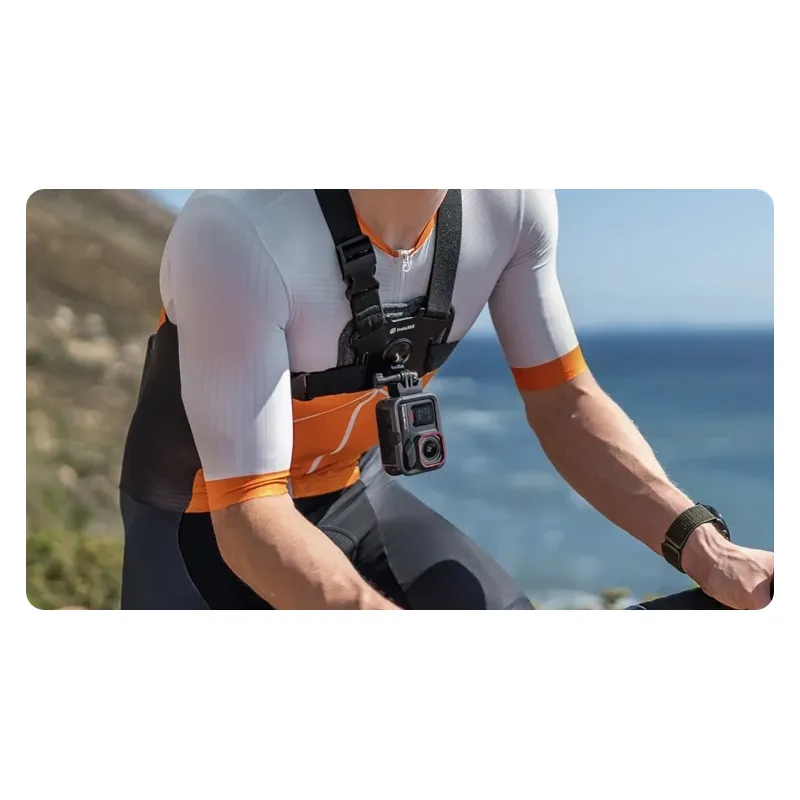
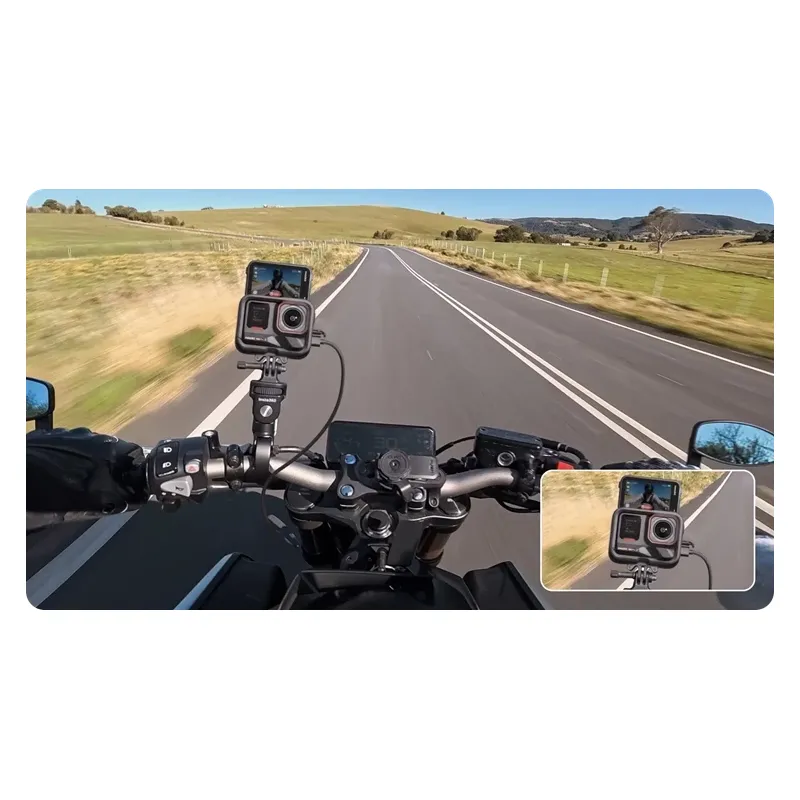
- Write a review
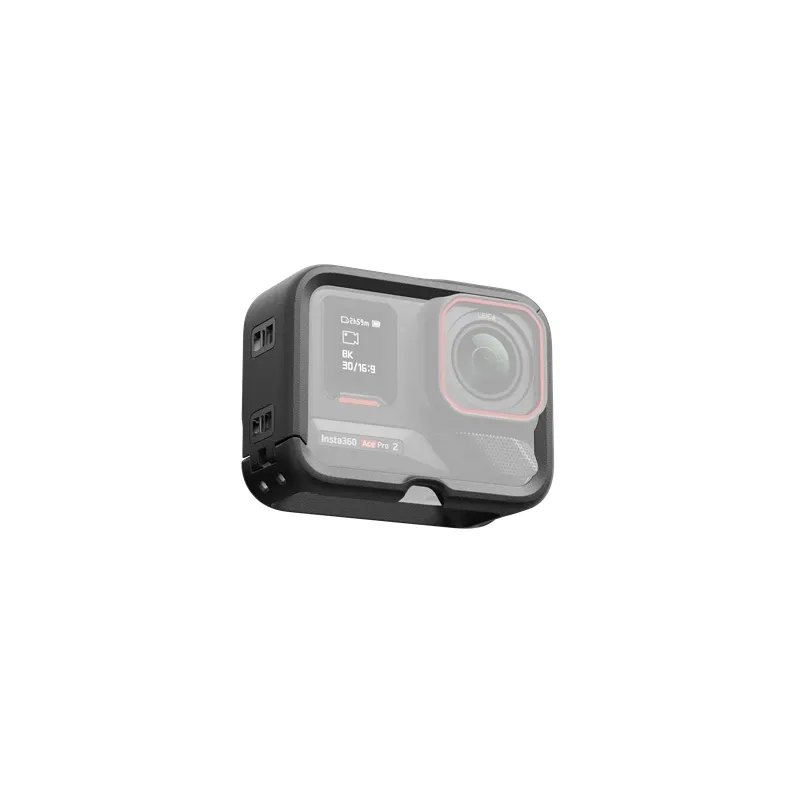
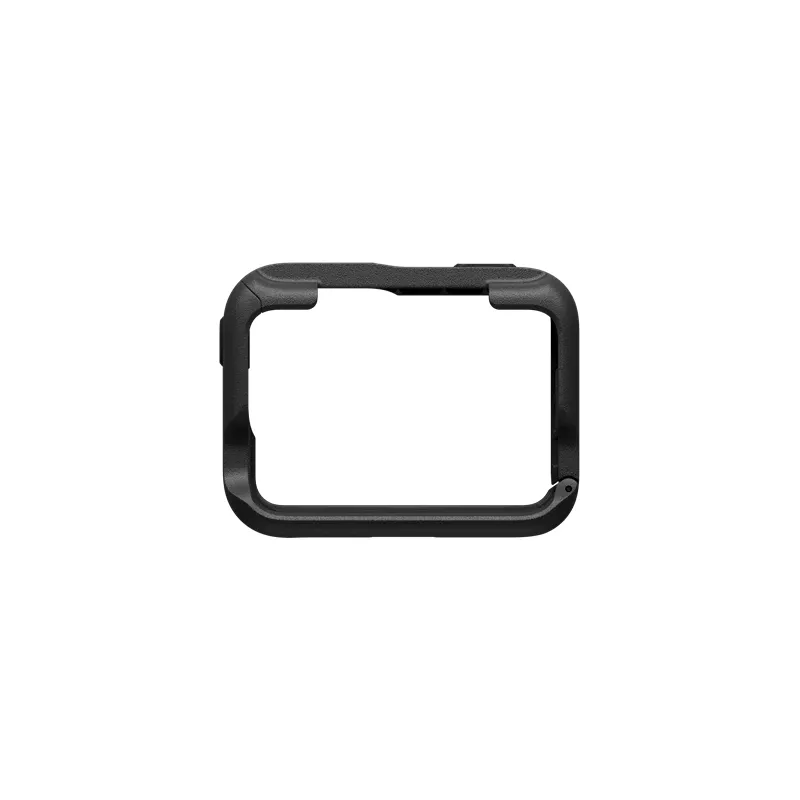
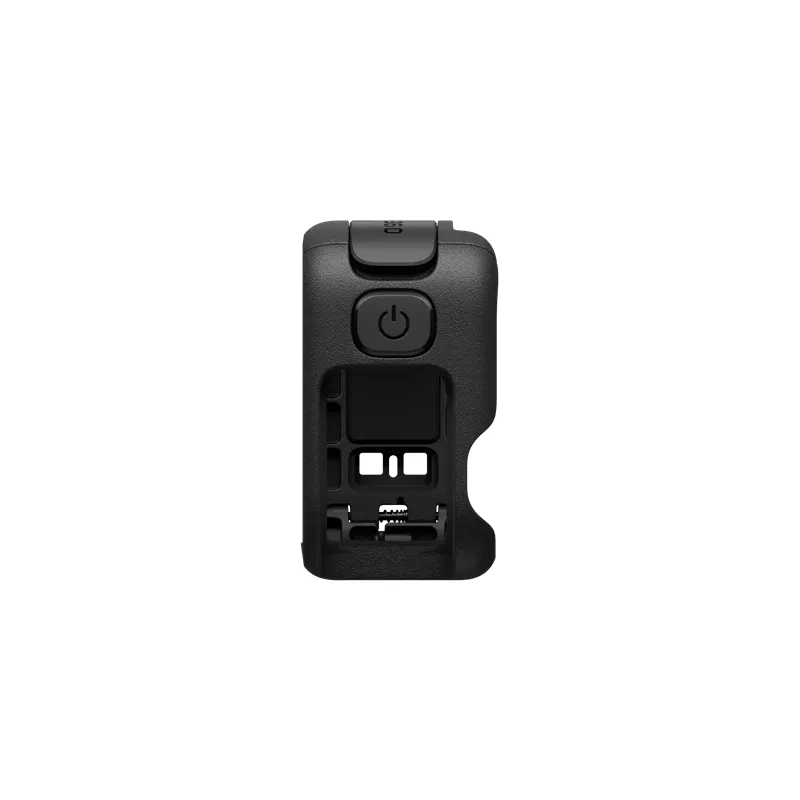
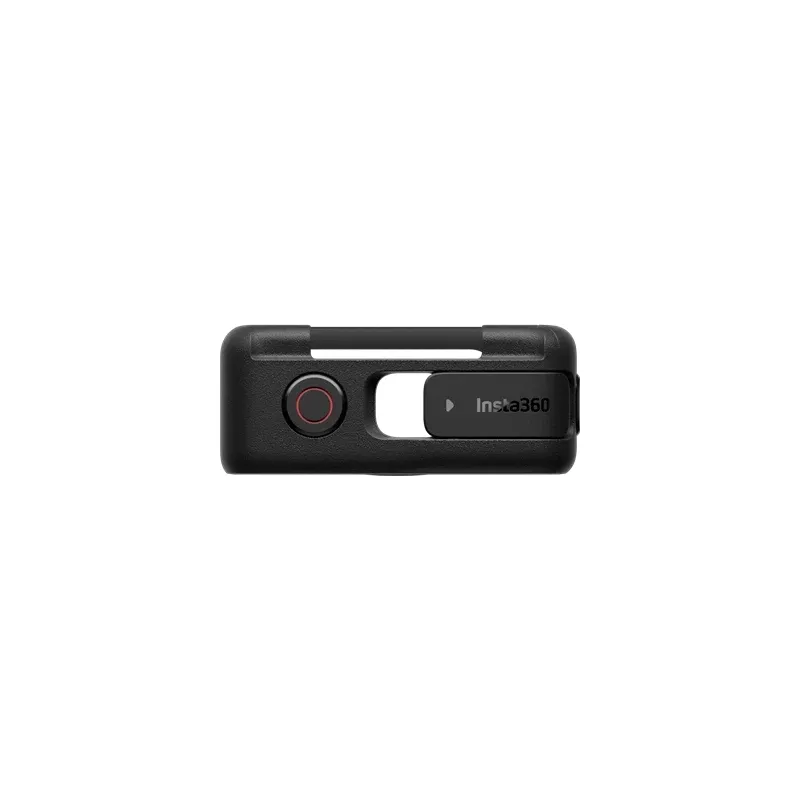
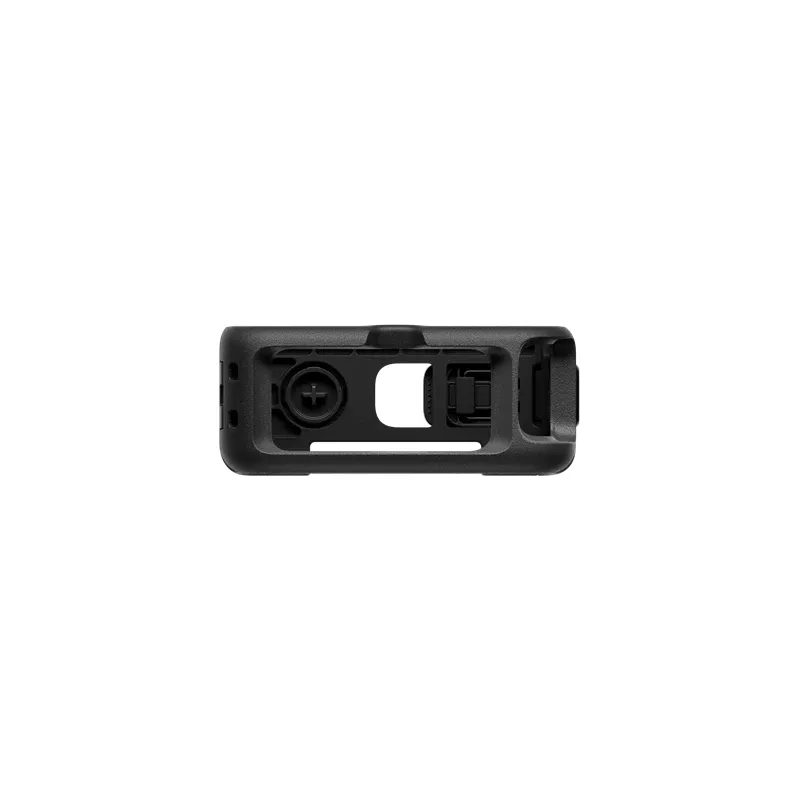
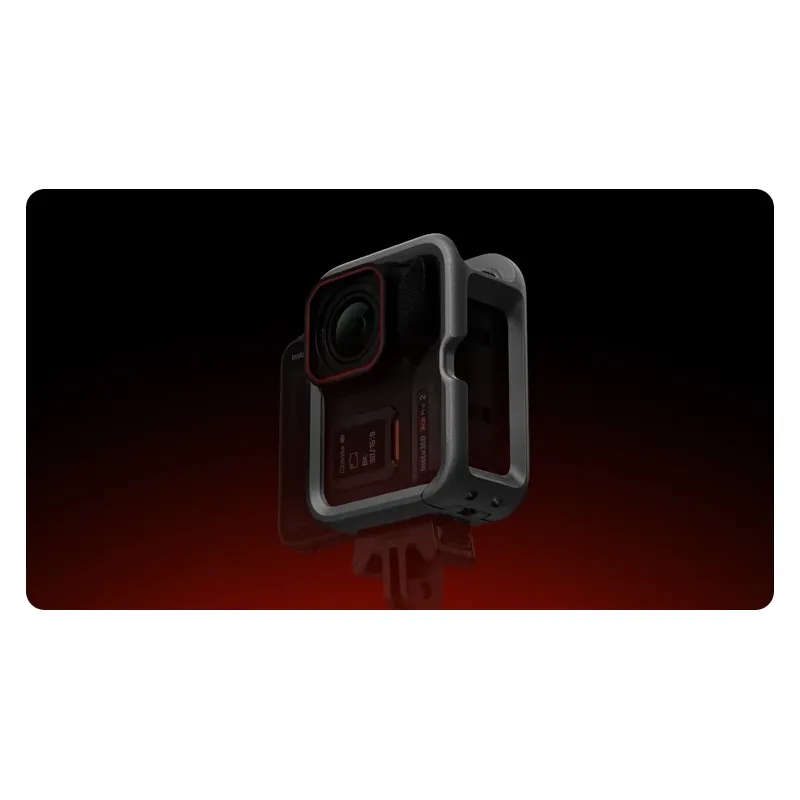
Lightweight protective frame for Insta360 ACE Pro 2/ACE Pro with quick switch between horizontal and vertical shooting.
Important information!
From 19 November the store is moving to new premises at 151 Dzirnavu Street, Riga!
- 14 November - the last working day at 39 F.Sadovņikova street.
- The store will be closed on 16 and 17 November due to the move.
- From 19 November, we look forward to welcoming you at our new address.
INSTA360 VERTICAL-HORIZONTAL FRAME FOR INSTA360 ACE PRO 2/INSTA360 ACE PRO CINSABGP I
Product ID: 60228


SKU: 60228
Ean: 6977644761632
Condition: New product
Manufacturer: GoPro
Discover related products
Discover related products
 AI ASSISTANT CHAT
This is the beta version of our new assistant chat, capable of answering both standard and advanced questions about product and store operations.
Or ask about:
What are the features? Is this in stock? Actual discounts & offers? Product reviews?
| Type of Product | Action camera mounts |
| Compatible | Insta360 Ace Pro 2 / Ace Pro |
| Type of mount | Ietvars |
| Material | Plastic and metal |
Product details
Vertical-Horizontal Frame
- Transform your camera with a lightweight protective frame and switch between horizontal and vertical shooting in seconds.
Quick Switch, Social-Ready
- The quick-release mechanism allows instant change from landscape to portrait orientation, ideal for creators producing content for both YouTube and vertical reels.
- Quick-release mechanism for switching between horizontal and vertical shooting.
Lightweight Design with Full Access
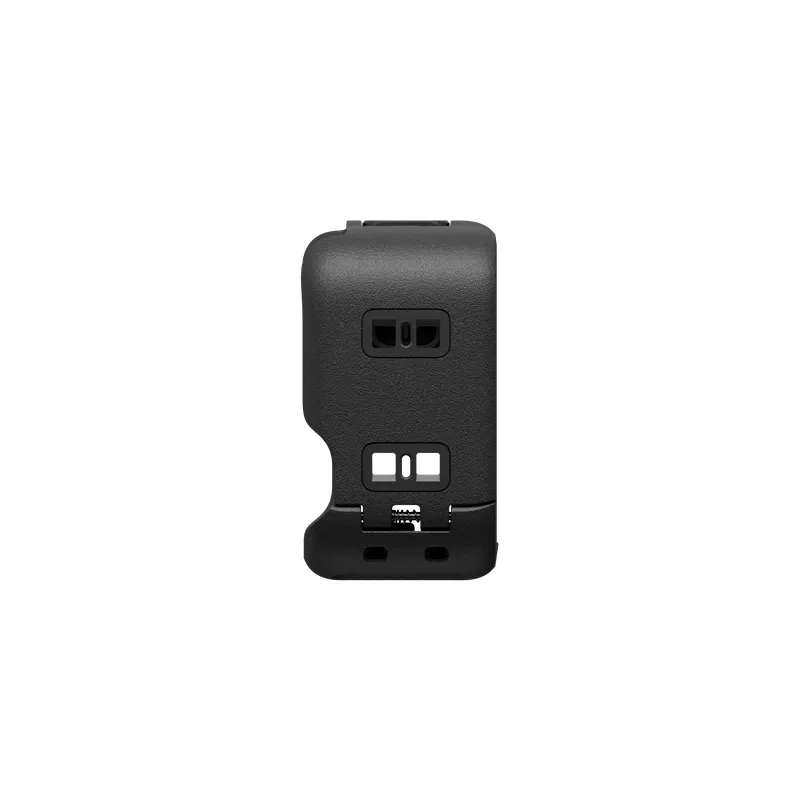
- The open-frame structure adds minimal size and weight while maintaining easy access to the flip screen and charging port.
- Lightweight frame design with access to screen and charging port.
Attach and Remove in Seconds
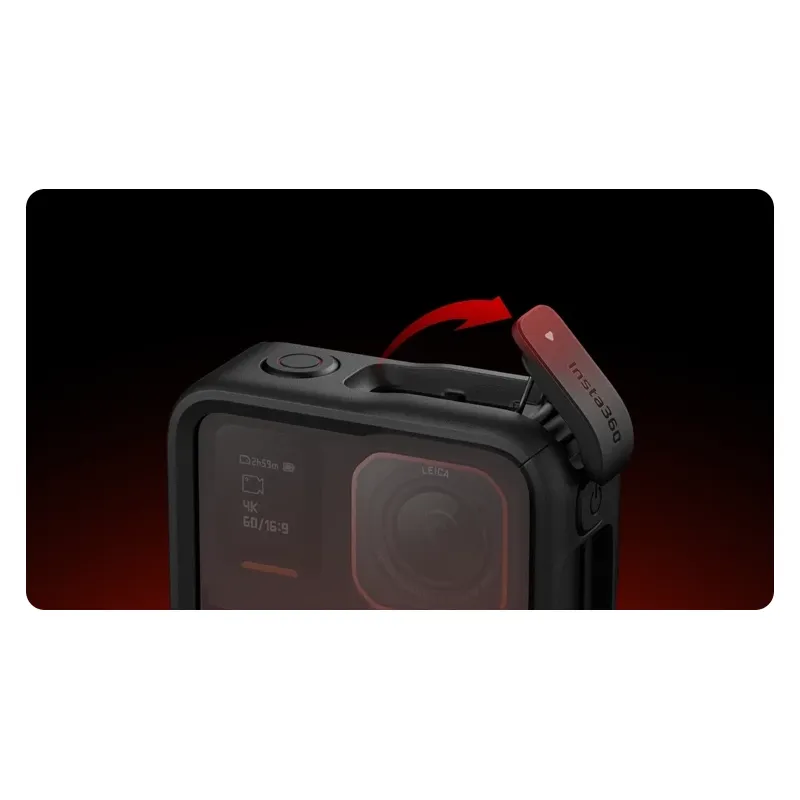
- A secure latch makes mounting and removal effortless—simply flip the clasp to attach or detach the accessory instantly.
- Secure latch for quick mounting and removal.
In the Box
- 1 × Vertical-Horizontal Frame
Specifications
- Weight: 37.5 g
- Materials: Plastic and metal
- Dimensions: 84.5 × 64.4 × 35 mm
How to Use
- Open the latch to expand the Vertical-Horizontal Frame.
- Slide the camera in following the indicated direction, aligning the camera buttons with the frame buttons.
- Close the frame, hook the latch, and press until you hear a click.
- Attach the Standard Mount to the side or bottom of the frame, then connect accessories (e.g., selfie stick) and shoot in vertical or horizontal orientation.