0 Item Items 0 Item - € 0.00
Shopping Cart Preview
No products
Pick up in store Shipping
€ 0.00 Tax:
€ 0.00 Total tax included
Product successfully added to your shopping cart
Quantity
Total tax included
There are 0 items in your cart. There is 1 item in your cart.
Total products :
Total shipping : Pick up in store
Tax: € 0.00
Total tax included :
 Facebook
  Google
Photo & video store, rental and expert advice
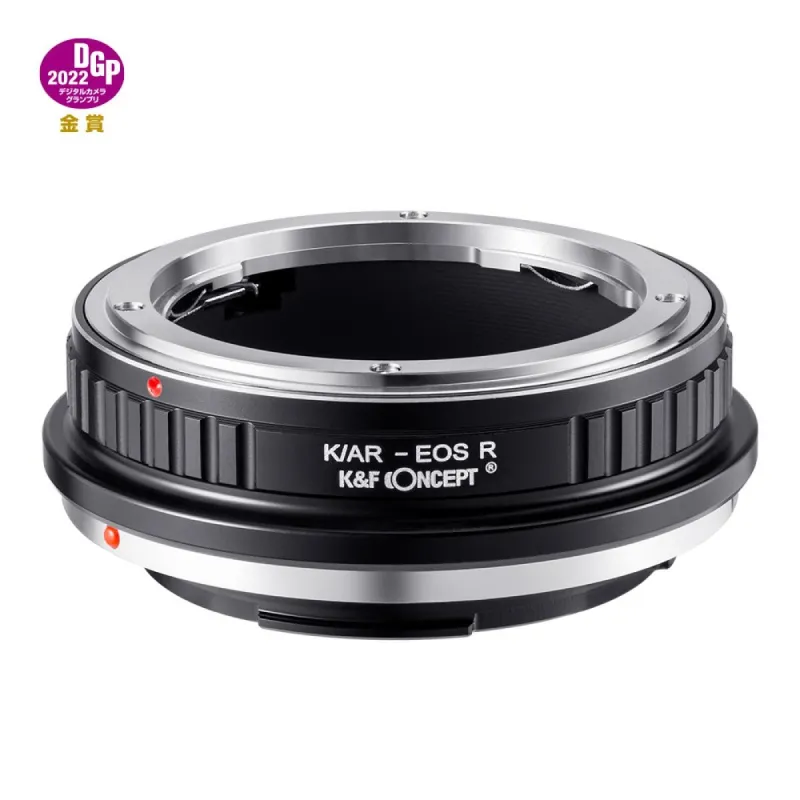
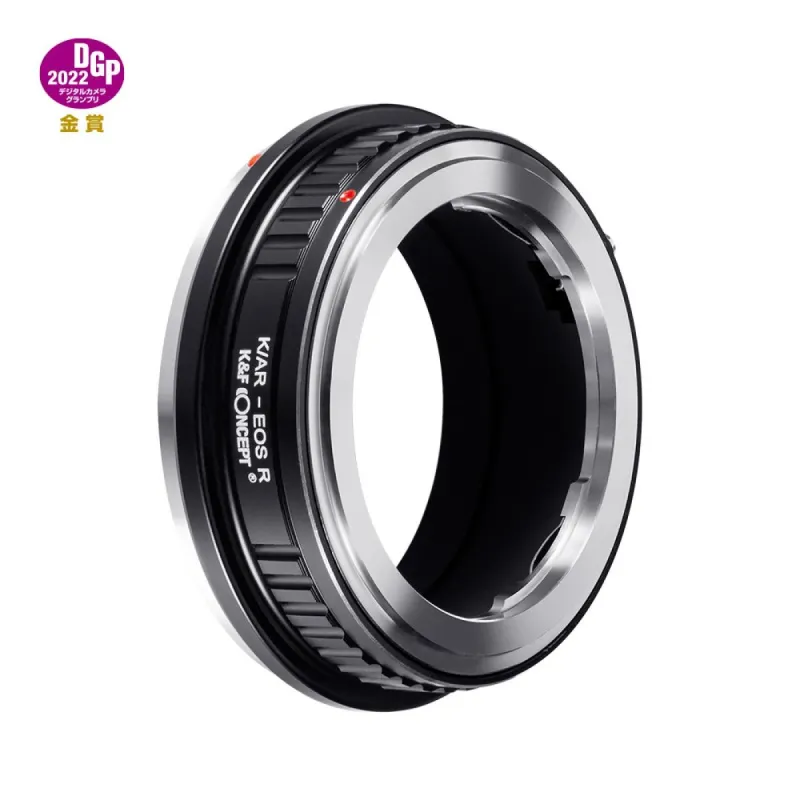
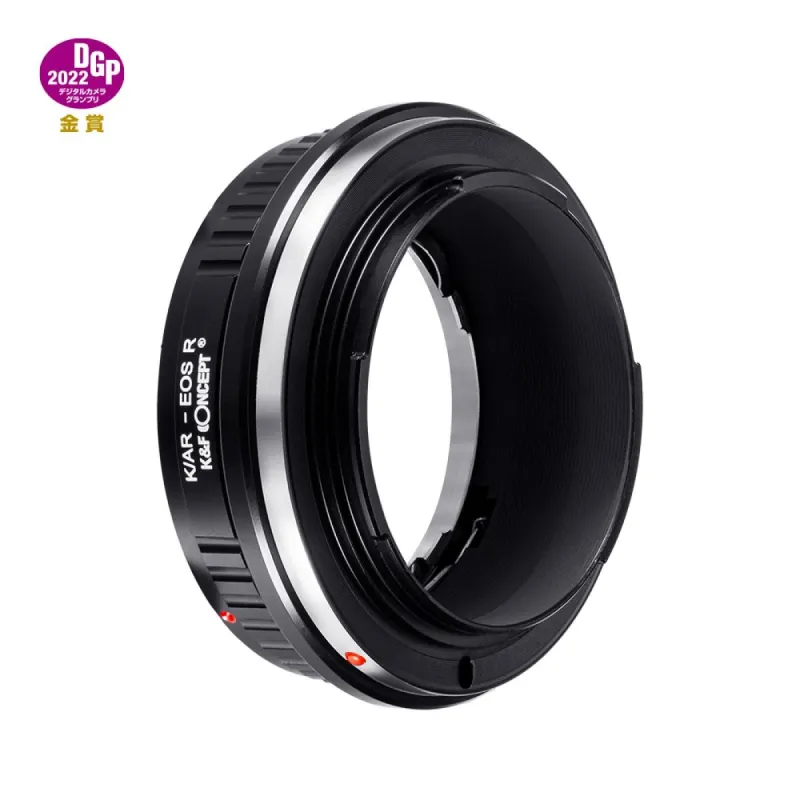
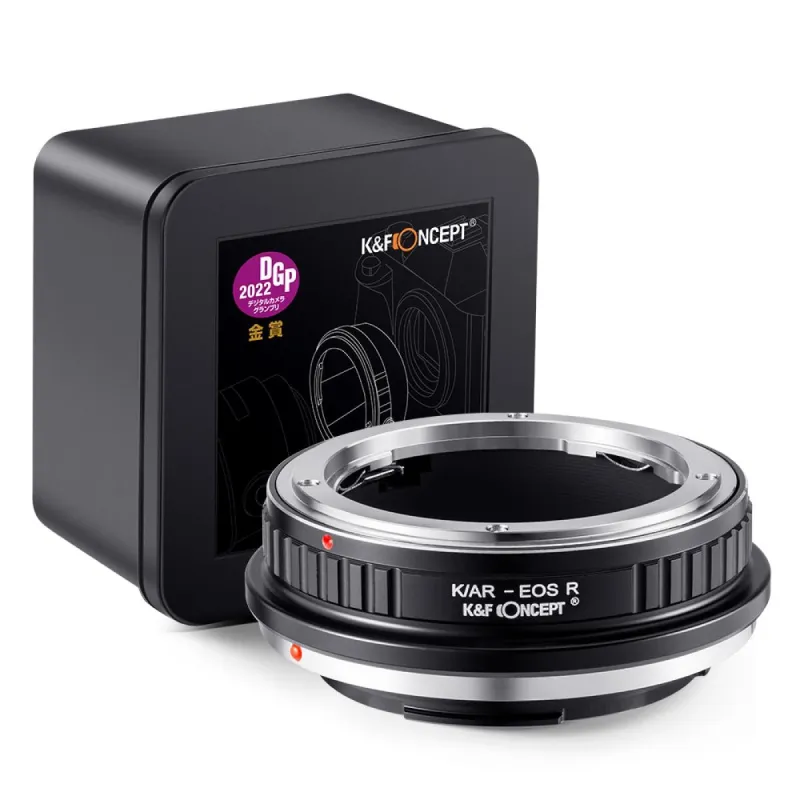
- Write a review
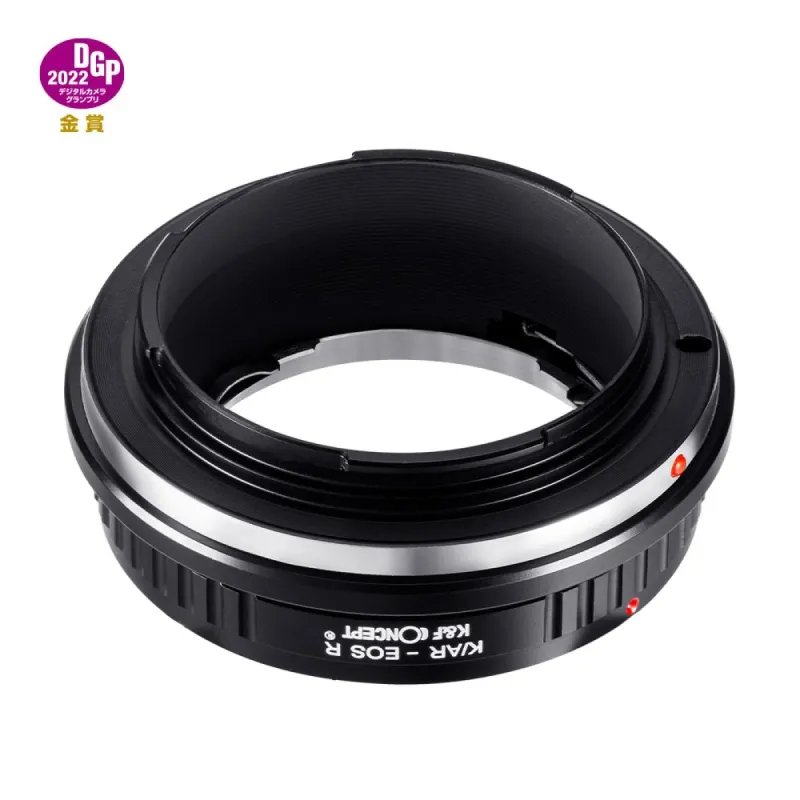
Manual focus adapter for Konica AR lenses to Canon EOS R cameras, no electronic contacts.
K&F Concept K/AR-EOS R - Manual focus adapter for Konica AR lenses to Canon
Product ID: 39394


SKU: 39394
Model: KF06.489
Ean: 6936069297799
Condition: New product
Manufacturer: K&F Concept
Discover related products
Discover related products
 AI ASSISTANT CHAT
This is the beta version of our new assistant chat, capable of answering both standard and advanced questions about product and store operations.
Or ask about:
What are the features? Is this in stock? Actual discounts & offers? Product reviews?
| Type of Product | Adapters for lens |
| Adapter is for cameras | Canon R (RF) |
| Adapter is for cameras | Canon R (EOS R) |
| Adapter is for lenses | Konica AR |
Product details
K&F Concept K/AR-EOS R Manual Focus Adapter
Compatibility: This manual focus adapter is designed for use with Konica Auto-Reflex (AR) lenses on cameras featuring a Canon EOS R mount.
Key Features:
- Manual Focus: No electronic contacts; autofocus and aperture control are not supported. The lens aperture will be set to its maximum value.
- Lens Mount: Compatible with Konica Auto-Reflex (AR) lenses.
- Camera Mount: Works with Canon EOS R mount cameras, including RP, RA, R5, R6, and others.
- First Use: Enable the release shutter without lens option in camera settings for initial use; otherwise, the camera will not recognize the lens.
Ensure compatibility of lens and camera mounts before purchasing.