0 Item Items 0 Item - € 0.00
Shopping Cart Preview
No products
Pick up in store Shipping
€ 0.00 Tax:
€ 0.00 Total tax included
Product successfully added to your shopping cart
Quantity
Total tax included
There are 0 items in your cart. There is 1 item in your cart.
Total products :
Total shipping : Pick up in store
Tax: € 0.00
Total tax included :
 Facebook
  Google
Photo & video store, rental and expert advice
- Write a review
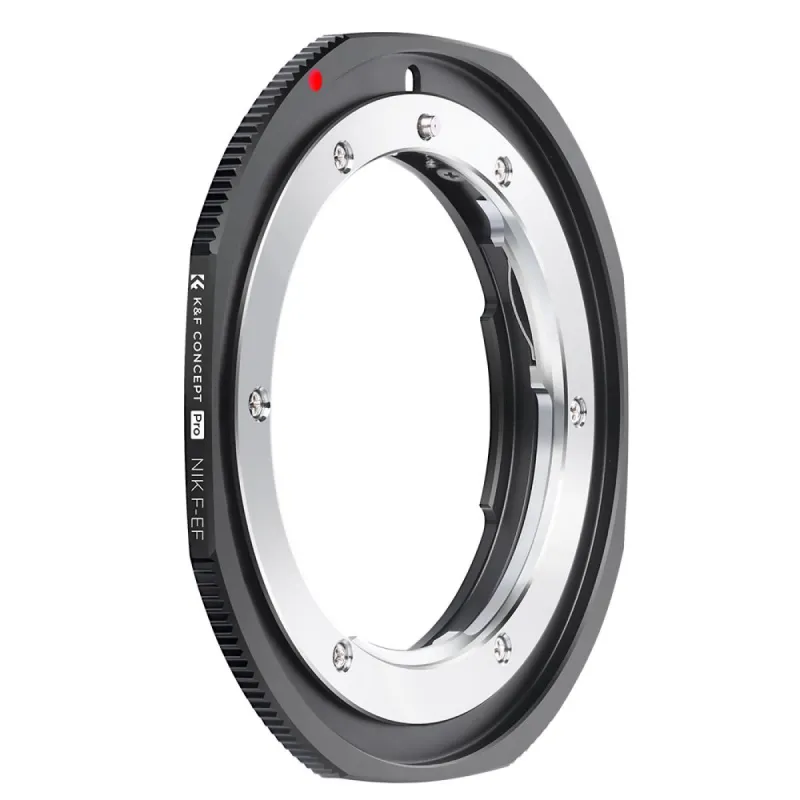
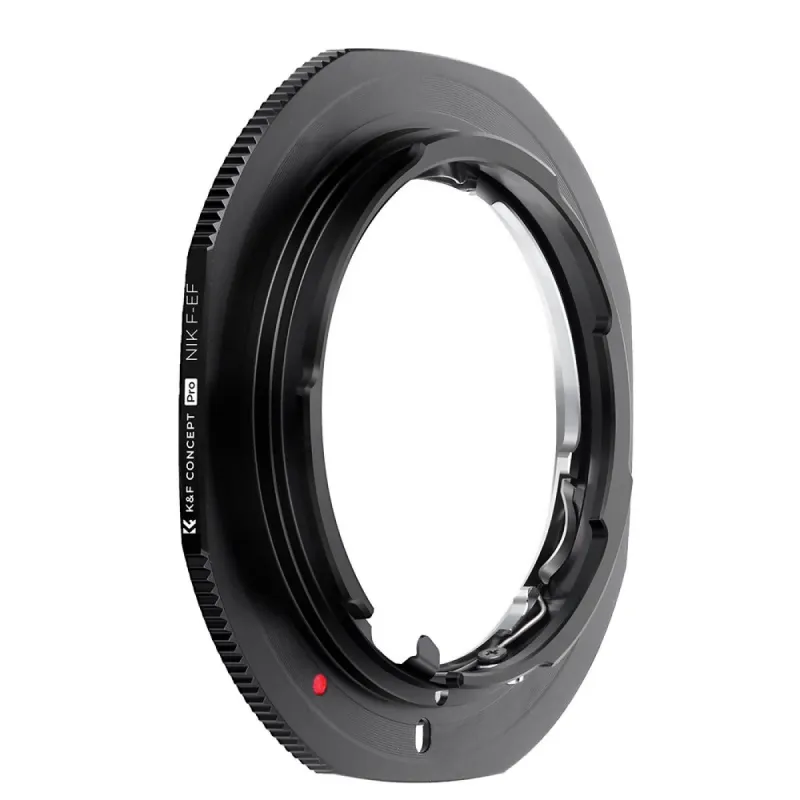
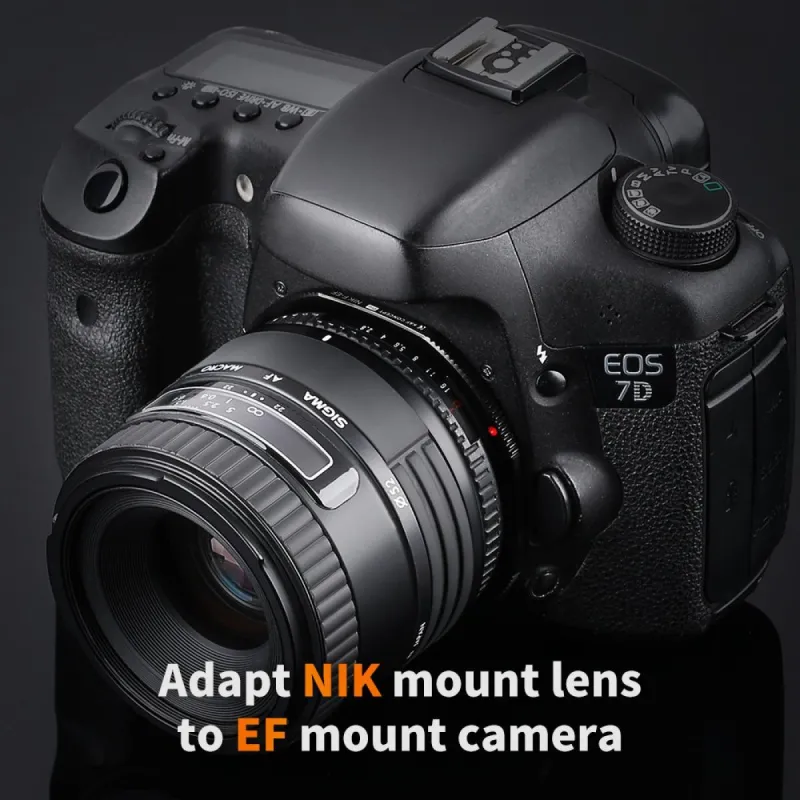
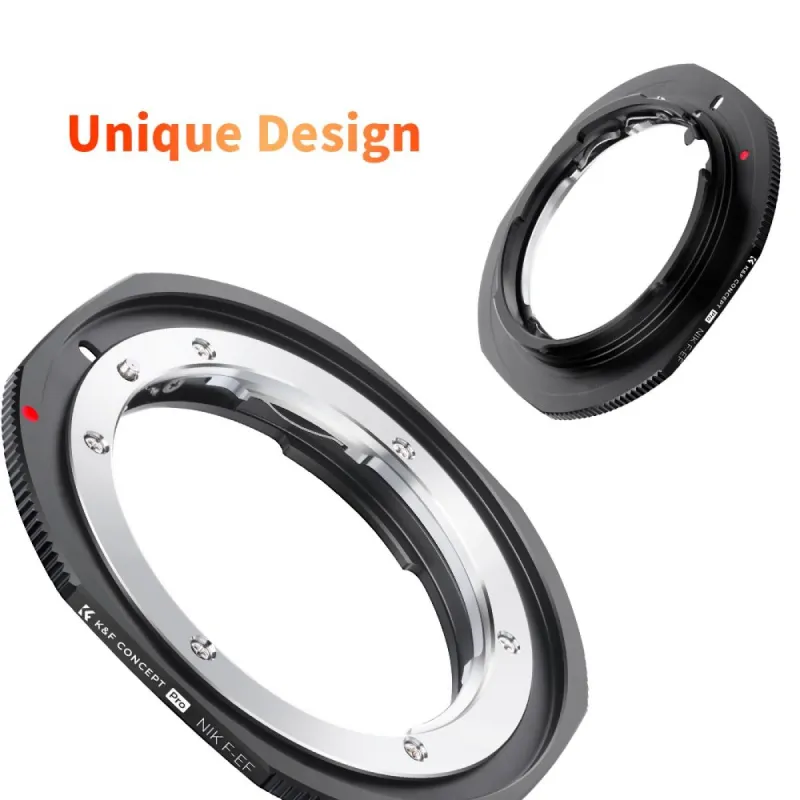
All-metal adapter to mount Nikon F/AF AI AI-S lenses on Canon EF/EF-S mount cameras with manual control and focus.
K&F Concept Nikon F to Canon EF/EF-S Lens Adapter
Product ID: 44329


SKU: 44329
Model: KF06.448
Ean: 0000000000000
Condition: New product
Manufacturer: K&F Concept
Discover related products
Discover related products
 AI ASSISTANT CHAT
This is the beta version of our new assistant chat, capable of answering both standard and advanced questions about product and store operations.
Or ask about:
What are the features? Is this in stock? Actual discounts & offers? Product reviews?
| Type of Product | Adapters for lens |
| Adapter is for cameras | for Canon R (EOS R) cameras |
| Adapter is for lenses | Nikon F |
Product details
Lens Adapter for Nikon F/AF AI AI-S Lenses to Canon EF/EF-S Cameras
This adapter allows you to mount Nikon F, AF, AI, and AI-S lenses onto Canon EF and EF-S mount cameras. It supports manual control, including manual focus and manual exposure, and enables focusing to infinity.
Key Features
- Compatibility: Enables use of Nikon F/AF AI AI-S lenses on Canon EF and EF-S mount cameras.
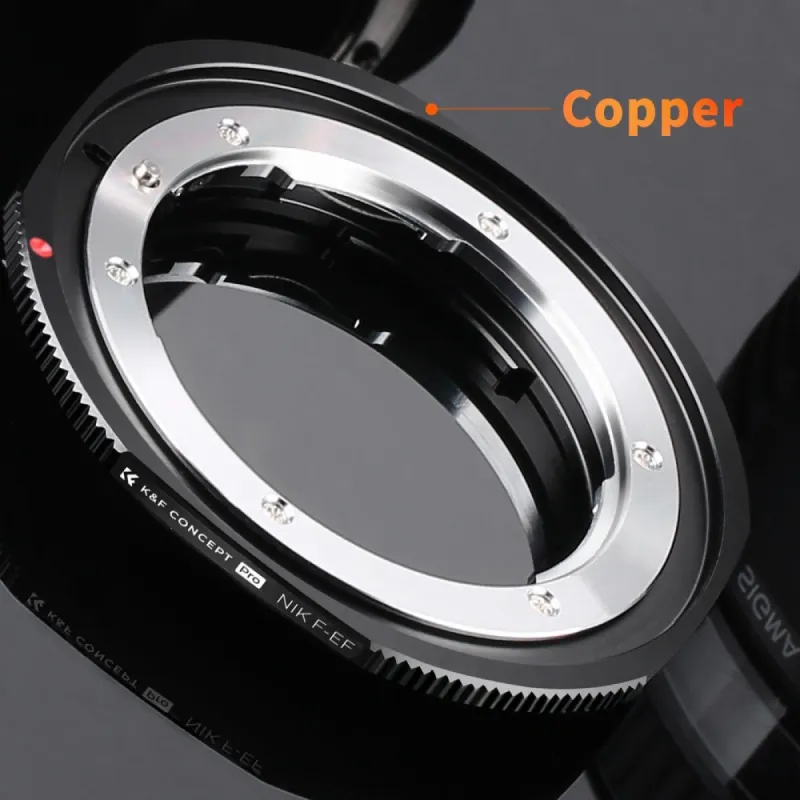
- Material: Constructed from all-metal hardened anodized aluminum with a matte finish inside to prevent light reflection.
- Functionality: Supports manual focus, manual exposure, and focusing to infinity.
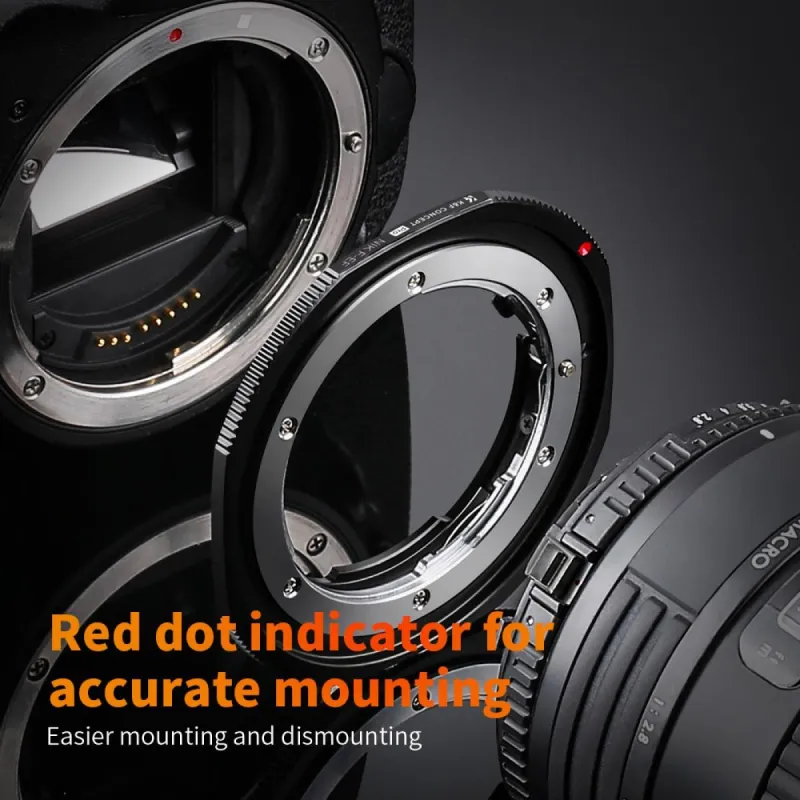
- Design: Features a red dot alignment mark for precise and easy installation and removal.
- Camera Compatibility: Compatible with a wide range of Canon DSLR models including 1D/1Ds series, Mark II, III, IV, X, C, 5D series, 7D, 10D, 20D, 30D, 40D, 50D, 60D, 60Da, Rebel series (xt, xti, xs, xsi, t1i, T2i, T3, T3i, T4), and 300D through 1000D.
Usage Note
When using this adapter for the first time, enable the "Release shutter without lens" option in your camera's menu. This setting allows the camera to recognize the lens and permits shutter release for taking pictures.