New arrivals

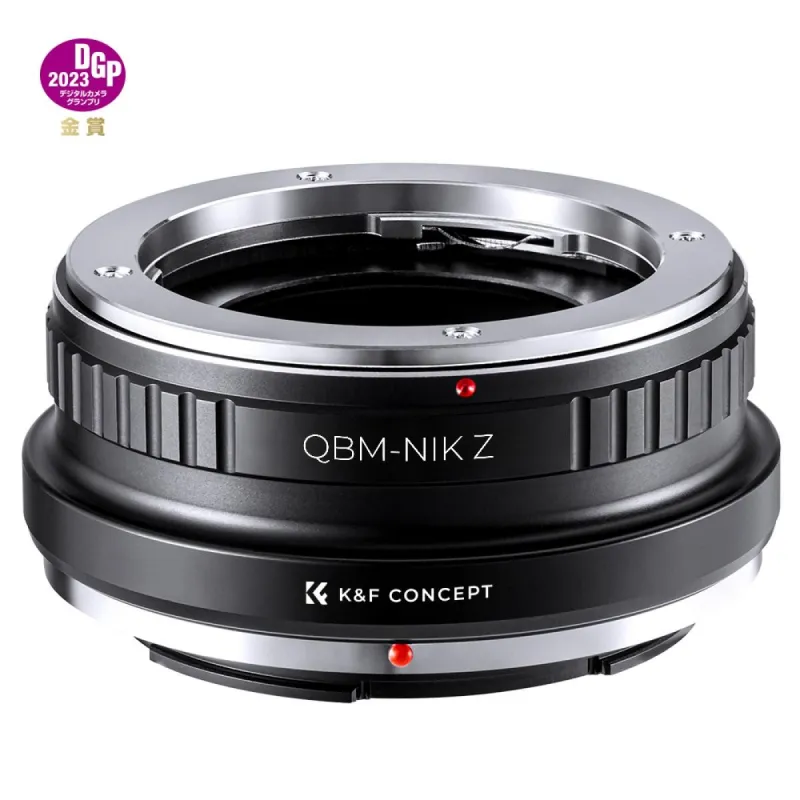
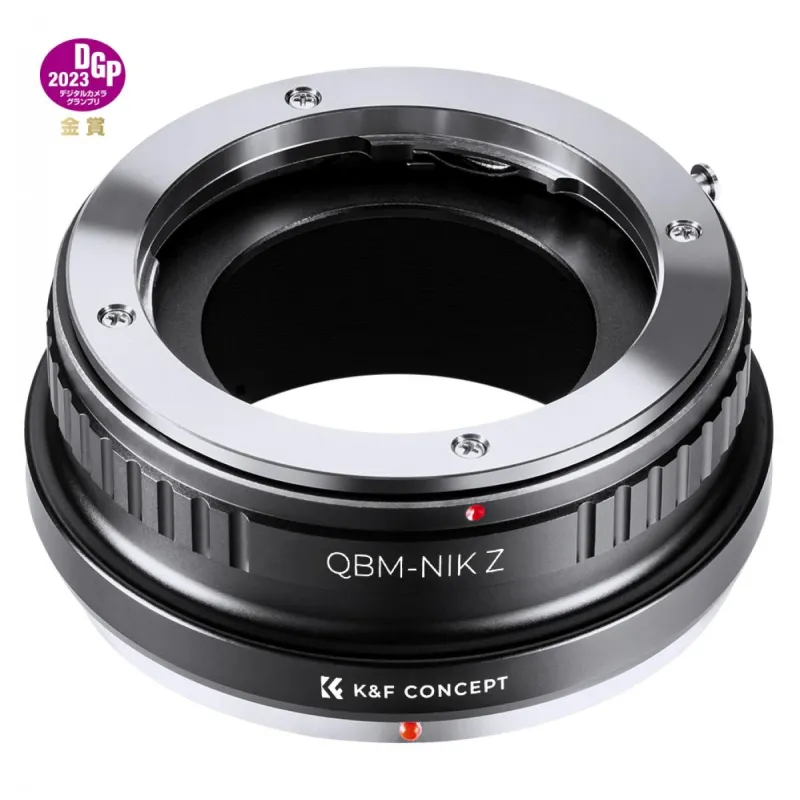
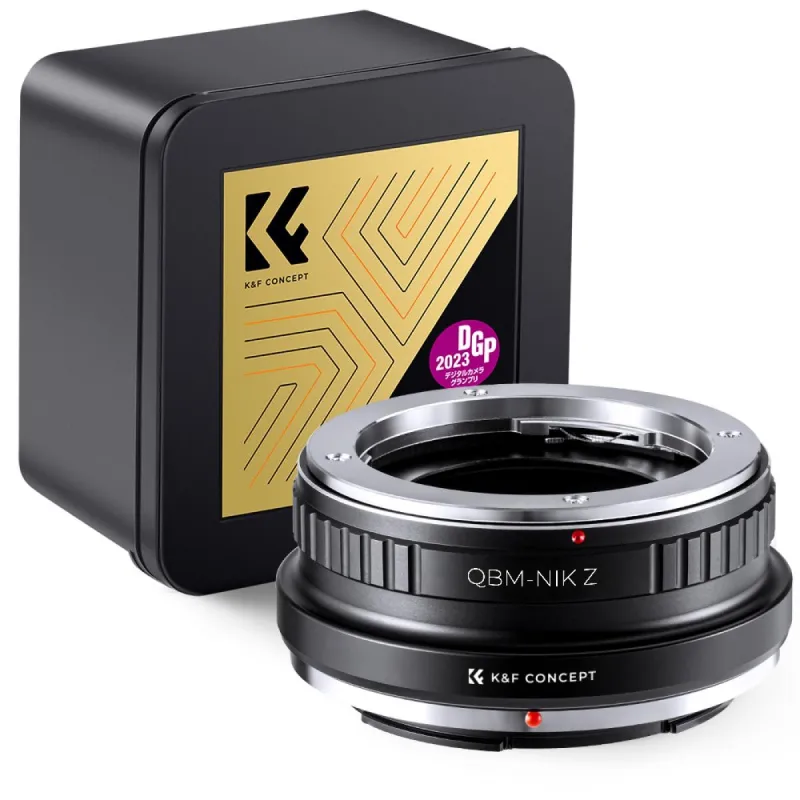
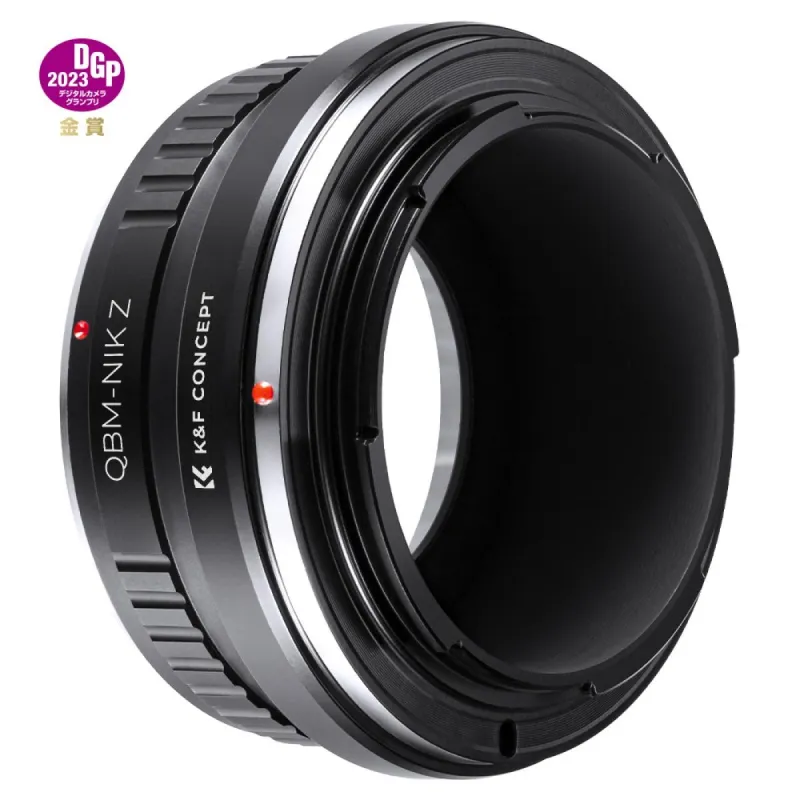
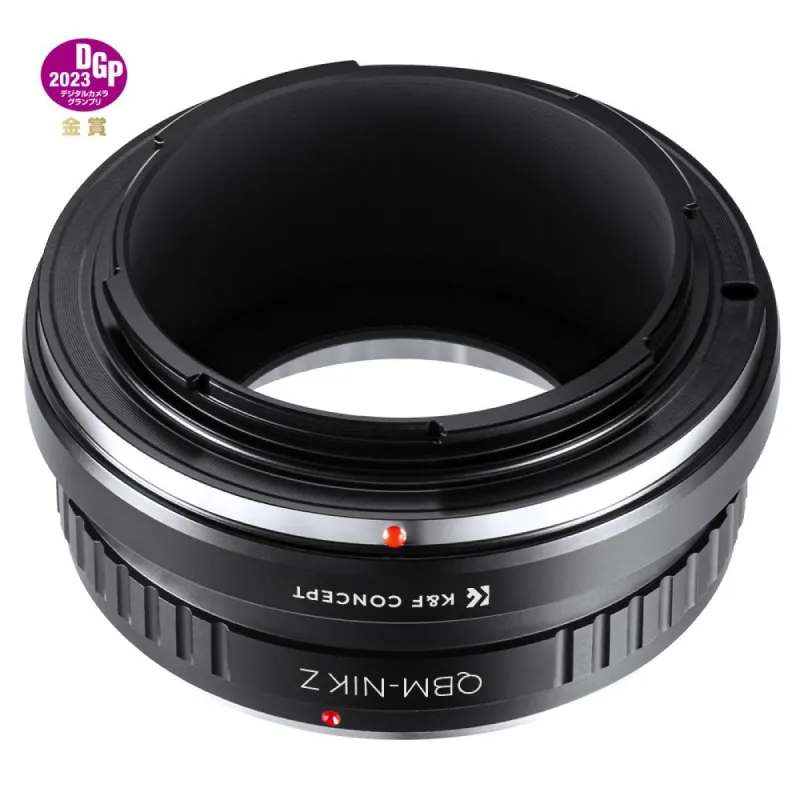
K&F Concept QBM-NIK Z Adapter for Rollei SL35 lenses on Nikon Z mount cameras.

K&F Concept QBM-NIK Z Adapter - Aluminum alloy, copper bayonet, Nikon Z mount

Product ID: 4761
39,45 tax incl.

Delivery in 5 - 7 business days

Available from supplier: 2 Items

SKU: 4761
Model: KF06.493
Ean: 6936069297836
Condition: New product
Manufacturer: K&F Concept

AI assistant AI ASSISTANT CHAT

This is the beta version of our new assistant chat, capable of answering both standard and advanced questions about product and store operations.

Or ask about:

What are the features? Is this in stock? Actual discounts & offers? Product reviews?
Type of ProductAdapters for lens
CompatibleContax Yashica (C/Y)
CompatibleNikon Z-mount
CompatibleRollei SL35 (QBM)
Adapter typeCanon FD to Nikon Z adapter
Adapter typeQBM to Nikon Z adapter
Adapter is for camerasfor Nikon Z cameras
Adapter is for camerasNikon Z
Adapter is for lensesContax Yashica (C/Y)
Adapter is for lensesfor other lenses
MaterialCopper and aluminum alloy
MaterialCopper and aluminum
send a message

Quick order


Available from warehouse

You can enter the delivery address and/or company details and any other necessary information here.

Write a review

K&F Concept QBM-NIK Z Adapter - Aluminum alloy, copper bayonet, Nikon Z mount

K&F Concept QBM-NIK Z Adapter - Aluminum alloy, copper bayonet, Nikon Z mount

K&F Concept QBM-NIK Z Adapter for Rollei SL35 lenses on Nikon Z mount cameras.

Write a review

Product details

K&F Concept QBM-NIK Z Adapter

The QBM-NIK Z adapter from K&F Concept is designed for manual focusing and is compatible with Rollei SL35 (QBM) lenses for Nikon Z mount cameras.

The adapter features a body made of aluminum alloy and a finely crafted copper bayonet that ensures no damage to the lens. Its precise workmanship provides a firm and smooth connection, allowing for adjustable focusing and use in macro mode, as well as infinity focusing.

It includes a red mark for precise alignment and is easy to install and remove. Note that the lens can only be used with this adapter when the camera is set to manual mode.

For first-time use, enable the Release shutter without lens option in the camera menu to ensure the lens is recognized and the shutter operates.

Subscribe to our news