No products
 Facebook
  Google
- Write a review
Important information!
From 19 November the store is moving to new premises at 151 Dzirnavu Street, Riga!
- 14 November - the last working day at 39 F.Sadovņikova street.
- The store will be closed on 16 and 17 November due to the move.
- From 19 November, we look forward to welcoming you at our new address.
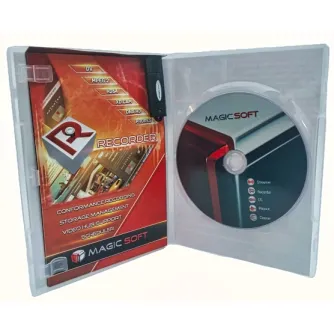
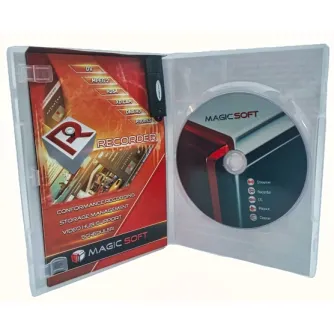
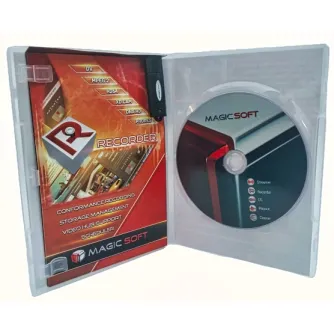
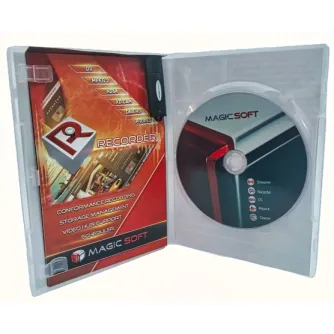
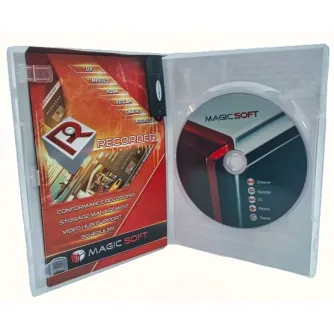
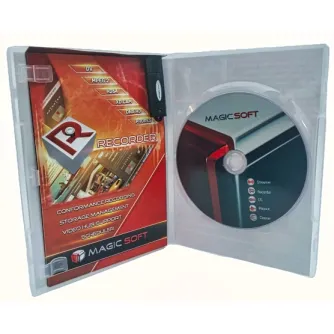
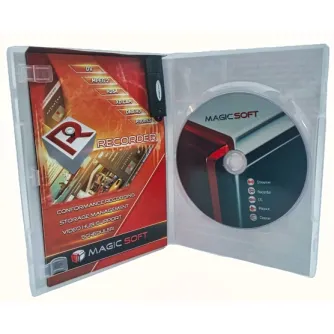
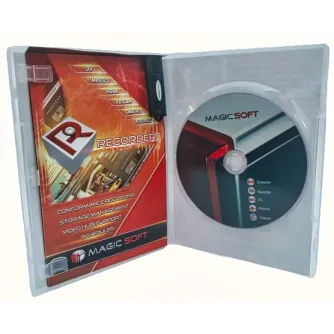
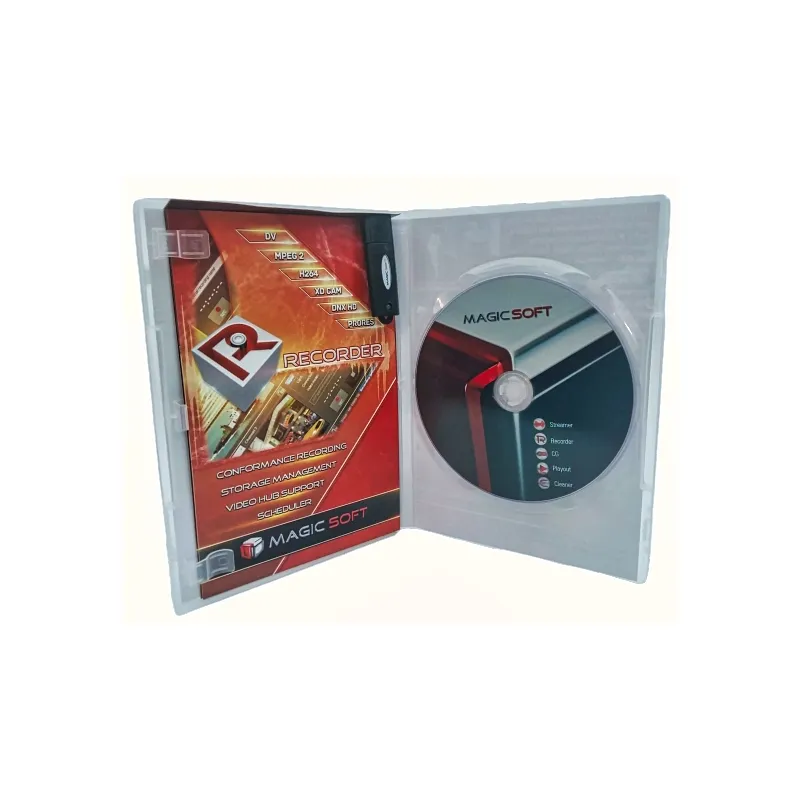
MagicSoft Playout ver 8 SD 1 Channel


 AI ASSISTANT CHAT
Or ask about:
| Type of Product | Video Mixer |
| Connector | 3,5mm |
- 1. Evaluate your options.
- 2a. If you want to buy only one product with Aizdevums.lv leasing, then fill out the application here
- 2b. If you want to buy several items or use another leasing company, then put the items in the basket and choose the leasing service when ordering.
We offer leasing from Aizdevums SIA, Incredit SIA, ESTO.
Manager will check the availability of the items in the cart and send the loan application link. - 3. If you receive a positive response, contact us to purchase the product. Consultants will check the availability of the product.
- 4. If the product is available in the store or to be ordered from the warehouse, and you have received an affirmative answer from our consultants, please visit the store to proceed with purchase and leasing documents.
- 4a. You can also ask us to issue an invoice for this product and visit one of the leasing company branches to sign up leasing documents *..
- 5. Once the leasing documents have been signed up, you can receive the product in the store, if it is on site or inform our consultants and they will order it for you from the warehouse.
- *It is possible to arrange delivery for leased goods, so you can also perform the entire purchase process remotely.
**The sequence of leasing steps is the same for leases offered by InCredit Group.
***In case of doubt, contact our consultants!
When using leasing services, carefully evaluate your options to repay the loan!Lease
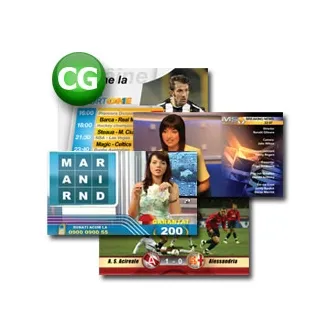
MagicSoft Playout Broadcast Automation Software
MagicSoft Playout is an intuitive and powerful multi-format playout solution designed for professional broadcast environments such as television stations and production studios. It supports continuous 24/7 playout for news, music, and movie channels, enabling seamless insertion of commercials and switching between multiple live video sources. The software is compatible with Windows 7, 8, 10, and equivalent 64-bit Windows Server operating systems.
Media Compatibility
Supports media files of any size from 320 x 240 pixels up to 7680 x 4320 pixels (8K), with frame rates ranging from 3 to 120 frames per second.
Supported Live Inputs and Outputs
- Blackmagic Design devices (Decklink & Intensity series)
- NDI (Network Device Interface) streams
- UDP (User Datagram Protocol) streams
Output streaming supports resolutions from 4K down to 360 x 288 pixels.
Streaming Server Compatibility
- YouTube
- Twitch
- Wowza
- Vimeo
- DaCast
Supports UDP streaming with unicast and multicast using H.264 video codec combined with AAC, AC3, or MP2 audio codecs.
Video Input and Output Modes
- 4K UHD: 23.98, 24, 25, 29.97, 30, 50, 59.94, 60 fps
- HD 1080p: 23.98, 24, 25, 29.97, 30, 50, 59.94, 60 fps
- HD 1080i: 50, 59.94 fps
- HD 720p: 50, 59.94 fps
- Standard Definition (SD): PAL and NTSC formats
The internal video engine automatically resizes, adjusts aspect ratios, and transcodes media files and live inputs to match the output format and characteristics.
Video Inputs and Outputs Support
Supports up to 4 video inputs and 4 video outputs depending on hardware capabilities, including:
- SDI with embedded audio
- SDI with AES audio
- YUV with analog audio
- Composite video with analog audio
- HDMI
Scheduling and Playback
The MagicSoft Playout client enables scheduling of clips or live inputs to start at predefined times. Skipped events or gaps in the schedule are clearly marked for easy management.
Advanced Audio Module
- Supports up to 16 audio output channels
- Real-time audio loudness normalization compliant with EBU, NTSC, YouTube, or custom loudness standards
The audio module performs real-time automatic loudness normalization without compression or distortion, ensuring optimal sound quality even with high dynamic range audio. It provides predictable loudness levels and prevents signal clipping.
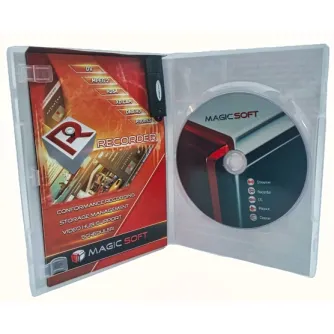
Conformance Recorder Module
Allows recording of the playout output with support for two simultaneous recording profiles.
Timeline and Editing Features
- Flexible and intuitive timeline with scrubbing, marking, and segment display
- Visual indication of continuity or overlapping segments
- Supports multiple consecutive rows that can be grouped and collapsed with multi-level grouping
- Trimming tools to create and manage segment properties efficiently
Supported Video Codecs and Containers
- H.264 AVC Intra 50 and AVC Intra 100 (.mxf)
- H.264 8-bit and 10-bit (.mp4, .mov, .avi, .mkv, transport stream; 4:2:0 and 4:2:2 chroma subsampling)
- HEVC 8-bit and 10-bit (.mp4, .mov, .avi, .mkv, transport stream; 4:2:0 and 4:2:2)
- XdCAM 35 and XdCAM 50 (.mov and .mxf)
- Apple ProRes (.mov)
- DNxHD 8-bit and 10-bit (.mov and .mxf)
- DNxHR (.mov and .mxf)
- MPEG-2 program stream and transport stream (4:2:0 and 4:2:2)
- DV (.avi, .mov, .mxf, rawDV)
- DVCPRO (.avi and .mov)
- DVCPRO HD (.mov)