No products
 Facebook
  Google
- Write a review
Important information!
From 19 November the store is moving to new premises at 151 Dzirnavu Street, Riga!
- 14 November - the last working day at 39 F.Sadovņikova street.
- The store will be closed on 16 and 17 November due to the move.
- From 19 November, we look forward to welcoming you at our new address.
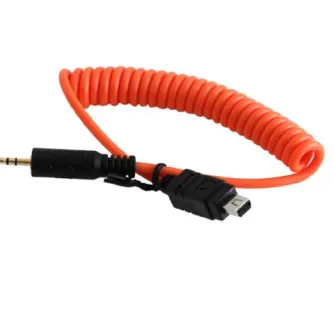
Miops Smartphone Shutter Release MD-O1 with O1 Cable for Olympus


 AI ASSISTANT CHAT
Or ask about:
| Type of Product | Remote control devices |
| Compatible | Olympus |
| Connection type | Wired |
Connection and Compatibility
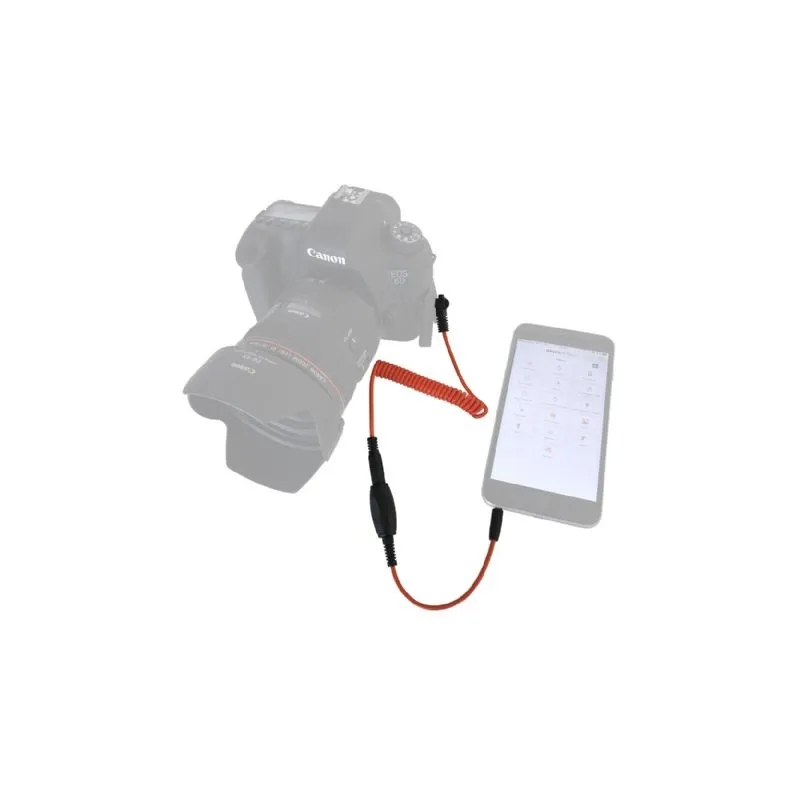
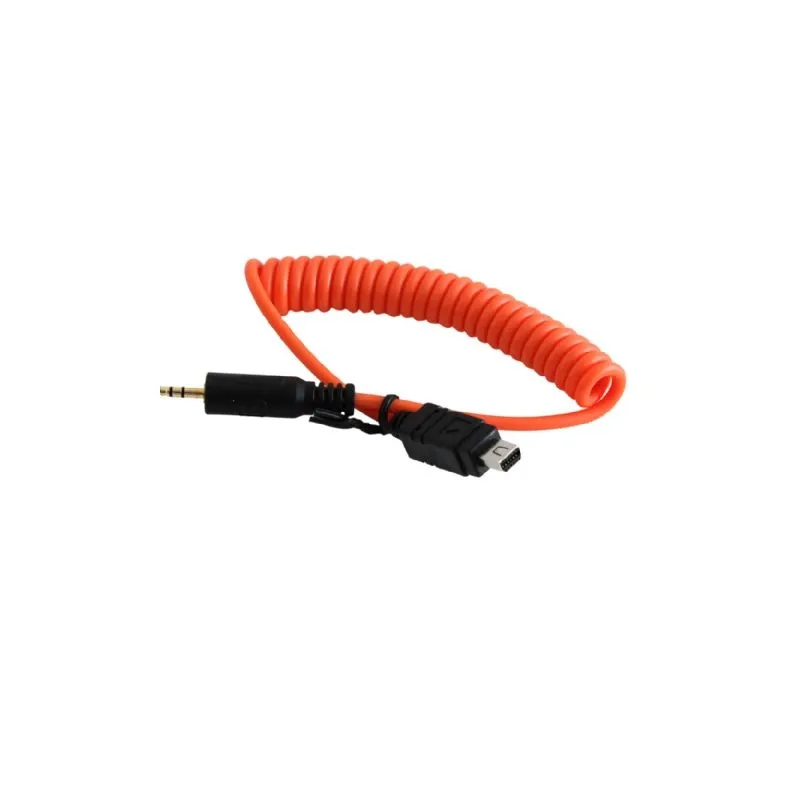
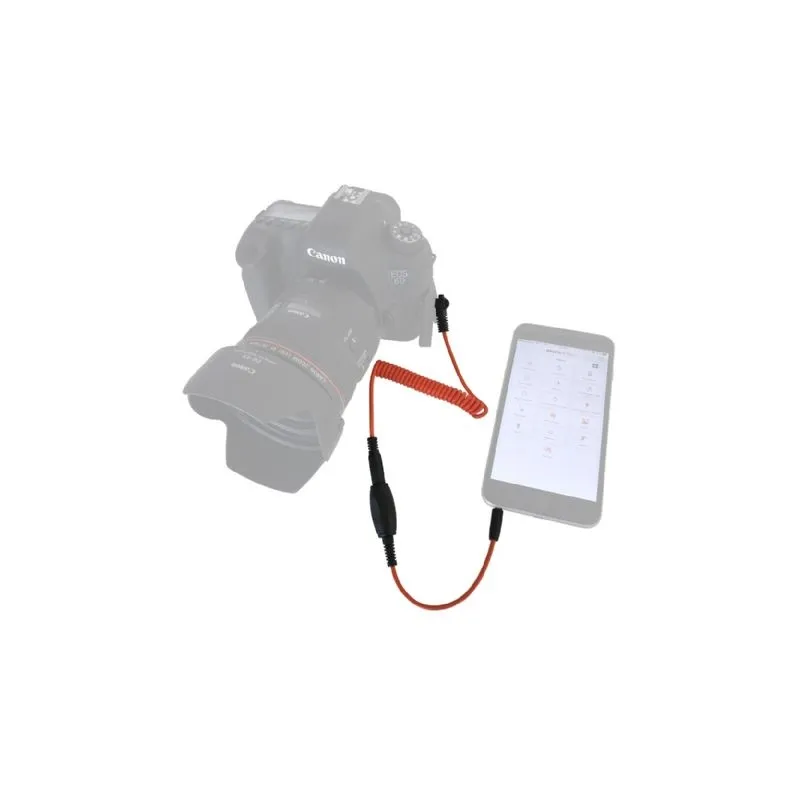
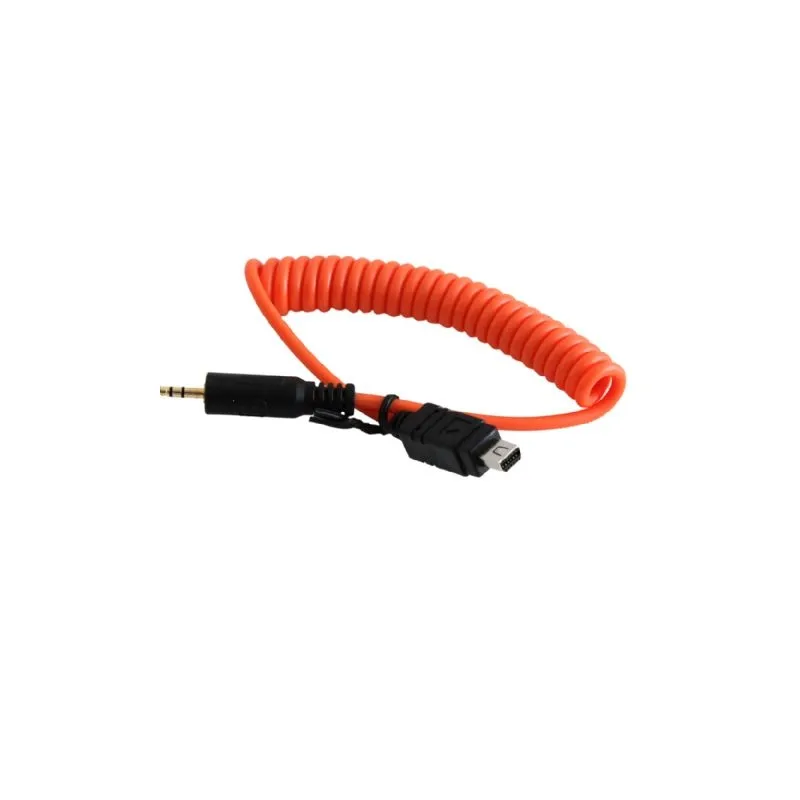
The Miops Mobile Dongle is a cable designed to connect your iOS or Android smartphone or tablet directly to your DSLR or mirrorless camera. This product includes the Mobile Dongle cable and an O1 cable, which enables compatibility specifically with Olympus cameras. Additional cables are available for a wide range of camera brands including Canon, Nikon, Sony, Panasonic, Samsung, and Fujifilm.
Compatible Olympus Cameras
This product supports the following Olympus models:
- E-30, E-400, E-410, E-420, E-450, E-510, E-520, E-600, E-620
- EVOLT E-410, EVOLT E-510
- OM-D E-M1, OM-D E-M10, OM-D E-M10 MKII, OM-D E-M5, OM-D E-M5 MKII
- PEN E-P1, PEN E-P2, PEN E-P2 SE, PEN E-P3, PEN E-P5, PEN E-PL2, PEN E-PL3, PEN E-PL5, PEN E-PL6, PEN E-PM1, PEN E-PM2, PEN-F
- SP-510 UZ, SP-550, SP-550 UZ, SP-560, SP-560 UZ, SP-565 UZ, SP-570, SP-570 UZ, SP-590UZ, SP-810 UZ
- STYLUS 1, STYLUS 1S, STYLUS SH-2
- SZ-11, SZ-20, SZ-30 MR
- XZ 2IHS, XZ-1, XZ-2, XZ-2 IHS
Note: The following Olympus cameras are not supported: E-330, E-500, EVOLT E-330, EVOLT E-500, PEN E-PL1, PEN E-PL1s.
Features and Modes
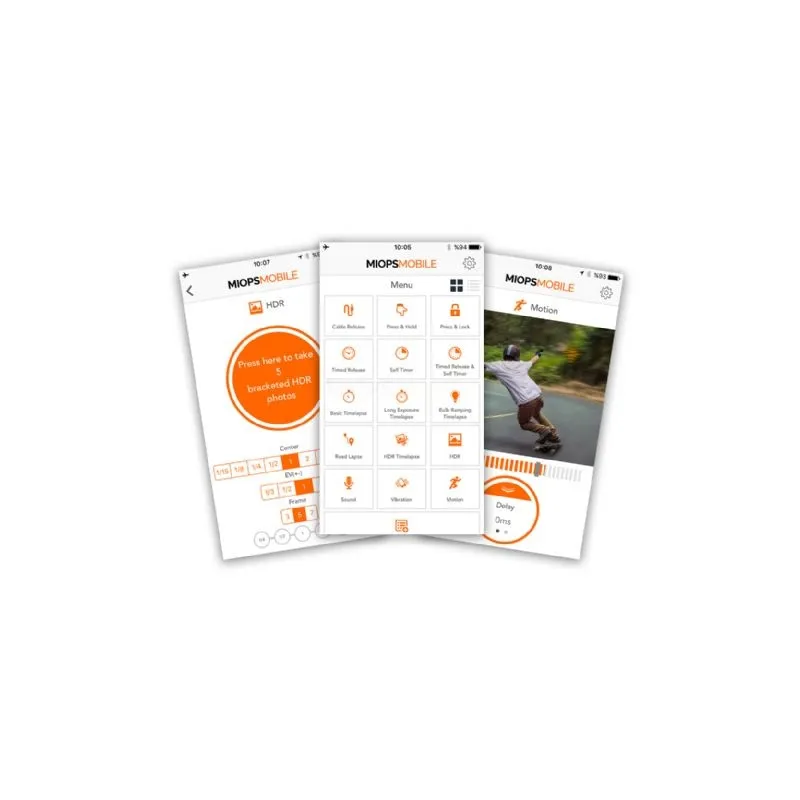
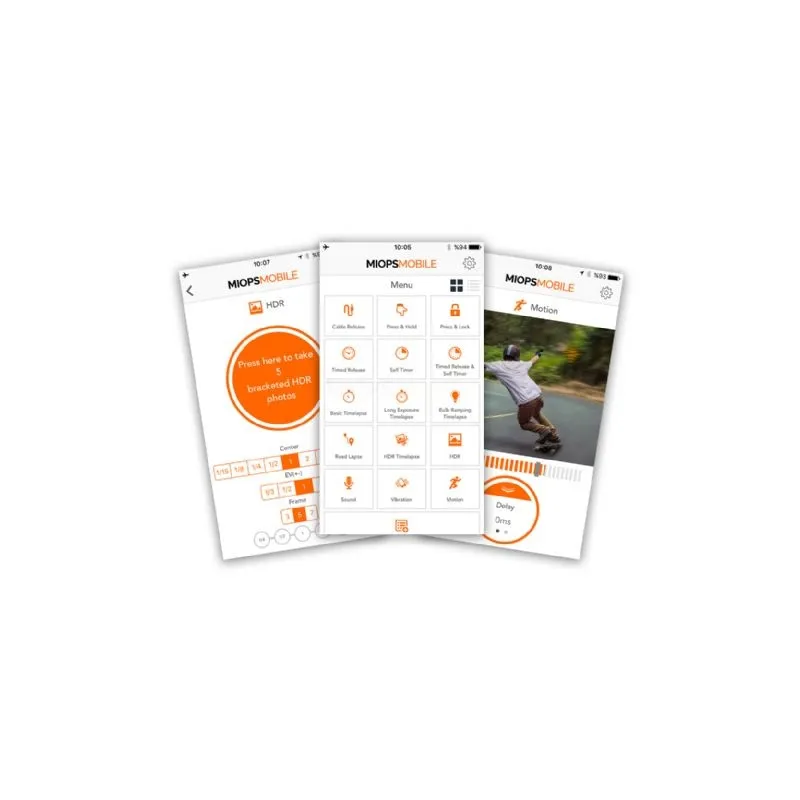
The Miops Mobile Dongle works in conjunction with the Miops Mobile app, which leverages your smartphone's sensors and capabilities to provide a variety of creative photography modes. These include:
- Cable Release
- Press Hold
- Press Lock
- Timed Release
- Self Timer
- Timed Release Self Timer
- Basic Timelapse
- Long Exposure Timelapse
- Bulb Ramping Timelapse
- Road Lapse
- HDR Timelapse
- HDR Mode
- Sound Mode
- Vibration Mode
- Motion Mode
- Scenario Mode (includes scheduling)
The Scenario mode is a unique feature that allows combining multiple trigger options to create complex sequences and effects. Scheduling functionality enables you to set your desired mode or sequence to activate at a specific time.
Usage
To use the Miops Mobile Dongle, connect the Mobile Dongle cable to your smartphone or tablet and the O1 cable to your Olympus camera. Launch the Miops Mobile app to select your preferred shooting mode and control your camera remotely. This setup enables precise control over shutter release and creative shooting techniques using your smartphone.
Package Contents
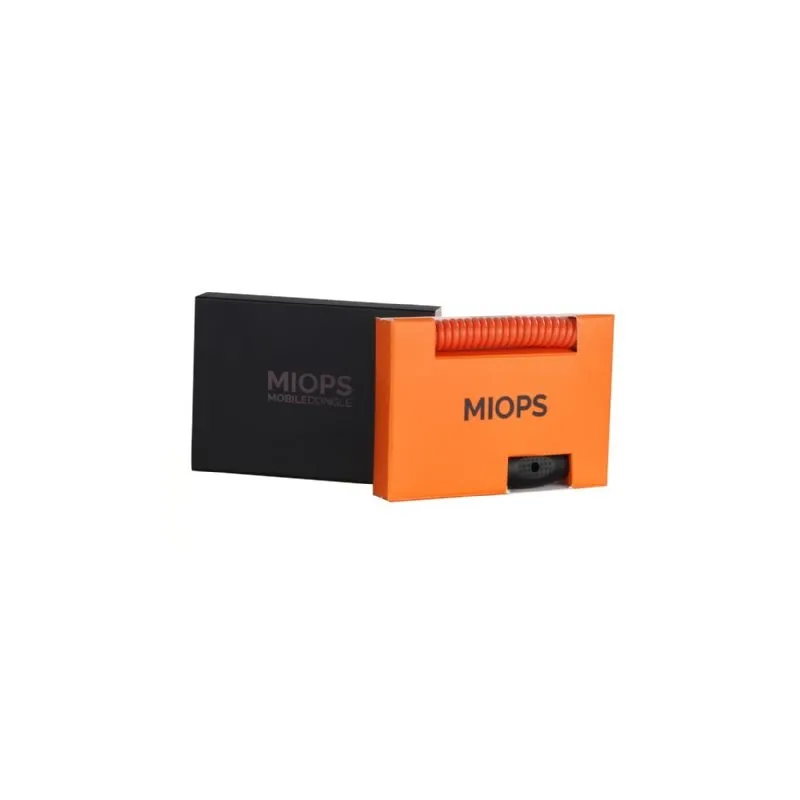
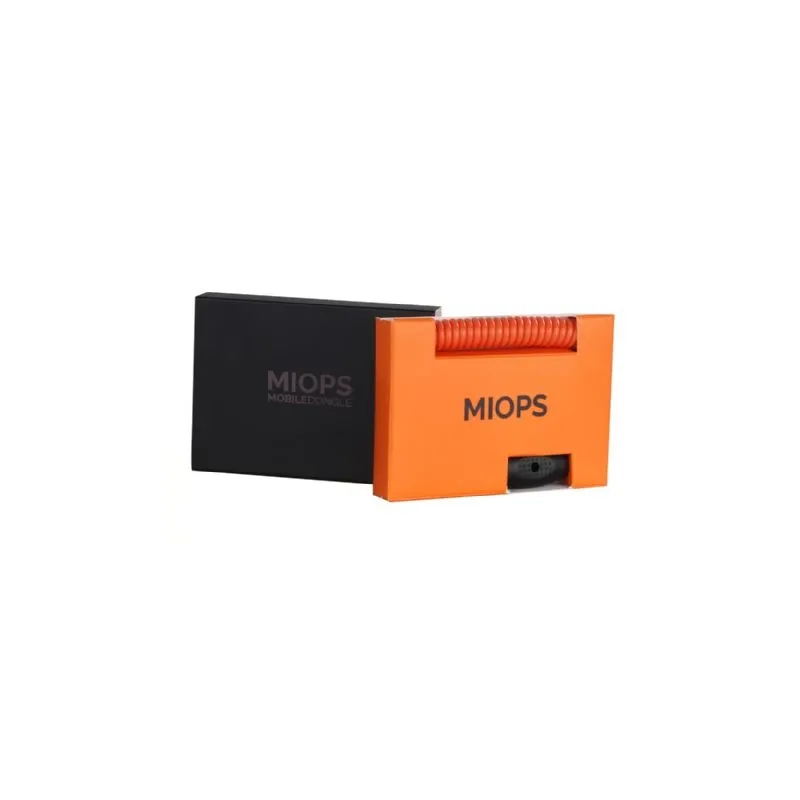
- 1x Miops Mobile Dongle cable for iOS and Android devices
- 1x O1 cable for Olympus cameras
Similar products available to order

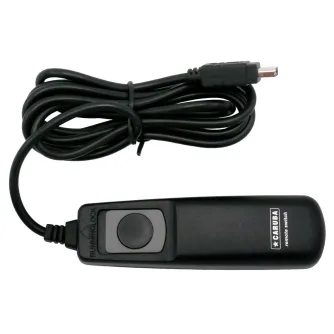
Bresser Vixen trigger cable COM for Canon, Fujifilm, Olympus, Pentax, Samsung
By preorder with no delivery time known

JJC Olympus Trigger cord for PocketWizard (PW-E1) PW E1
By preorder with no delivery time known








