No products
 Facebook
  Google
- Write a review
Important information!
From 19 November the store is moving to new premises at 151 Dzirnavu Street, Riga!
- 14 November - the last working day at 39 F.Sadovņikova street.
- The store will be closed on 16 and 17 November due to the move.
- From 19 November, we look forward to welcoming you at our new address.
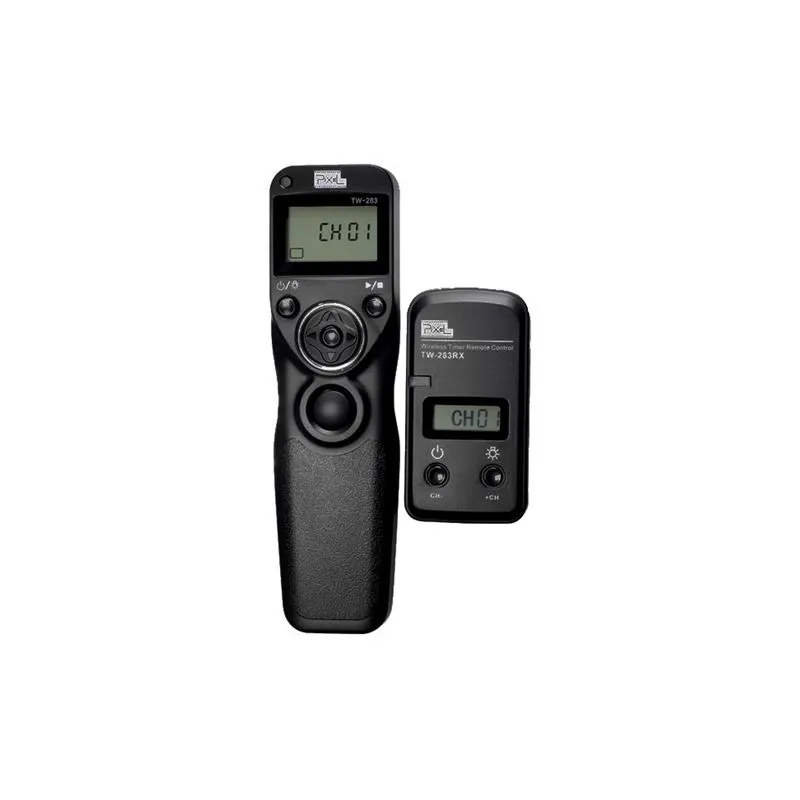
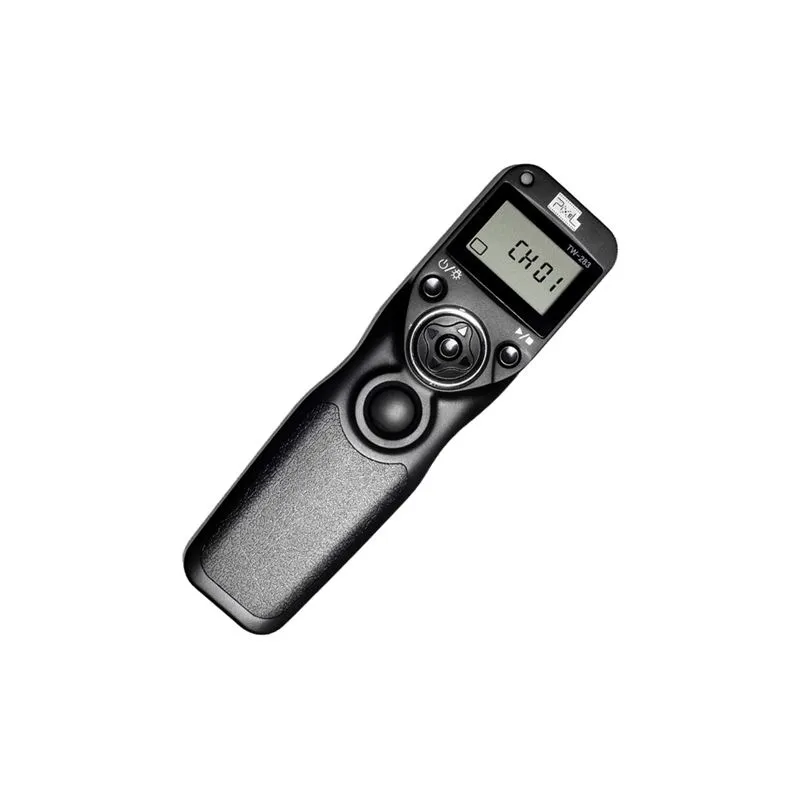
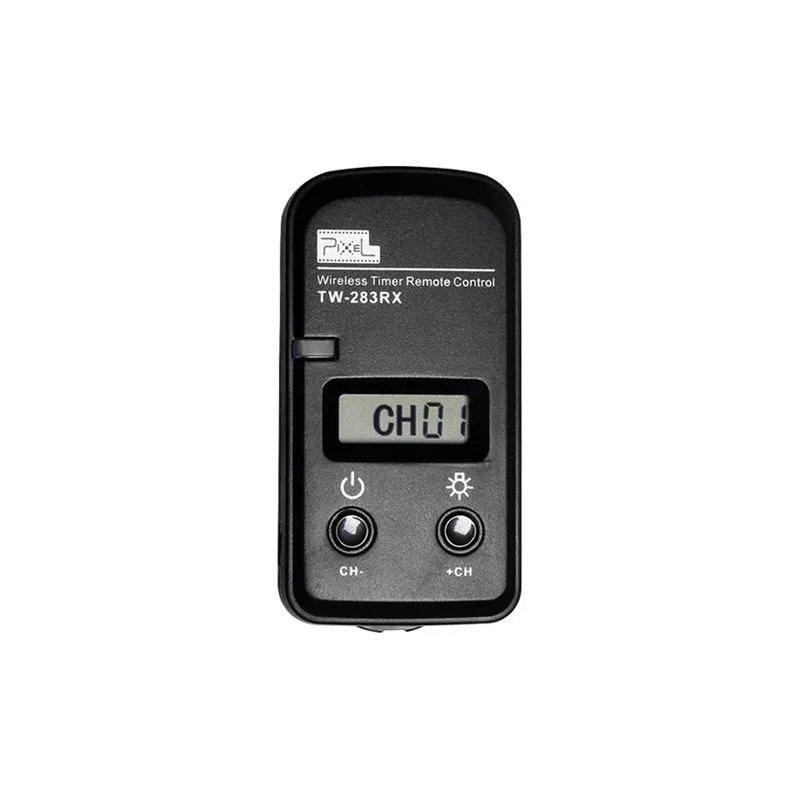
Pixel Timer Remote Control Wireless TW-283/E3 for Canon


 AI ASSISTANT CHAT
Or ask about:
| Type of Product | Remote control devices |
| Compatible | Canon |
| Connection type | Wireless |
| Timer function | Ir |
The Pixel Timer Remote Control Wireless TW-283/E3 enables wireless triggering of Canon cameras up to a distance exceeding 80 meters, eliminating the need to physically touch the camera's shutter release button or be near the camera.
This multifunctional remote supports five shooting modes:
- Single shooting: Capture a single photo remotely.
- Continuous shooting: Take a series of photos within 1 second intervals.
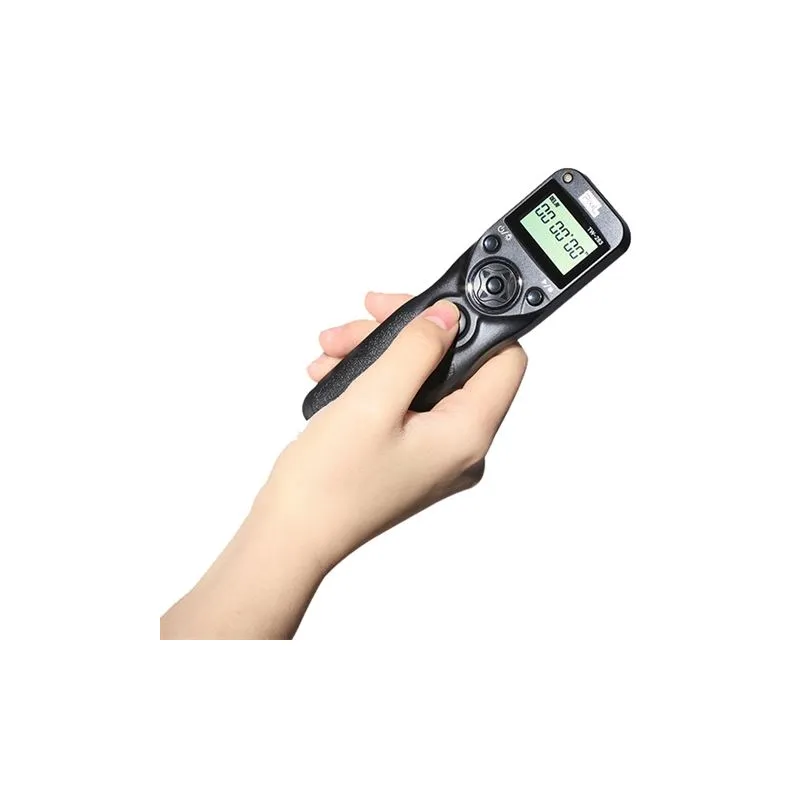
- BULB shooting: Control shutter speed manually; hold the remote button to keep the shutter open and release to close it, ideal for long exposure photography.
- Delay shooting: Set a timer delay from 1 to 59 seconds and specify the number of photos to be taken (1 to 59).
- Timer schedule shooting: Schedule shots up to 99 hours, 59 minutes, and 59 seconds with customizable photo counts (1-99, 1-999, or infinite).
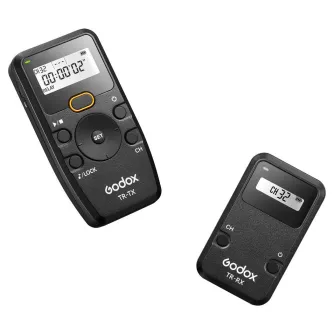
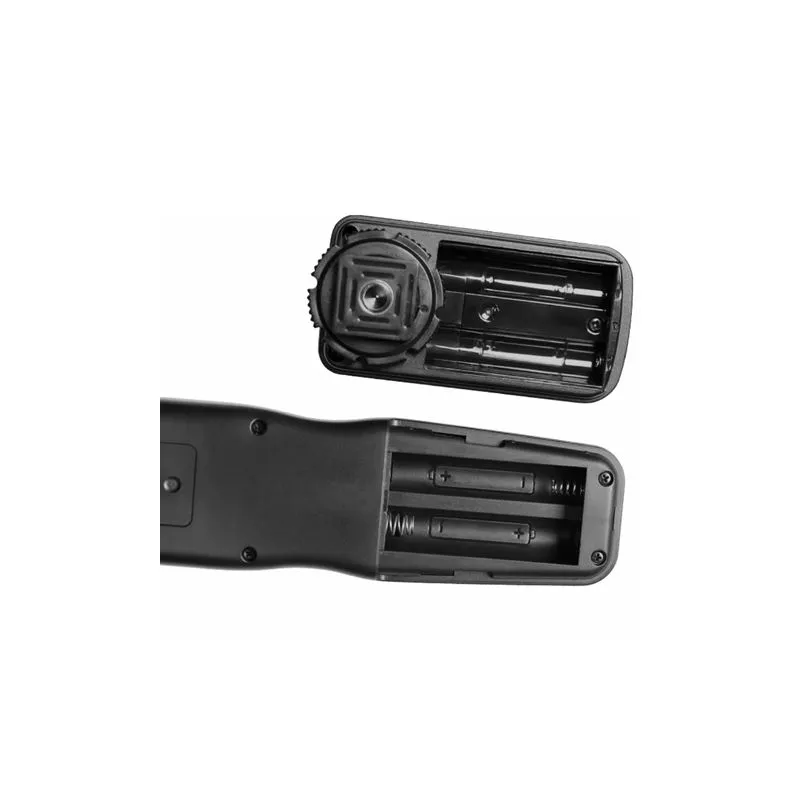
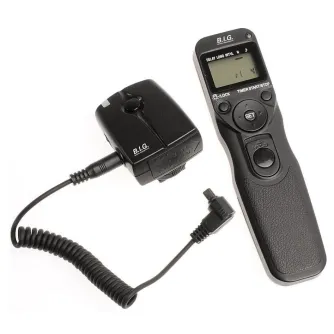
The set includes a TW-283TX transmitter and a TW-283RX receiver. The transmitter features an ergonomic grip and an LCD screen displaying channel, battery status, and selected mode. It operates on a 2.4 GHz frequency with up to 30 selectable channels. Maximum standby times are 1,000 hours for the transmitter and 400 hours for the receiver. Both units use two AAA batteries (not included).
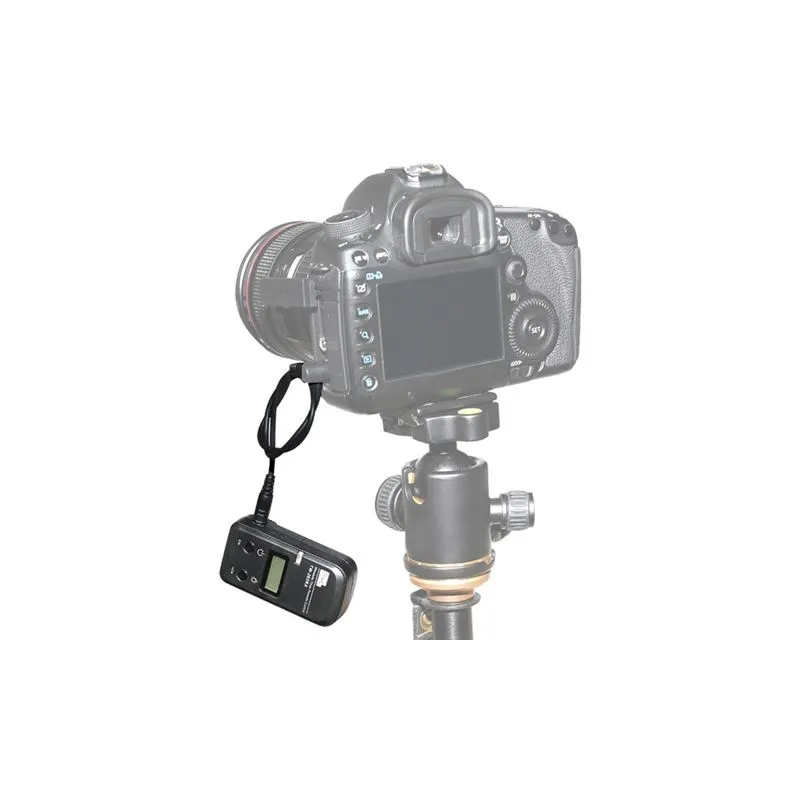
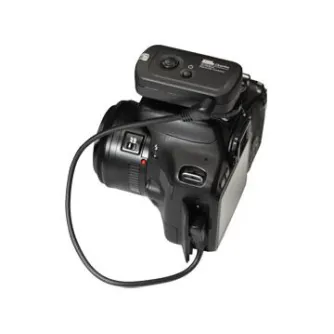
The receiver is equipped with a hotshoe adapter and a 1/4" female thread, allowing mounting on Canon cameras or tripods.
Compatibility
This product is designed for Canon cameras compatible with the TW-283/E3 system.
Usage Instructions
Insert AAA batteries into both transmitter and receiver. Turn on the receiver and mount it on the camera hotshoe or tripod. The transmitter can also be connected directly to the camera via the supplied cable for wired use. The transmitter's clear menu allows easy mode selection. It features an auto-shutdown after 30 minutes of inactivity; the receiver remains on until manually switched off.
Similar products available to order

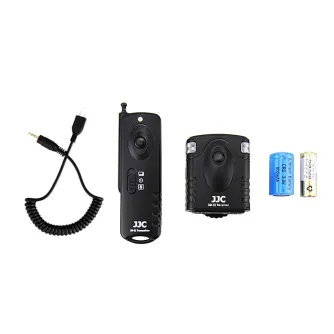
JJC JM N II Draadloze Afstandsbediening voor Cameras
By preorder with no delivery time known