No products
 Facebook
  Google
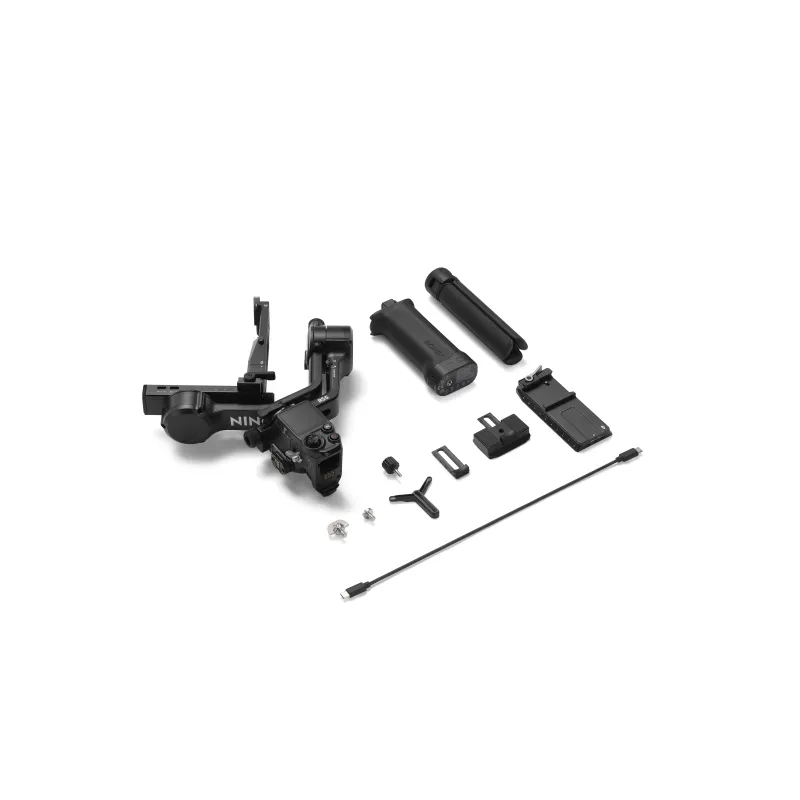
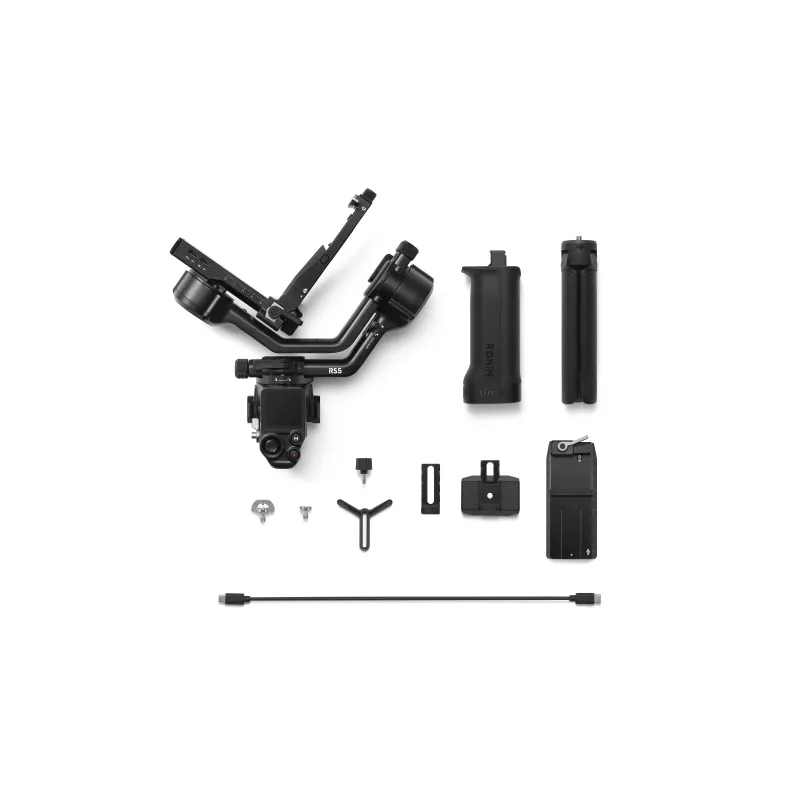
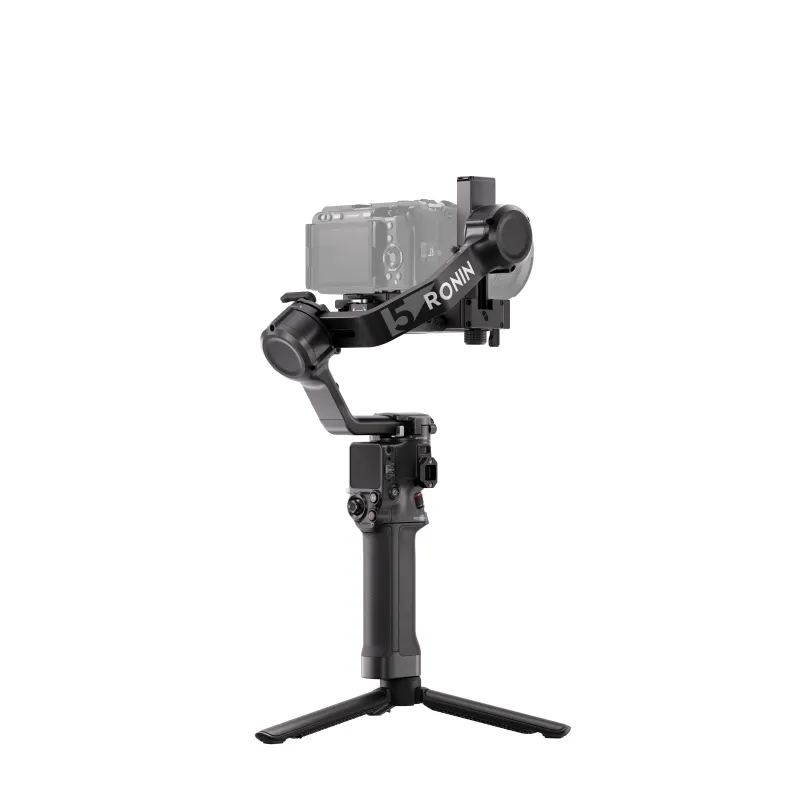
- Write a review
Key Features
- Lightweight 3.2 lb Body, 6.6 lb Payload
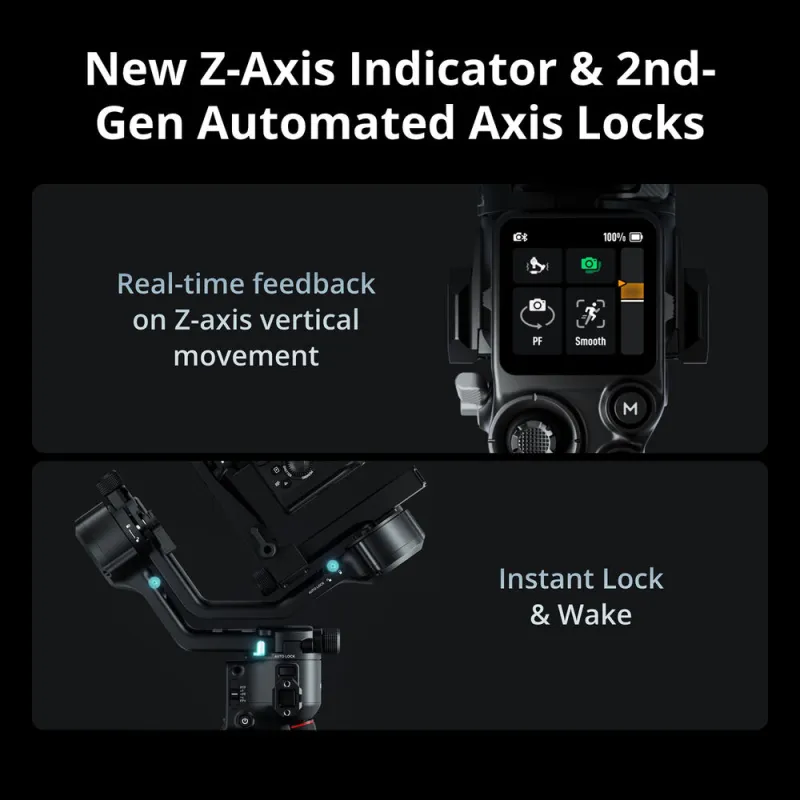
- Z-Axis Indicator
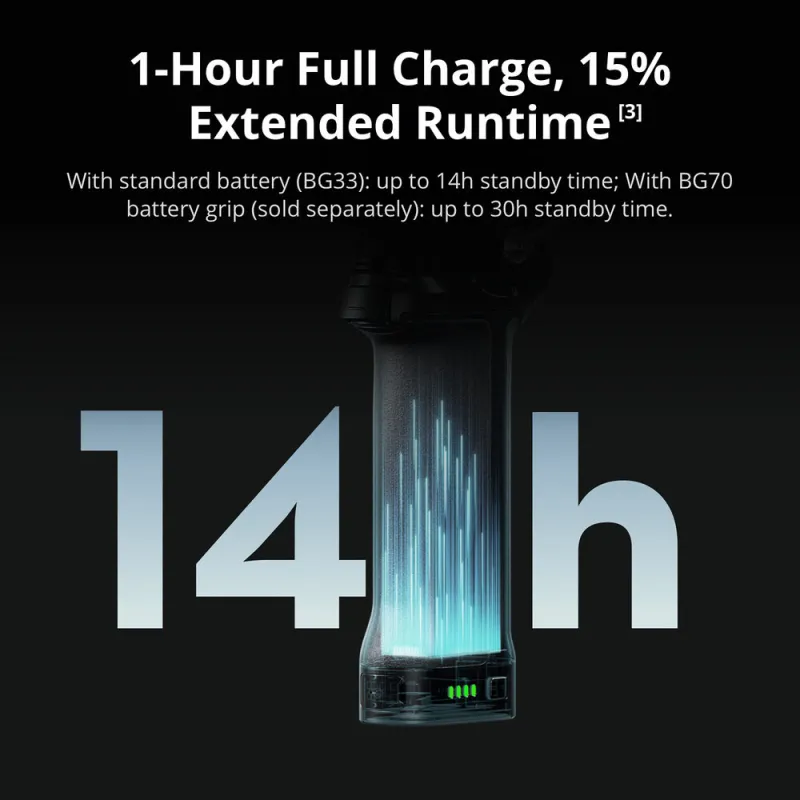
- One-Hour Full Charge with 65W PD Charger
- 2nd Gen Automated Axis Locks
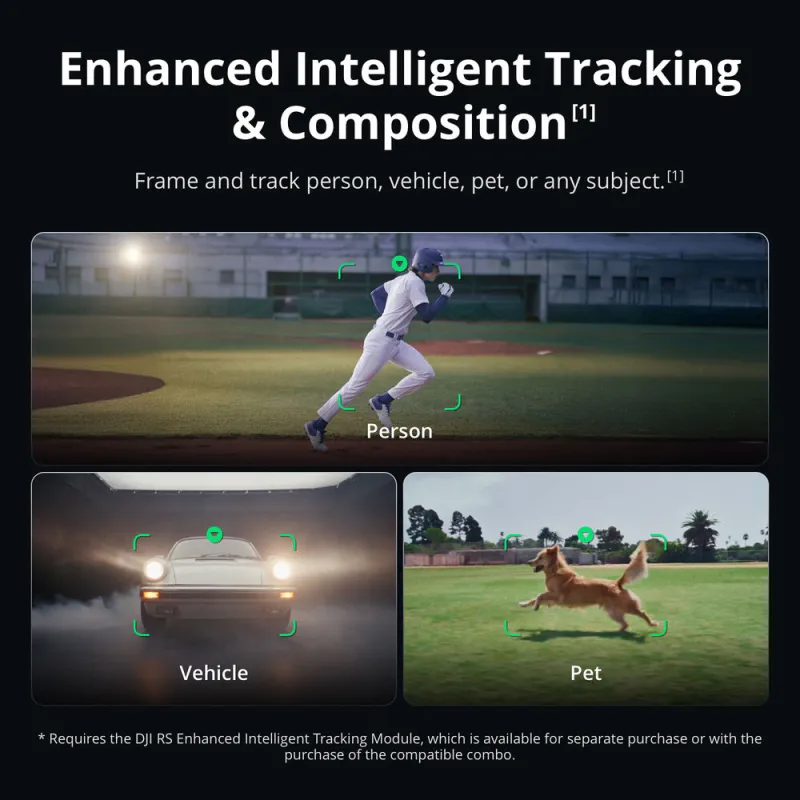
- Separate AI Tracking and Framing Module
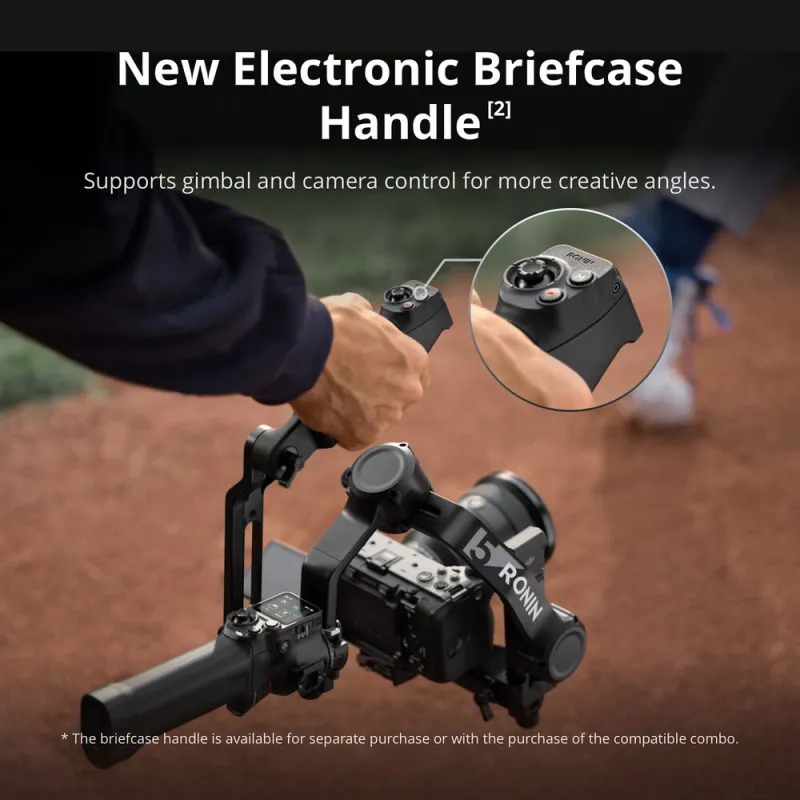
- Separate Electronic Control Handle
- OLED Touchscreen with Auto-Lock
- 3rd Gen Native Vertical Shooting
- Joystick or Bluetooth Mode Switching
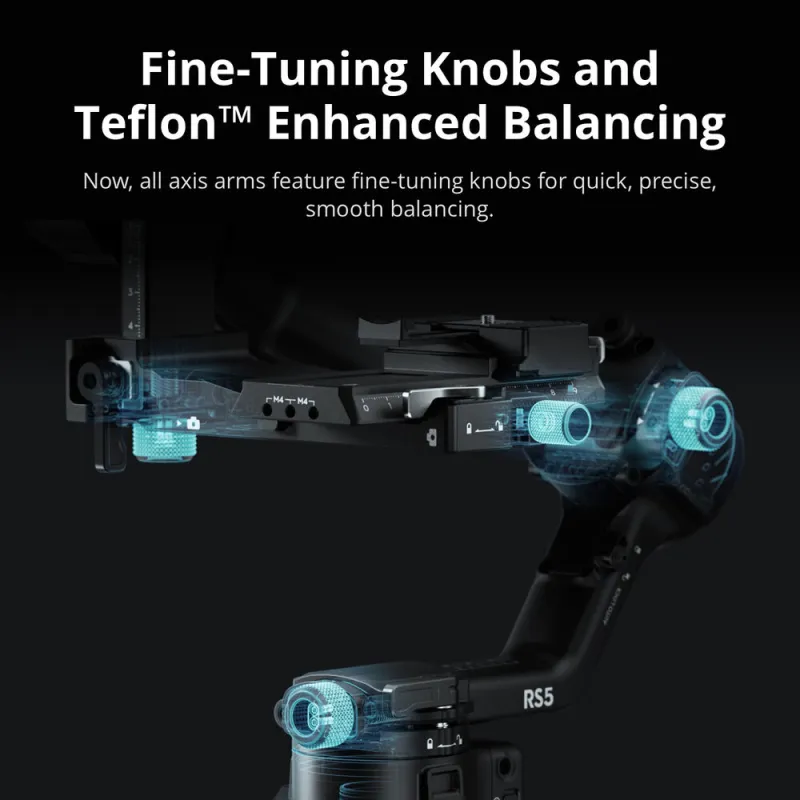
- Teflon-Coated Axes, Enhanced Balancing
DJI gimbal RS 5 stabilizators RS5


 AI ASSISTANT CHAT
Or ask about:
| Type of Product | Gimbal with camera |
| Type of Product | Gimbal (handheld pro) - RS 5 |
| Compatible | DJI RS 4 Pro |
| Compatible | DJI RS 5 |
| Model | DJI RS5 |
| Battery type | Battery Adapter Plate |
| Battery type | BG33/BG70 compatible |
| Stabilizer | Aktīvie stabilizatori |
| Stabilizer | Active stabilizer (RS 5) |
| Color | Black |
- 1. Evaluate your options.
- 2a. If you want to buy only one product with Aizdevums.lv leasing, then fill out the application here
- 2b. If you want to buy several items or use another leasing company, then put the items in the basket and choose the leasing service when ordering.
We offer leasing from Aizdevums SIA, Incredit SIA, ESTO.
Manager will check the availability of the items in the cart and send the loan application link. - 3. If you receive a positive response, contact us to purchase the product. Consultants will check the availability of the product.
- 4. If the product is available in the store or to be ordered from the warehouse, and you have received an affirmative answer from our consultants, please visit the store to proceed with purchase and leasing documents.
- 4a. You can also ask us to issue an invoice for this product and visit one of the leasing company branches to sign up leasing documents *..
- 5. Once the leasing documents have been signed up, you can receive the product in the store, if it is on site or inform our consultants and they will order it for you from the warehouse.
- *It is possible to arrange delivery for leased goods, so you can also perform the entire purchase process remotely.
**The sequence of leasing steps is the same for leases offered by InCredit Group.
***In case of doubt, contact our consultants!
When using leasing services, carefully evaluate your options to repay the loan!Lease
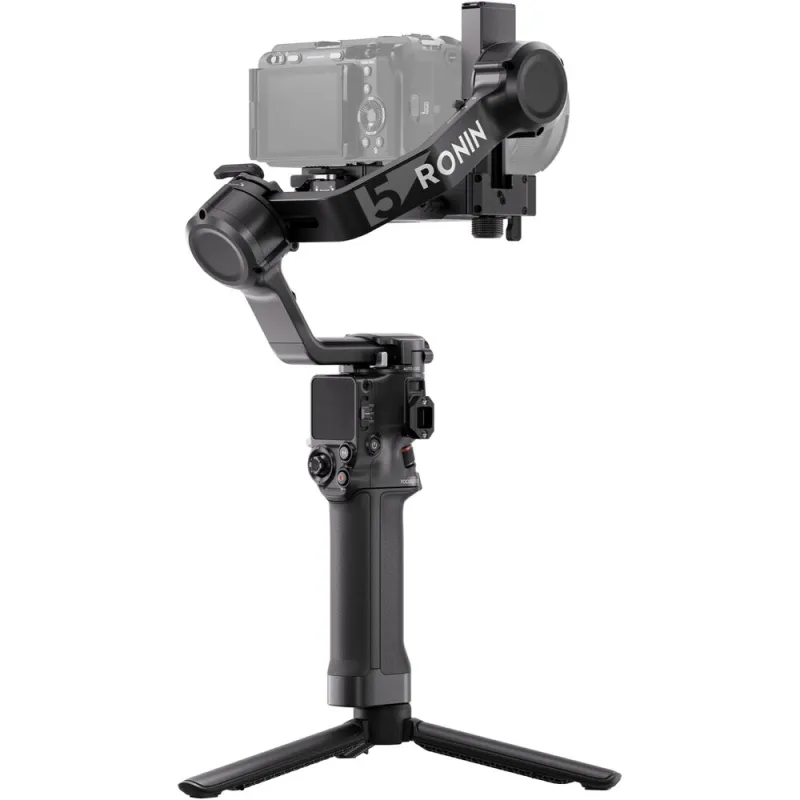
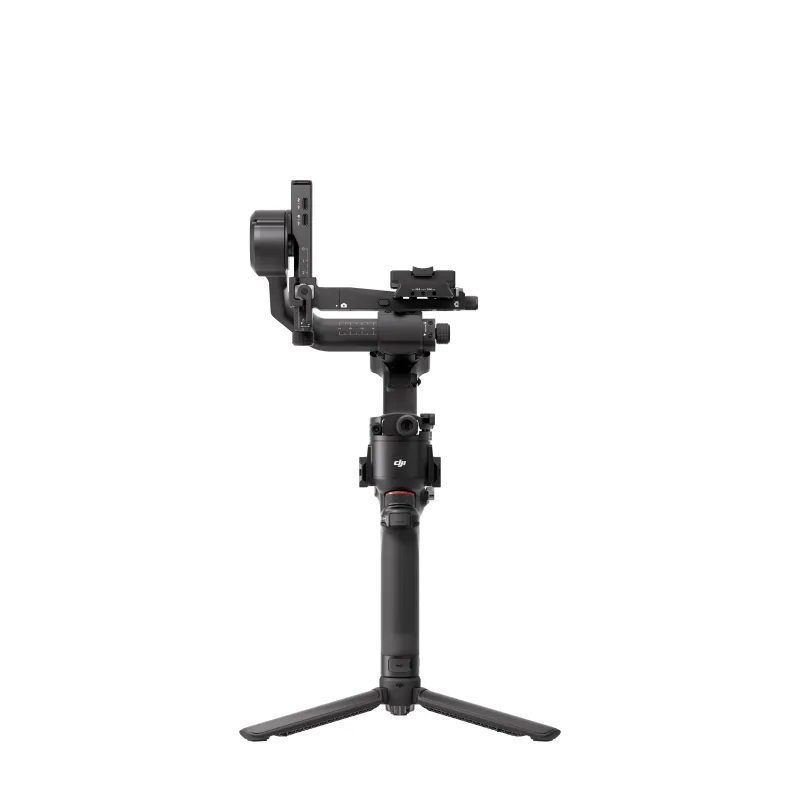
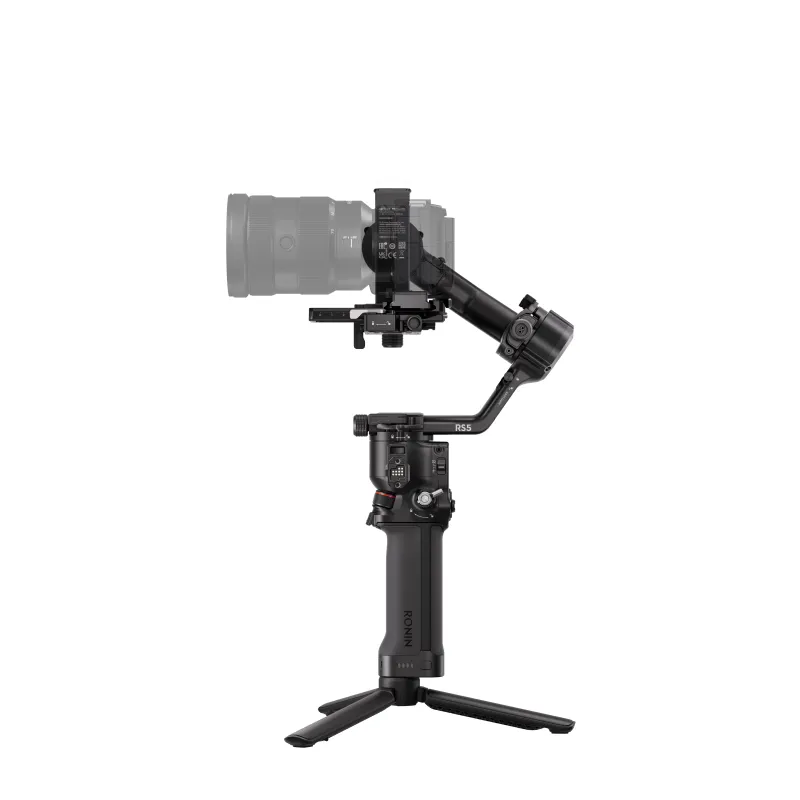
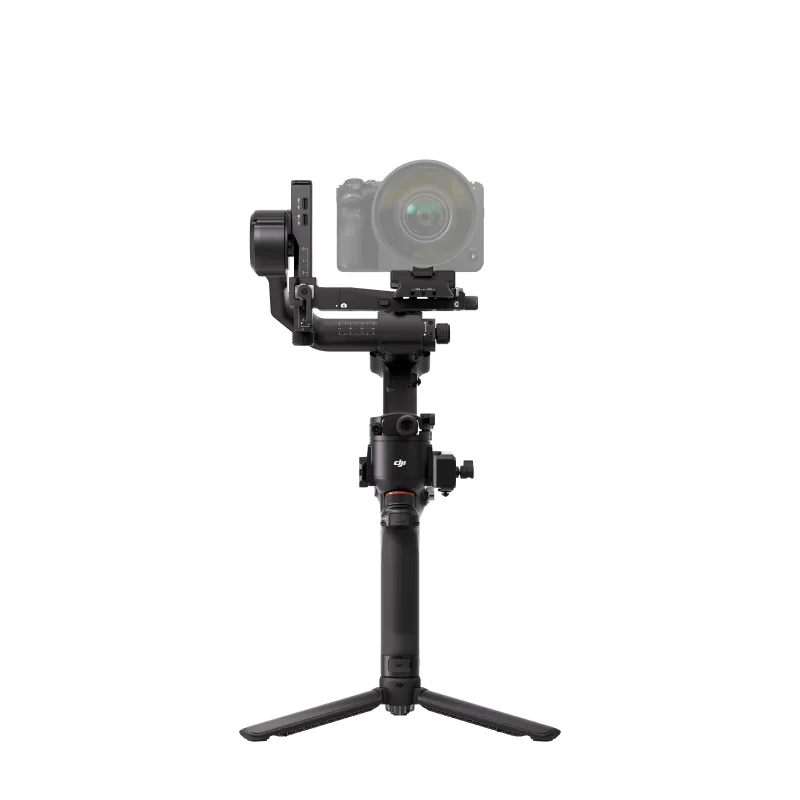
Get even smoother video footage, complete with a Z-axis (vertical) indicator, using the RS 5 Gimbal Stabilizer from DJI. This powerful yet lightweight gimbal features full charging in just one hour, a 15% increase in runtime, Teflon-enhanced balancing, and fine-tuning knobs. An electronic control handle and advanced AI framing and tracking modules are available separately.
Pro Gimbal with Z-Axis Indicator
Get even smoother video footage, complete with a Z-axis (vertical) indicator, using the RS 5 Gimbal Stabilizer from DJI. This powerful yet lightweight gimbal features full charging in just one hour, a 15% increase in runtime, Teflon-enhanced balancing, and fine-tuning knobs. An electronic control handle and advanced AI framing and tracking modules are available separately.
Enhanced Battery and Fast Charging
When used with the BG33 battery grip, the RS 5 gimbal can be fully charged in as little as one hour using a 65W PD power charger. It offers 14 hours of runtime, 15% more than the RS 4, or up to 30 hours when used with a BG70 battery grip.
Native Vertical Capture
Quickly switch to vertical/portrait mode in mere seconds using the RS 5 gimbal's third-gen vertical shooting design. Simply loosen and press the single-side knob, rotate and tighten the horizontal plate, and you're good to go.
Second-Generation Quick Release Plate Design
With the familiar dual-layered quick release plates of its predecessor, the RS 5 makes mounting and balancing your camera a breeze. The horizontal plate is newly designed for faster transitions to native vertical shooting. A fine-tuning knob adjusts the tilt axis to move your camera forward or backward. The upper plate has added placement guides for secure camera mounting.
Auto-Locking OLED Screen
The RS 5 is equipped with a fixed OLED touchscreen with a new auto-lock feature. Once locked, the screen will display the current gimbal and joystick moves at a low brightness to prevent accidental switching and conserve battery.
Focus Pro and DJI SDR Transmission Support
Pro shooters can pair the RS 5 gimbal with two Focus Pro motors to easily adjust their focus and zoom using the gimbal's dial and joystick controls. Add the DJI SDR Transmission component to get live video feed and remote gimbal/camera control.
Second-Generation Automated Axis Locks
When the gimbal is powered off, you can press and hold the power button, and the three axes unlock while the gimbal expands automatically, allowing you to start working in just two seconds. Press the power button once, and the axes automatically lock and enter sleep mode, making a move or storage significantly more efficient. The second iteration of this design has created smaller gaps when locked to further reduce gimbal shake.
Z-Axis Indicator
The Z-axis indicator displays your vertical movements so that you can adjust your motion, but it does not provide Z-axis stabilization.
RSA Communication Port
The RSA communication port allows you to integrate Ronin series accessories into your gimbal configuration. Add Ronin-specific or third-party accessories with control capabilities to switch between different shooting configurations. The DJI RS SDK protocol will allow third-party manufacturers and other developers to create future customized functions for the RS 5.
Wireless Shutter Control
By implementing Dual-Mode Bluetooth, the RS 5 supports wireless shutter control, saving time and effort with every use. After the initial Bluetooth pairing, you can control video and photo shooting by simply pressing the record button on the stabilizer. Previously paired cameras can automatically reconnect after the first use, eliminating the need for a camera control cable. Compatible cameras include select FUJIFILM and Panasonic models.
Integrated Monitoring and Control
Remotely adjust camera exposure directly in the Ronin app, or control the gimbal with the virtual joystick to get an integrated monitoring and control experience. With the Ronin Image Transmitter, a smartphone can be used as a motion controller to remotely control the RS 5 gimbal for more flexible and dynamic camera movements.
Integrated Controls
- By simply sliding the new gimbal mode switch, you can alternate between Pan follow, Pan and Tilt follow, and FPV modes. The FPV mode selection is also customizable to 3D Roll 360, Portrait, or Custom, allowing you to adjust your equipment and get started as fast as possible. Other intelligent features include motion-lapse, track, and panorama.
- The trigger button can be customized to FPV mode, which causes the three axes to follow the direction of the grip's movement when held down.
UPC
UPC 190021157170