No products
 Facebook
  Google
- Write a review
Important information!
From 19 November the store is moving to new premises at 151 Dzirnavu Street, Riga!
- 14 November - the last working day at 39 F.Sadovņikova street.
- The store will be closed on 16 and 17 November due to the move.
- From 19 November, we look forward to welcoming you at our new address.
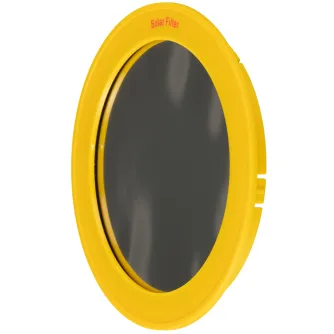
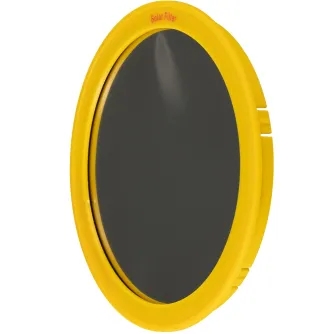
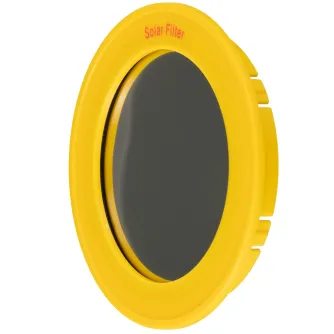
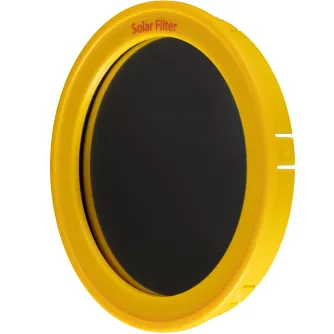
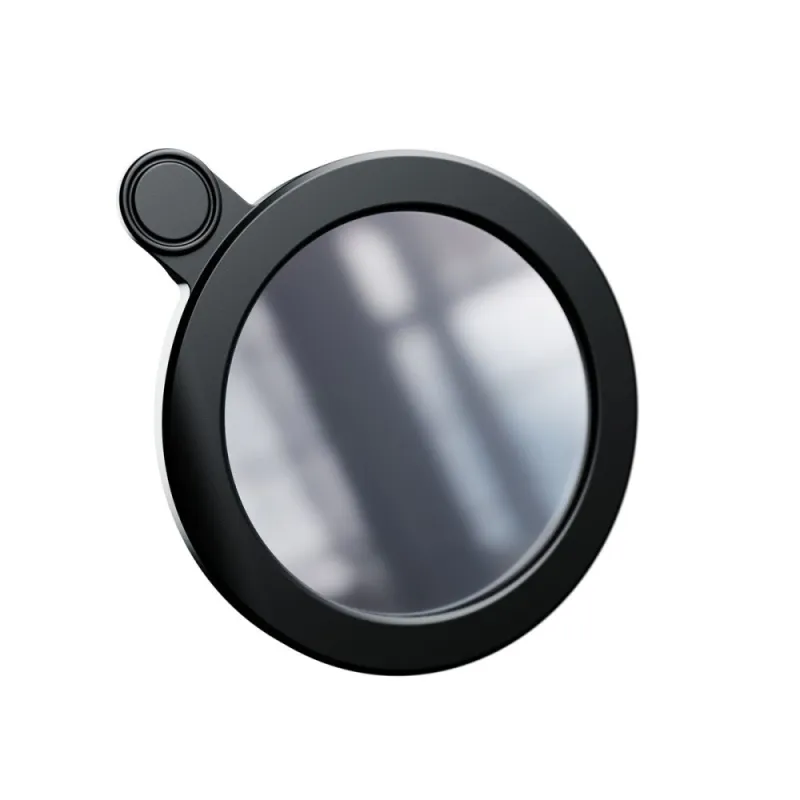
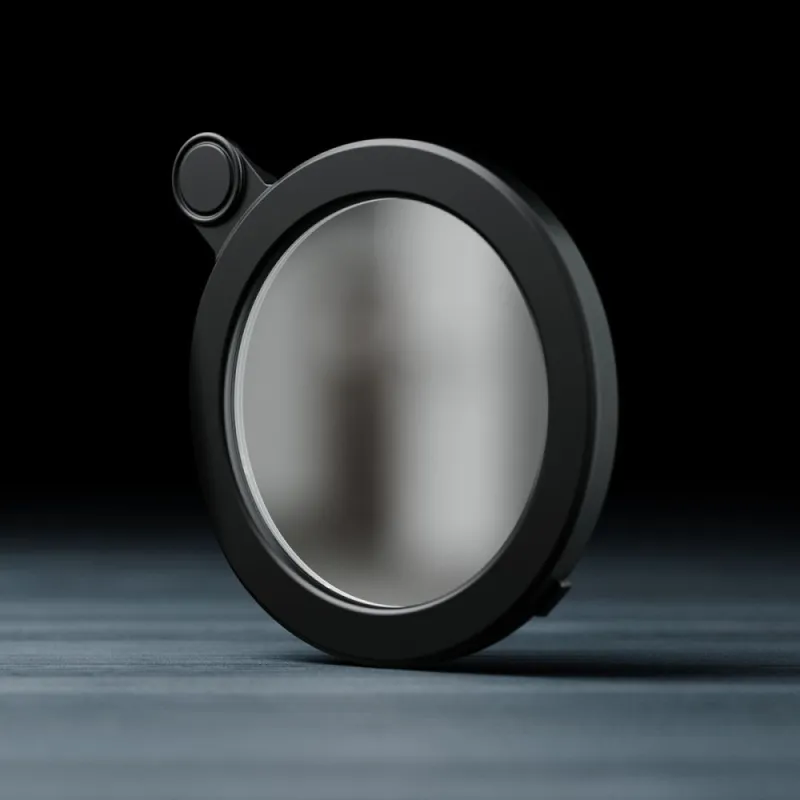
Vaonis Solar Filter for Vespera (AC021)


 AI ASSISTANT CHAT
Or ask about:
| Type of Product | Zvaigžņu filtri |
| Filter size | cits |
| Filter Density | Variable Filter |
- 1. Evaluate your options.
- 2a. If you want to buy only one product with Aizdevums.lv leasing, then fill out the application here
- 2b. If you want to buy several items or use another leasing company, then put the items in the basket and choose the leasing service when ordering.
We offer leasing from Aizdevums SIA, Incredit SIA, ESTO.
Manager will check the availability of the items in the cart and send the loan application link. - 3. If you receive a positive response, contact us to purchase the product. Consultants will check the availability of the product.
- 4. If the product is available in the store or to be ordered from the warehouse, and you have received an affirmative answer from our consultants, please visit the store to proceed with purchase and leasing documents.
- 4a. You can also ask us to issue an invoice for this product and visit one of the leasing company branches to sign up leasing documents *..
- 5. Once the leasing documents have been signed up, you can receive the product in the store, if it is on site or inform our consultants and they will order it for you from the warehouse.
- *It is possible to arrange delivery for leased goods, so you can also perform the entire purchase process remotely.
**The sequence of leasing steps is the same for leases offered by InCredit Group.
***In case of doubt, contact our consultants!
When using leasing services, carefully evaluate your options to repay the loan!Lease
Vaonis Solar Filter for Vespera (AC021)
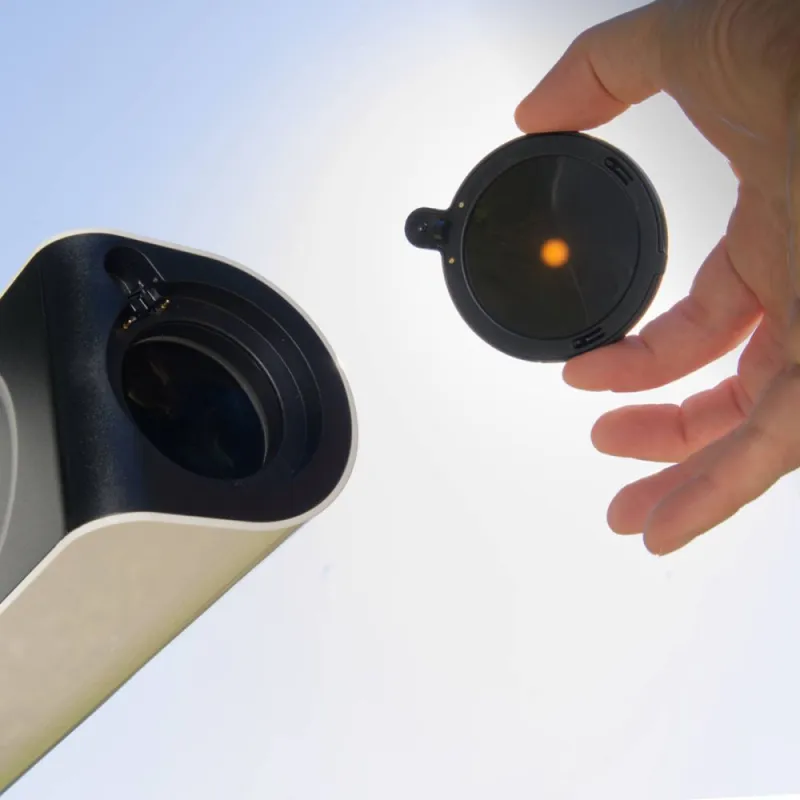
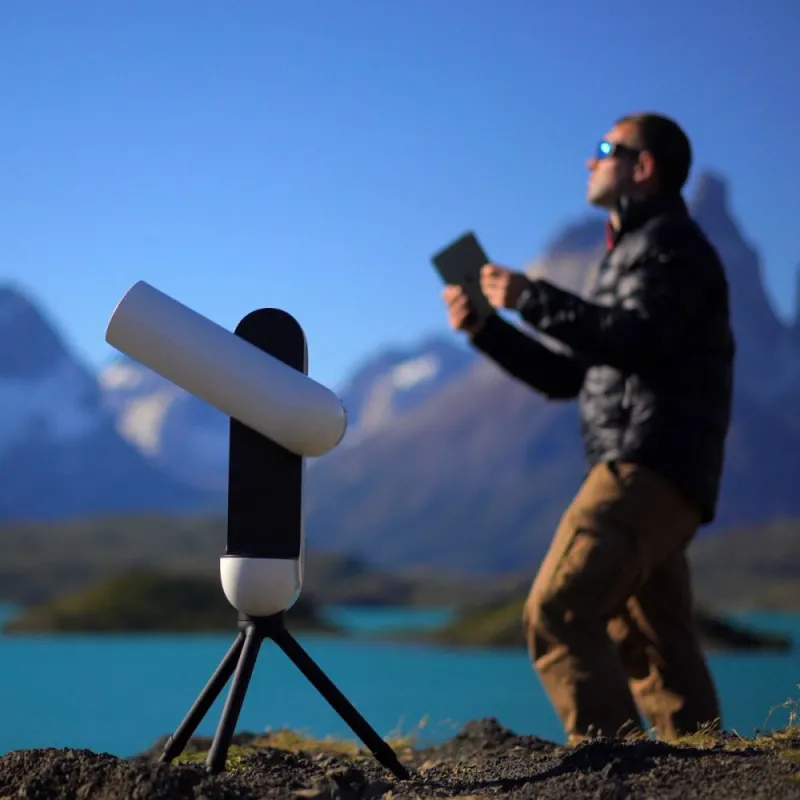
Astronomer by night, astronomer by day! Observe the closest star to Earth during the day with the Vespera solar filter. The filter allows you to observe sunspots that show the intensity of the Suns activity.
Photograph the Sun with Vespera
The Solar Mode allows you to observe the Sun in almost real-time using the live display. Capture photos at any time from the Observation tab of the Singularity mobile app. Witness how the Suns activity changes with the appearance or disappearance of sunspots.
Sun spots monitoring
Automatic video recording for solar/planetary observation is not yet offered in Singularity. To make an animation, retrieve your photos in jpg format from Vesperas internal memory and put your photos together using photo/gif animation software.
Observe safely
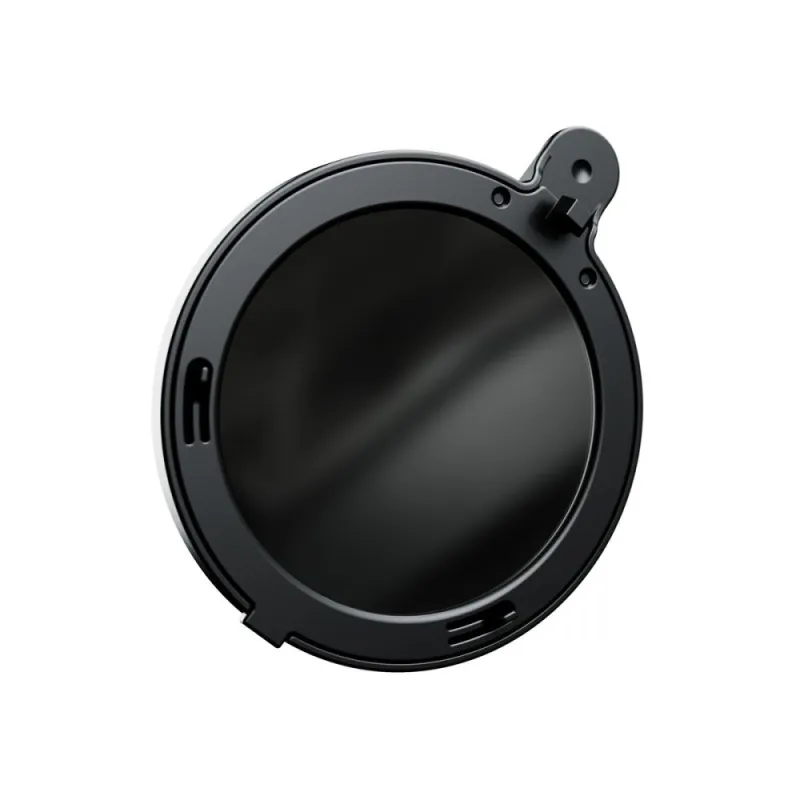
The filter is made of a metalized foil with a dimming effect, ensuring safe observation of the Sun. The Solar Mode of the Vaonis Singularity app guides you through the observation process to keep you and your instrument safe.
Warnings
- Your Vespera station should never be pointed towards the sun without a solar filter.
- Only use Vespera to observe the sun with the Solar Mode feature and the designated solar filter.
- Avoid direct observation of the sun without protection to prevent eye damage.
- Do not attempt to open the lens ring containing the filter.
Instructions for use
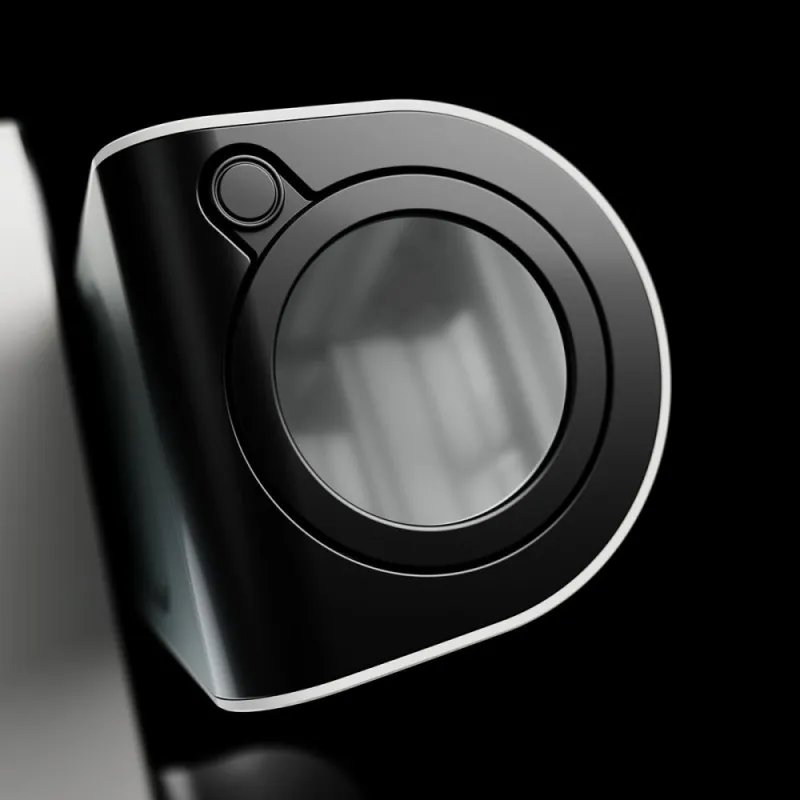
Designed for Vespera, the filter easily fits into the optical arm. Replace the standard lens ring with the solar filter and follow the guide in the Singularity app for proper positioning.
Maintenance tips
- Store the filter in its transparent box after each use to prevent dust build-up.
- Clean the filter gently with an anti-static cloth or air blower if needed.
- Avoid using cleaning agents on the filter to prevent damage to the surface coating.
In the Box
- Solar Filter for Vespera (AC021)
- Transparent storage box
Specifications
- Weight: 0.1 kg
- Net weight: 10 g
- Net Dimensions: Thickness 0.6 cm (0.24 in), Width 7.80 cm (3.07 in)
- Colors: Black, Metallic Gray
- Materials: Metalized foil, Plastic
- Package Weight: 50 g
Similar products available to order

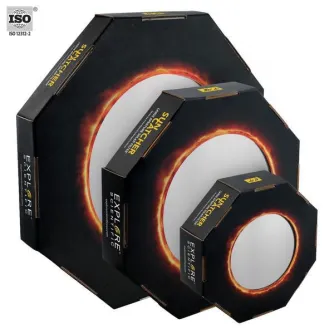
Bresser EXPLORE SCIENTIFIC Sun Catcher Solar Filter for 110-130mm Telescopes
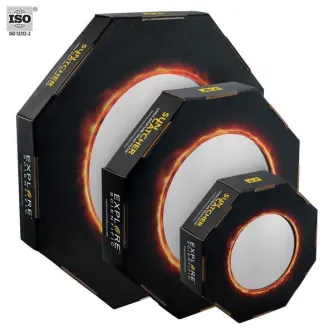
Bresser EXPLORE SCIENTIFIC Sun Catcher Solar Filter for 150-160mm Newtonians
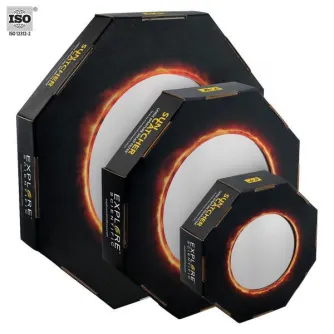
Bresser EXPLORE SCIENTIFIC Sun Catcher Solar Filter for 150-165mm Refr.+8 SC
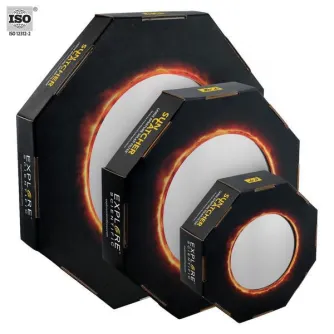
Bresser EXPLORE SCIENTIFIC Sun Catcher Solar Filter for 60-80mm Telescopes
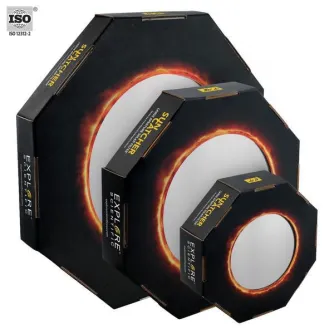
Bresser EXPLORE SCIENTIFIC Sun Catcher Solar Filter for 80-102mm Telescopes
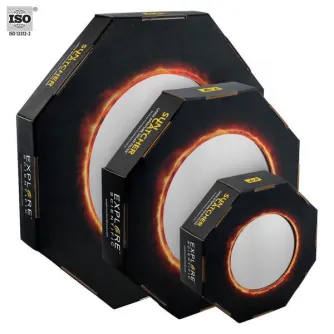
Bresser EXPLORE SCIENTIFIC Sun Catcher Solar Filter for 9- 10 SC Telescopes