No products
 Facebook
  Google
- Write a review
Important information!
From 19 November the store is moving to new premises at 151 Dzirnavu Street, Riga!
- 14 November - the last working day at 39 F.Sadovņikova street.
- The store will be closed on 16 and 17 November due to the move.
- From 19 November, we look forward to welcoming you at our new address.
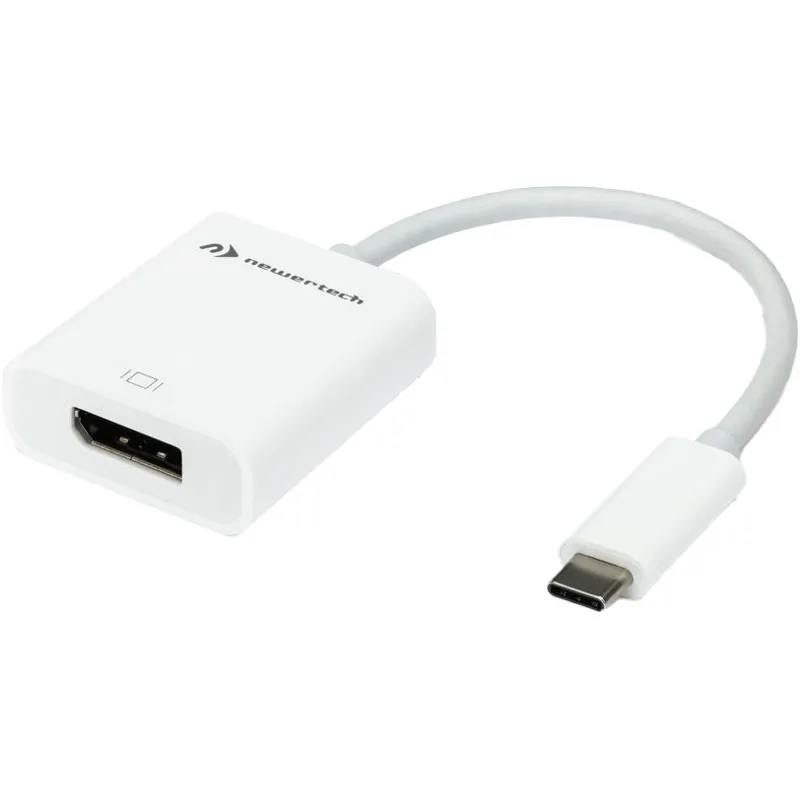
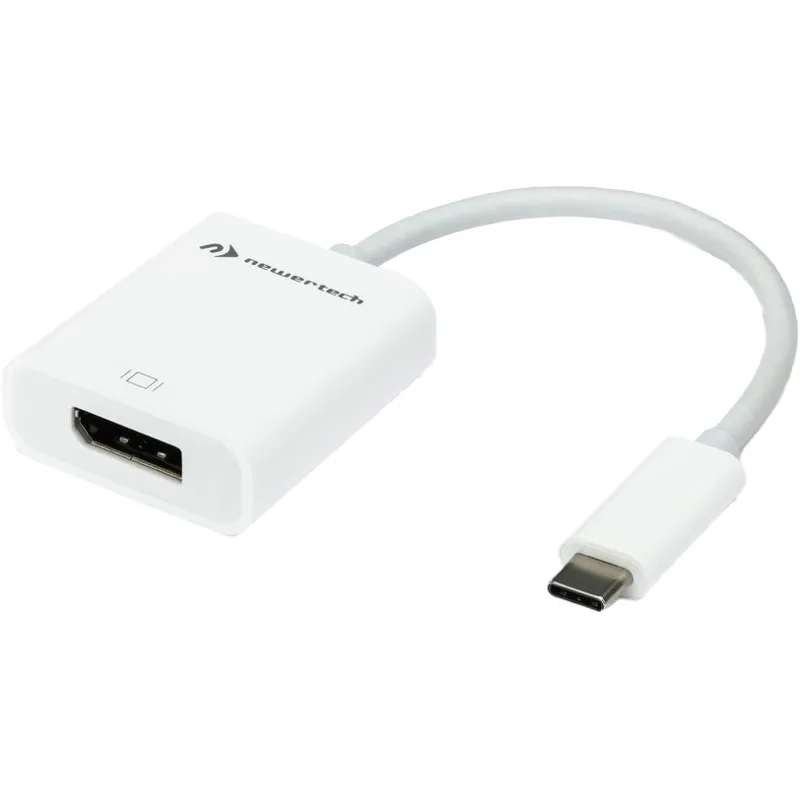
OWC NewerTech TB/USB-C to HDMI Adapter NWTADPTCHDMI2


 AI ASSISTANT CHAT
Or ask about:
| Type of Product | Cables |
| Connector | USB-C |
| Connections | HDMI to HDMI |
| Color | Black |
| Media type | HDD/SDD enclosure |
| Media type | Network Attached Storage (NAS) |
OWC NewerTech TB/USB-C to HDMI Adapter
Product Overview
The OWC NewerTech TB/USB-C to HDMI Adapter (model NWTADPTCHDMI2) is designed to connect devices with Thunderbolt or USB-C ports to HDMI-enabled displays. This adapter enables high-definition video output from compatible laptops, tablets, or smartphones to external monitors, projectors, or TVs.
Key Features
- Compatible with Thunderbolt and USB-C ports
- Supports HDMI video output for high-definition displays
- Compact and portable design for easy connectivity on the go
- Plug-and-play functionality with no additional drivers required
Specifications
- Manufacturer: OWC
- Model Number: NWTADPTCHDMI2
- Interface: Thunderbolt / USB-C input to HDMI output
- EAN: 811643017153
Usage
Connect the adapter to a Thunderbolt or USB-C port on your device, then connect an HDMI cable from the adapter to your external display. This allows you to mirror or extend your device's screen for presentations, video playback, or enhanced workspace setups.
Similar products available to order
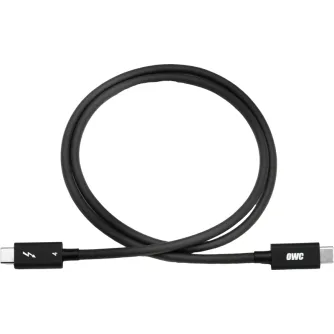
OWC CABLE THUNDERBOLT - UNIVERSAL + FULL CAPABILITY F. ALL TB 3/4/USB-C/USB4...
Delivery time from 3 weeks
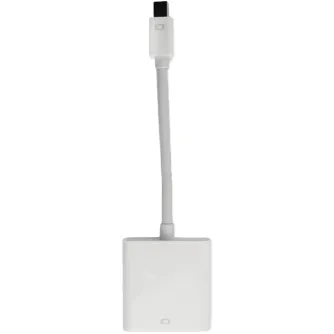
OWC NewerTech Mini DisplayPort & Thunderbolt to DVI Video Adapter
Delivery time from 3 weeks


OWC DOCK THUNDERBOLT 3 MINI-DOCK - 5 PORT, 2 X HDMI, FEAT. 2 X HDMI 4K60, USB
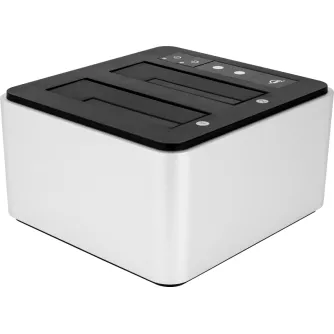

OWC Mercury Elite Pro 3.5-inch USB 3.2 Gen 1 2TB External Storage
By preorder with no delivery time known