No products
 Facebook
  Google
- Write a review
AR glasses RayNeo GT


 AI ASSISTANT CHAT
Or ask about:
| Type of Product | Other Accessories |
| Compatible | universāla |
- 1. Evaluate your options.
- 2a. If you want to buy only one product with Aizdevums.lv leasing, then fill out the application here
- 2b. If you want to buy several items or use another leasing company, then put the items in the basket and choose the leasing service when ordering.
We offer leasing from Aizdevums SIA, Incredit SIA, ESTO.
Manager will check the availability of the items in the cart and send the loan application link. - 3. If you receive a positive response, contact us to purchase the product. Consultants will check the availability of the product.
- 4. If the product is available in the store or to be ordered from the warehouse, and you have received an affirmative answer from our consultants, please visit the store to proceed with purchase and leasing documents.
- 4a. You can also ask us to issue an invoice for this product and visit one of the leasing company branches to sign up leasing documents *..
- 5. Once the leasing documents have been signed up, you can receive the product in the store, if it is on site or inform our consultants and they will order it for you from the warehouse.
- *It is possible to arrange delivery for leased goods, so you can also perform the entire purchase process remotely.
**The sequence of leasing steps is the same for leases offered by InCredit Group.
***In case of doubt, contact our consultants!
When using leasing services, carefully evaluate your options to repay the loan!Lease
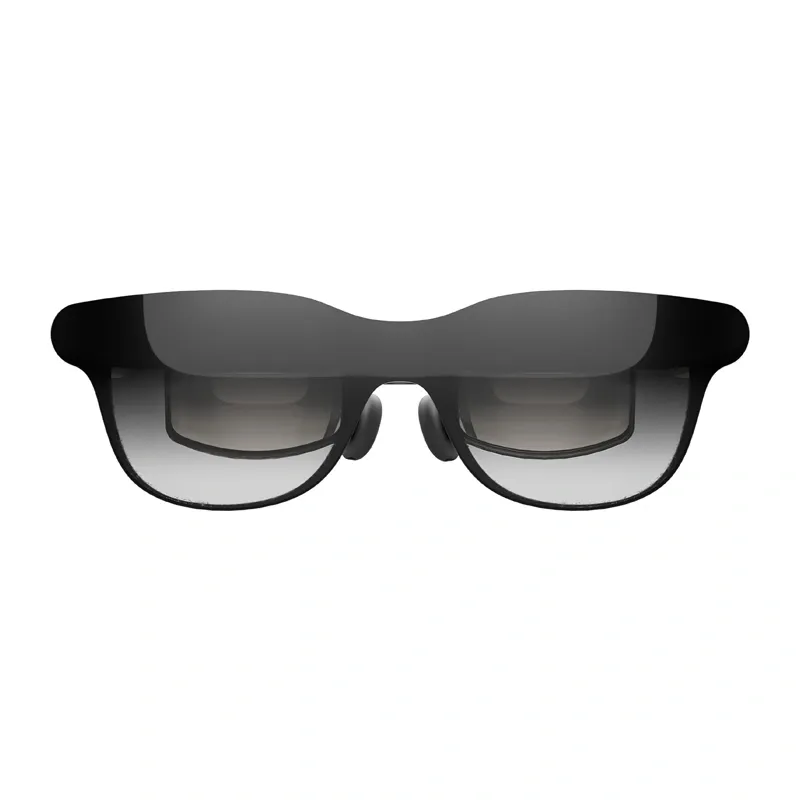
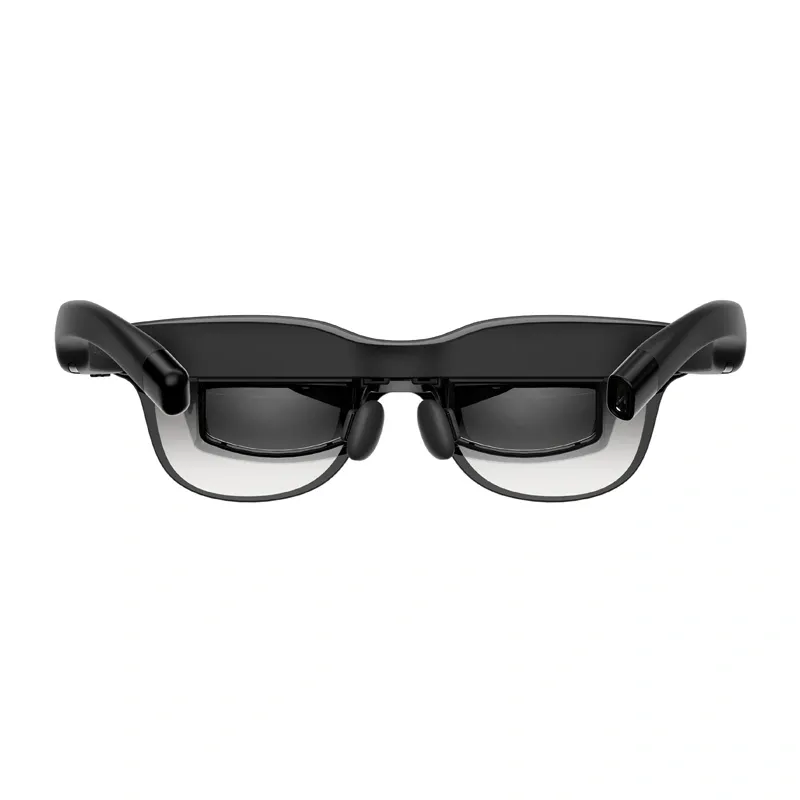
RayNeo GT AR Glasses
The RayNeo GT AR Glasses are a portable display for watching movies, playing games and enjoying other content on a large virtual screen. They support 2D and 3D display modes, three image sizes, several spatial positioning modes, and adjustable brightness, colour, scene and audio settings through the OSD menu. The glasses connect directly to compatible USB-C devices with DisplayPort video output. With suitable adapters, they can also be used with game consoles, HDMI sources and older iPhone models. During a standard USB-C connection, the glasses are powered by the connected device and do not require a separate battery.
Three Image Sizes and Spatial Modes
Choose an image size of 85%, 100% or 115% to suit the content and your preferences. The default 100% setting displays the image at its standard size. At 115%, the central part of the image is enlarged, reducing the visibility of black bars; at 85%, the image is reduced to minimise cropping. Three spatial modes are available: Stable Mode helps stabilise the image while moving, Pinned Mode anchors the screen to a specific position in space, and Follow Mode makes the image track your head movements.
2D and 3D Display and Picture Settings
Switch between 2D and 3D display modes without navigating through complex settings: press any volume button and the Space Mode button simultaneously. The OSD menu also lets you adjust brightness and select SDR, AI HDR or Dolby Vision picture modes. Scene modes include Standard, Movie, Eye Care and Read. Colour optimisation is also available and is enabled by default in AI HDR mode.
Adjustable Audio and Listening Modes
The RayNeo GT provides 12 volume levels and three additional gain levels, making it easy to adjust the sound to your surroundings and content. Choose from Standard Audio, Whisper Audio and Spatial Surround Audio. Whisper Audio is designed for greater listening privacy, while Spatial Surround Audio provides a more immersive sound experience. Separately sold sound tubes can also be used to reduce sound leakage by 80%.
USB-C Connection and Multi-Device Support
The glasses are compatible with USB-C devices that support DisplayPort video output. In many cases, simply connect the cable to start using them. Compatible devices include smartphones, tablets, computers and gaming devices with a USB-C port. With a USB-C adapter, you can stream video while charging the source device, which can be useful during extended movie-watching or gaming sessions.
Compatibility with Consoles, iPhone and Pocket TV Pro
With a suitable HDMI adapter, the glasses can be used with PlayStation consoles and other HDMI-output devices. The Nintendo Switch and Switch 2 can be connected using the Joy-Dock, sold separately. The iPhone 14 and earlier models require a compatible HDMI adapter and a Lightning-to-HDMI adapter. The glasses also work with Pocket TV Pro, providing access to movies, TV shows, live streams and apps. When paired with a compatible Pocket TV Pro, Dolby Vision support can be enabled automatically for compatible content.
Controls and Included Accessories
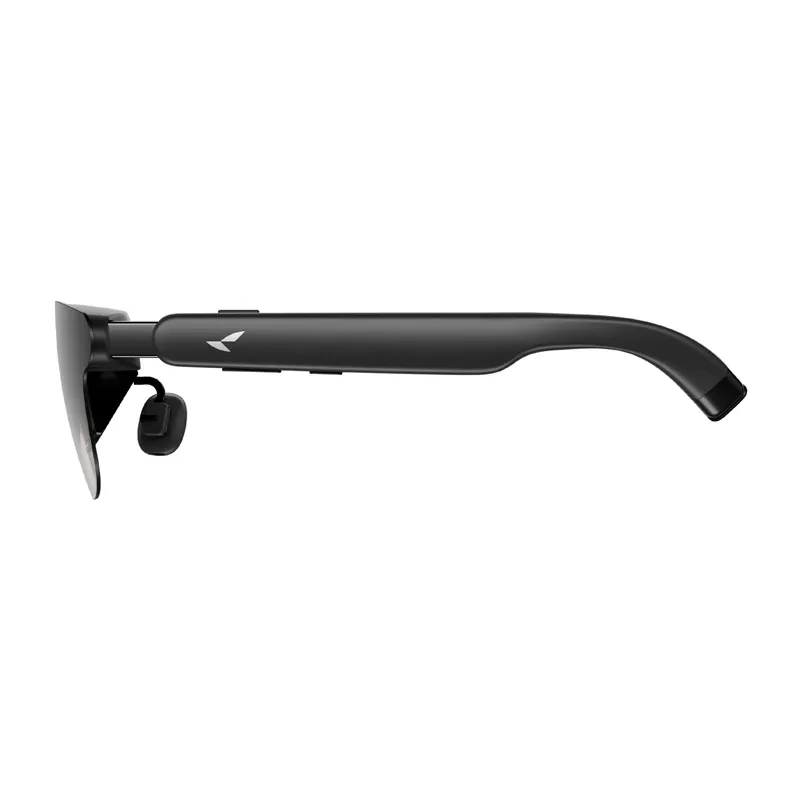
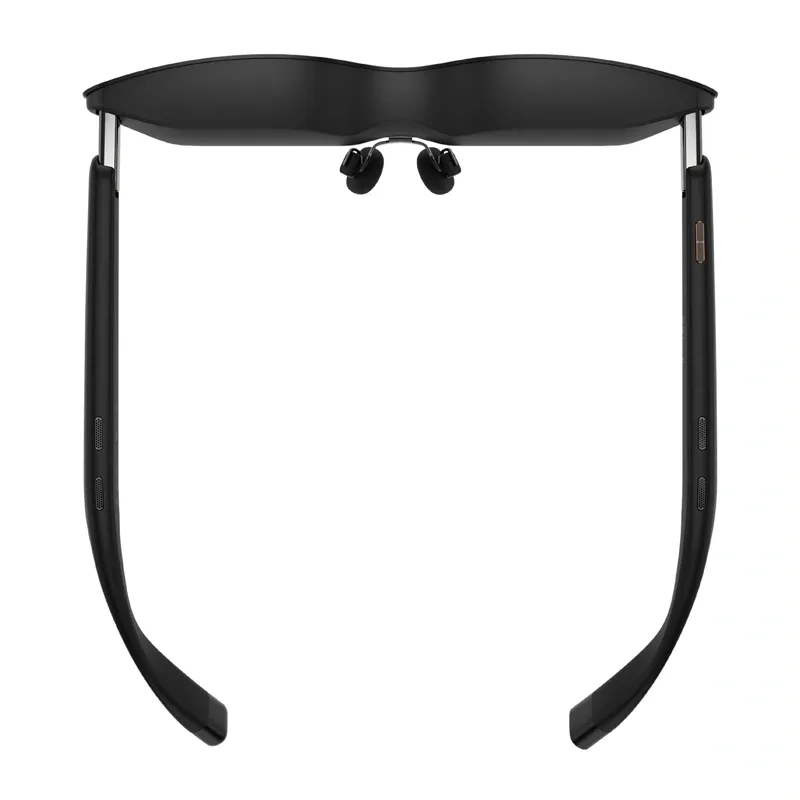
Key functions can be controlled using the buttons on the frames. The Menu button opens the OSD settings and confirms selections, while separate controls adjust the volume and sound effects and change the surround sound mode. Included accessories for storage, connection and fit adjustment are a carrying case, USB-C cable, cleaning cloth, prescription-lens adapter, additional nose pads and non-slip temple tips.
Included
- RayNeo GT AR glasses
- Prescription-lens adapter
- Nose pads × 2
- Carrying case
- USB-C cable
- Glasses cleaning cloth
- Non-slip temple tips × 4
- User manual
- Safety and after-sales service manual
Specifications
- Manufacturer: RayNeo
- Model: GT
- Product type: AR glasses
- Display modes: 2D, 3D
- 2D/3D switching: Press any volume button and the Space Mode button simultaneously
- Image sizes: 85%, 100%, 115%
- Spatial modes: Stable Mode, Pinned Mode, Follow Mode
- Picture modes: SDR, AI HDR, Dolby Vision
- Scene modes: Standard, Movie, Eye Care, Read
- Brightness adjustment: Yes
- Colour optimisation: Yes
- Volume levels: 12
- Additional gain levels: 3
- Audio modes: Standard Audio, Whisper Audio, Spatial Surround Audio
- Basic connection: USB-C with DisplayPort support
- USB-C power: Supplied by the connected device
- Pocket TV Pro compatibility: Yes








