0 Item Items 0 Item - € 0.00
Shopping Cart Preview
No products
Pick up in store Shipping
€ 0.00 Tax:
€ 0.00 Total tax included
Product successfully added to your shopping cart
Quantity
Total tax included
There are 0 items in your cart. There is 1 item in your cart.
Total products :
Total shipping : Pick up in store
Tax: € 0.00
Total tax included :
 Facebook
  Google
Photo & video store, rental and expert advice
- Write a review
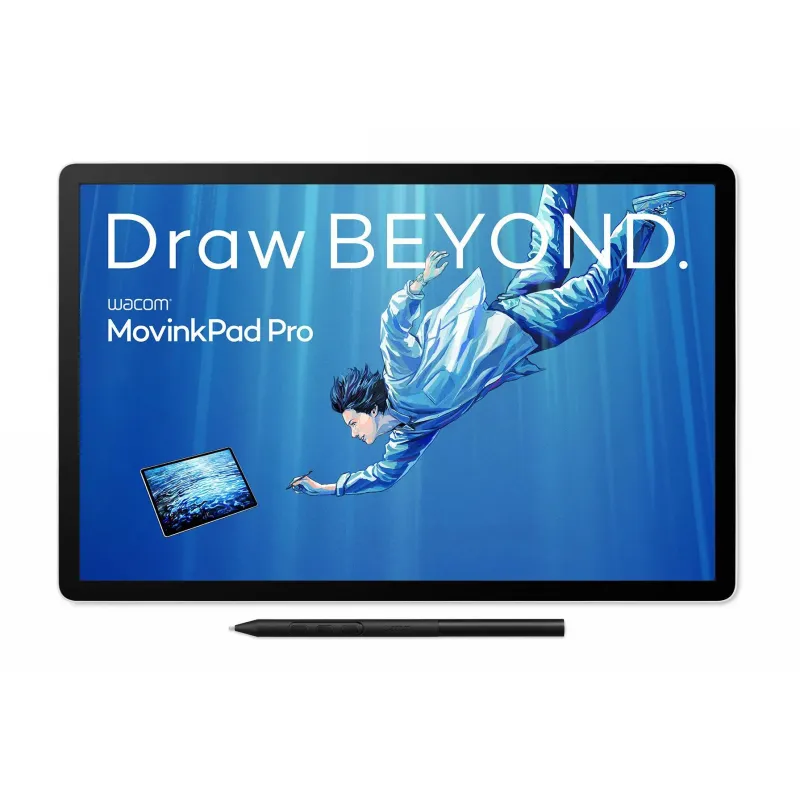
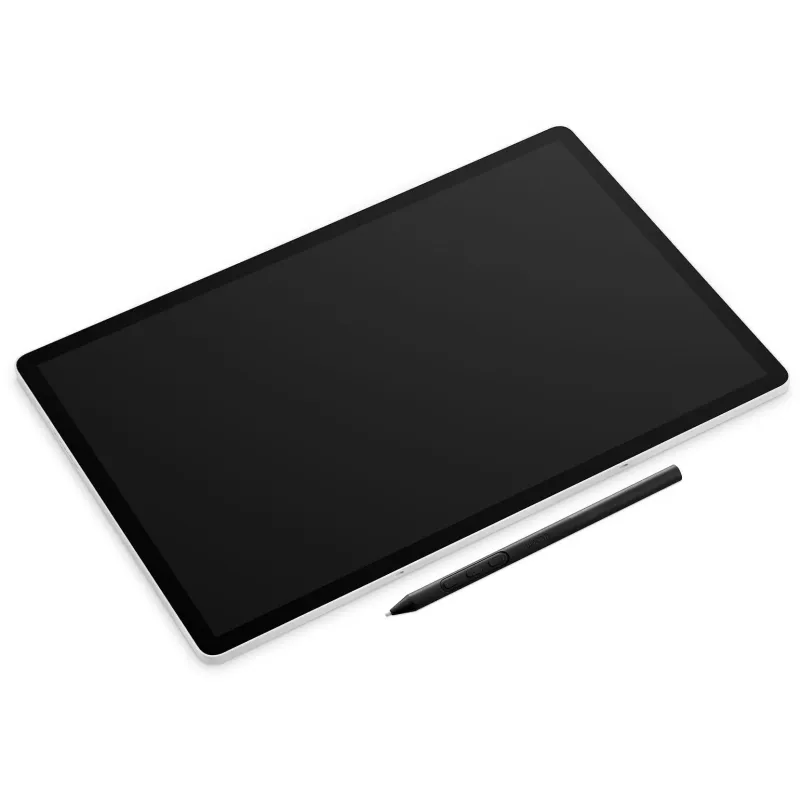
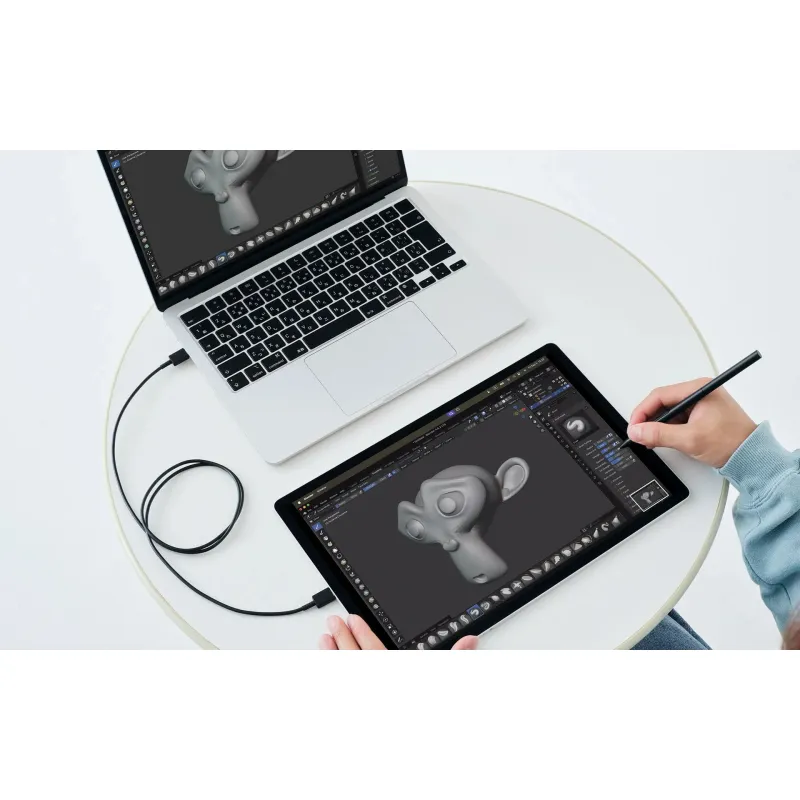
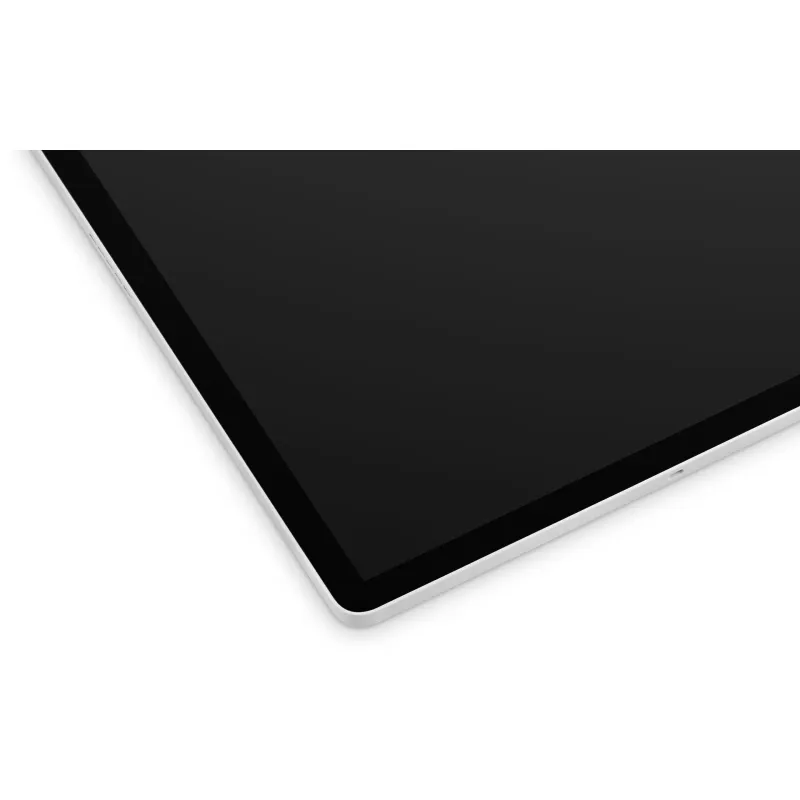
The Wacom MovinkPad Pro 14 offers a natural drawing experience with a high-resolution OLED display and advanced stylus technology.
Wacom graphics tablet MovinkPad Pro 14
Product ID: 21572


SKU: 21572
Model: DTHA140L0B
Ean: 4949268623773
Condition: New product
Manufacturer: Wacom

Discover related products
Discover related products
 AI ASSISTANT CHAT
This is the beta version of our new assistant chat, capable of answering both standard and advanced questions about product and store operations.
Or ask about:
What are the features? Is this in stock? Actual discounts & offers? Product reviews?
| Type of Product | Studio Accessories |
| Type of Product | Other Accessories |
| Gift ideas | iekārtas |
How to buy goods on lease?
- 1. Evaluate your options.
- 2a. If you want to buy only one product with Aizdevums.lv leasing, then fill out the application here
- 2b. If you want to buy several items or use another leasing company, then put the items in the basket and choose the leasing service when ordering.
We offer leasing from Aizdevums SIA, Incredit SIA, ESTO.
Manager will check the availability of the items in the cart and send the loan application link. - 3. If you receive a positive response, contact us to purchase the product. Consultants will check the availability of the product.
- 4. If the product is available in the store or to be ordered from the warehouse, and you have received an affirmative answer from our consultants, please visit the store to proceed with purchase and leasing documents.
- 4a. You can also ask us to issue an invoice for this product and visit one of the leasing company branches to sign up leasing documents *..
- 5. Once the leasing documents have been signed up, you can receive the product in the store, if it is on site or inform our consultants and they will order it for you from the warehouse.
- *It is possible to arrange delivery for leased goods, so you can also perform the entire purchase process remotely.
**The sequence of leasing steps is the same for leases offered by InCredit Group.
***In case of doubt, contact our consultants!
When using leasing services, carefully evaluate your options to repay the loan!Lease
Product details
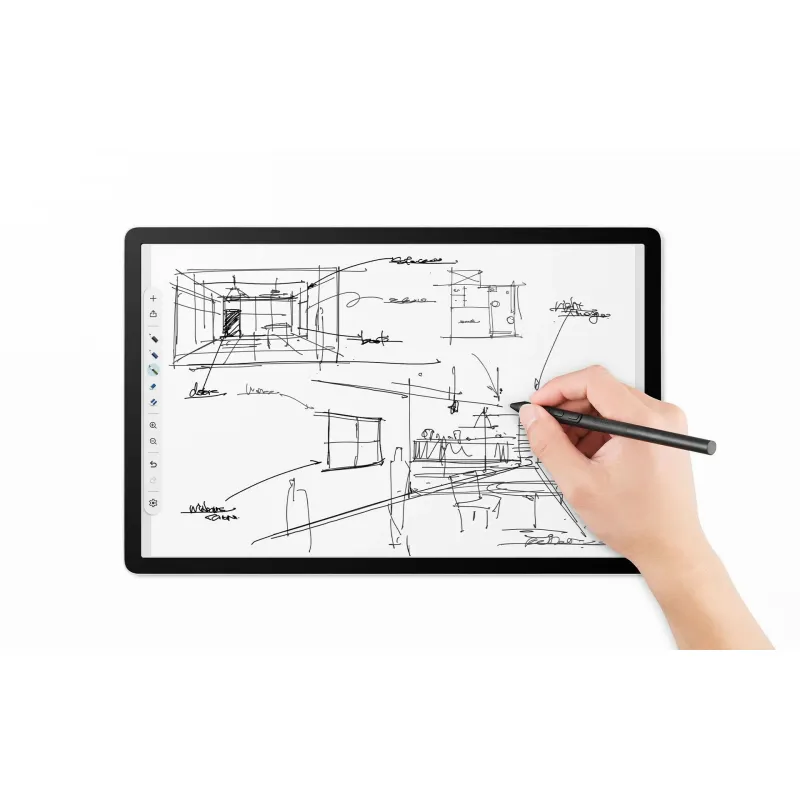
Natural drawing experience – just like on paper
Experience drawing as naturally as if you were working on paper. The sharp display and high-precision pen are designed with one goal in mind – to focus on your creative work. Stay in the flow and capture every spark of inspiration. This is a tool for professionals who expect more – an immersive creative experience that exceeds expectations.
An OLED display designed for creation
The 14-inch OLED display with Wacom’s special textured glass surface is designed for creative work. 3K resolution (2880 × 1800) and a wide color gamut (100% DCI-P3) ensure vivid colors and deep blacks.
Thanks to a special surface treatment, reflections and fingerprints are minimized, which helps reduce eye fatigue even after prolonged use. The drawing experience is so natural that you may forget for a moment that you are working on a digital screen.
Deeper blacks
OLED technology allows you to achieve truly deep blacks and high contrast, unlike conventional LCD screens, whose backlight can make blacks look grayish or purple. The textured surface of the screen not only keeps it cleaner, but also creates optimal friction when the pen moves. This means that drawing feels more precise and controlled - similar to drawing on paper, not on slippery glass.
Precision with every line
The device uses direct bonding, which reduces the displacement between the pen tip and the drawing surface. The result is maximum precision - you draw exactly where you want.
Accurate color reproduction
A wide color gamut supports multiple color profiles, including sRGB and DCI-P3, ensuring that your creations look exactly as you intended them on different devices.
Wacom Pro Pen 3 - Designed for perfect drawing
The Wacom Pro Pen 3 combines professional pen design with cutting-edge technology.
The Wacom Pro Pen 3 takes the drawing experience to a new level. It combines professional pen design, cutting-edge EMR technology and highly accurate pressure sensitivity, providing the smoothest and most accurate drawing experience yet.
The set also includes different tips so you can customize your drawing experience to your preferences, and you can personalize the pen even more if you want.
All-in-one creative device
The Wacom MovinkPad Pro 14 runs on the Android 15 operating system, so there's no need for a separate computer. You can start sketches in the Wacom Canvas app and refine them further in popular apps like Clip Studio Paint or ibisPaint X.
All work is automatically saved to Wacom Shelf, where it's always quickly found. The powerful Snapdragon® 8s Gen 3 processor with 12 GB of memory ensures smooth work even for larger projects, and the storage can be expanded with a microSD card if necessary.
Portable as a sketchpad
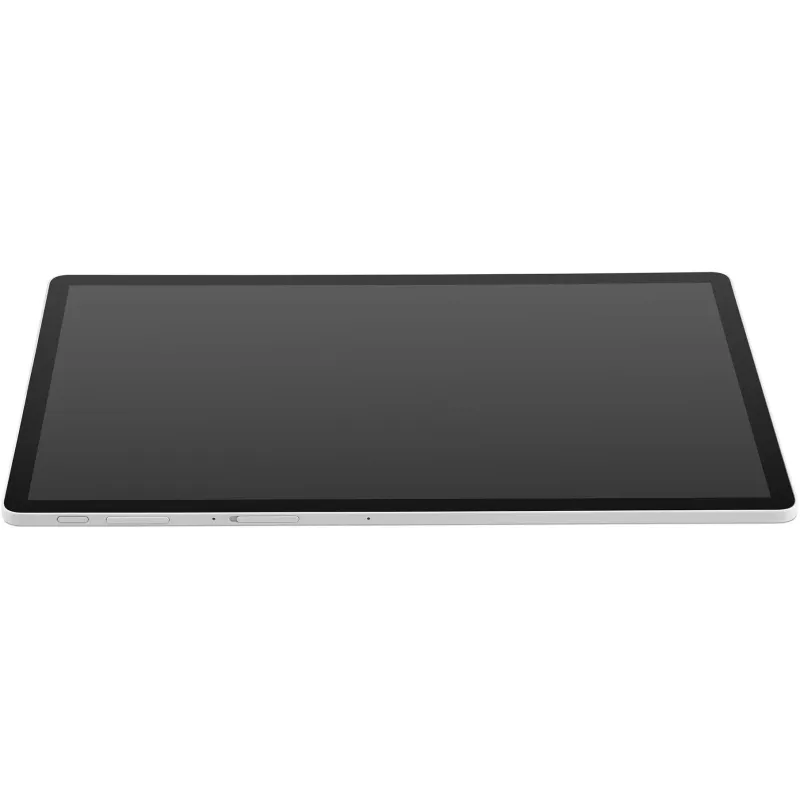
Despite the large 14-inch screen, the device is thin and light, making it easy to take with you to school, the studio, and client meetings. A durable magnesium frame ensures durability, while the subtle texture on the back of the device resembles paper and adds a pleasant tactile dimension to the user experience.
Create with Wacom
In addition, this device gives you the opportunity to join the Wacom Lab community, where users get early access to new features and contribute to their development. Your feedback helps shape future solutions and opens up new creative possibilities.
Software bonuses
Experience drawing as naturally as if you were working on paper. The sharp display and high-precision pen are designed with one goal in mind – to focus on your creative work. Stay in the flow and capture every spark of inspiration. This is a tool for professionals who expect more – an immersive creative experience that exceeds expectations.
An OLED display designed for creation
- 14-inch OLED display
- 3K resolution (2880 × 1800)
- 100% DCI-P3 color space
- Special surface treatment reduces reflections and fingerprints
The 14-inch OLED display with Wacom’s special textured glass surface is designed for creative work. 3K resolution (2880 × 1800) and a wide color gamut (100% DCI-P3) ensure vivid colors and deep blacks.
Thanks to a special surface treatment, reflections and fingerprints are minimized, which helps reduce eye fatigue even after prolonged use. The drawing experience is so natural that you may forget for a moment that you are working on a digital screen.
Deeper blacks
OLED technology allows you to achieve truly deep blacks and high contrast, unlike conventional LCD screens, whose backlight can make blacks look grayish or purple. The textured surface of the screen not only keeps it cleaner, but also creates optimal friction when the pen moves. This means that drawing feels more precise and controlled - similar to drawing on paper, not on slippery glass.
Precision with every line
The device uses direct bonding, which reduces the displacement between the pen tip and the drawing surface. The result is maximum precision - you draw exactly where you want.
Accurate color reproduction
A wide color gamut supports multiple color profiles, including sRGB and DCI-P3, ensuring that your creations look exactly as you intended them on different devices.
Wacom Pro Pen 3 - Designed for perfect drawing
The Wacom Pro Pen 3 combines professional pen design with cutting-edge technology.
- Highly accurate pressure and tilt recognition
- Smooth and natural drawing
- A variety of nibs (POM and felt) included
- 120 Hz refresh rate
- Battery-free design
The Wacom Pro Pen 3 takes the drawing experience to a new level. It combines professional pen design, cutting-edge EMR technology and highly accurate pressure sensitivity, providing the smoothest and most accurate drawing experience yet.
The set also includes different tips so you can customize your drawing experience to your preferences, and you can personalize the pen even more if you want.
All-in-one creative device
The Wacom MovinkPad Pro 14 runs on the Android 15 operating system, so there's no need for a separate computer. You can start sketches in the Wacom Canvas app and refine them further in popular apps like Clip Studio Paint or ibisPaint X.
All work is automatically saved to Wacom Shelf, where it's always quickly found. The powerful Snapdragon® 8s Gen 3 processor with 12 GB of memory ensures smooth work even for larger projects, and the storage can be expanded with a microSD card if necessary.
Portable as a sketchpad
Despite the large 14-inch screen, the device is thin and light, making it easy to take with you to school, the studio, and client meetings. A durable magnesium frame ensures durability, while the subtle texture on the back of the device resembles paper and adds a pleasant tactile dimension to the user experience.
Create with Wacom
In addition, this device gives you the opportunity to join the Wacom Lab community, where users get early access to new features and contribute to their development. Your feedback helps shape future solutions and opens up new creative possibilities.
Software bonuses
- Clip Studio Paint EX - 6-month free trial
- Clip Studio Paint Debut
- ibisPaint X - 180-day Prime membership








