No products
 Facebook
  Google
- Write a review
Important information!
From 19 November the store is moving to new premises at 151 Dzirnavu Street, Riga!
- 14 November - the last working day at 39 F.Sadovņikova street.
- The store will be closed on 16 and 17 November due to the move.
- From 19 November, we look forward to welcoming you at our new address.
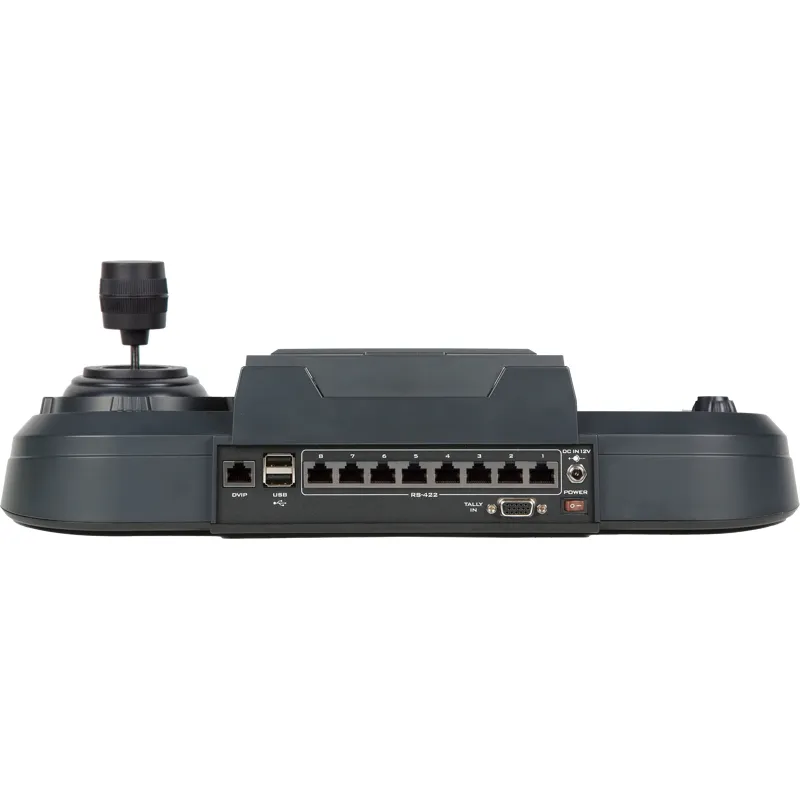
DATAVIDEO RMC-300A Multi PTZ Camera Controller


 AI ASSISTANT CHAT
Or ask about:
| Type of Product | PTZ camera accessories |
| Features | Tally Light |
| Control Protocol | RS-422 |
| Control Interface | RJ-45 |
- 1. Evaluate your options.
- 2a. If you want to buy only one product with Aizdevums.lv leasing, then fill out the application here
- 2b. If you want to buy several items or use another leasing company, then put the items in the basket and choose the leasing service when ordering.
We offer leasing from Aizdevums SIA, Incredit SIA, ESTO.
Manager will check the availability of the items in the cart and send the loan application link. - 3. If you receive a positive response, contact us to purchase the product. Consultants will check the availability of the product.
- 4. If the product is available in the store or to be ordered from the warehouse, and you have received an affirmative answer from our consultants, please visit the store to proceed with purchase and leasing documents.
- 4a. You can also ask us to issue an invoice for this product and visit one of the leasing company branches to sign up leasing documents *..
- 5. Once the leasing documents have been signed up, you can receive the product in the store, if it is on site or inform our consultants and they will order it for you from the warehouse.
- *It is possible to arrange delivery for leased goods, so you can also perform the entire purchase process remotely.
**The sequence of leasing steps is the same for leases offered by InCredit Group.
***In case of doubt, contact our consultants!
When using leasing services, carefully evaluate your options to repay the loan!Lease
Universal Remote Control Panel
A Multi-functional Multi-camera Controller
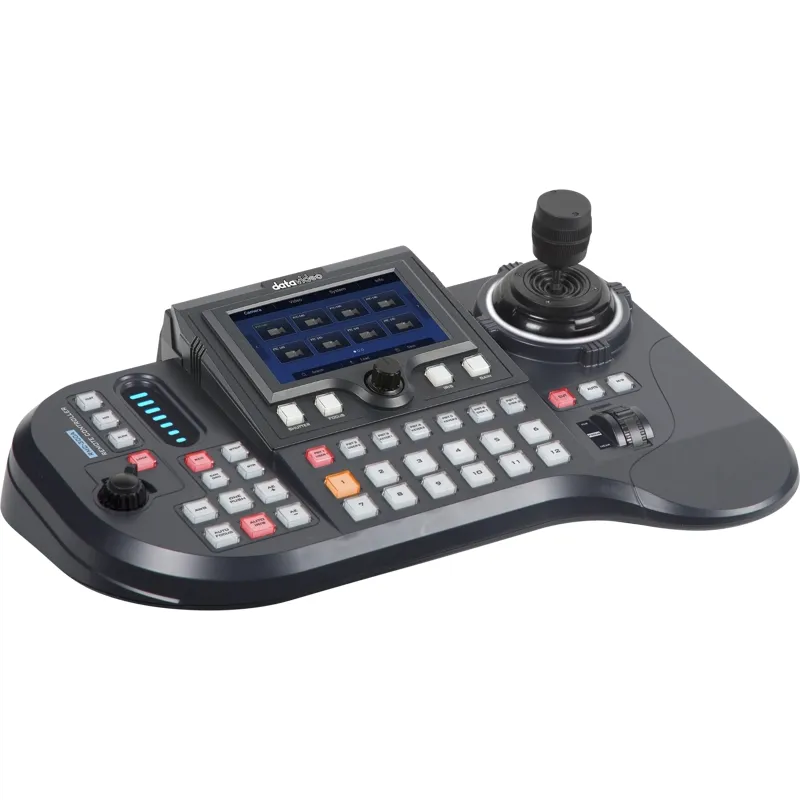
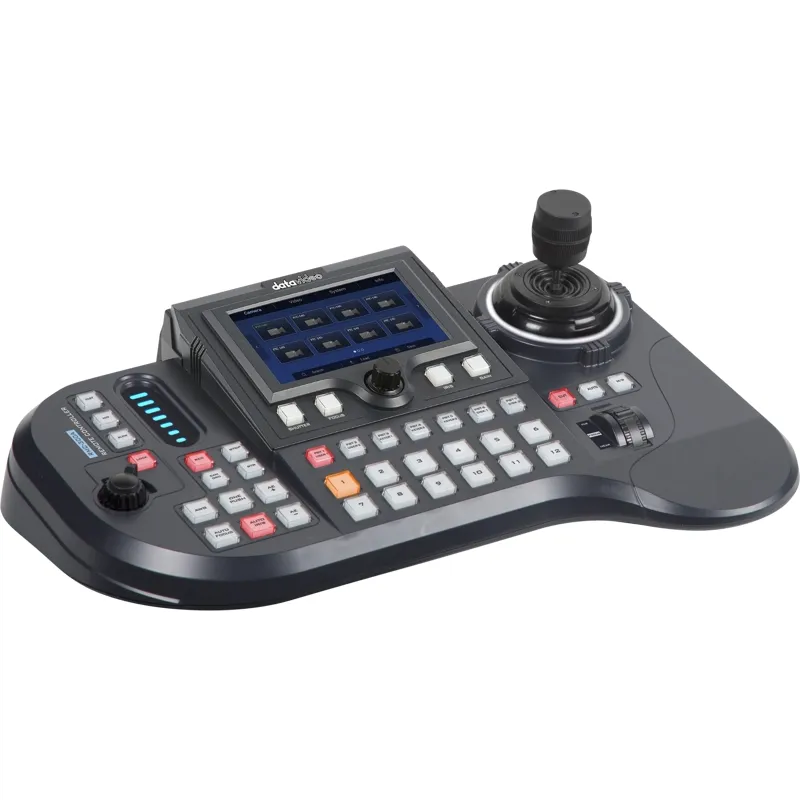
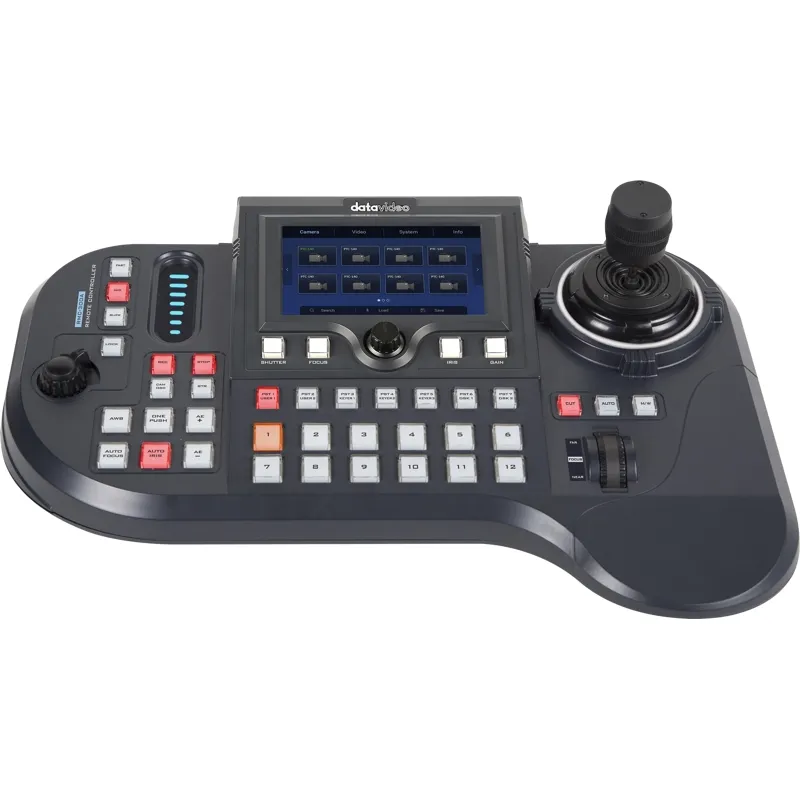
Datavideo RMC-300A is a versatile multi-camera controller capable of managing up to 24 PTZ and block cameras via Ethernet or up to 8 cameras through RS-422 serial port transmission. It supports control of Datavideo PTZ cameras, robotic heads, and block cameras, allowing parameter setup via RS-422 or DVIP protocols. Additionally, it can control Datavideo recorders and switchers with up to 12 channels. The combination of a user-friendly 5-inch LCD touch panel and hardware buttons enables efficient management of complex EFP workflows.
User-Friendly Interface on 5-Inch LCD Touch Panel
The 5-inch LCD touch panel features RGB backlit buttons for enhanced recognition of multi-function operations, providing operators with clear feedback during use.
Control Up to 24 Cameras
Designed to control up to 24 cameras simultaneously, the RMC-300A offers preset memory with 7 presets per camera, facilitating easy and efficient camera control. It supports Datavideo PTZ cameras, robotic camera heads, and block cameras, with RGB backlit buttons for preset operation.
LCD Displays GUI for Operability and Visibility
The graphical LCD display supports button functions and advanced settings, combining large buttons and labels with multiple detail levels. Users can easily access all camera settings and recall favorite configurations such as Shutter, Focus, IRIS, Gain, Zoom, and movement speeds.
Professional Use
One-person control of Pan, Tilt, and Zoom is enabled via a 2-axis joystick and zoom knob. The controller features a well-organized button layout for intuitive operation. All camera settings are accessible through the on-screen display (OSD), allowing quick recall of preferred settings including Shutter, Focus, IRIS, Gain, Zoom, and movement speeds.
Remote Control via Ethernet or RS-422 Serial Port
The RMC-300A supports control of PTZ and block cameras, as well as robotic camera heads like the Datavideo PTR-10, using Ethernet DVIP or RS-422 interfaces. It can connect up to 8 RS-422 cameras simultaneously. Future updates will enable remote control of select switchers.
Tally Signal Support
Designed for professional live production, the RMC-300A supports simultaneous control of 24 cameras with tally signal output, compatible with all Datavideo tally lights.
Zoom Knob and Lock Button
The zoom knob allows smooth zoom in/out control, while the lock button secures the joystick and zoom knob positions to prevent accidental changes.
Speed Settings for PTZ Control
Pan, Tilt, and Zoom speeds can be set to fast, medium, or slow, allowing precise control tailored to production needs.
Similar products available to order
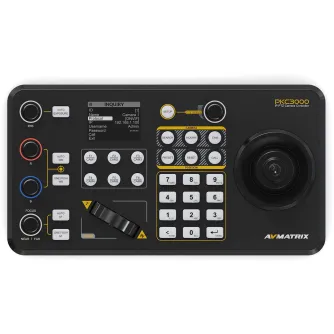
AVMATRIX PKC3000 Professional IP & Serial PTZ Camera Joystick Controller PKC3000
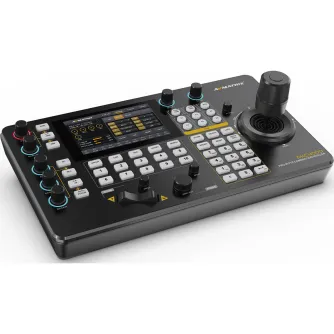
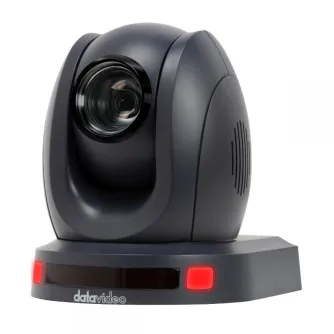
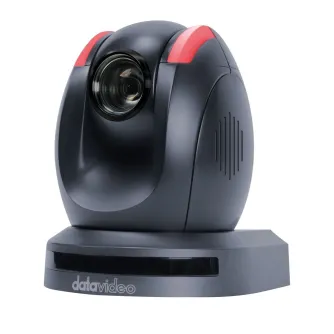
DATAVIDEO PTC 150 BLACK PTZ CAMERA BLACK 30X OPT ZOOM AND TALLY PTC-150 BLACK
Delivery time from 3 weeks
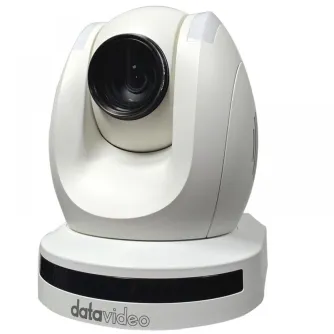
DATAVIDEO PTC 150 WHITE PTZ CAMERA WHITE 30X OPT ZOOM AND TALLY PTC-150 WHITE
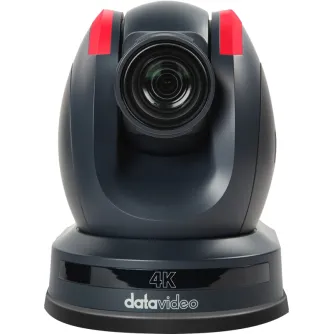
DATAVIDEO PTC-285T UHD PTZ CAMERA W AUTOTRACKING, HDBASET PTC-285T
Delivery time from 3 weeks
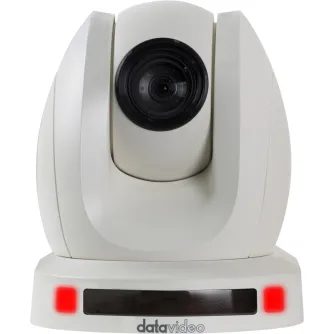
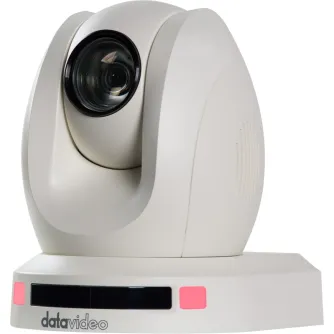
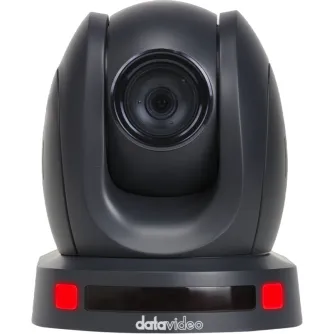
DATAVIDEO PTC-145NDI BLACK PTZ CAMERA, TRACKING, 20X OPTICAL ZOOM, AND 8X...
Delivery time from 3 weeks
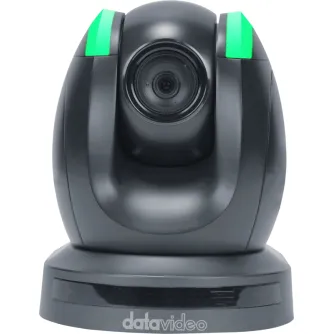
DATAVIDEO PTC-150T PTZ CAMERA BLACK W HDBASET & HBT-11 PTC-150T
Delivery time from 3 weeks
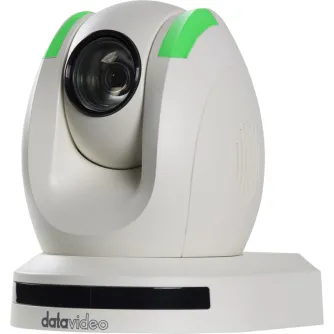
DATAVIDEO PTC-150TW PTZ CAMERA WHITE W HDBASET & HBT-11 PTC-150TW
Delivery time from 3 weeks