No products
 Facebook
  Google
- Write a review
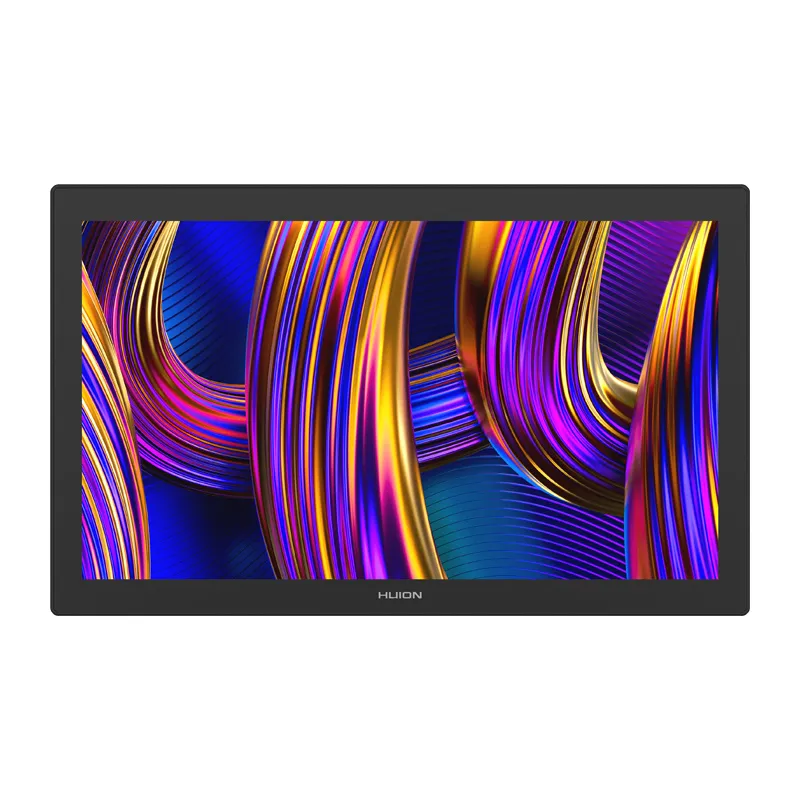
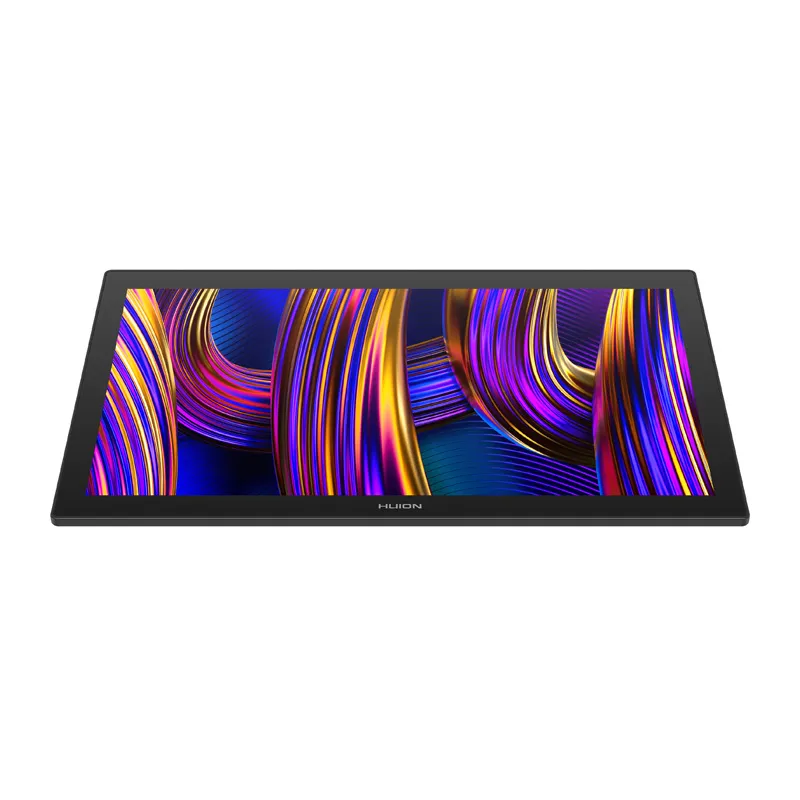
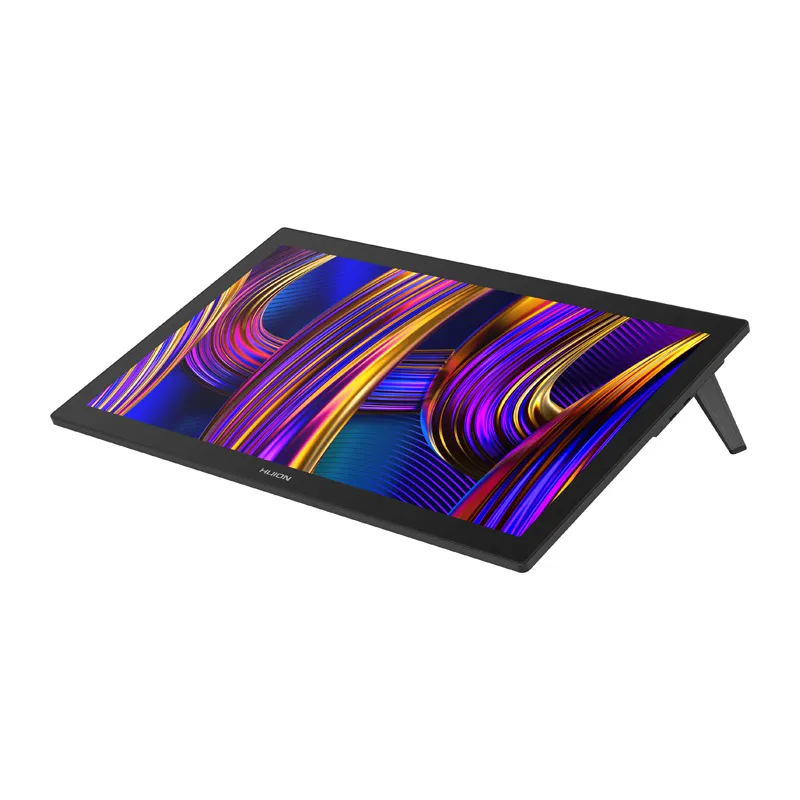
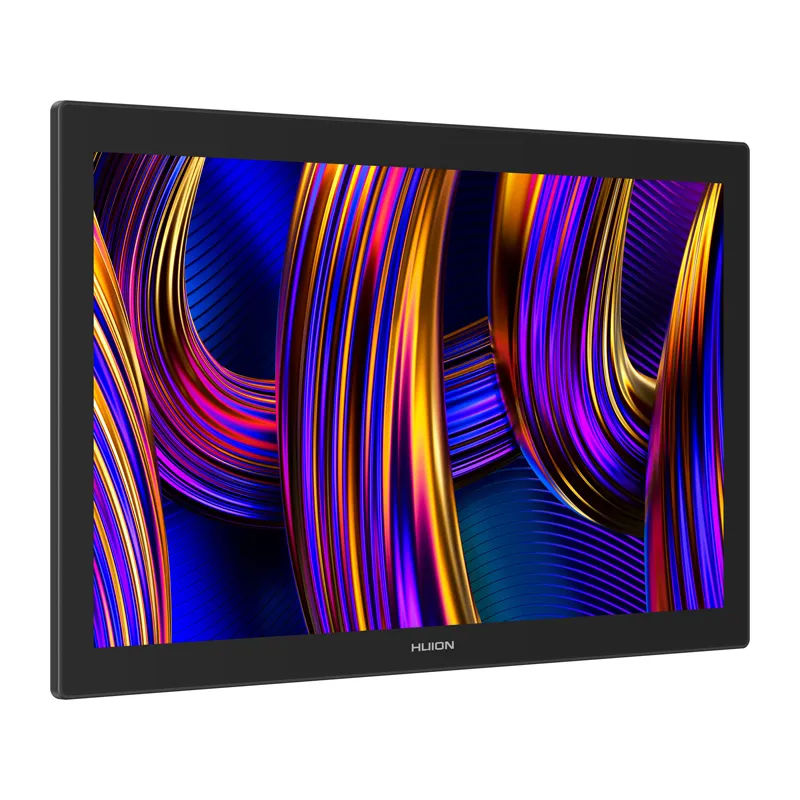
Huion Kamvas Pro 27 144Hz GT2702 graphics tablet


 AI ASSISTANT CHAT
Or ask about:
| Type of Product | Graphic tablets |
- 1. Evaluate your options.
- 2a. If you want to buy only one product with Aizdevums.lv leasing, then fill out the application here
- 2b. If you want to buy several items or use another leasing company, then put the items in the basket and choose the leasing service when ordering.
We offer leasing from Aizdevums SIA, Incredit SIA, ESTO.
Manager will check the availability of the items in the cart and send the loan application link. - 3. If you receive a positive response, contact us to purchase the product. Consultants will check the availability of the product.
- 4. If the product is available in the store or to be ordered from the warehouse, and you have received an affirmative answer from our consultants, please visit the store to proceed with purchase and leasing documents.
- 4a. You can also ask us to issue an invoice for this product and visit one of the leasing company branches to sign up leasing documents *..
- 5. Once the leasing documents have been signed up, you can receive the product in the store, if it is on site or inform our consultants and they will order it for you from the warehouse.
- *It is possible to arrange delivery for leased goods, so you can also perform the entire purchase process remotely.
**The sequence of leasing steps is the same for leases offered by InCredit Group.
***In case of doubt, contact our consultants!
When using leasing services, carefully evaluate your options to repay the loan!Lease
The Huion Kamvas Pro 27 is a professional pen display designed for graphic designers, illustrators and animators. Its 27-inch screen, 144 Hz refresh rate, precision pen technology and textured work surface provide a large, responsive workspace for digital art and design.
Image quality and performance
The 4K UHD display has a resolution of 3840 × 2160 pixels and a 16:9 aspect ratio. Its refresh rate ranges from 48 to 144 Hz, supporting smooth cursor movement and responsive pen input. The IPS panel offers a 1000:1 contrast ratio, up to 300 nits of brightness, a typical 5 ms response time and 16.7 million colors at 8-bit depth. Color-space coverage is 99% sRGB, 98% Adobe RGB, 98% DCI-P3 and 98% Display P3. Each unit is factory-calibrated, and a calibration report is included.
Two battery-free pens
The display includes two EMR PenTech 4.0 pens. The PW600 has three programmable side buttons and an eraser, while the slimmer, lighter PW600S has two side buttons and an eraser. Both support 16,384 pressure levels and tilt recognition up to 60°, and work without batteries. The display provides a reporting rate of at least 260 PPS, a minimum detection height of 8 mm or less, and accuracy of ±0.3 mm at the center and ±2 mm at the corners. Interchangeable standard and felt tips are included.
Textured glass and laminated display
Canvas Glass 3.0 is designed to provide a paper-like drawing feel, with surface texture that adds resistance under the pen. The anti-glare etched glass and anti-fingerprint coating help reduce reflections and smudges. Its nano-texture reduces image graininess by up to 14%. The working surface uses 7H-hardness glass, designed to withstand regular use without an additional protective film. Full lamination bonds the LCD layer directly to the glass, reducing parallax between the pen tip and the cursor while supporting precise drawing and clear color reproduction.
Touch and workflow controls
The 10-point capacitive multi-touch function supports gestures for panning, zooming and rotating images; touch support is available on Windows. The display can also be used with Bluetooth, single-sided or full-size keyboards, and the Huion Keydial KD100 controller (not included). The included K40 Keydial Remote provides additional control options.
Ergonomics and connectivity
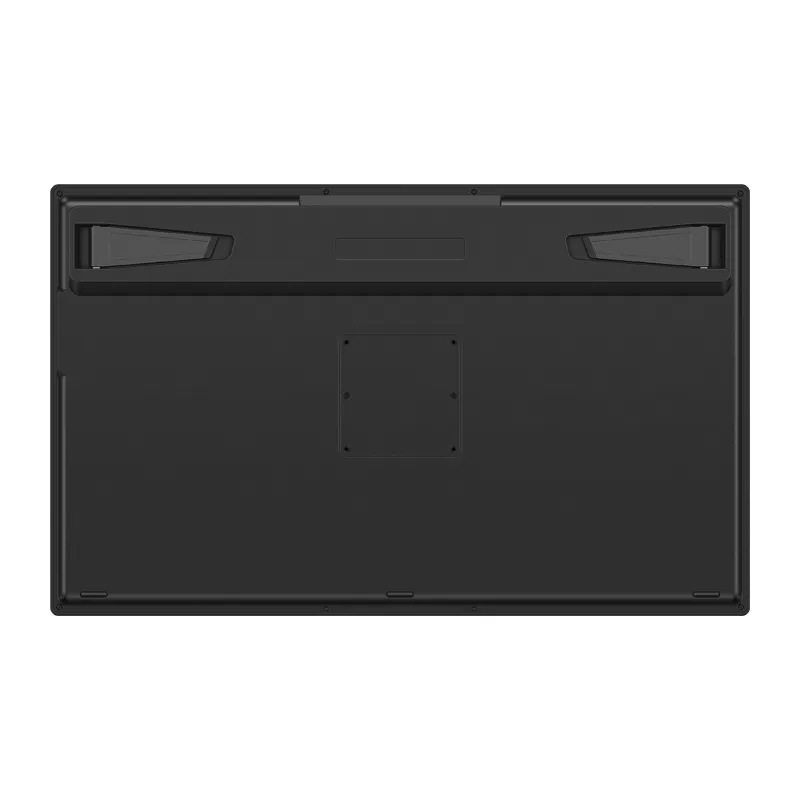
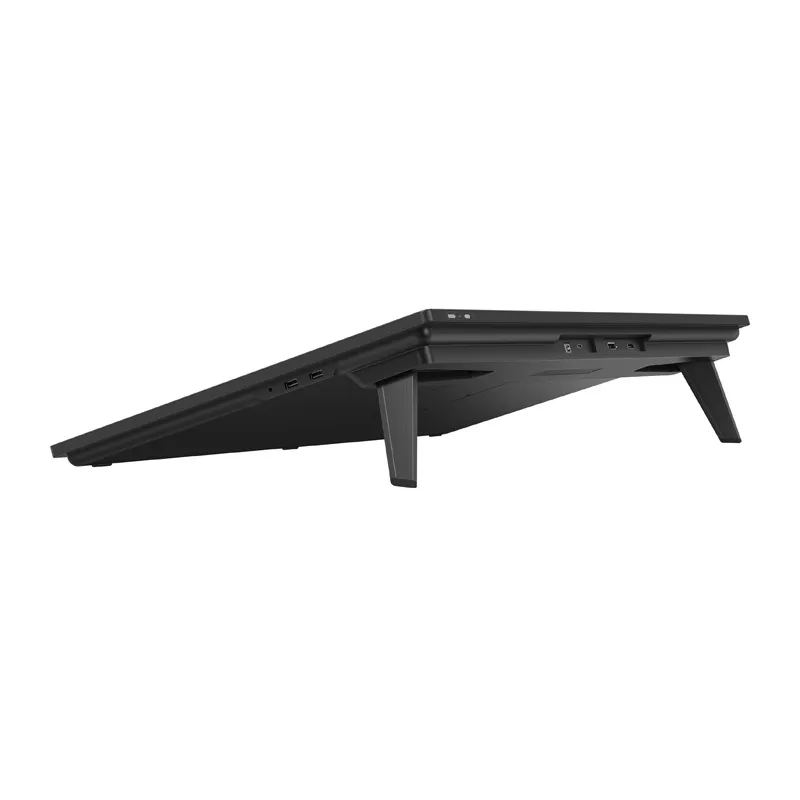
Built-in stands position the display at a 20° angle. It can also be mounted using a VESA 100 × 100 mm-compatible mount. Top-mounted ports support convenient cable management. Connections include HDMI 2.1, DisplayPort 1.4, USB-C, DC power, two USB-A 2.0 ports and a 3.5 mm headphone jack. The display supports HDMI, DisplayPort and USB-C connections to compatible computers and devices.
Compatibility
The Kamvas Pro 27 is compatible with Windows 10 or later, macOS 10.12 or later, Android 6.0 or later, and Linux (Ubuntu 20.04 LTS). Android devices require USB 3.1 with DP 1.2 support. It works with professional graphics applications including Adobe Photoshop, Illustrator and After Effects, Clip Studio Paint, Affinity, ZBrush, Blender, Corel Painter and Krita. Keyboard shortcuts, pen functions and workspace settings can be configured individually for each program.
Specifications
- Manufacturer: Huion
- Model: GT2702
- Screen diagonal: 27 inches
- Resolution: 3840 × 2160 (UHD, 16:9)
- Panel: IPS, 48–144 Hz
- Active area: 596.7 × 335.7 mm
- Contrast ratio: 1000:1
- Brightness: 300 nits (maximum)
- Response time: 5 ms (typical)
- Viewing angles: 89° up/down/left/right, CR ≥ 10
- Color depth: 16.7 million colors (8 bits)
- Color-space coverage: 99% sRGB; 98% Adobe RGB; 98% DCI-P3; 98% Display P3
- Pen technology: EMR PenTech 4.0
- Included pens: PW600 (standard) and PW600S (slim)
- Pressure sensitivity: 16,384 levels
- Accuracy: ±0.3 mm (center), ±2 mm (corners)
- Minimum detection height: ≤ 8 mm
- Reporting frequency: ≥ 260 PPS
- Touch: 10-point capacitive touch
- Interfaces: HDMI 2.1; DisplayPort 1.4; USB-C; DC power; 2 × USB-A 2.0; 3.5 mm headphone jack
- Dimensions: 656.1 × 405 × 22.7 mm
- Net weight: 7.2 kg
- Color: Black
- Screen coating: third-generation anti-glare etched glass with anti-fingerprint coating
- Lamination: Full lamination
- System compatibility: Windows 10 or later; macOS 10.12 or later; Android 6.0 or later; Linux (Ubuntu 20.04 LTS)
Included
- Kamvas Pro 27 (144 Hz) pen display
- AC power adapter
- AC power cable (1.5 m)
- HDMI cable (1.8 m)
- USB-C cable (1.8 m)
- USB-A to USB-C cable (1.8 m)
- PW600 digital pen
- PW600S digital pen
- 5 standard PN06 tips
- 5 felt PN06F tips
- Pen case with built-in tip extractor
- K40 Keydial Remote
- Cleaning cloth
- Glove
- Quick start guide
- G1 GTCOLOR calibrator








