No products
 Facebook
  Google
- Write a review
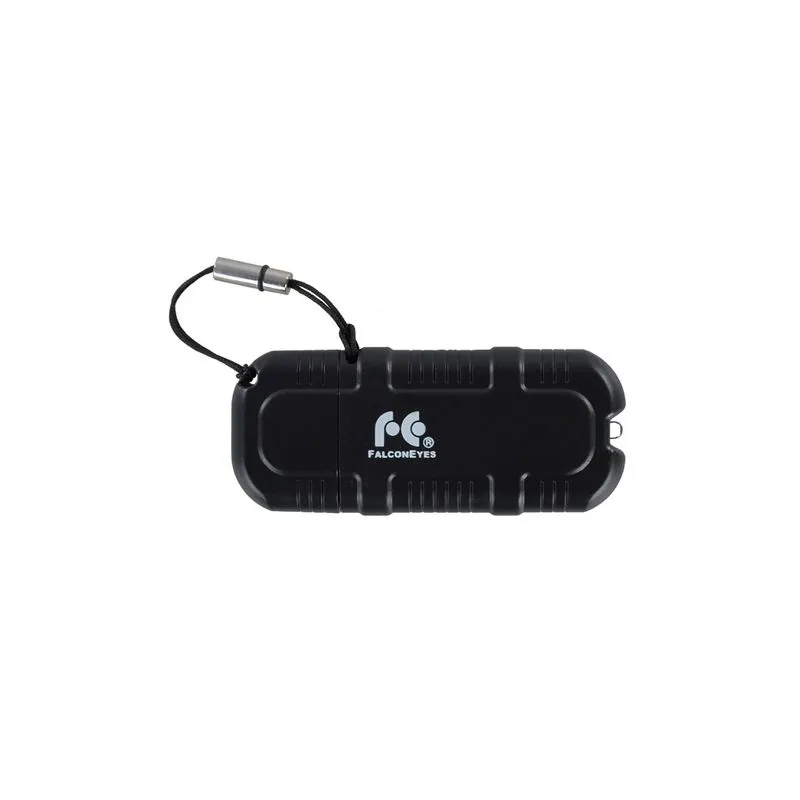
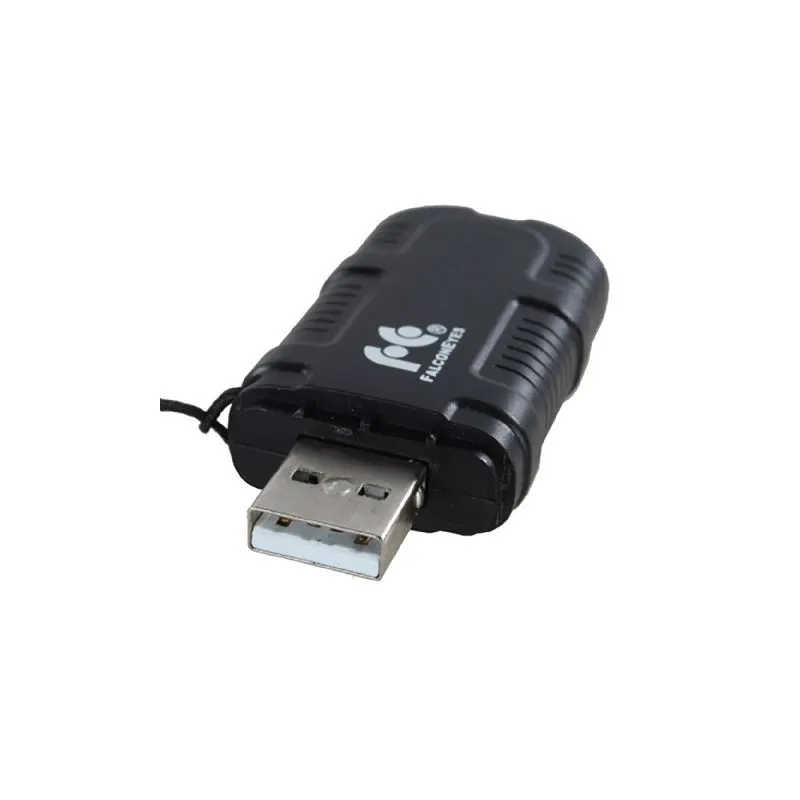
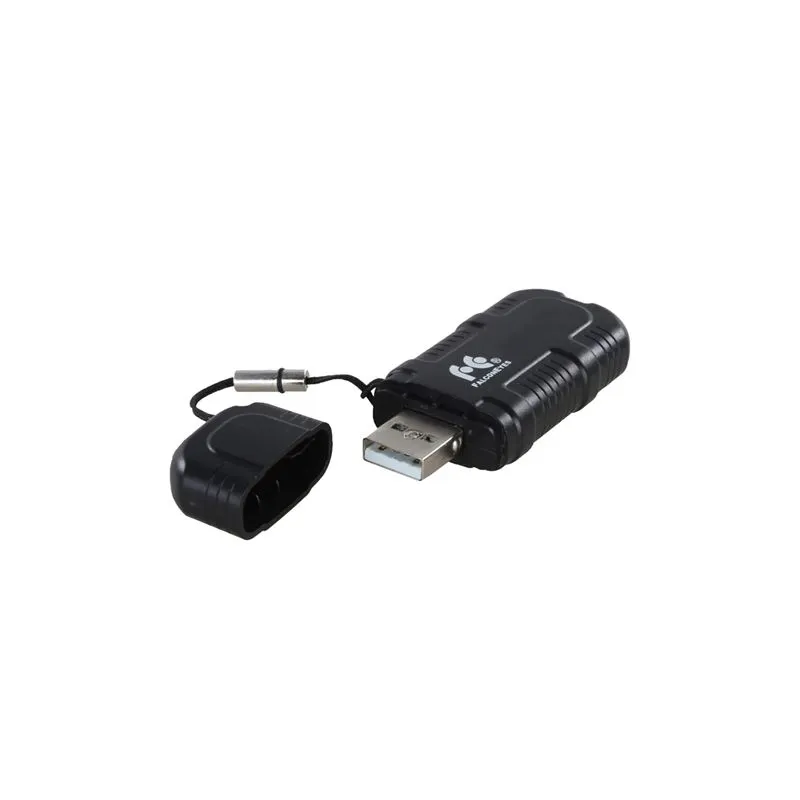
Falcon Eyes RC-W02 Wi-Fi Dongle for LED Lamps


 AI ASSISTANT CHAT
Or ask about:
| Type of Product | LED gaismu pults |
| Compatible | universāla |
| Compatible | other |
| Purpose | Multi-purpose |
| Purpose | For Studio Light |
| Trigger type | uztvērējs |
| Trigger type | Pults |
Wireless Control for Falcon Eyes LED Lamps
The Falcon Eyes RC-W02 is a Wi-Fi dongle designed to enable wireless control of compatible Falcon Eyes LED lamps from the LPW, CLL, and DLL series using a smartphone. It supports simultaneous control of up to 8 lamps, allowing users to adjust settings such as color temperature and brightness remotely via a dedicated app available for both iOS (version 7.0 or higher) and Android devices.
Compatible LED Lamps
The dongle is compatible with Falcon Eyes LED lamps equipped with Wi-Fi 2.0, identifiable by a green/black Wi-Fi V2.0 sticker. Supported models include:
- LPW-100TD
- LPW-150TD
- LPW-600TD
- LPW-820TD
- LPW-1156TD
- LPW-1200TD
- LPW-2005TD
- LPW-3005TD
- LPW-DB4485TD
- CLL-1600TW
- DLL-1600TW
- CLL-3000TW
- DLL-3000TW
- CLL-4800TW
Smartphone App Control
In addition to manual operation via the lamp's touchscreen and rotary controls, the RC-W02 allows full control through the Falcon Eyes smartphone app. The app provides intuitive adjustment of brightness and color temperature.
Single Lamp Setup
- Download the free Falcon Eyes app from the App Store or Google Play.
- Connect your smartphone to the Wi-Fi network starting with 'LEDS' (password: 'candlehome').
- Open the app and tap 'Click me'.
- Select the IP address block starting with 192.
- Adjust brightness using the slider and color temperature by swiping the central color disc.
Multiple Lamps Setup
- Download the Falcon Eyes app.
- Connect a Wi-Fi router to power (internet connection not required) and connect your smartphone to this network.
- Press and hold the lamp's color/reset button until the red light flashes twice.
- Open the app and tap 'Click me'.
- Access settings via the gear icon and enter the Wi-Fi router password.
- Wait for the lamps' red lights to become solid.
- Select the desired lamp and adjust brightness and color temperature as needed.
Package Contents
- 1x Falcon Eyes Wi-Fi Dongle RC-W02
Related Products