0 Item Items 0 Item - € 0.00
Shopping Cart Preview
No products
Pick up in store Shipping
€ 0.00 Tax:
€ 0.00 Total tax included
Product successfully added to your shopping cart
Quantity
Total tax included
There are 0 items in your cart. There is 1 item in your cart.
Total products :
Total shipping : Pick up in store
Tax: € 0.00
Total tax included :
 Facebook
  Google
Photo & video store, rental and expert advice
- Write a review
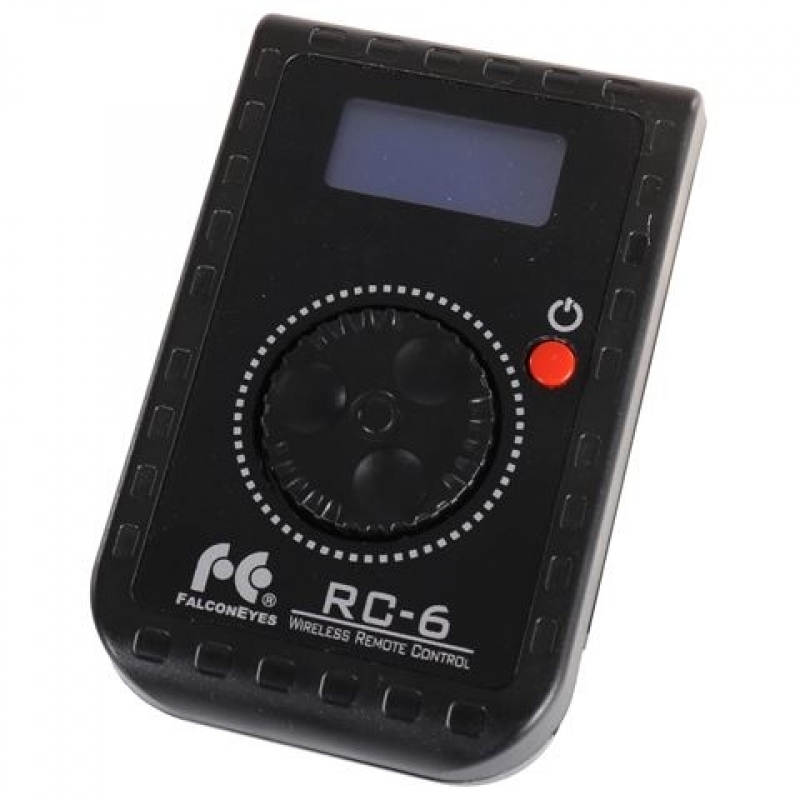
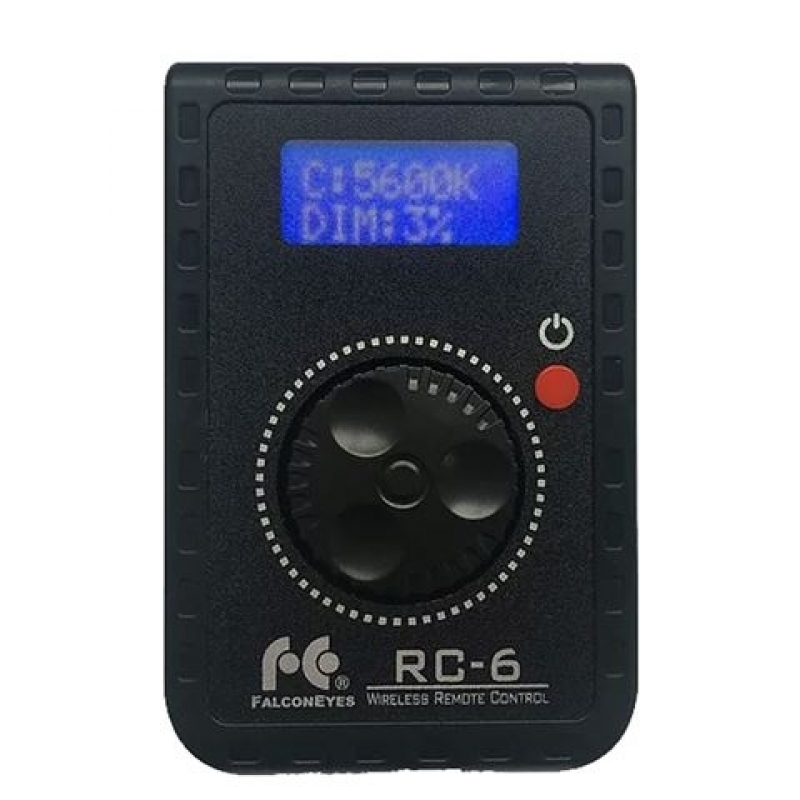
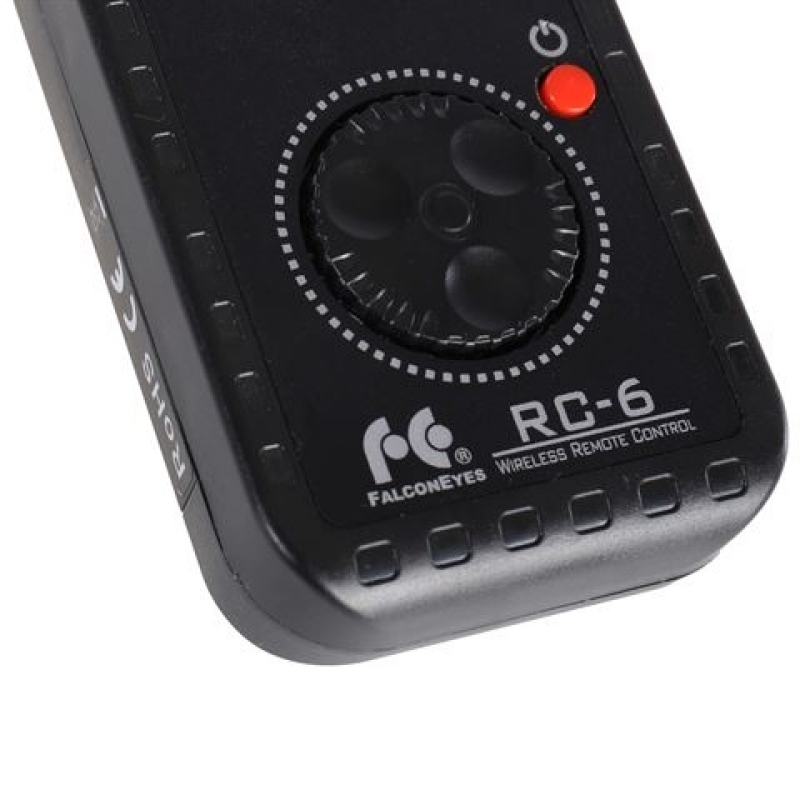
Falcon Eyes RC-6 remote controls multiple LED lights with adjustable colour temperature and power via 4 channels, up to 50m range, requires one AA battery.
Important information!
From 19 November the store is moving to new premises at 151 Dzirnavu Street, Riga!
- 14 November - the last working day at 39 F.Sadovņikova street.
- The store will be closed on 16 and 17 November due to the move.
- From 19 November, we look forward to welcoming you at our new address.
Falcon Eyes LED Remote Control RC-6
Product ID: 33355


SKU: 33355
Ean: 8718127084767
Condition: New product
Manufacturer: Falcon Eyes
Discover related products
Discover related products
 AI ASSISTANT CHAT
This is the beta version of our new assistant chat, capable of answering both standard and advanced questions about product and store operations.
Or ask about:
What are the features? Is this in stock? Actual discounts & offers? Product reviews?
| Type of Product | LED gaismu pults |
| Compatible | other |
| Purpose | For Studio Light |
| Trigger type | Pults |
Product details
Wireless LED Remote Control for Centralized Lighting Management
The Falcon Eyes RC-6 is a wireless remote control designed to centrally manage multiple LED lamps efficiently. It eliminates the need to manually adjust each lamp individually, saving valuable setup time.
Key Features
- Control one or multiple LED units simultaneously.
- Four selectable frequency channels to logically assign and control different lamps.
- Adjustable colour temperature and power settings for precise lighting control.
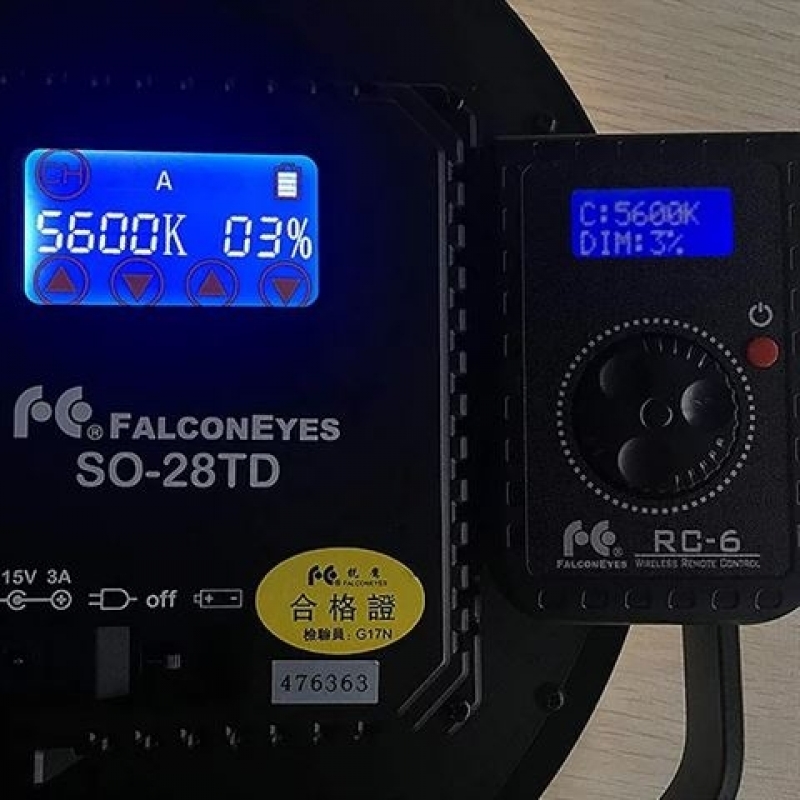
- Clear LED display on the remote shows the same settings as the connected LED lamp.
- Maximum wireless control range of up to 50 meters in unobstructed environments.
Compatibility
The RC-6 remote is compatible with the following Falcon Eyes and Linkstar LED lamp models:
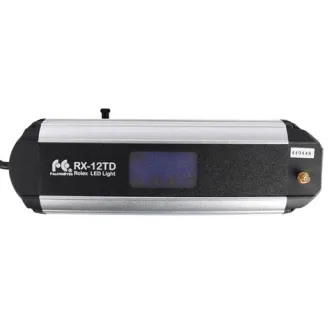
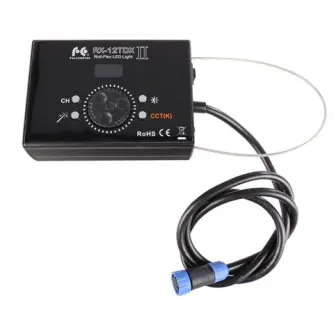
- Falcon Eyes RX-12TD and RX-18TD
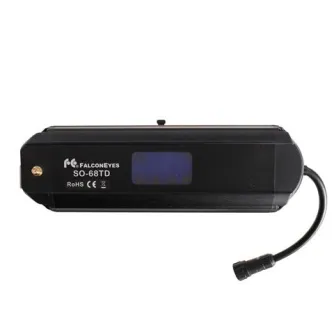
- Falcon Eyes SO series: SO-28TD, SO-40TD, SO-48TD, SO-60TD, SO-66TD, SO-68TD
- Falcon Eyes LPL series: LPL-3602TD, LPL-S3602TD, LPL-S6002TD
- Linkstar RX-9TD and RX-11TD
Channel Note
When the remote control displays channel 'A', the LED lamp control units correspond to channel '1'. Similarly, channel 'B' corresponds to '2', and so forth.
Operation Instructions
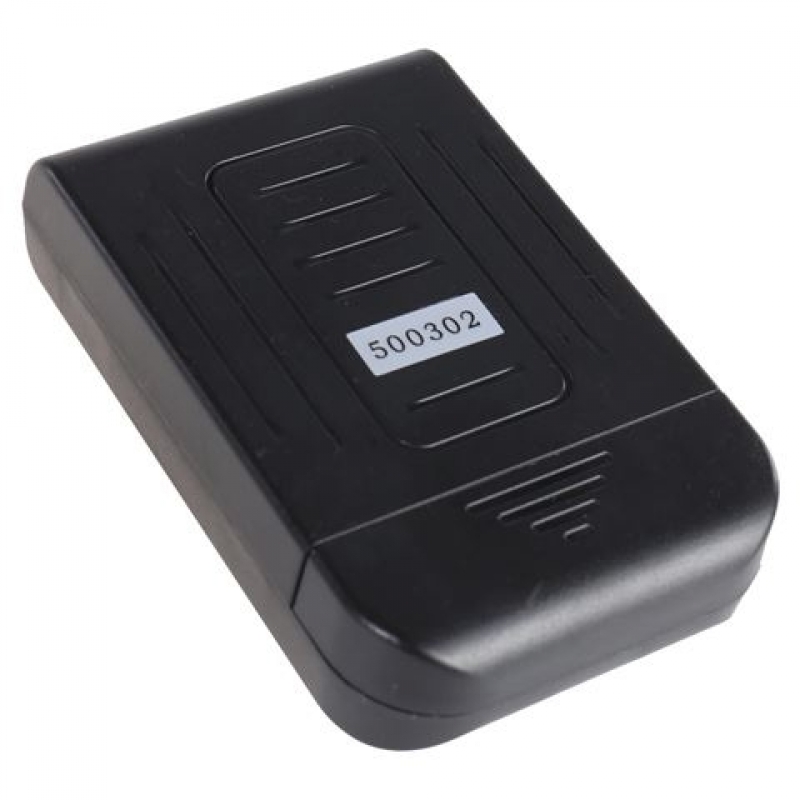
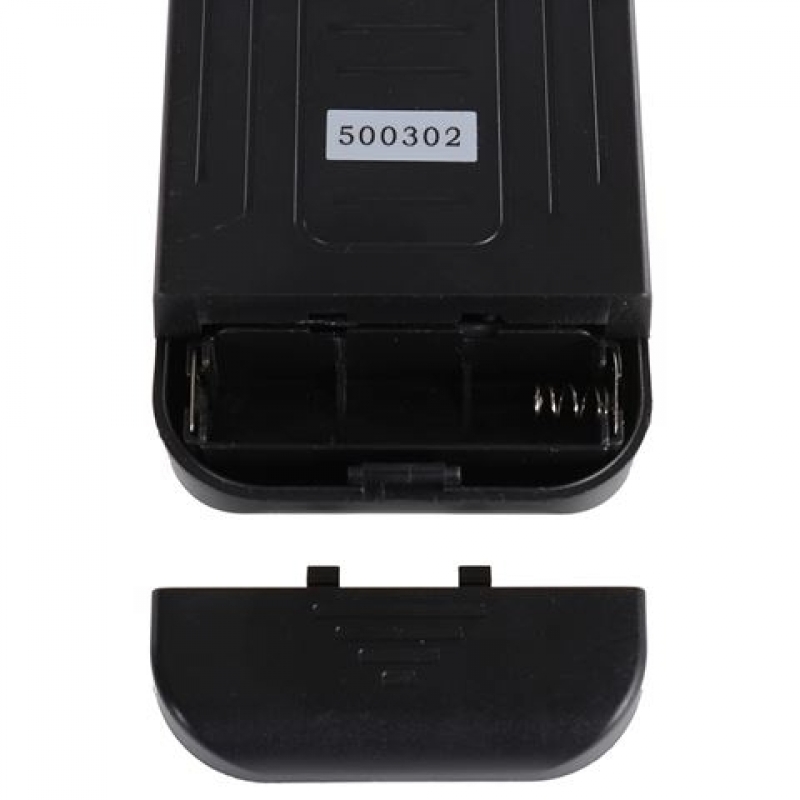
- Insert one AA battery (not included) into the battery compartment.
- Power on the RC-6 remote control.
- Press the rotary encoder gently to toggle between menus: Colour Temperature, Power, and Frequency Channel.
- Rotate the encoder to select the desired settings.