No products
 Facebook
  Google
- Write a review
CineTreak Mixer Plus - Compact video switcher with HDMI/SDI inputs, dual mic


 AI ASSISTANT CHAT
Or ask about:
| Type of Product | Video Mixer |
| Accessories for video cameras | iekārtas |
- 1. Evaluate your options.
- 2a. If you want to buy only one product with Aizdevums.lv leasing, then fill out the application here
- 2b. If you want to buy several items or use another leasing company, then put the items in the basket and choose the leasing service when ordering.
We offer leasing from Aizdevums SIA, Incredit SIA, ESTO.
Manager will check the availability of the items in the cart and send the loan application link. - 3. If you receive a positive response, contact us to purchase the product. Consultants will check the availability of the product.
- 4. If the product is available in the store or to be ordered from the warehouse, and you have received an affirmative answer from our consultants, please visit the store to proceed with purchase and leasing documents.
- 4a. You can also ask us to issue an invoice for this product and visit one of the leasing company branches to sign up leasing documents *..
- 5. Once the leasing documents have been signed up, you can receive the product in the store, if it is on site or inform our consultants and they will order it for you from the warehouse.
- *It is possible to arrange delivery for leased goods, so you can also perform the entire purchase process remotely.
**The sequence of leasing steps is the same for leases offered by InCredit Group.
***In case of doubt, contact our consultants!
When using leasing services, carefully evaluate your options to repay the loan!Lease
Enhance Your Audio
Enhance your audio with the CineTreak Mixer Plus catalog number Mixer Plus. This versatile mixer offers professional sound control for your projects. Experience superior audio mixing capabilities and achieve the perfect sound. Ideal for studios and on-location recording.
Professional, Compact, and Streamlined Switching
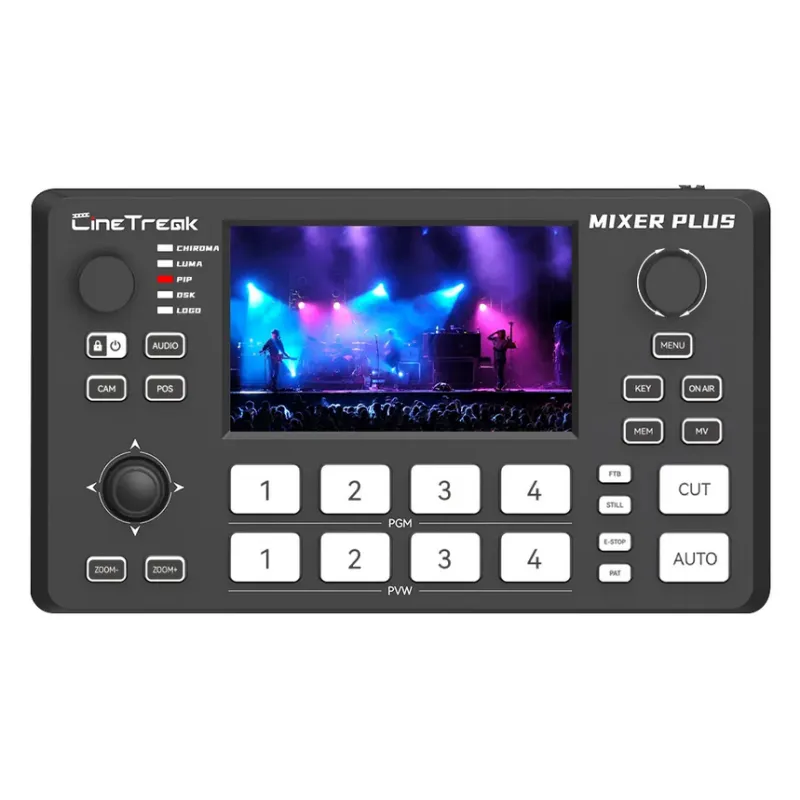
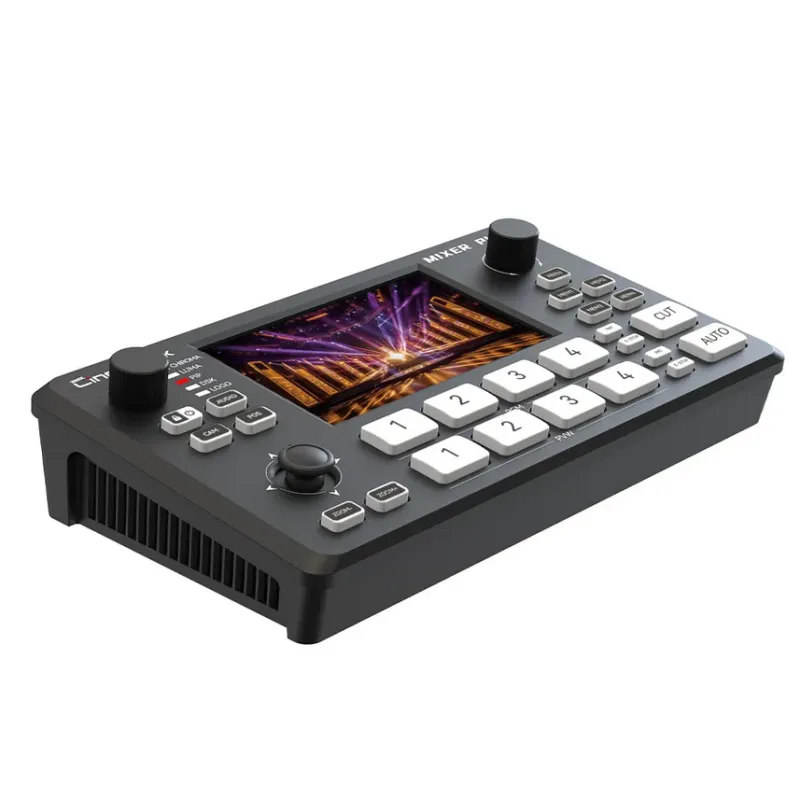
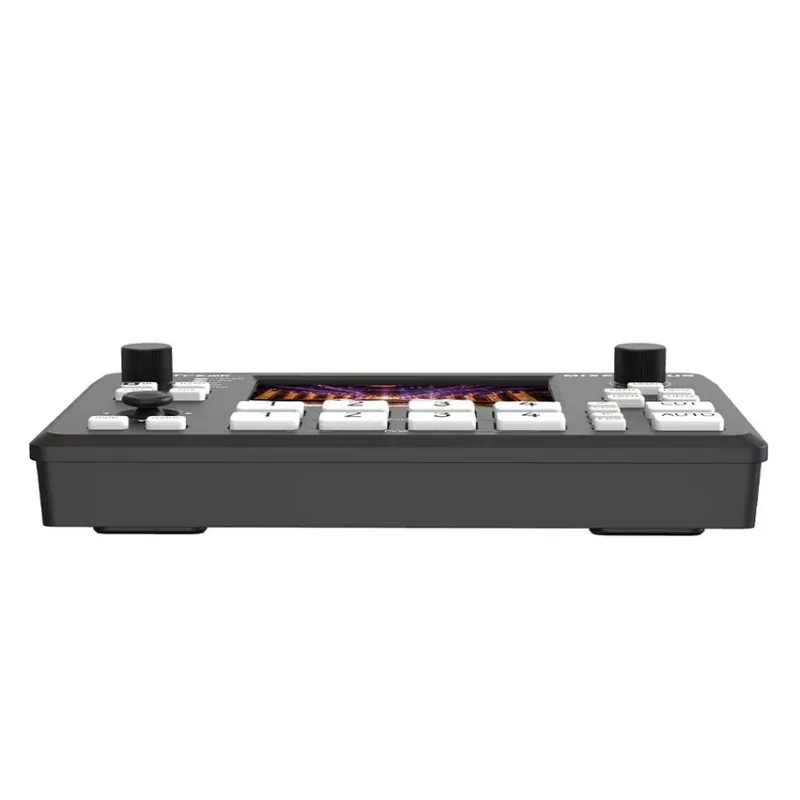
Mixer Plus is a powerful and compact video switcher designed for live streaming, event production, and multi-camera broadcasts. It is available in two versions to suit different workflow needs: the Mixer Plus with four HDMI inputs, and the Mixer Plus SDI, which offers four SDI inputs for broadcast-grade signal compatibility. Both models support seamless multi-channel switching, a customizable AUX output, and real-time Multi View monitoring.
Built-in Transition Effects
With up to 30 built-in transition effects—including Mix and DIP—users can create professional scene changes with adjustable durations. Audio flexibility is ensured through dual microphone inputs and a headphone monitoring jack, enabling real-time sound control.
PTZ Camera Control
The switcher also supports PTZ camera control via VISCA over IP, allowing connection of up to four cameras with multiple presets per device. Additional production tools include chroma key, luma key, picture-in-picture (PIP), downstream keying (DSK), and logo overlays.
USB Interface
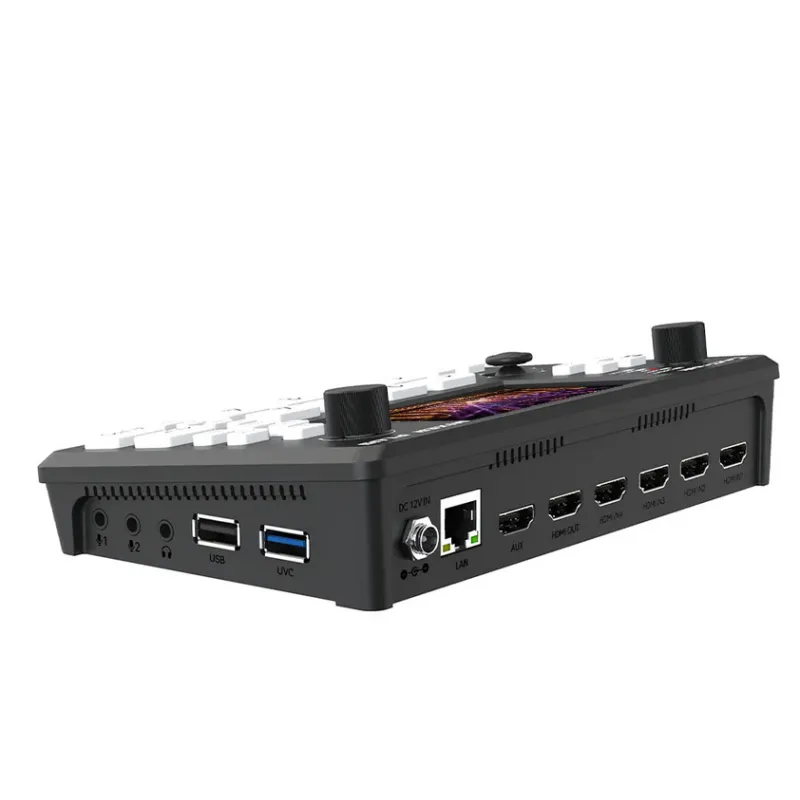
Equipped with a USB 3.0 UVC interface for uncompressed HD streaming and a USB 2.0 port for importing media files like logos and backgrounds, Mixer Plus and Mixer Plus SDI provide a complete, versatile switching solution tailored for professional content creators and live production teams.
Multi-Inputs Flexibility
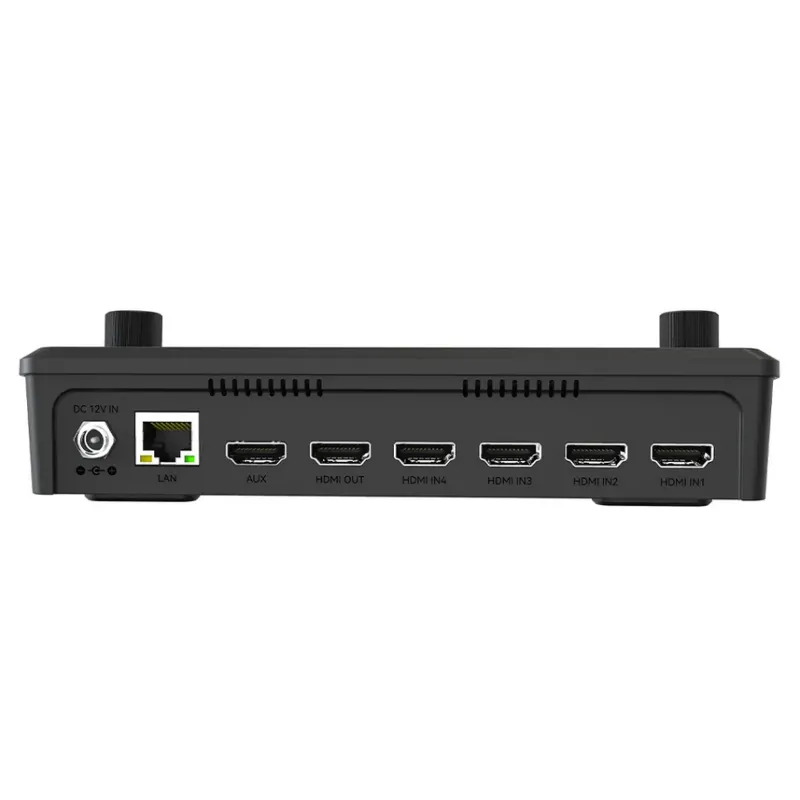
Mixer Plus is a compact and full-featured video switcher available in both HDMI and SDI input versions, designed to meet the needs of professional live production environments. The HDMI version comes with four HDMI input ports, while the SDI model features four SDI inputs, both supporting high-quality video signal switching.
Customizable AUX HDMI Output
Mixer Plus features a versatile AUX HDMI output that allows users to customize the output signal from multiple options, including IN1, IN2, IN3, IN4, PGM, Clean PGM, PVW, Clean PVW, PAT, and Multi View—offering maximum flexibility for different production needs.
Multi View (MV) Monitoring
The Multi View (MV) feature allows users to monitor all input sources simultaneously on a single display. It provides real-time previews of each video input along with dedicated Program (PGM) and Preview (PVW) windows, resolution indicators, and audio level meters.
Audio Monitoring and Built-in Effects
Mixer Plus offers two mic inputs and a headphone monitoring jack for flexible audio sourcing and real-time sound monitoring. It also supports up to 30 built-in transition effects, including Mix and DIP, with customizable transition durations.
Layer Control Functions
- CHROMA: Enables chroma keying for virtual sets or remote interviews.
- LUMA: Activates luma keying for overlaying graphics.
- PIP: Turns on picture-in-picture mode for secondary video sources.
- DSK: Enables downstream keying for clean overlays.
- LOGO: Displays a pre-loaded static logo onto the program feed.
Each function can be toggled on/off via the control panel, with the corresponding indicator light showing real-time status—ensuring efficient layer management during production.