No products
 Facebook
  Google
- Write a review
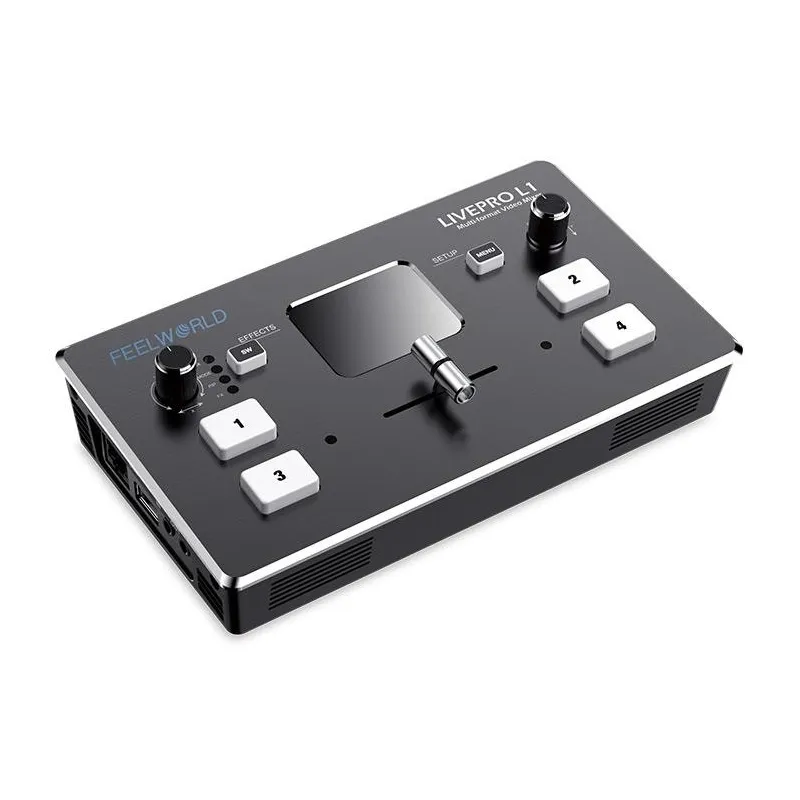
Feelworld Live Pro L1 Video Switcher


 AI ASSISTANT CHAT
Or ask about:
- 1. Evaluate your options.
- 2a. If you want to buy only one product with Aizdevums.lv leasing, then fill out the application here
- 2b. If you want to buy several items or use another leasing company, then put the items in the basket and choose the leasing service when ordering.
We offer leasing from Aizdevums SIA, Incredit SIA, ESTO.
Manager will check the availability of the items in the cart and send the loan application link. - 3. If you receive a positive response, contact us to purchase the product. Consultants will check the availability of the product.
- 4. If the product is available in the store or to be ordered from the warehouse, and you have received an affirmative answer from our consultants, please visit the store to proceed with purchase and leasing documents.
- 4a. You can also ask us to issue an invoice for this product and visit one of the leasing company branches to sign up leasing documents *..
- 5. Once the leasing documents have been signed up, you can receive the product in the store, if it is on site or inform our consultants and they will order it for you from the warehouse.
- *It is possible to arrange delivery for leased goods, so you can also perform the entire purchase process remotely.
**The sequence of leasing steps is the same for leases offered by InCredit Group.
***In case of doubt, contact our consultants!
When using leasing services, carefully evaluate your options to repay the loan!Lease
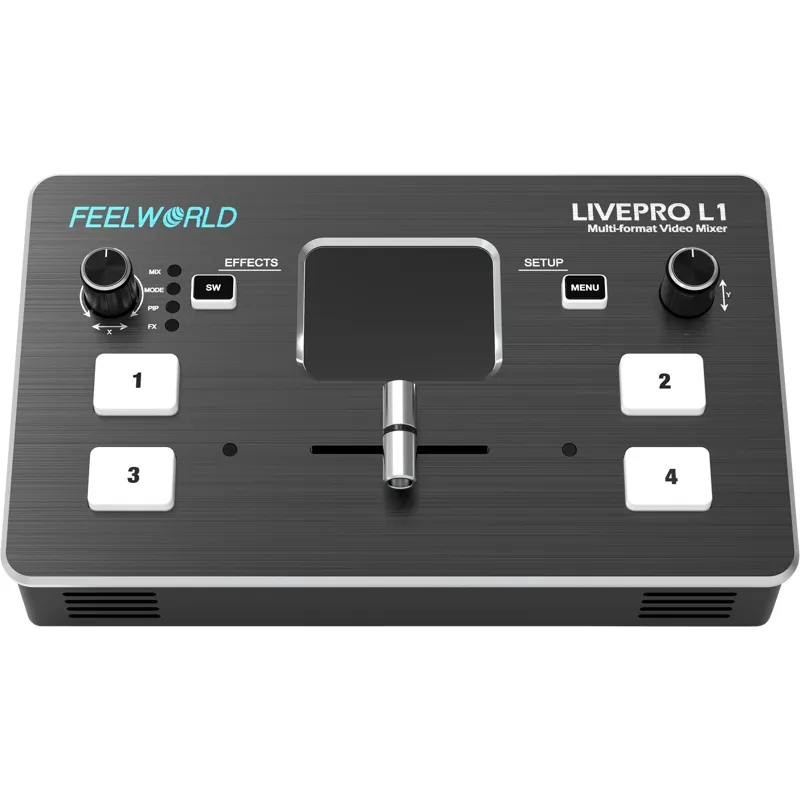
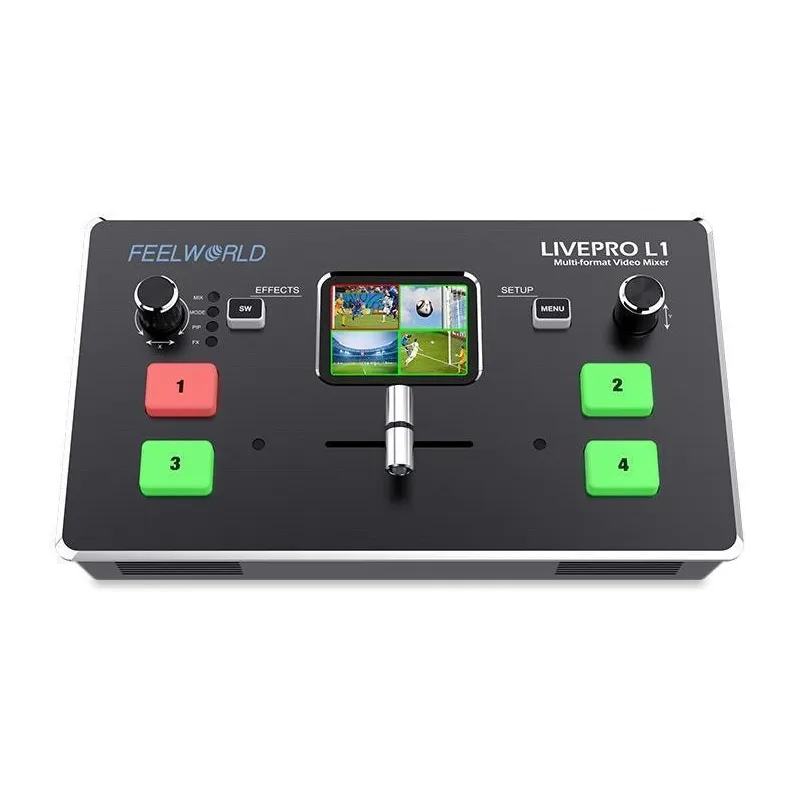
Multi-Format Video Mixer with 4 HDMI Inputs
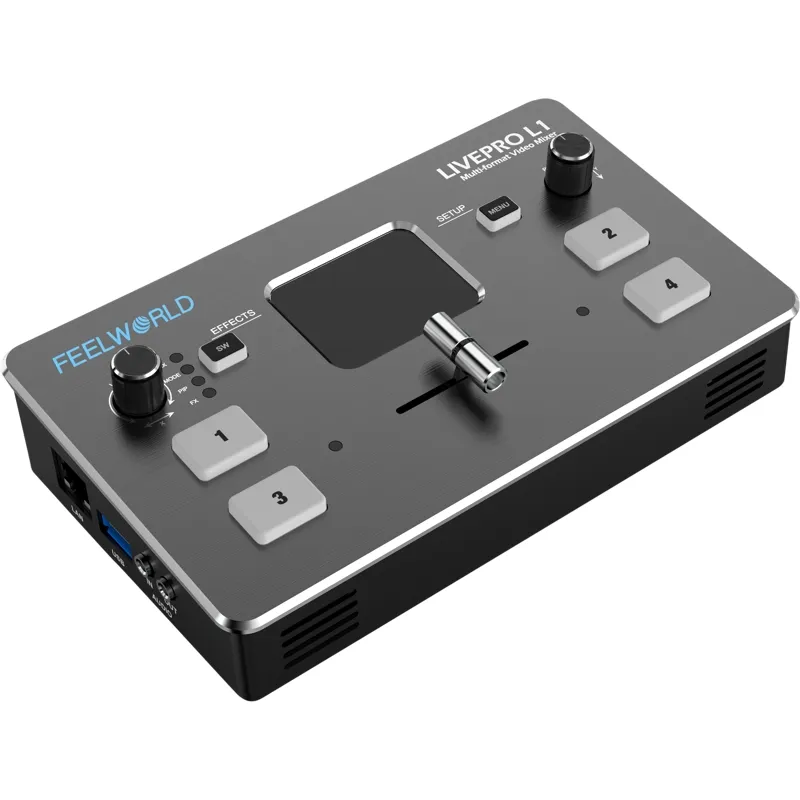
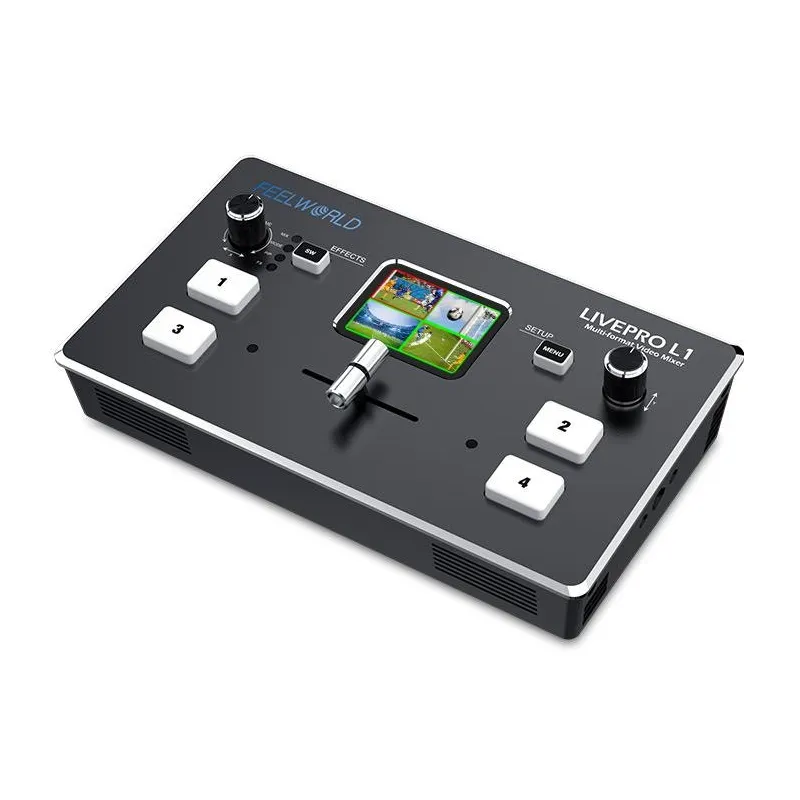
- 2" TFT LCD display for live preview of four input sources
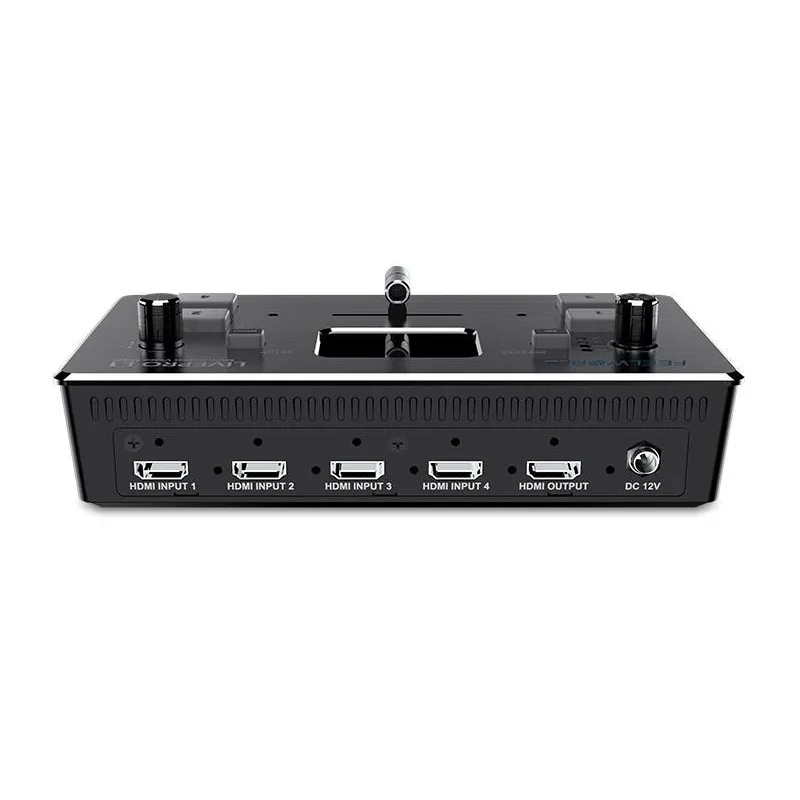
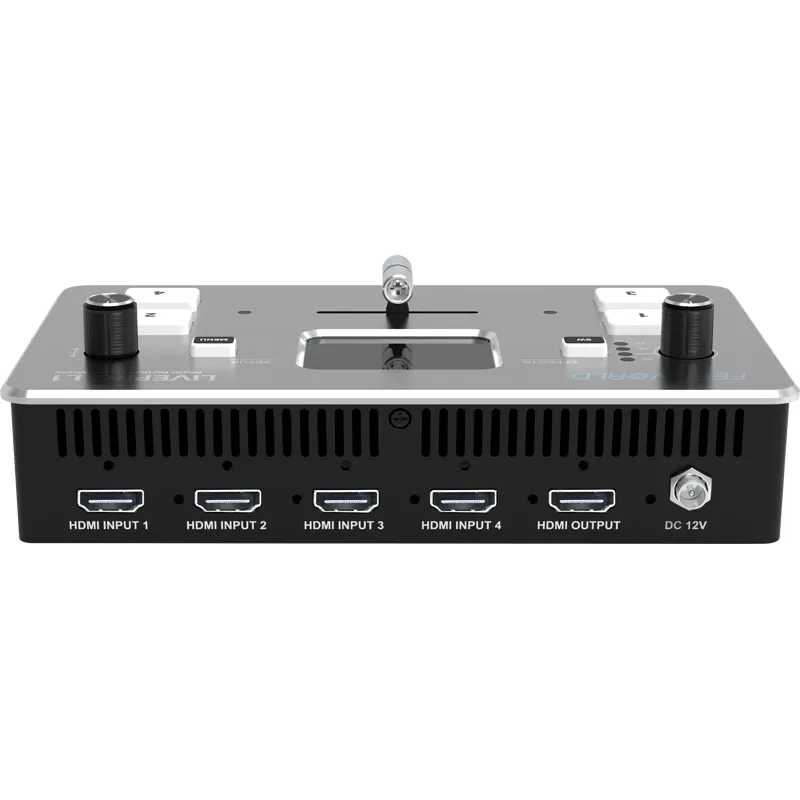
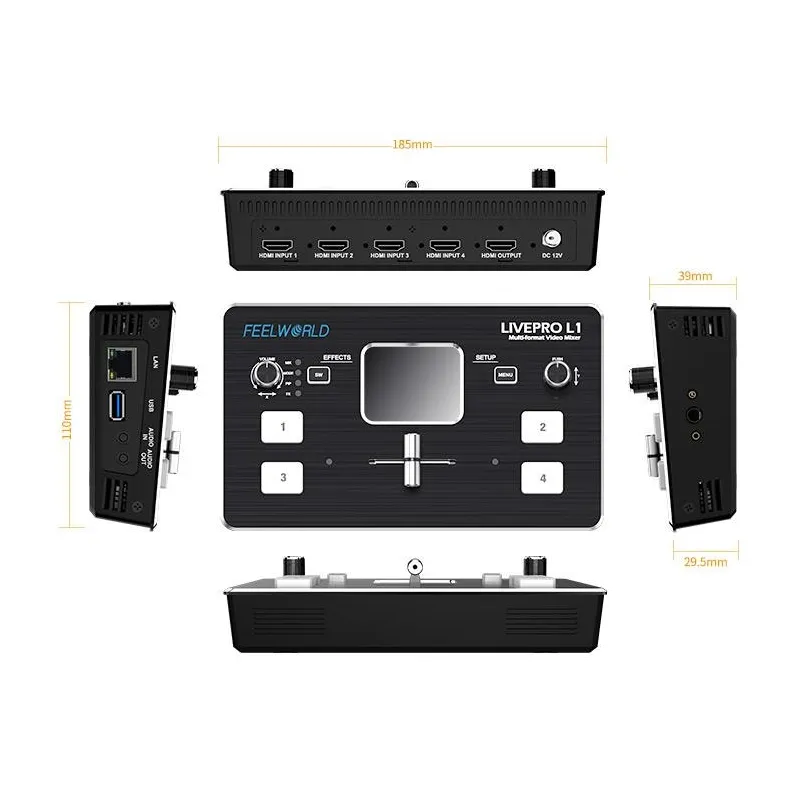
- 4 x HDMI inputs supporting 1080p resolution
- 1 x HDMI output supporting 1080p resolution
- Audio input and output interfaces
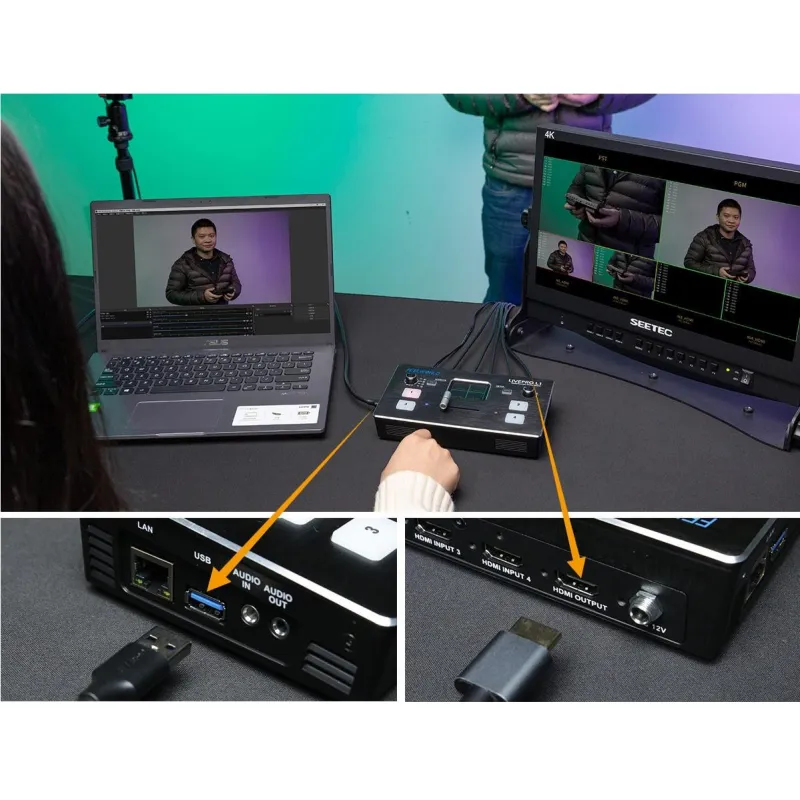
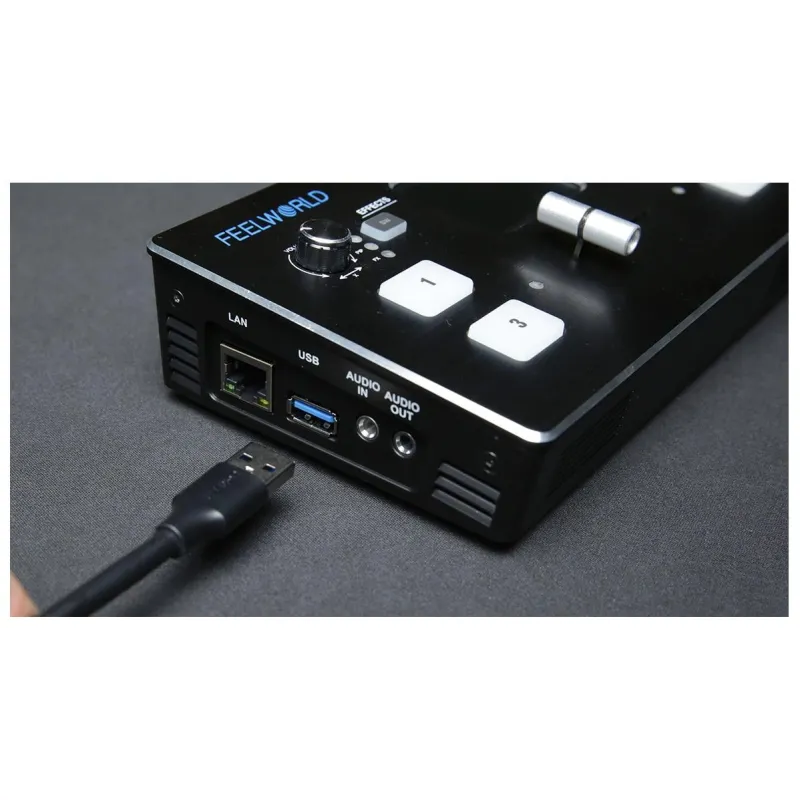
- USB 3.0 interface for live streaming
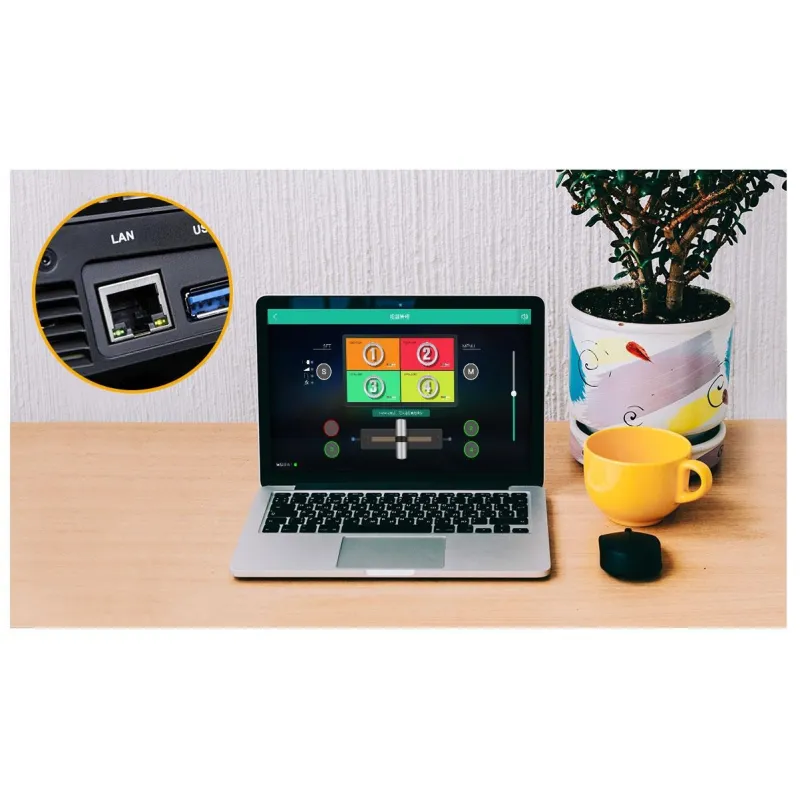
- LAN port for device control and firmware upgrades
Low-Cost Multi-Camera Live Production with Advanced Broadcast Features
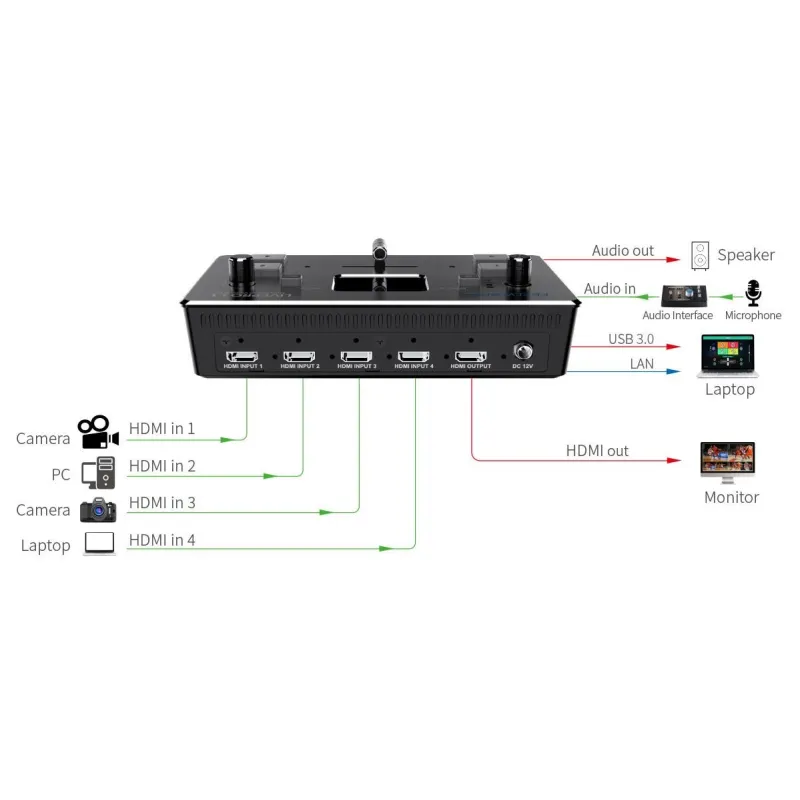
The LIVEPRO L1 video switcher supports four HDMI inputs and one HDMI output, all capable of 1080p video. It enables professional multi-camera productions by allowing live switching between four high-quality video camera inputs or other HDMI sources such as computers for PowerPoint slides or gaming consoles. The USB 3.0 interface allows streaming to any live broadcasting platform via third-party software like OBS. The LAN port facilitates remote control and firmware updates. Audio can be embedded or externally input, with separate input and output interfaces.
Exquisite and Flexible Control Panel
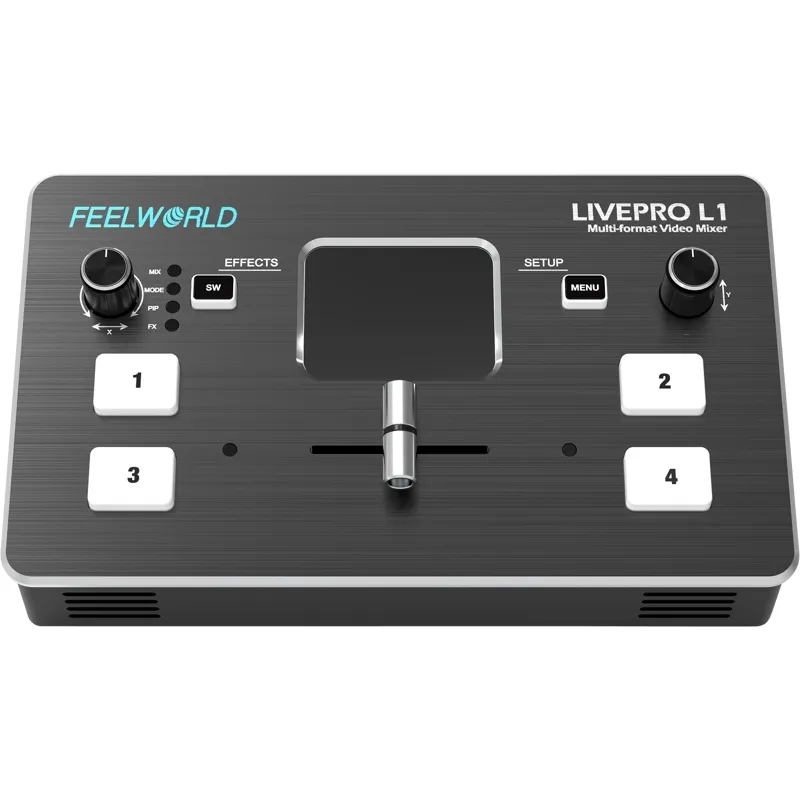
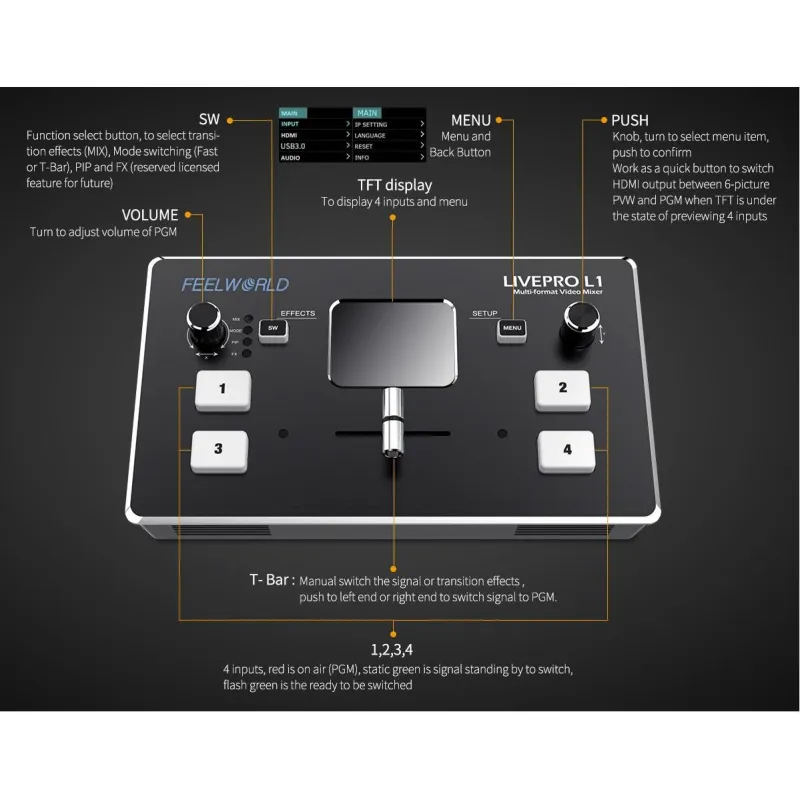
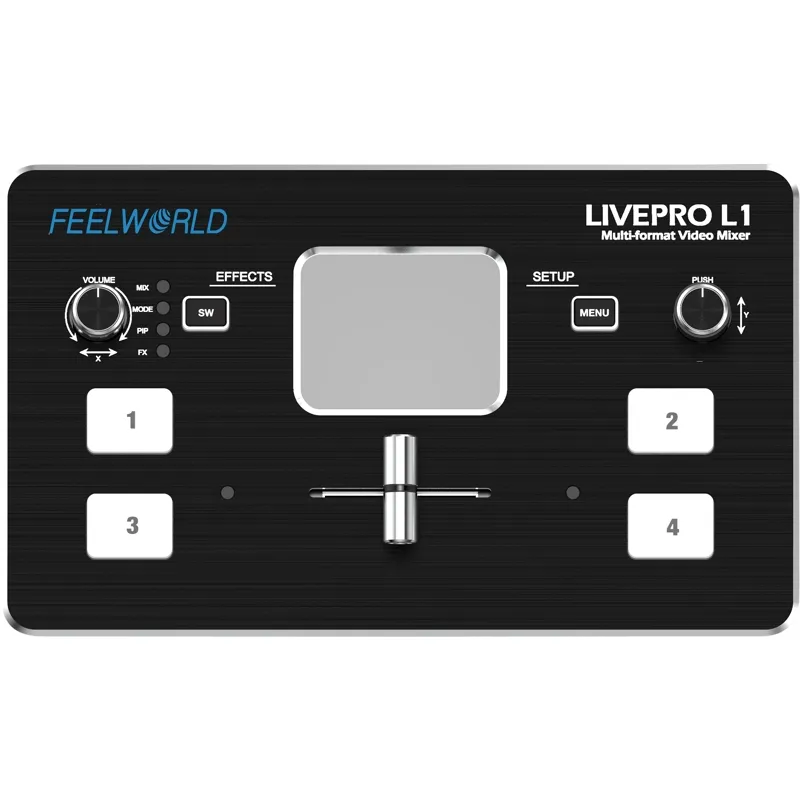
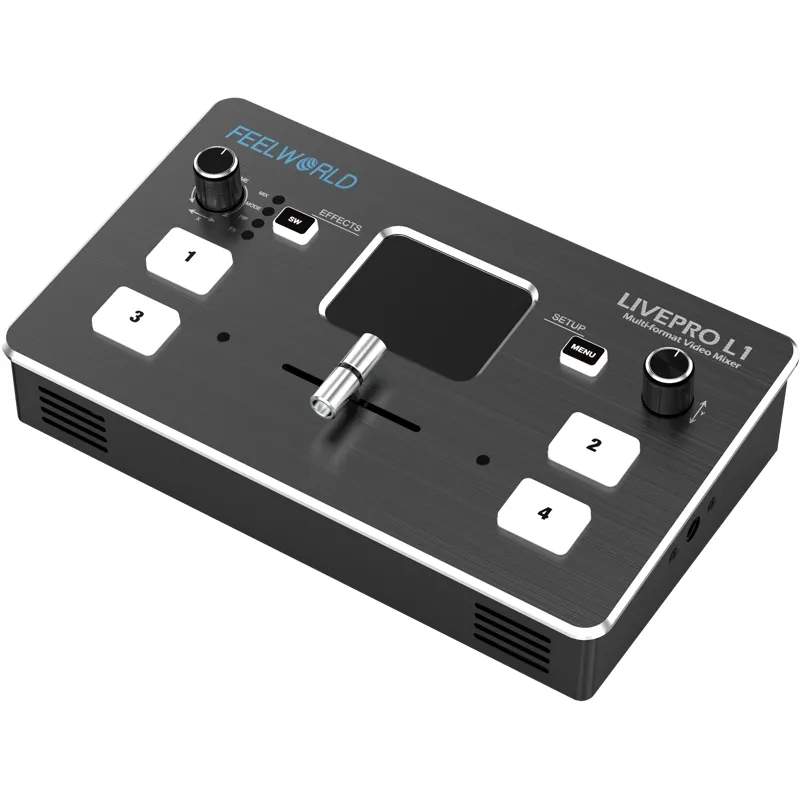
The compact control panel features four buttons for selecting input signals. A green flashing light indicates the selected signal; after switching with the T-Bar, the light turns red. The MENU button accesses settings, while the SW button cycles through functions such as mixing, picture-in-picture (PIP), and transition time settings. The left knob controls audio volume, and the right knob adjusts menu settings. The TFT screen previews all four HDMI inputs and facilitates menu navigation.
Note: The T-Bar must be pushed to the left or right end to switch signals or operate the menu.
Audio sources must be selected in the "AUDIO" menu to choose between embedded or external audio.
Compact and Lightweight Design
The LIVEPRO L1 is a mini switcher small enough to fit into equipment cases and camera bags. It includes a screw tap for standard video mounts and can be attached to a tripod for convenient use. Its lightweight design makes it ideal for mobile video applications.
Versatile Application in One Solution
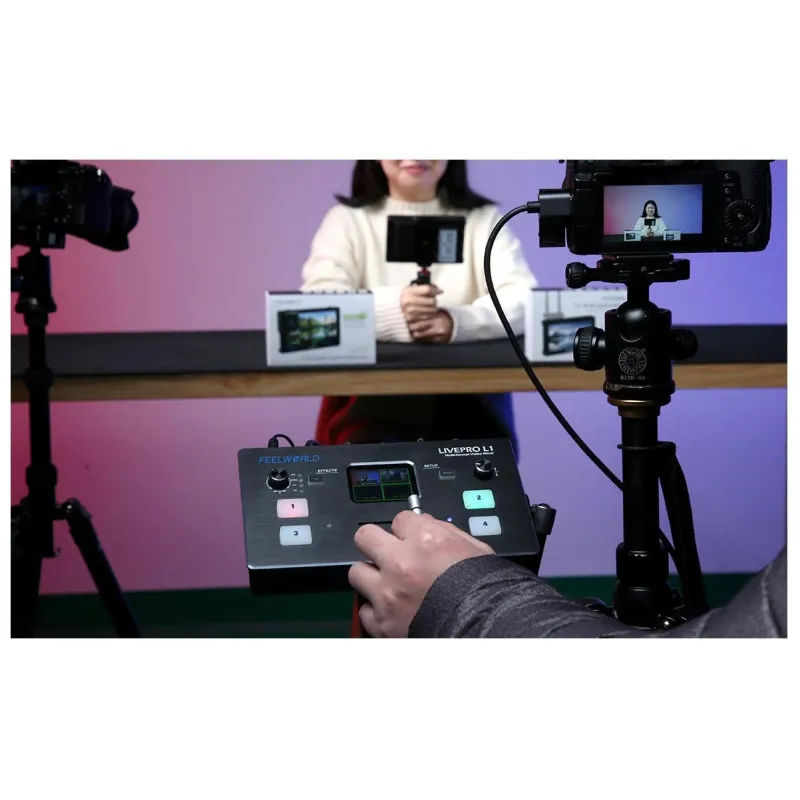
Designed for ease of use, the LIVEPRO L1 simplifies live streaming and multi-signal control for single operators. Its compact design and rich special effects switching functions make it suitable for various live applications.
Faster Video Production with Live Streaming
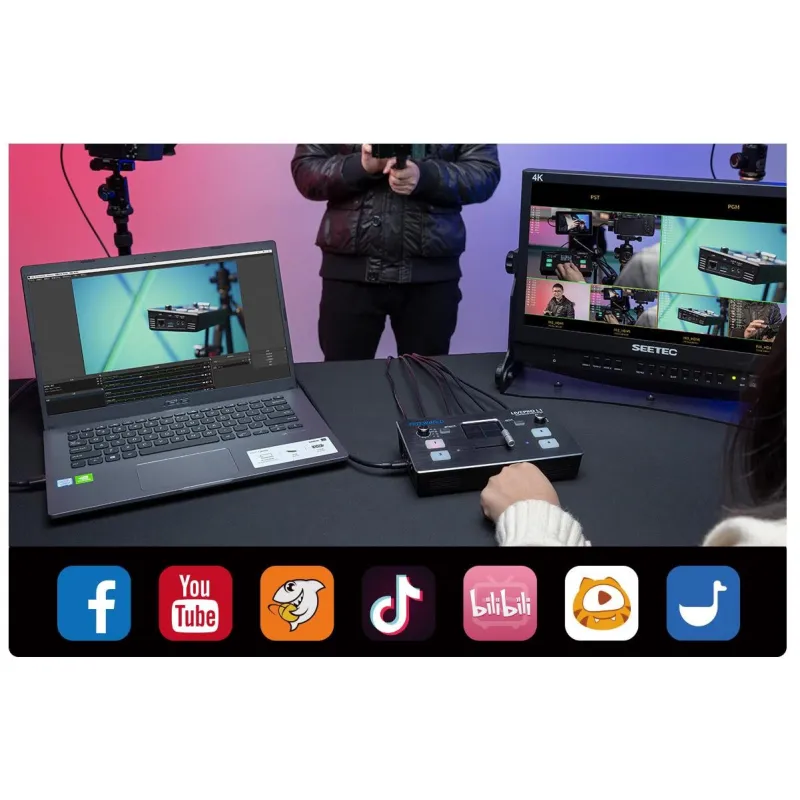
Live production is the fastest way to complete a finished program and stream it globally via platforms like YouTube. The USB 3.0 output connects to any computer and appears as a built-in webcam, ensuring compatibility with all streaming software. Up to four HDMI inputs allow multiple camera angles, including wide shots and close-ups, or connection to computers for slideshows, video playback, websites, or gaming consoles. Real-time switching supports streaming to platforms such as YouTube, Facebook, TikTok, Douyu TV, and more.
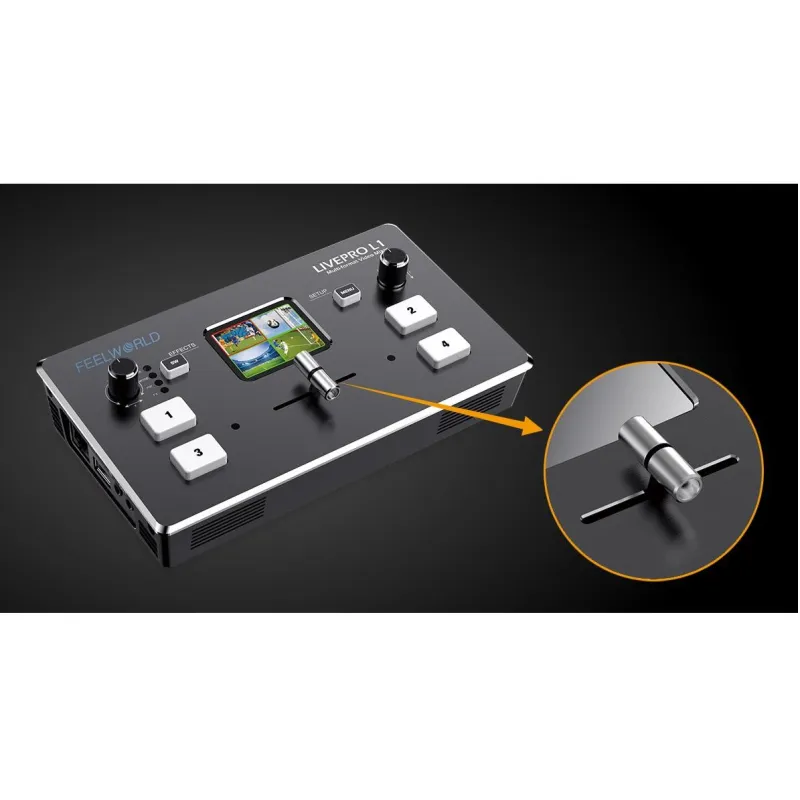
Flexible T-Bar Switching
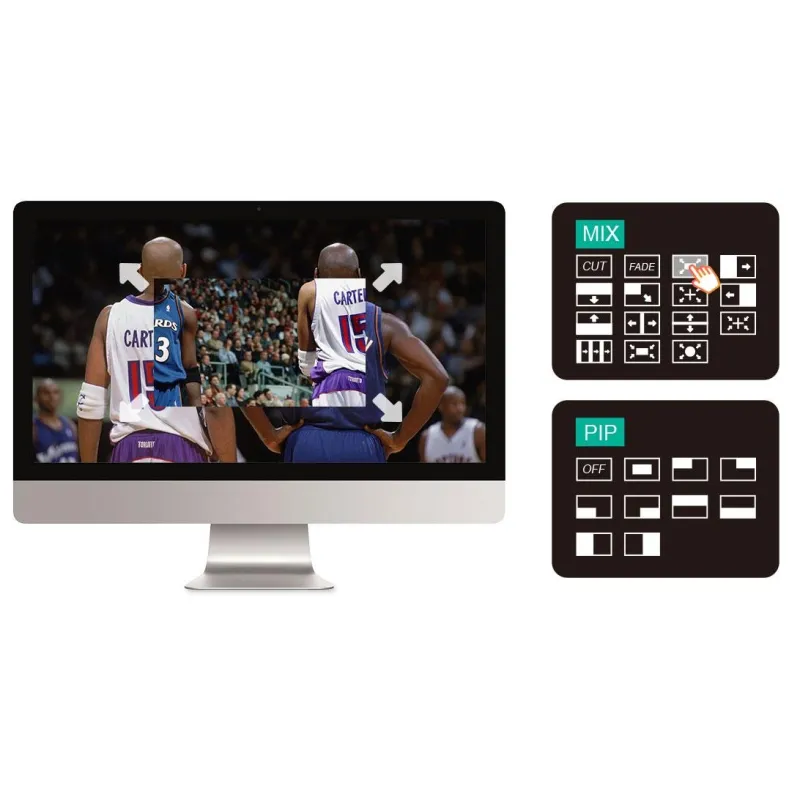
The T-Bar supports 14 transition effects and signal switching. Pressing the green button causes it to flash; pushing the T-Bar to the end switches the source with the selected transition effect, turning the button red after switching. This feature is ideal for small outdoor scenes, radio and television, sports events, and educational productions.
Note: No source can be selected if the T-Bar is not in the end position.
Audio Input and Output
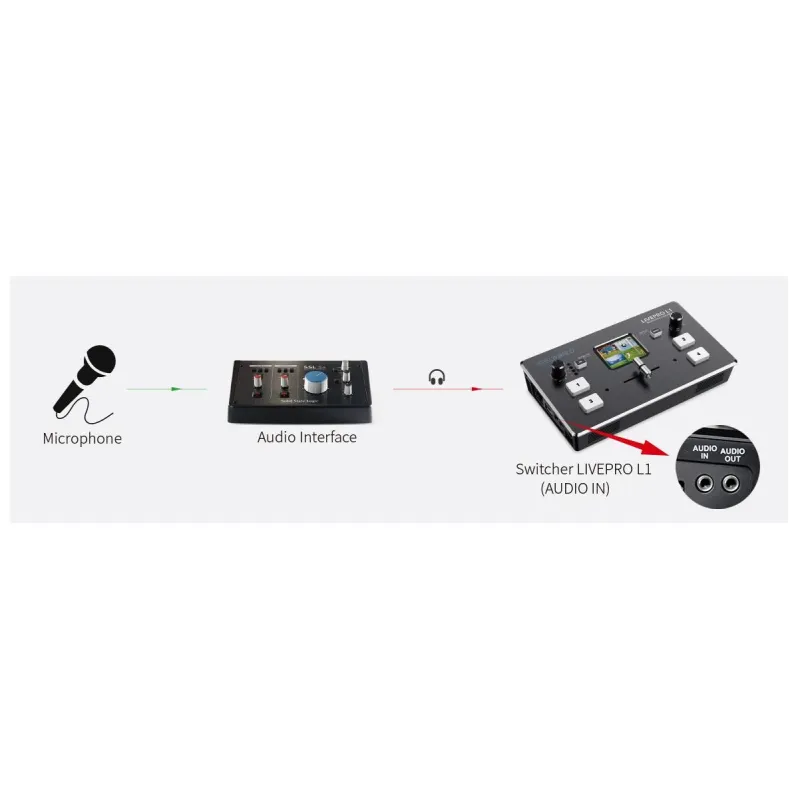
The device supports both embedded HDMI audio and external audio input. The output interface connects to speakers or headsets. The audio input is a line-level digital input; connecting a microphone directly will not capture audio. For microphone use, connect the microphone to an audio interface, then connect the interface output to the LIVEPRO L1 audio input.
Independent PVW and PGM Settings via USB and HDMI Outputs
The USB and HDMI outputs can be set independently for preview (PVW) and program (PGM) signals, allowing flexible monitoring and output configurations.
6-Image Preview and Picture-in-Picture (PIP)
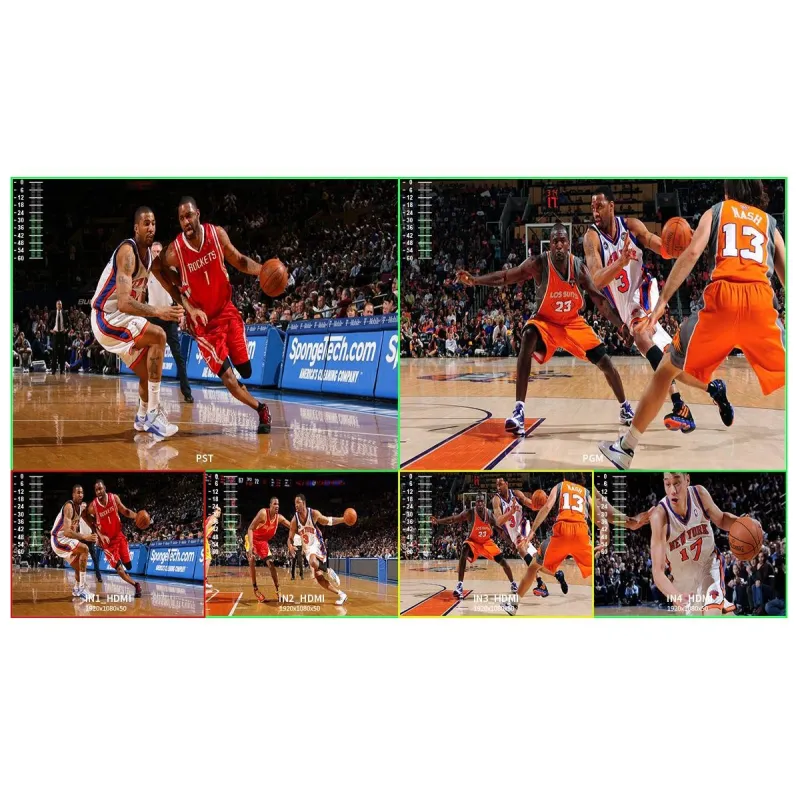
When connected to an external expansion screen, the switcher can preview six images in real time, including PGM, PST, and four HDMI inputs, with audio level display. Nine PIP layout options are available, useful for large-scale multi-stand field productions.
USB 3.0 Live Streaming
The USB 3.0 interface functions as a webcam source, ensuring maximum compatibility with all video software. It supports full 1080p HD resolution and works with streaming software such as OBS, AMCap, ECap, Potplayer, Tencent Conference, Yealink, and platforms including YouTube, Facebook, Zoom, TikTok, and more.
Multiple Application Scenarios
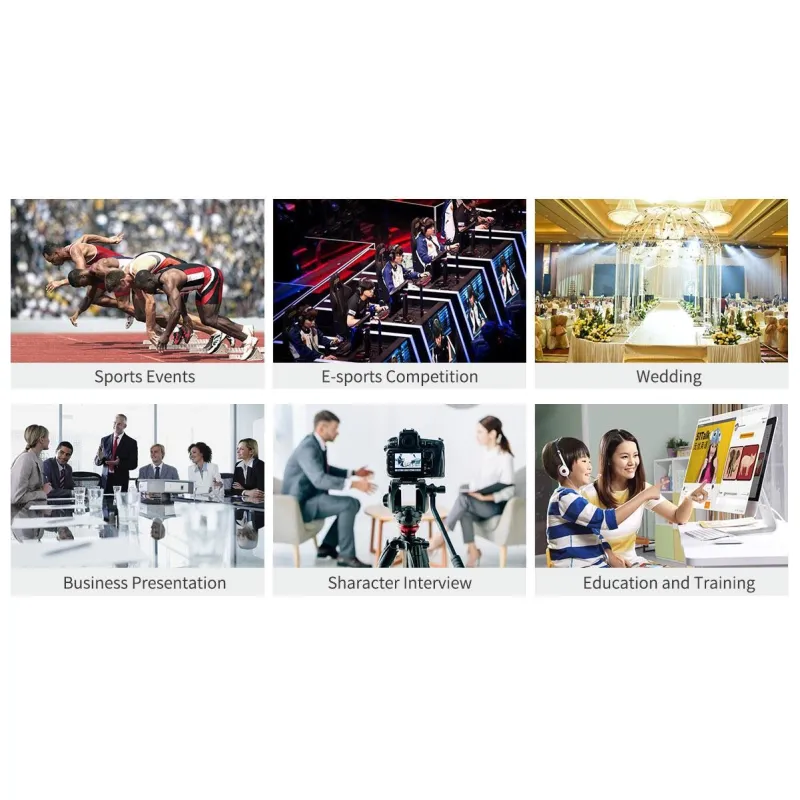
The LIVEPRO L1 is widely used in sports events, e-sports competitions, business presentations, weddings, interviews, education, and training.
Built-in Video Effects
The switcher offers professional production values with built-in video effects. The SW button opens the transition effect menu, where the knob selects and confirms effects. Options include instant cuts, smooth mixes, dips with color fades, and PIP mode. Transition times can be set from 0.5 to 5.0 seconds.
PC Control and Remote Operation
Connecting the LAN port to a computer allows remote control without additional software installation. The XPOSE software mirrors the switcher's operation, enabling control from a separate control room. Multiple control panels can be connected simultaneously for professional broadcast studio setups.
Related Products
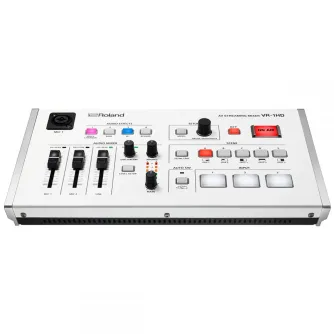
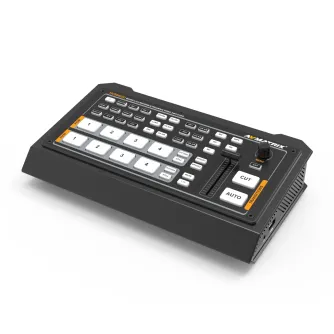
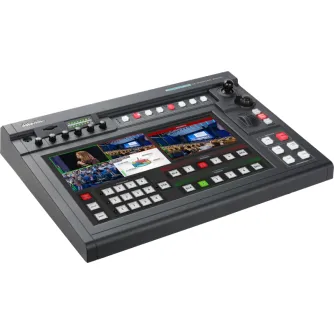
DATAVIDEO SHOWCAST-100 4K 4-INPUT TOUCHPANEL PRODUCTION UNIT SHOWCAST-100
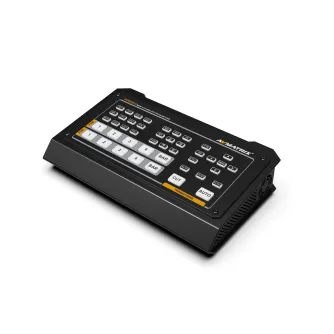
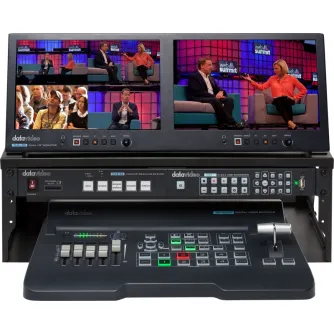
DATAVIDEO GO-500-STUDIO 4 INP HDMI SWITCHER W. STREAMING/REC GO-500-STUDIO
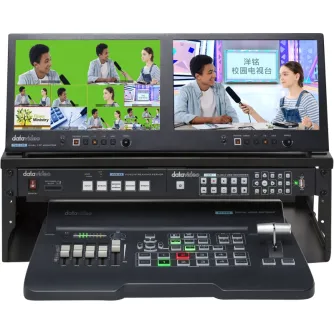
DATAVIDEO GO-650-STUDIO 4 INP HDMI/SDI SWITCHER W. STREAMING/REC GO-650-STUDIO
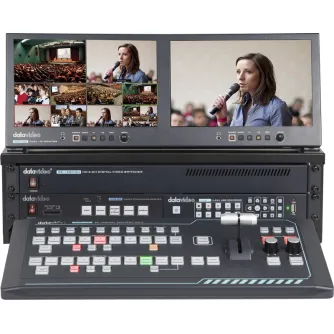
DATAVIDEO GO-1200-STUDIO 6 INP HDMI/SDI SWITCHER W. STREAMING/REC GO-1200-STUDIO