No products
 Facebook
  Google
- Write a review
Important information!
From 19 November the store is moving to new premises at 151 Dzirnavu Street, Riga!
- 14 November - the last working day at 39 F.Sadovņikova street.
- The store will be closed on 16 and 17 November due to the move.
- From 19 November, we look forward to welcoming you at our new address.
Miops Smartphone Shutter Release MD-S2 with S2 Cable for Sony


 AI ASSISTANT CHAT
Or ask about:
| Type of Product | Remote control devices |
| Compatible | Sony |
| Connection type | Wired |
Miops Mobile Dongle Overview
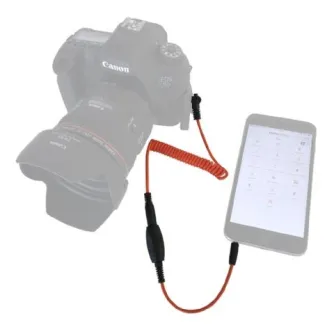
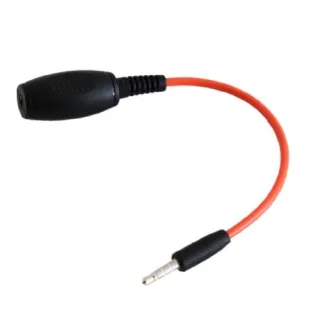
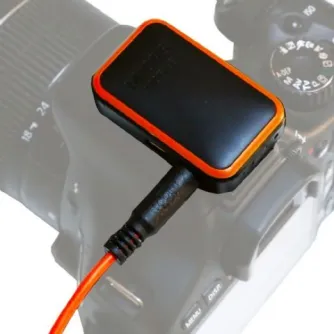
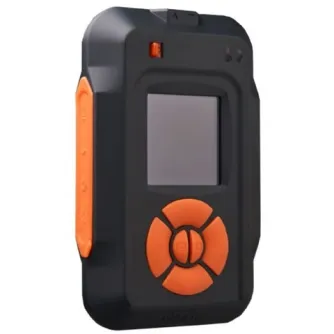
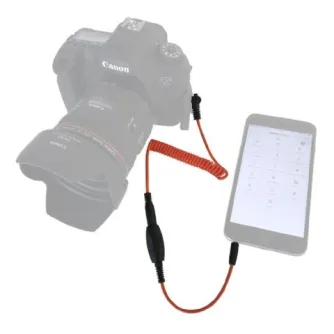
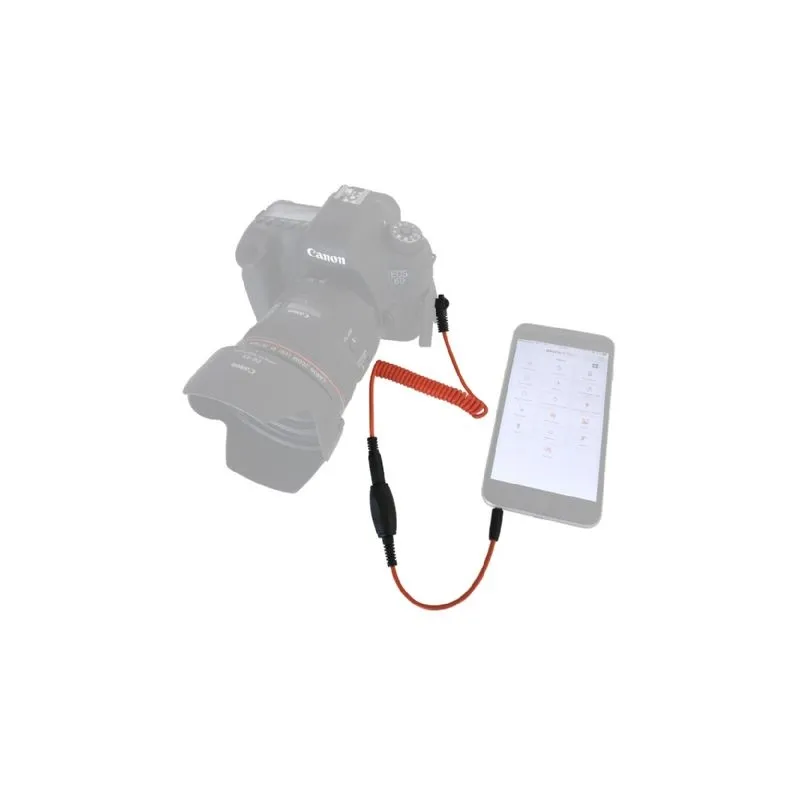
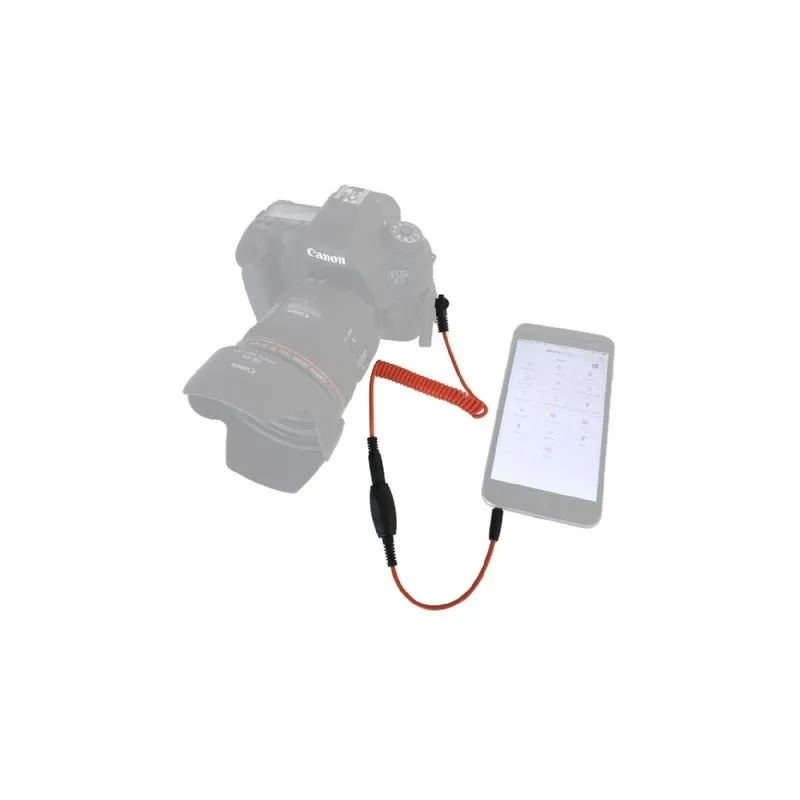
The Miops Mobile Dongle is a cable that connects your iOS or Android smartphone or tablet to your DSLR or mirrorless camera. Using the Miops Mobile application, it leverages your smartphone's sensors—such as vibration, sound, motion, and distance—to enable creative photography modes. It supports various timelapse modes and basic shutter release functions, enhancing your photographic capabilities.
Key Features
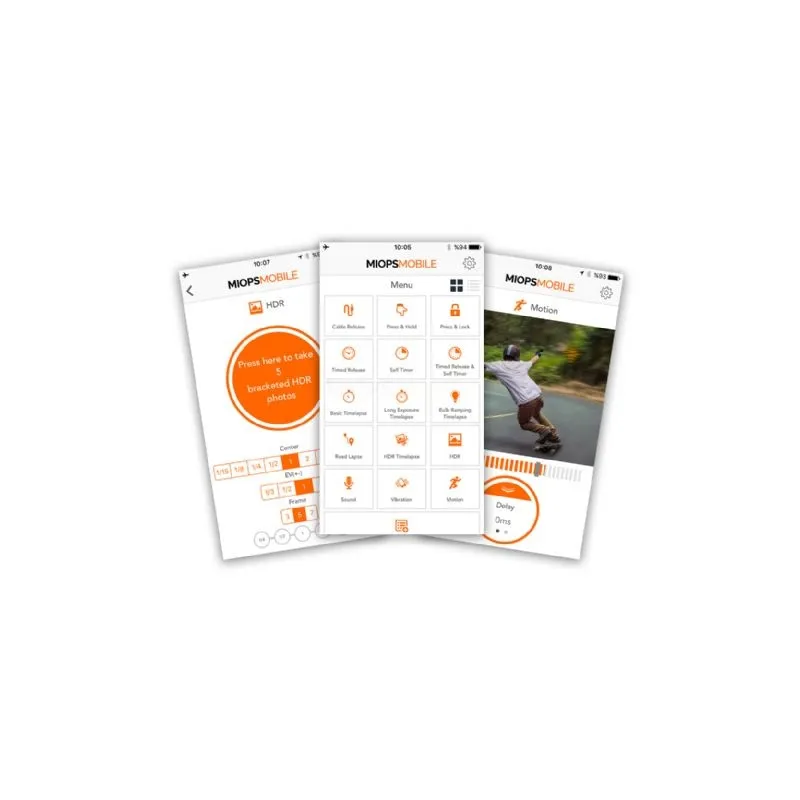
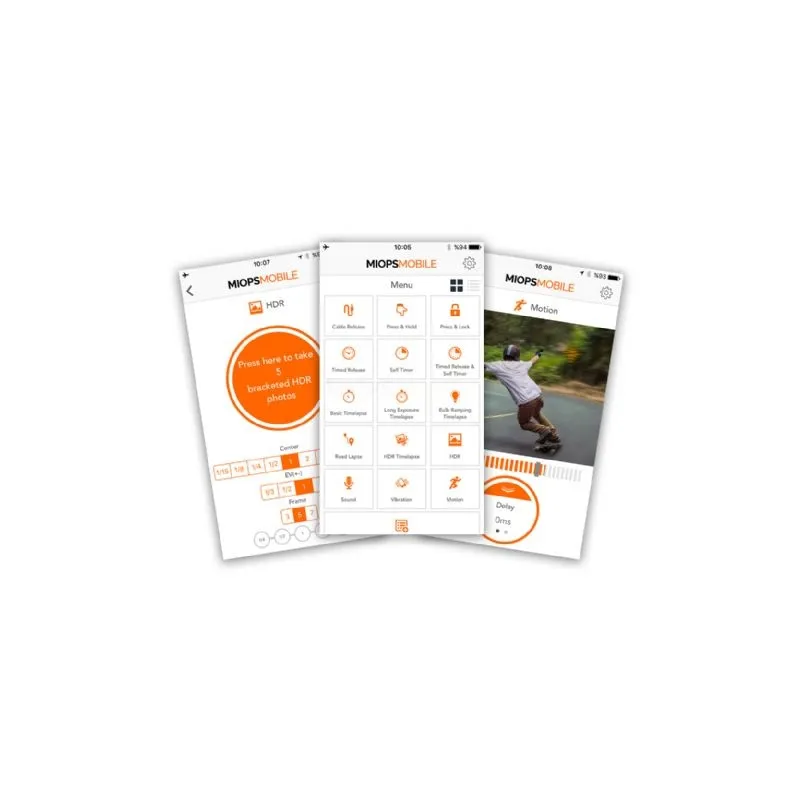
- Cable Release
- Press Hold
- Press Lock
- Timed Release
- Self Timer
- Timed Release Self Timer
- Basic Timelapse
- Long Exposure Timelapse
- Bulb Ramping Timelapse
- Road Lapse
- HDR Timelapse
- HDR Mode
- Sound Mode
- Vibration Mode
- Motion Mode
- Scenario Mode (Includes Scheduling)
Scenario Mode
This unique mode allows you to combine any of the available trigger options to create complex shooting sequences. You can also schedule your desired mode or sequence to activate at any time.
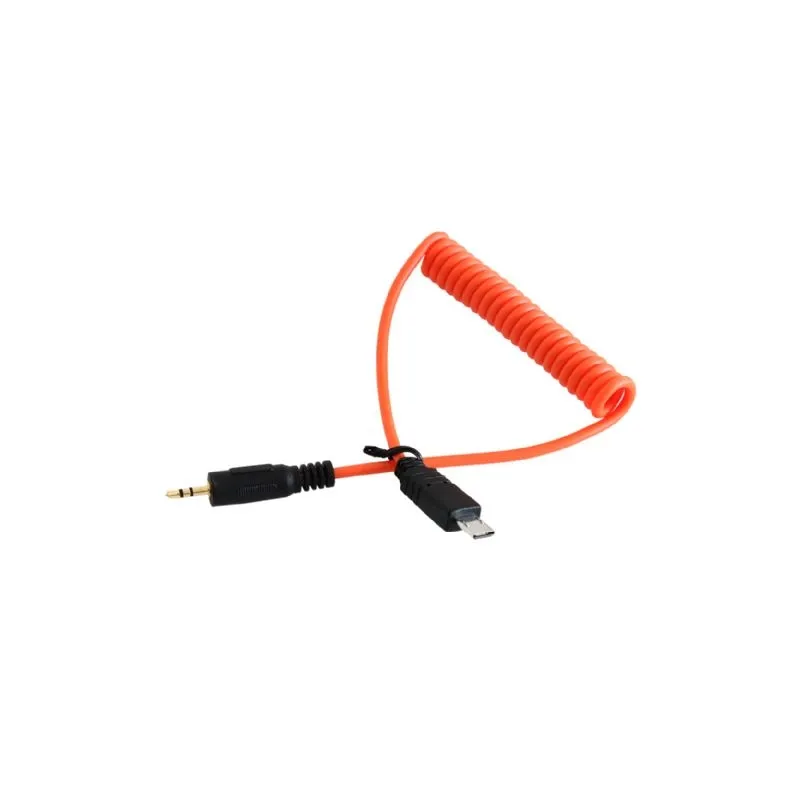
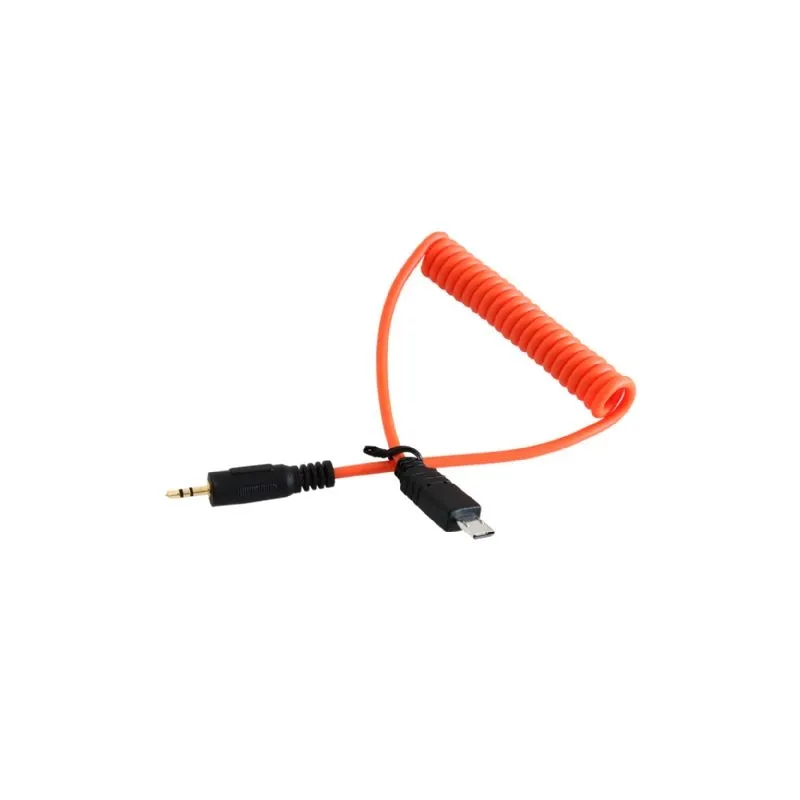
Included S2 Cable
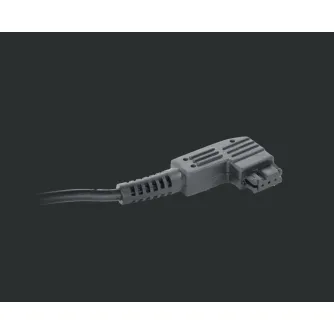
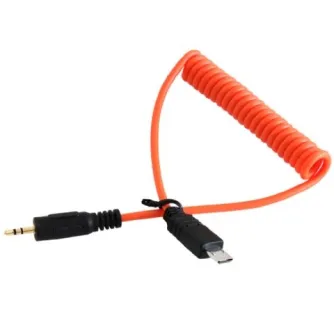
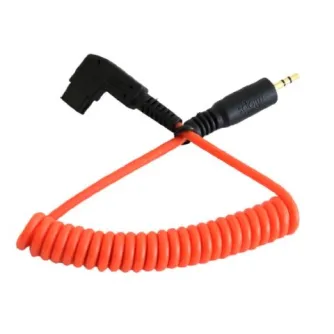
The package includes the Mobile Dongle cable plus an S2 cable, enabling connection to Sony cameras. Additional cables are available separately for a wide range of camera brands including Canon, Nikon, Panasonic, Olympus, Samsung, and Fujifilm.
Compatibility
The Mobile Dongle requires the appropriate camera-specific cable to connect your smartphone to your camera. The included S2 cable supports many Sony models.
Supported Sony Cameras
A3500, A3000, A5000, A5100, A58, A6000, A6300, A6500, A68, A7, A7II, A7III, A7R, A7RII, A7RIII, A7S, A7SII, A9, A99II, HX300, HX400V, HX50V, HX60, HX60V, HX80, HX90, HX90V, NEX 3N, NEX-3NL, RX10, RX10 II, RX10 III, RX10 IV, RX100 II, RX100 III, RX100 IV, RX100 Platinum, RX100 V
Unsupported Sony Cameras
A230, A290, A3000, A330, A380, A390, A58, NEX-3, NEX-3C, NEX-5, NEX-5C, NEX-5N, NEX-5T, NEX-6, NEX-7, NEX-C3, NEX-F3, QX-10, QX-100, RX1, RX1R
Usage
Connect the Mobile Dongle to your smartphone and camera using the included S2 cable. Launch the Miops Mobile app to access various shooting modes and creative triggers. The app's intuitive interface allows quick selection of modes such as HDR, timelapse, and sound or motion triggers, enabling professional-quality photography with ease.