0 Item Items 0 Item - € 0.00
Shopping Cart Preview
No products
Pick up in store Shipping
€ 0.00 Tax:
€ 0.00 Total tax included
Product successfully added to your shopping cart
Quantity
Total tax included
There are 0 items in your cart. There is 1 item in your cart.
Total products :
Total shipping : Pick up in store
Tax: € 0.00
Total tax included :
 Facebook
  Google
Photo & video store, rental and expert advice
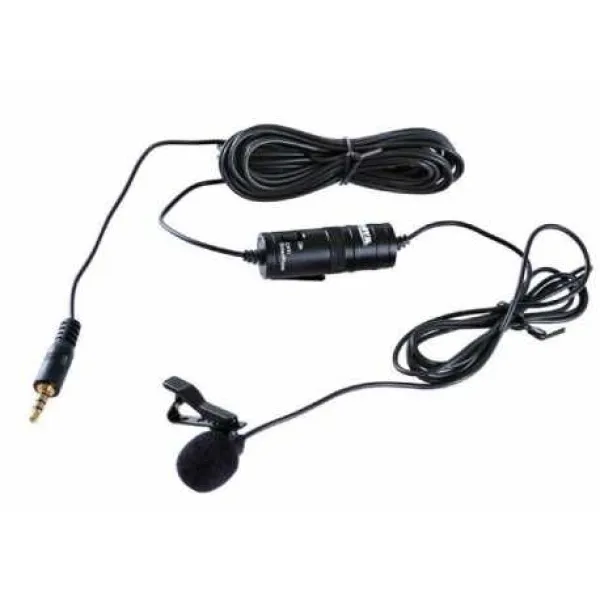
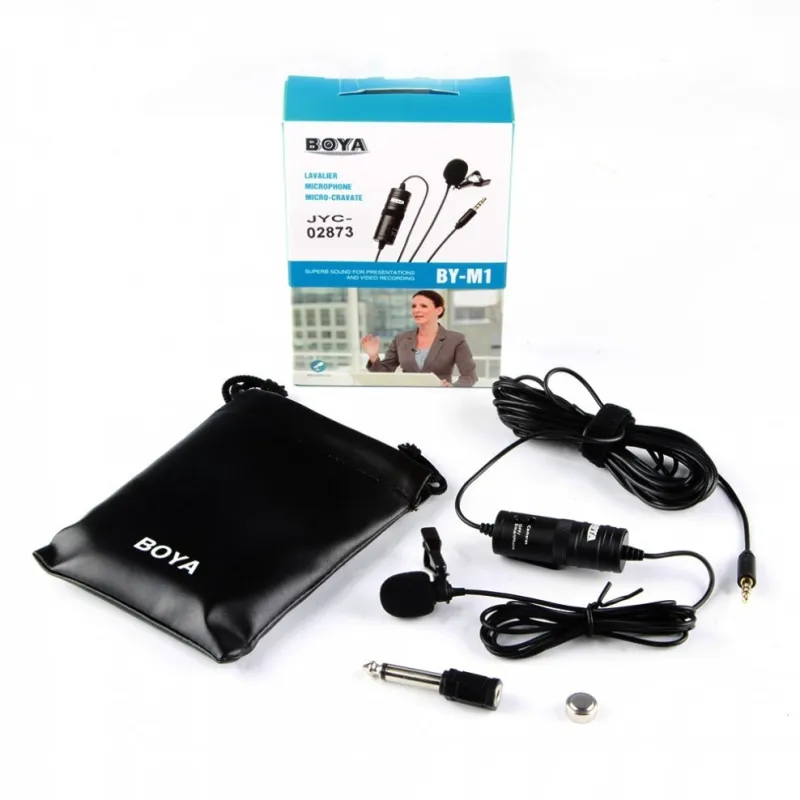
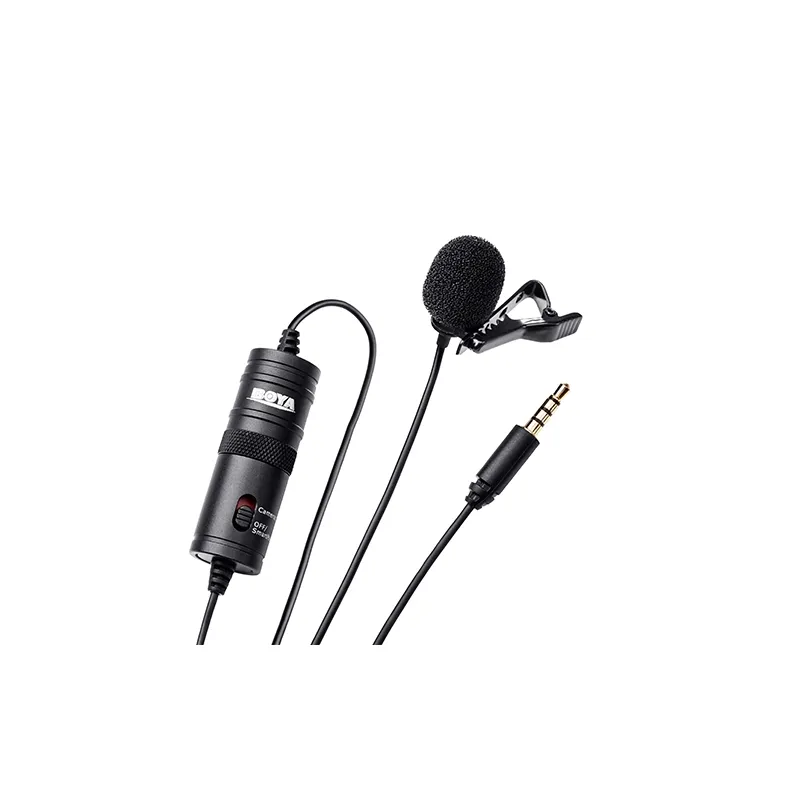
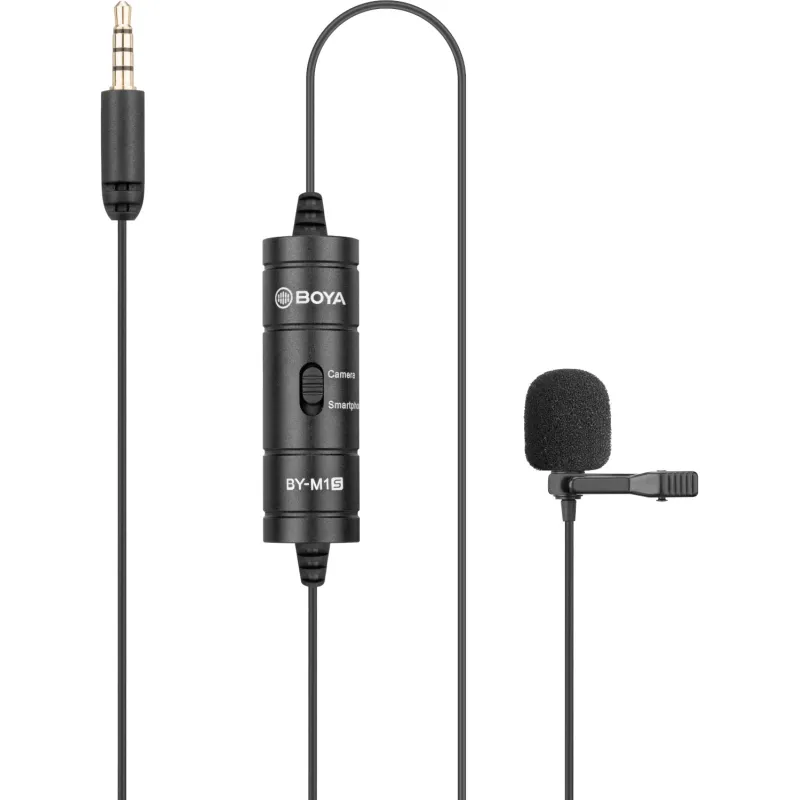

- Write a review
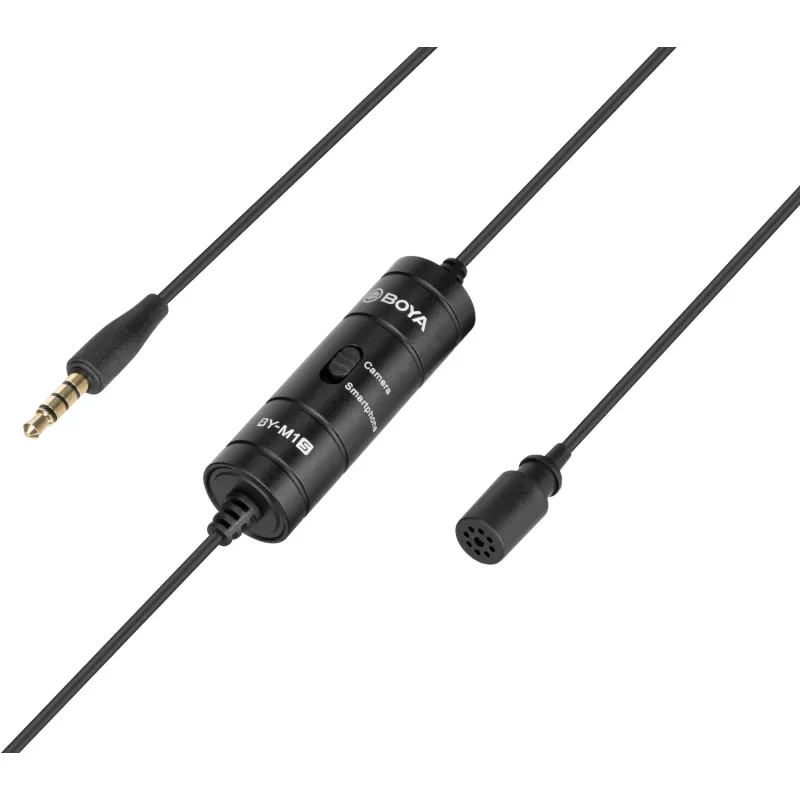
- Compact clip-on a microphone
- Omnidirectional recording pattern
- Two modes for camera and smart devices
- Does not require batteries
- 3.5 mm TRRS plug
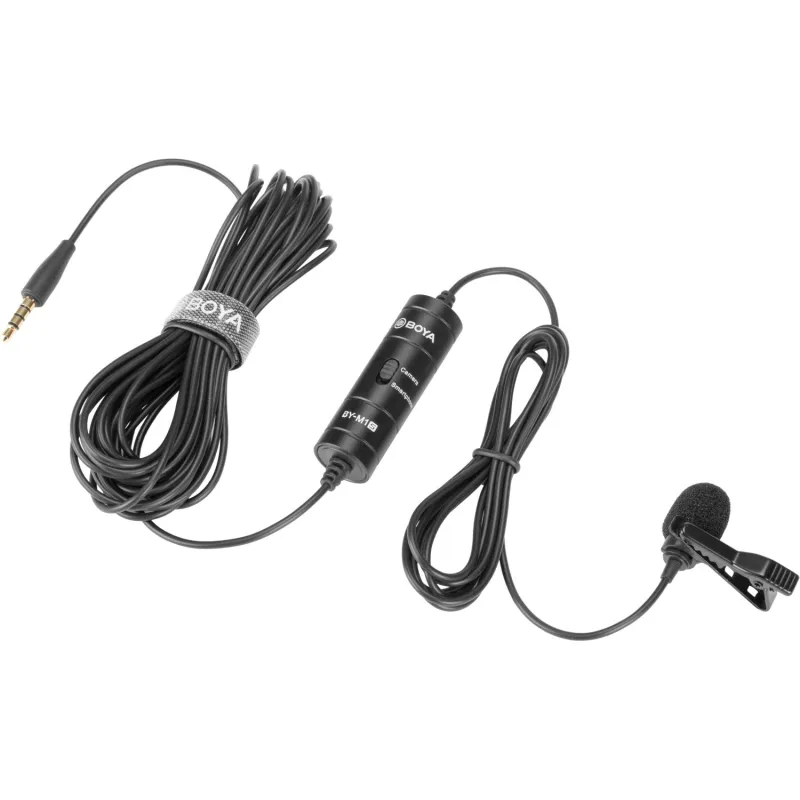
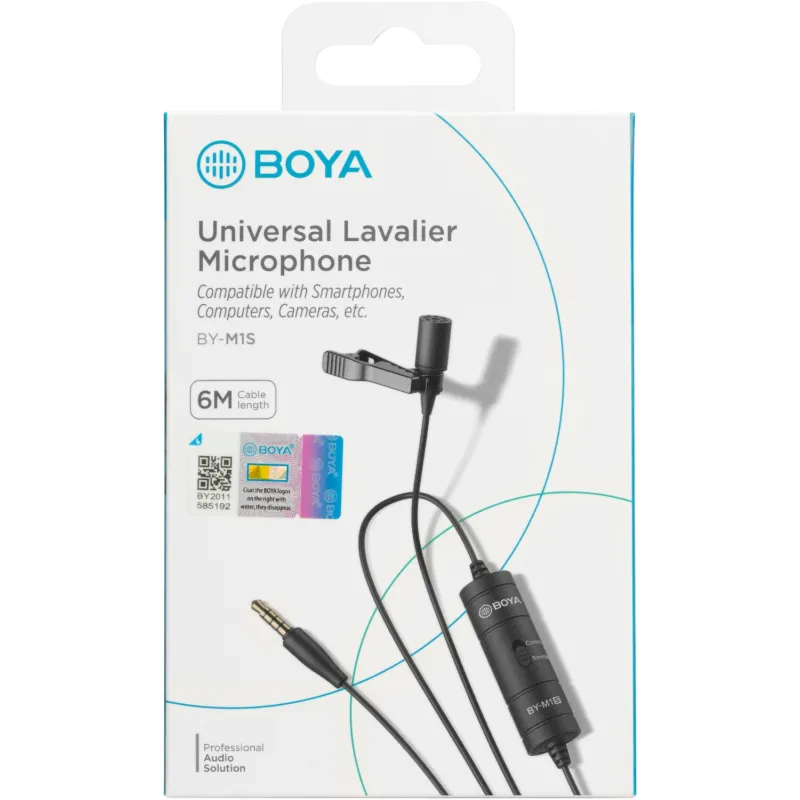
Boya microphone BY-M1S Lavalier
Product ID: 43326


SKU: 43326
Model: BY-M1S
Ean: 6971008029406
Condition: New product
Manufacturer: Boya
Discover related products
Discover related products
 AI ASSISTANT CHAT
This is the beta version of our new assistant chat, capable of answering both standard and advanced questions about product and store operations.
Or ask about:
What are the features? Is this in stock? Actual discounts & offers? Product reviews?
| Connector | 3,5mm |
| Connector | TRRS |
Product details
- Clip-on microphone for smartphones, cameras, camcorders, audio recorders, PCs, other audio/ video recording devices
- High-quality condenser microphone, ideal for voice/video recording
- Omni-directional pick-up pattern
- No need for batteries, powered by devices
- Low handling noise
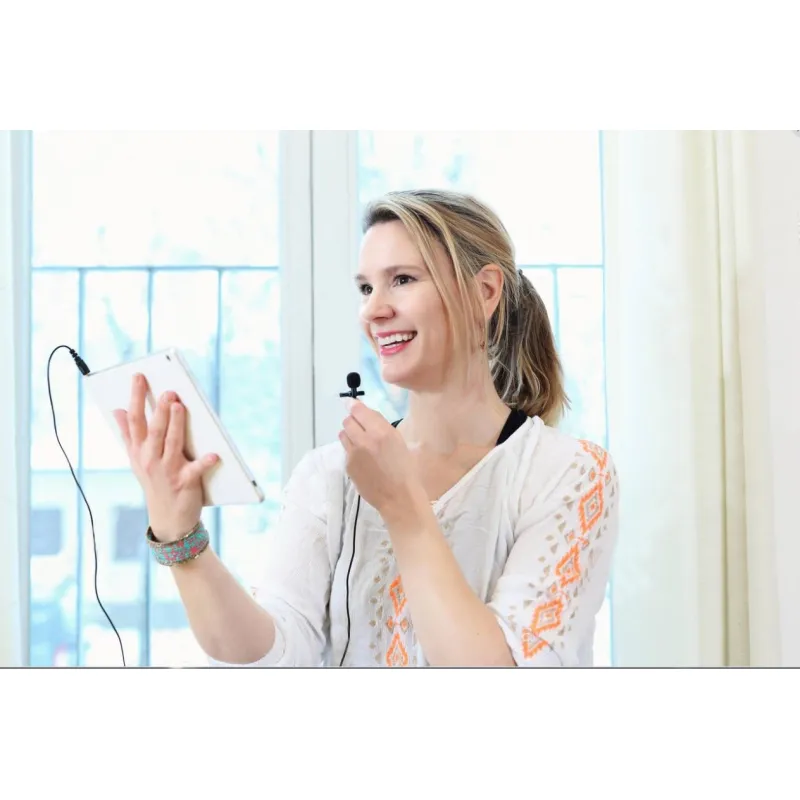
The Boya BY-M1S is an upgraded omnidirectional lavalier microphone ideal for vlogs, presentation, podcasting, live streaming and much more.
The BY-M1S is designed with an updated omnidirectional capsule inside and captures broadcast-quality sound from a 360-degree range and delivers it to your recording device via its 6 m shielded cable. With the improved sensitivity, signal-to-noise and flat frequency response, BY-M1S allows you to record every last audio detail with lower self-noise.
Two Recording Modes for Different Scenarios
Featuring a 3.5 mm 4-pole TRRS output connector, you can connect BY-M1S to your camera or camcorder under "camera" mode, and also connect it to your smartphone or tablets when switching to "OFF/Smartphone" mode.
No need for batteries
BY-M1S doesn’t need LR44 batteries and it can be powered by device directly. That's the differece with the BY-M1 model. So using the is BY-M1S easier and more convenient.
The BY-M1S Lavalier microphone can be used with:
- Smartphones, tablets etc – slide the button to Smartphone mode
- DSLR, camcorders, audio recorders, PC etc – slide the button to Camera mode