0 Item Items 0 Item - € 0.00
Shopping Cart Preview
No products
Pick up in store Shipping
€ 0.00 Tax:
€ 0.00 Total tax included
Product successfully added to your shopping cart
Quantity
Total tax included
There are 0 items in your cart. There is 1 item in your cart.
Total products :
Total shipping : Pick up in store
Tax: € 0.00
Total tax included :
 Facebook
  Google
Photo & video store, rental and expert advice
BRESSER Guiding Kit AR90/500
Product ID: 47000


SKU: 47000
Ean: 4007922055473
Condition: New product
Manufacturer: Bresser

Discover related products
Discover related products
 AI ASSISTANT CHAT
This is the beta version of our new assistant chat, capable of answering both standard and advanced questions about product and store operations.
Or ask about:
What are the features? Is this in stock? Actual discounts & offers? Product reviews?
| Type of Product | Telescope acsessories |
How to buy goods on lease?
- 1. Evaluate your options.
- 2a. If you want to buy only one product with Aizdevums.lv leasing, then fill out the application here
- 2b. If you want to buy several items or use another leasing company, then put the items in the basket and choose the leasing service when ordering.
We offer leasing from Aizdevums SIA, Incredit SIA, ESTO.
Manager will check the availability of the items in the cart and send the loan application link. - 3. If you receive a positive response, contact us to purchase the product. Consultants will check the availability of the product.
- 4. If the product is available in the store or to be ordered from the warehouse, and you have received an affirmative answer from our consultants, please visit the store to proceed with purchase and leasing documents.
- 4a. You can also ask us to issue an invoice for this product and visit one of the leasing company branches to sign up leasing documents *..
- 5. Once the leasing documents have been signed up, you can receive the product in the store, if it is on site or inform our consultants and they will order it for you from the warehouse.
- *It is possible to arrange delivery for leased goods, so you can also perform the entire purchase process remotely.
**The sequence of leasing steps is the same for leases offered by InCredit Group.
***In case of doubt, contact our consultants!
When using leasing services, carefully evaluate your options to repay the loan!Lease
Product details
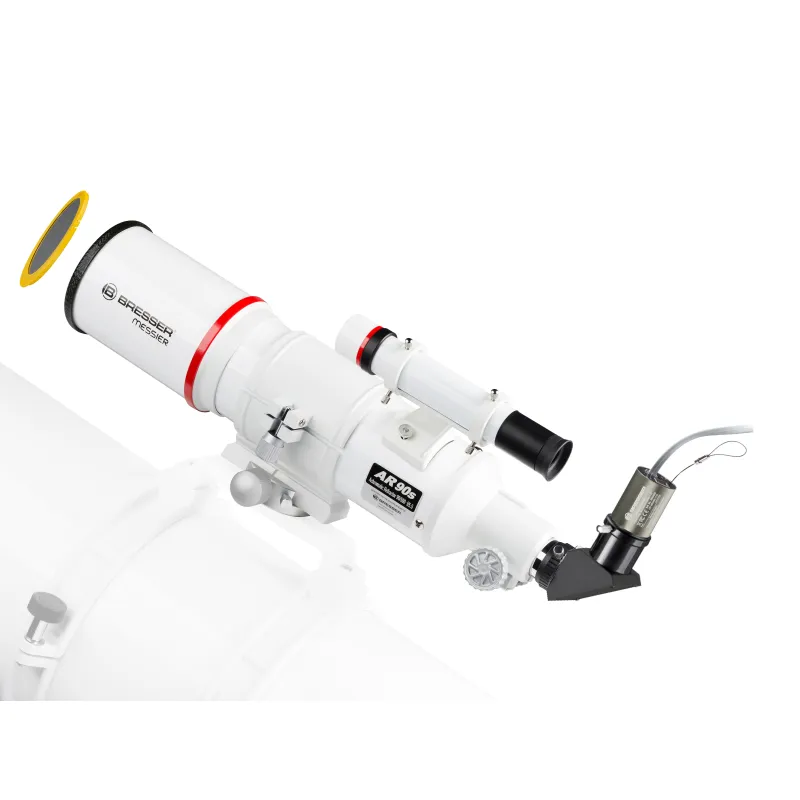
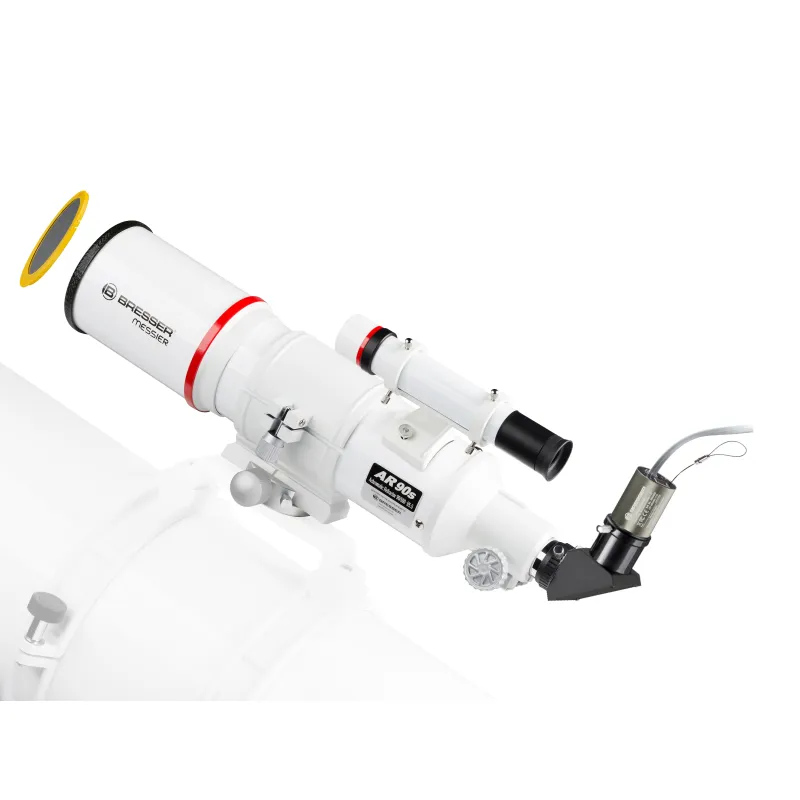
Finally, a universal tracking kit is available , which is easy to assemble and handle. Consisting of a telescopic sight, a tracking camera and the required prism clamp you can start long-term photography with active tracking control (autoguiding) .
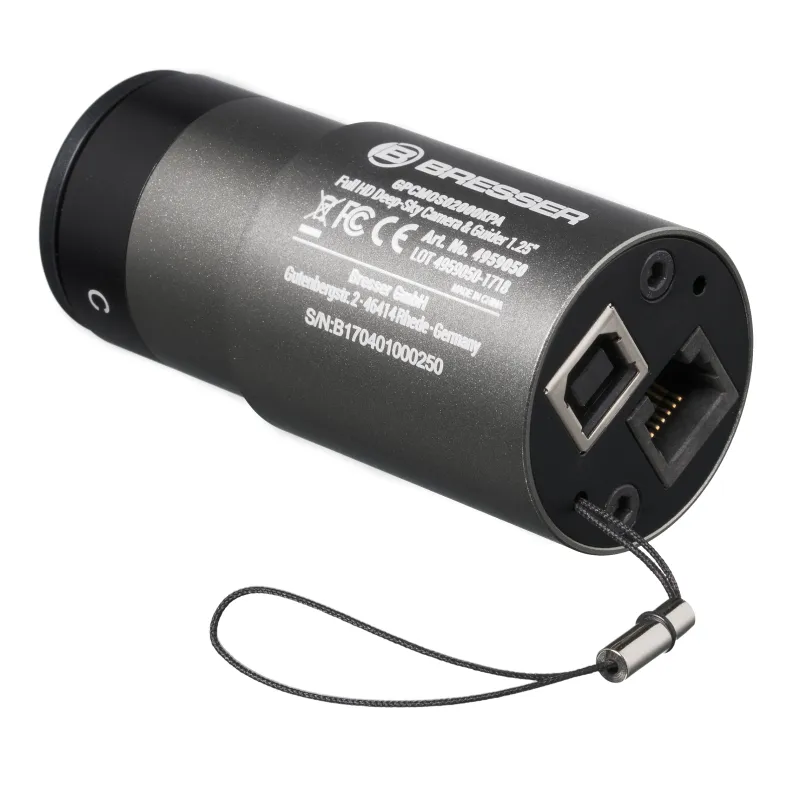
Simply mount the prism clamp with the mounting screws on the carrying handle of the BRESSER Messier and EXPLORE-SCIENTIFIC telescopes and the AR90 / 500 guide scope with tracking camera can already be fixed stably parallel to the main telescope . The tracking camera is now connected directly to the ST-4 compatible autoguider socket of your telescope mount. Connecting the tracking camera via USB cable to your Windows computer and install the camera drivers and any Autoguider software - you can start with the astrophotography.
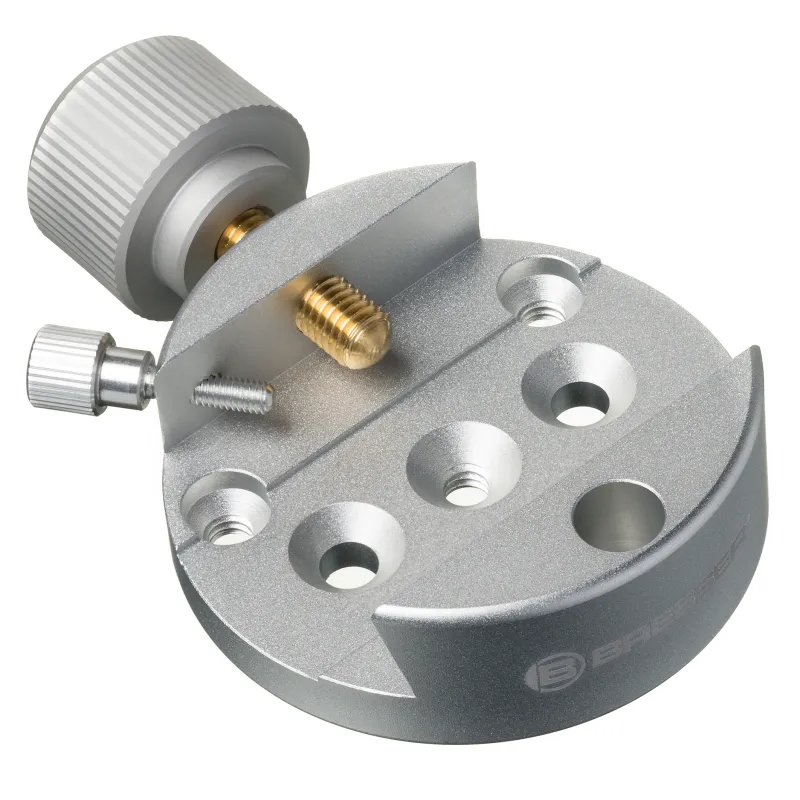
The prism clamp has 2 x 6mm countersunk holes (35mm hole spacing) and 3 further 1/4 "photo tapped holes to allow for versatile adaptation to a variety of other telescopes and adapter plates. The tracking camera is very useful for tracking Recording of planets and even deep-sky objects . A detailed description of the tracking camera can be found at the BRESSER article number 4959050.
DOWNLOAD PHD-Guiding: http://www.stark-labs.com/phdguiding.html
DOWNLOAD GuideDog: http://barkosoftware.com/GuideDog/index.html
FEATURES
SCOPE OF DELIVERY
Simply mount the prism clamp with the mounting screws on the carrying handle of the BRESSER Messier and EXPLORE-SCIENTIFIC telescopes and the AR90 / 500 guide scope with tracking camera can already be fixed stably parallel to the main telescope . The tracking camera is now connected directly to the ST-4 compatible autoguider socket of your telescope mount. Connecting the tracking camera via USB cable to your Windows computer and install the camera drivers and any Autoguider software - you can start with the astrophotography.
The prism clamp has 2 x 6mm countersunk holes (35mm hole spacing) and 3 further 1/4 "photo tapped holes to allow for versatile adaptation to a variety of other telescopes and adapter plates. The tracking camera is very useful for tracking Recording of planets and even deep-sky objects . A detailed description of the tracking camera can be found at the BRESSER article number 4959050.
NOTE: It is necessary to mount the camera on the telescope using the diagonal mirror so that focusing will work.
NOTE: The autoguider software is not included. You can use PHD Guiding, Guidedog, Metaguide, Guidemaster (Freeware) or AstroArt, MaxIm DL (chargeable).
DOWNLOAD PHD-Guiding: http://www.stark-labs.com/phdguiding.html
DOWNLOAD GuideDog: http://barkosoftware.com/GuideDog/index.html
FEATURES
- Universal BRESSER Guiding Kit
- Guiding-scope, guiding-camera and dovetail clamp included
- For long exposure Astrophotography with autoguiding
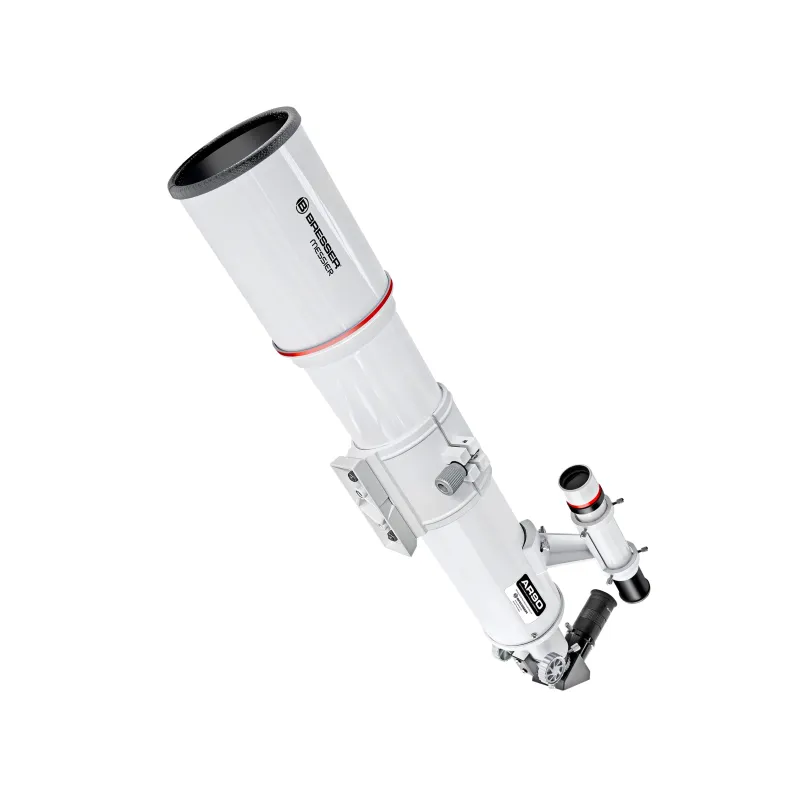
- Aperture of guiding-scope: 90mm
- Focal length of guiding-scope: 500mm
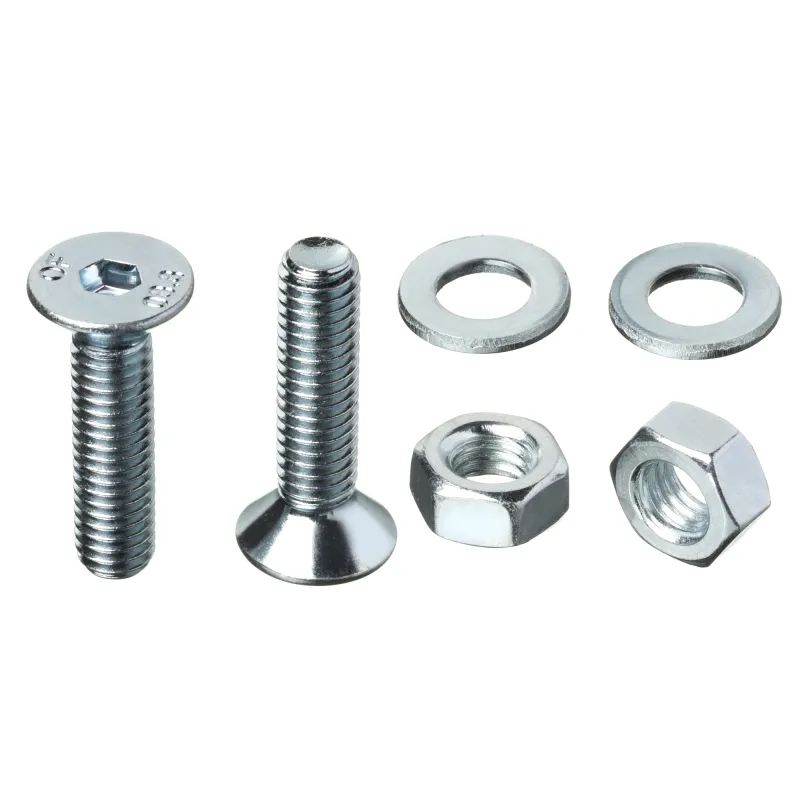
- Screw set for Messier/ES handle included
- Fits also to many other telescopes
SCOPE OF DELIVERY
- Guiding-scope BRESSER Messier AR90/500 (Art.Nr. 4890500) + Acc.
- Guiding-camera BRESSER GPCMOS02000KPA color (Art.Nr. 4959050)
- Dovetail-clamp for Messier/ES/GP/Vixen (Art.Nr. 4910220)
- Screw-set for Messier/ES handle included
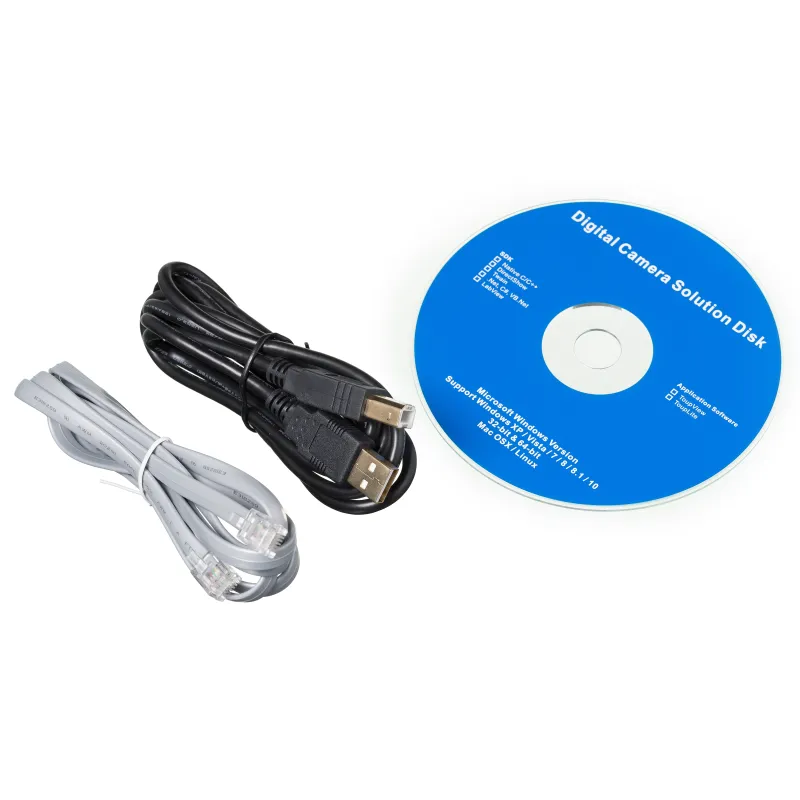
- USB 2.0 cable (camera to computer)
- ST-4 cable (camera to teleskope mount)
- Camera driver software + ASCOM driver
- Professional ToupSky imaging software
- Aperture solar filter for solar observing included