No products
 Facebook
  Google
- Write a review
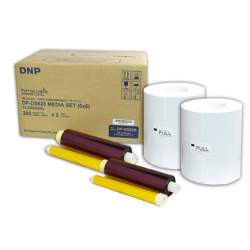
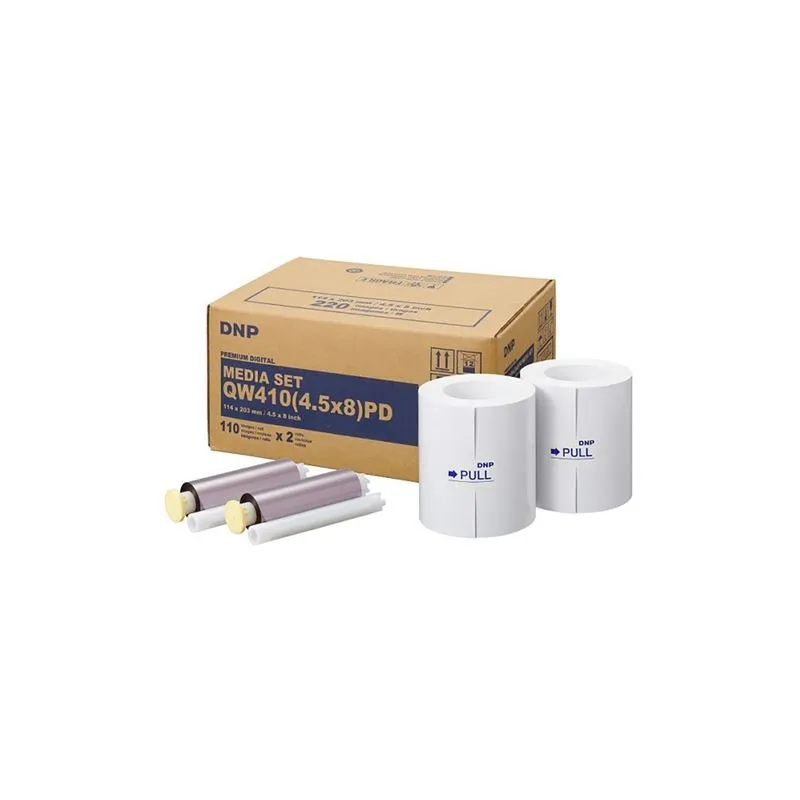
DNP Premium Photo Paper 11x20 cm for DP-QW410


 AI ASSISTANT CHAT
Or ask about:
| Type of Product | Photographic paper |
| Paper type | Loksnēs |
| Paper surface | Glancēta |
Compatibility and Formats
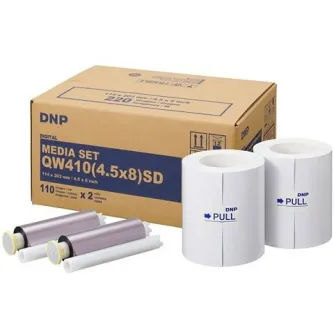
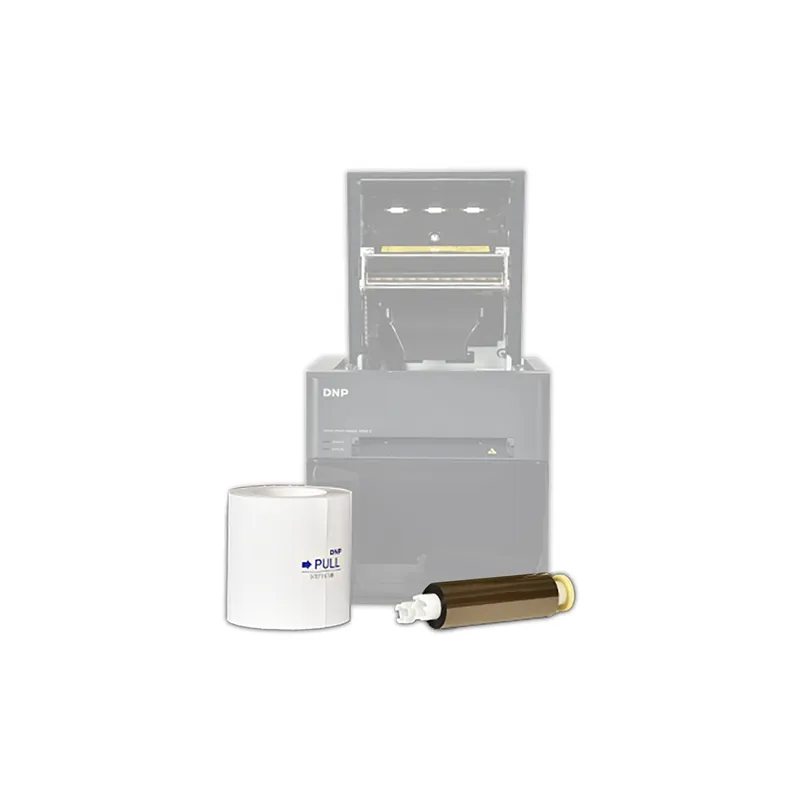
This premium photo paper is designed specifically for use with the DNP QW410 dye-sublimation printer. It supports borderless prints in sizes of 11x20 cm, 11x11 cm, and 5x11 cm, providing versatile format options for various photo printing needs.
Print Quality and Features
- Produces high-quality color photos with 16.7 million true colors for vibrant and detailed images.
- Features a protective lamination layer on the front surface that guards prints against UV rays, dust, fingerprints, and water, ensuring durability and longevity.
- Supports seamless matte and glossy finishes that can be applied by the DNP printer without the need to change the paper roll, allowing flexible finish options.
Premium vs Standard Paper
This product is the premium paper variant, which is thicker and heavier than the standard paper. The premium paper offers improved white and black values, resulting in enhanced contrast and sharper image quality for superior photo prints.
Packaging and Yield
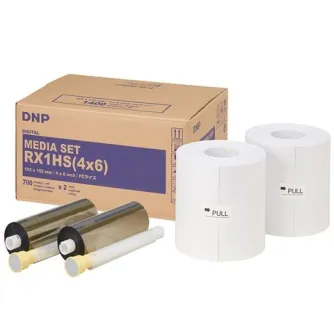
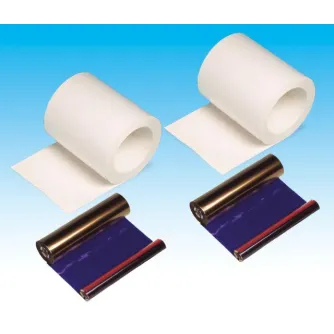
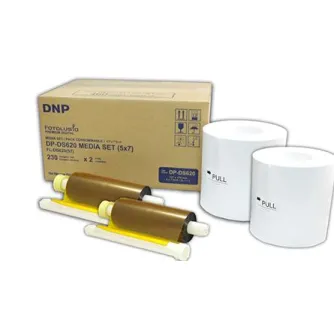
- Each box contains 2 paper rolls and 2 ink ribbons.
- Capable of producing up to 220 prints per box.
Additional Compatible Paper Options for DNP QW410
| Product Number | Prints per Box | Finish | Available Formats |
|---|---|---|---|
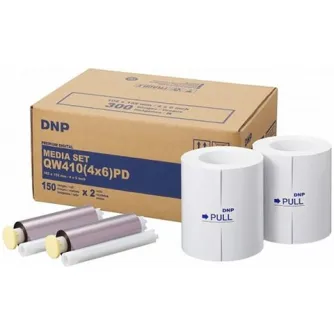
| 670506 | 300 | Premium | 10x15 cm, 10x10 cm, 5x10 cm |
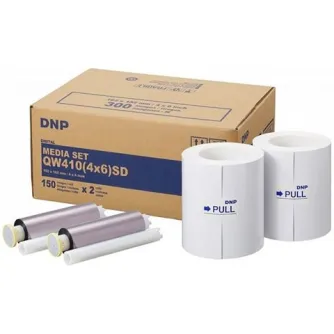
| 670507 | 300 | Standard | 10x15 cm, 10x10 cm, 5x10 cm |
| 670508 | 220 | Premium | 11x20 cm, 11x11 cm, 5x11 cm |
| 670509 | 220 | Standard | 11x20 cm, 11x11 cm, 5x11 cm |
Usage Notes
DNP dye-sublimation photo paper is ideal for producing high-quality, borderless photos with excellent color fidelity and durability. The lamination protects prints from environmental damage, making them suitable for display and handling. Matte and glossy finishes can be selected without changing the paper roll, enhancing workflow efficiency.
Note that mixing different media widths on the same printer may cause operational issues; consult the printer manual for detailed guidance.