No products
 Facebook
 Google


- Write a review
Important information!
From 19 November the store is moving to new premises at 151 Dzirnavu Street, Riga!
- 14 November - the last working day at 39 F.Sadovņikova street.
- The store will be closed on 16 and 17 November due to the move.
- From 19 November, we look forward to welcoming you at our new address.
DNP Kiosk SnapLab Pro DT-T9 Lite


 AI ASSISTANT CHAT
Or ask about:
| Type of Product | All in one printer |
- 1. Evaluate your options.
- 2a. If you want to buy only one product with Aizdevums.lv leasing, then fill out the application here
- 2b. If you want to buy several items or use another leasing company, then put the items in the basket and choose the leasing service when ordering.
We offer leasing from Aizdevums SIA, Incredit SIA, ESTO.
Manager will check the availability of the items in the cart and send the loan application link. - 3. If you receive a positive response, contact us to purchase the product. Consultants will check the availability of the product.
- 4. If the product is available in the store or to be ordered from the warehouse, and you have received an affirmative answer from our consultants, please visit the store to proceed with purchase and leasing documents.
- 4a. You can also ask us to issue an invoice for this product and visit one of the leasing company branches to sign up leasing documents *..
- 5. Once the leasing documents have been signed up, you can receive the product in the store, if it is on site or inform our consultants and they will order it for you from the warehouse.
- *It is possible to arrange delivery for leased goods, so you can also perform the entire purchase process remotely.
**The sequence of leasing steps is the same for leases offered by InCredit Group.
***In case of doubt, contact our consultants!
When using leasing services, carefully evaluate your options to repay the loan!Lease
DNPs SnapLab Pro
DNPs SnapLab Pro is a versatile kiosk for printing professional photos. It is compatible with all makes and models of printers, making it easy to set up and start printing.
Key Features of DNP SnapLab Pro
- Multiple Formats: Print various formats like frames, collages, greeting cards, calendars, and more.
- Large Touch Screen: Features a 23-inch touch screen for detailed photo selection.
- Universal Compatibility: Works with all DNP printers and other brands, allowing up to 8 printers to be connected.
- User-Friendly: Customers can operate the system independently with guided software.
- Flexible Payment Options: Customers can pay directly at the kiosk or at the counter before printing.
Uploading Photos to SnapLab Pro
- Wireless: Connect via Wi-Fi or Bluetooth from a smartphone or tablet.
- Wired: Use USB-C, Lightning, or Micro-USB cables for connection.
- Card Reader: Supports various memory cards and USB sticks.
- USB Ports: Features 8 USB ports for connecting printers, card readers, and more.
Customizable Software
Owners can customize printing options, set rates, and integrate payment methods like pin machines. The software allows for different payment and printing configurations.
Difference Between DT-T90 and DT-T9 Lite Kiosk
The DT-T9 Lite kiosk offers more versatility with the ability to connect printers of various brands and operate multiple devices simultaneously.
Options for Printing and Checkout
Choose between printing and checkout directly at the kiosk, at the store's cash register, or linking multiple SnapLab Pros with DSLab for expanded printing capabilities.
Similar products available to order


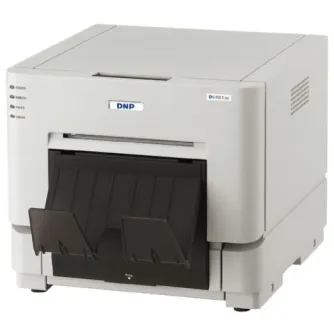

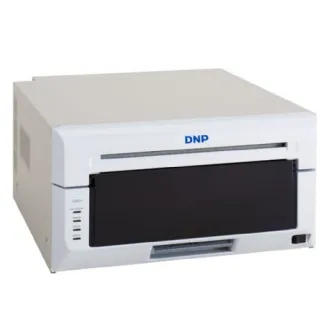
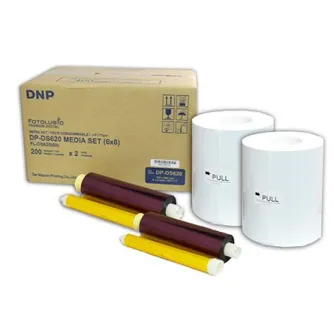
DNP Paper DM69620 2 Rolls 180 Prints 15x23 cm for DS620
By preorder with no delivery time known

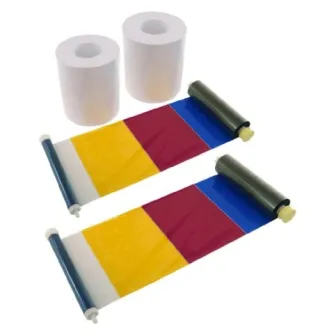
DNP Paper 2 Rolls а 400 prints. 10x15 Perforated at 10x10 cm for DS620