No products
 Facebook
  Google
- Write a review
Blackmagic Design ATEM Camera Control Panel


 AI ASSISTANT CHAT
Or ask about:
| Accessories for video cameras | pārveidotāji |
- 1. Evaluate your options.
- 2a. If you want to buy only one product with Aizdevums.lv leasing, then fill out the application here
- 2b. If you want to buy several items or use another leasing company, then put the items in the basket and choose the leasing service when ordering.
We offer leasing from Aizdevums SIA, Incredit SIA, ESTO.
Manager will check the availability of the items in the cart and send the loan application link. - 3. If you receive a positive response, contact us to purchase the product. Consultants will check the availability of the product.
- 4. If the product is available in the store or to be ordered from the warehouse, and you have received an affirmative answer from our consultants, please visit the store to proceed with purchase and leasing documents.
- 4a. You can also ask us to issue an invoice for this product and visit one of the leasing company branches to sign up leasing documents *..
- 5. Once the leasing documents have been signed up, you can receive the product in the store, if it is on site or inform our consultants and they will order it for you from the warehouse.
- *It is possible to arrange delivery for leased goods, so you can also perform the entire purchase process remotely.
**The sequence of leasing steps is the same for leases offered by InCredit Group.
***In case of doubt, contact our consultants!
When using leasing services, carefully evaluate your options to repay the loan!Lease
Multi-Camera Control
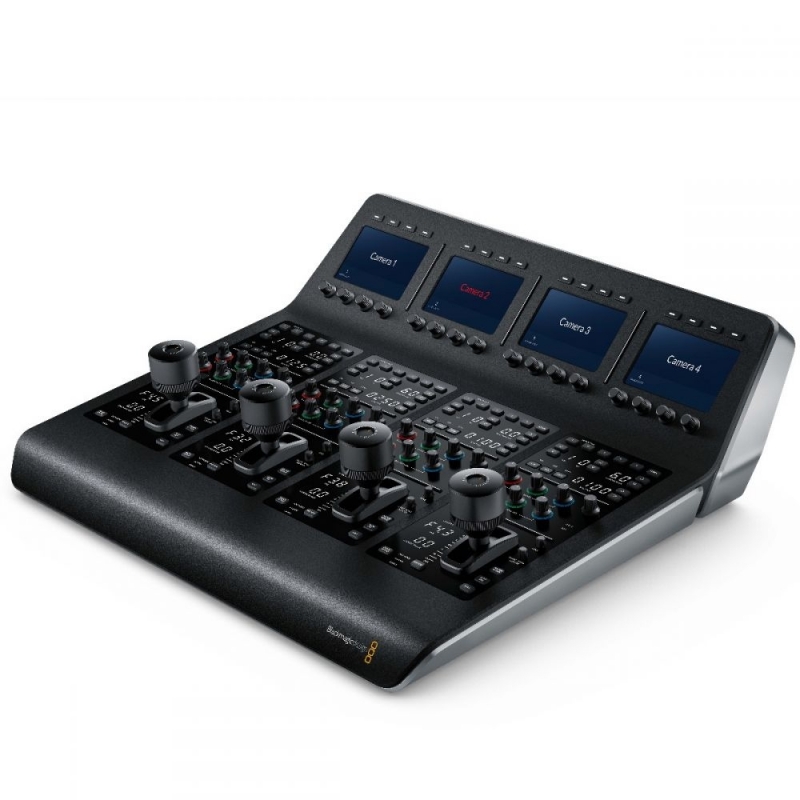
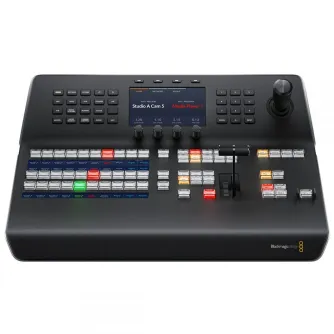
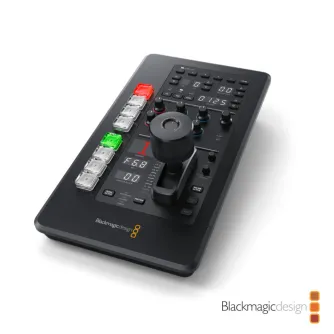
The Blackmagic Design ATEM Camera Control Panel allows independent control of up to four URSA Mini, URSA Broadcast, Blackmagic Studio, and Micro Studio cameras from a single compact unit. It provides comprehensive camera adjustments including iris control, shutter speed, white balance, master gain, pedestal, and RGB controls for both white and black levels.
Design and Compatibility
This portable remote camera control unit is designed for live multi-camera productions, enabling one operator to monitor and adjust technical parameters across multiple cameras. Unlike traditional CCU controllers that require desk installation, this panel can be placed on any desktop or mounted in a slide-out rack shelf. It features a familiar broadcast-style layout suitable for both experienced and new operators and is compatible with all ATEM switcher models.
Control Four Cameras
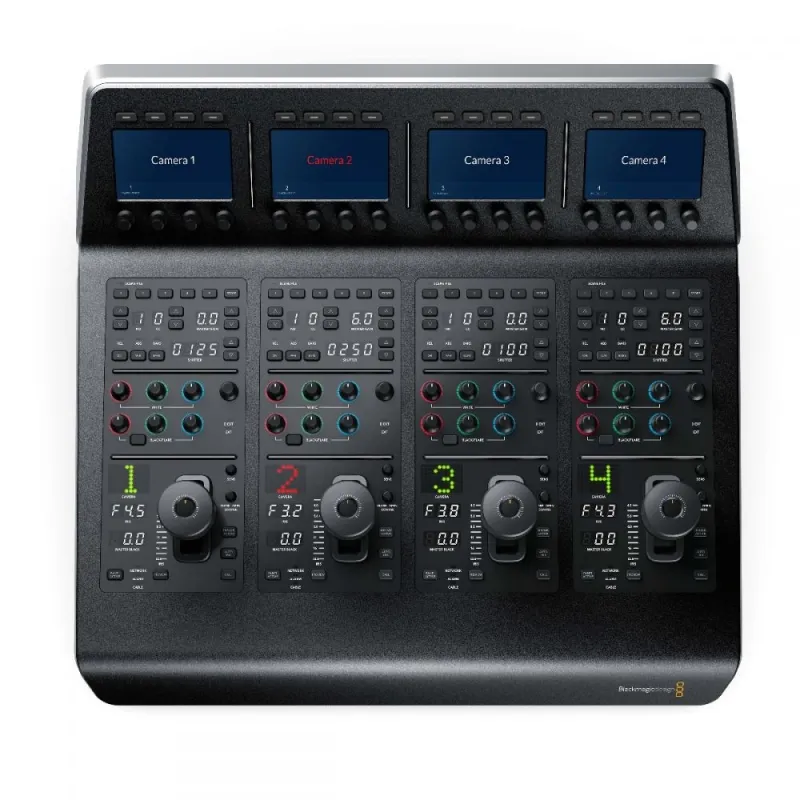
The panel integrates four camera controllers, each with a large LCD screen, soft buttons, and knobs at the top, plus a full set of professional controls on the main body. This setup ensures consistent video quality from every angle by allowing precise balancing and setup of each camera.
Scene and Camera Controls
- Scene Presets: Save and recall scene presets to quickly adjust cameras based on lighting or scene changes.
- Master Gain: Boost sensor sensitivity for low light conditions or to increase depth of field.
- White Balance: Quickly set and adjust white balance for accurate color reproduction.
- Shutter Speed: Set the camera's shutter speed precisely.
- Bars: Output color bars for the selected camera for calibration.
Gain and Pedestal Controls
The center section offers independent RGB controls for gain (whites) and pedestal (blacks), allowing adjustment of red, green, and blue levels to correct unwanted color casts in blacks and whites.
- White: Independent RGB control for gain/whites.
- Black: Adjust RGB values for pedestal/blacks.
Lens and Iris Controls
The bottom section includes an LED camera number display indicating preview and on-air status, a professional joystick for precise iris and master black adjustments, a call button for operator talkback, a panel lock button, and status indicators for network, power, and camera cable connection.
- Iris Control: Joystick moves up/down to adjust iris, rotates to adjust master black, and pushes to select the camera to monitor.
- Coarse Control: Sets the iris control limit on the joystick.
- Iris and Master Black Lock: Prevents accidental changes by locking these controls.
- Master Black: Controls black/pedestal level without affecting contrast.
- Panel Active Lock: Locks the entire panel to prevent accidental changes.
- Status Lights: Indicate network connectivity, alarms, and cable integrity.
- Preview: Sends the aux feed to the monitor for easy camera monitoring.
- Camera Number: LED dot display shows camera number and on-air/preview status.
- Call Button: Flashes tally light and sends tone to get the operator's attention.
Live Production Workflow
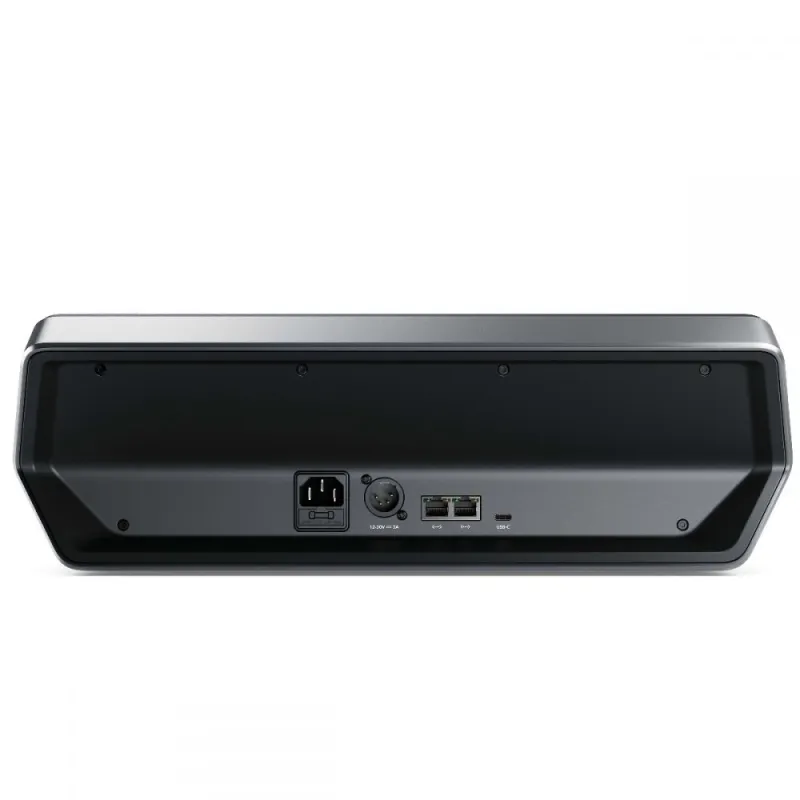
The ATEM Camera Control Panel connects via Ethernet directly to ATEM live production switchers or hardware control panels. Ethernet connections can be looped between multiple ATEM devices, allowing seamless integration in complex live production setups.
Fast and Easy Operation
Featuring traditional broadcast CCU controls, the panel enables rapid camera adjustments. The LCD knob sets the camera number, turning red when on air. The joystick adjusts iris vertically and master black by rotation, with push-to-monitor functionality. This design allows quick switching and matching of camera colors, facilitating efficient live production workflows.
Related Products
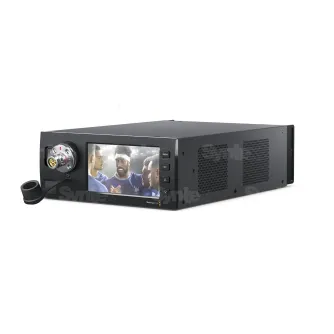
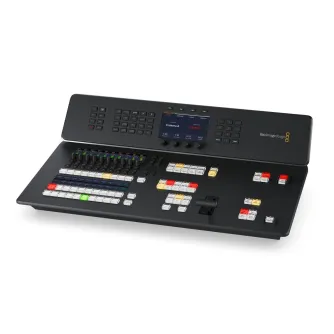
Blackmagic Design ATEM Television Studio HD8 ISO + 2TB internal memory for...
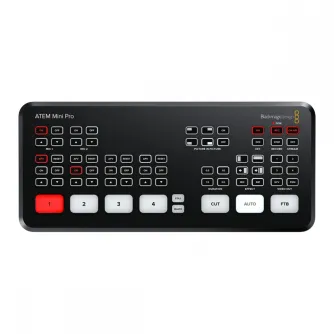
Blackmagic Design Blackmagic ATEM Micro Camera Panel - Portable CCU Control...