No products
 Facebook
  Google

- Write a review
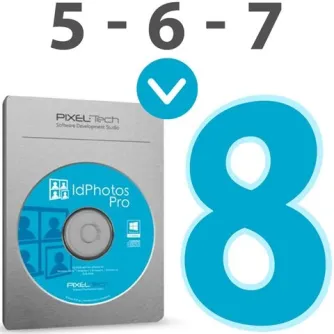
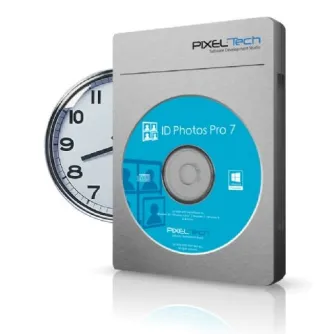
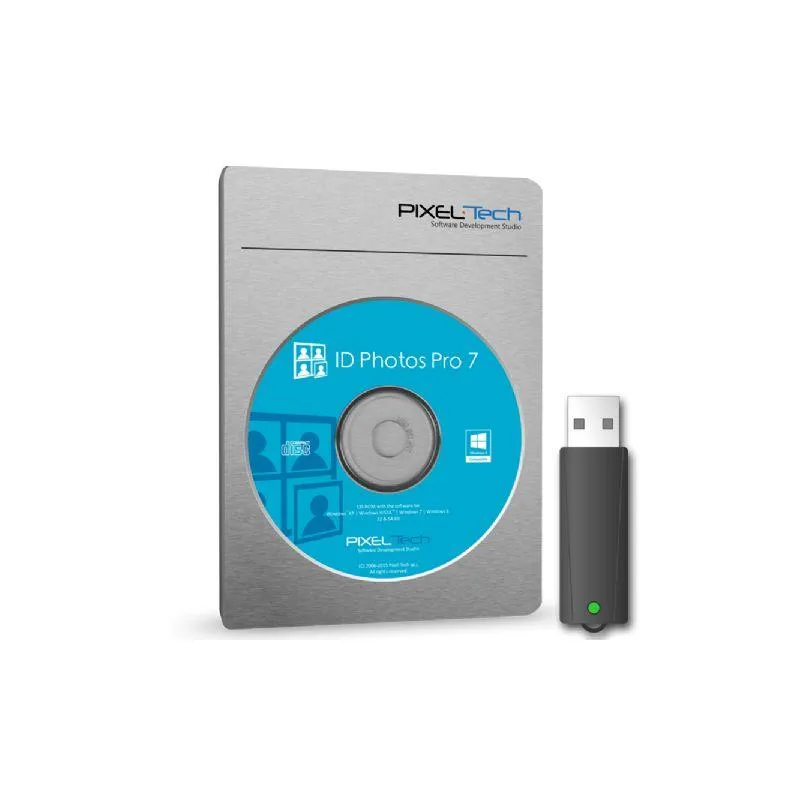
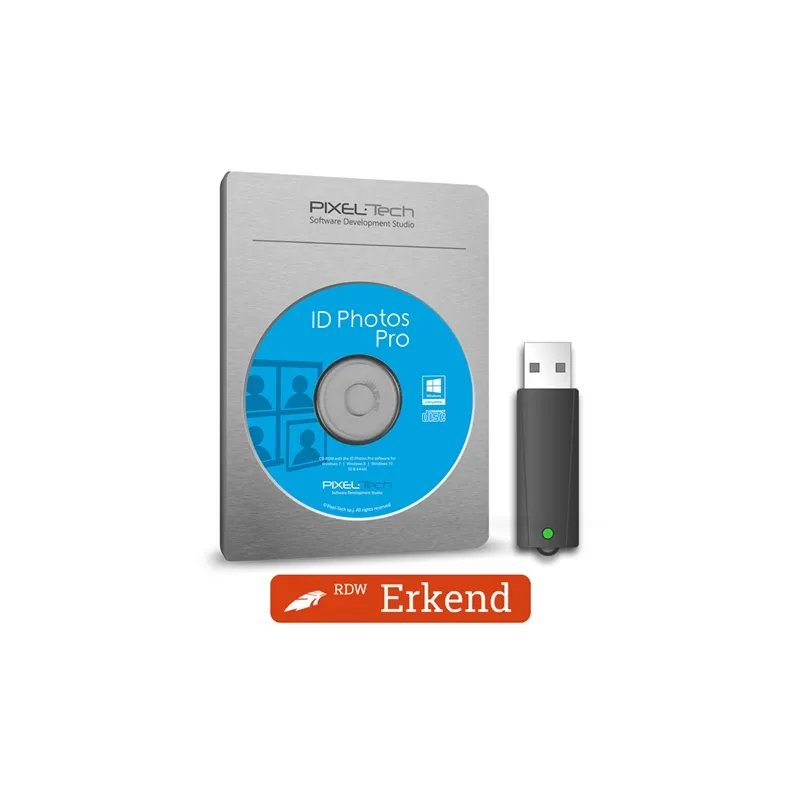
Pixel-Tech IdPhotos Pro Software on Dongle


 AI ASSISTANT CHAT
Or ask about:
| Type of Product | Accessories for printers |
- 1. Evaluate your options.
- 2a. If you want to buy only one product with Aizdevums.lv leasing, then fill out the application here
- 2b. If you want to buy several items or use another leasing company, then put the items in the basket and choose the leasing service when ordering.
We offer leasing from Aizdevums SIA, Incredit SIA, ESTO.
Manager will check the availability of the items in the cart and send the loan application link. - 3. If you receive a positive response, contact us to purchase the product. Consultants will check the availability of the product.
- 4. If the product is available in the store or to be ordered from the warehouse, and you have received an affirmative answer from our consultants, please visit the store to proceed with purchase and leasing documents.
- 4a. You can also ask us to issue an invoice for this product and visit one of the leasing company branches to sign up leasing documents *..
- 5. Once the leasing documents have been signed up, you can receive the product in the store, if it is on site or inform our consultants and they will order it for you from the warehouse.
- *It is possible to arrange delivery for leased goods, so you can also perform the entire purchase process remotely.
**The sequence of leasing steps is the same for leases offered by InCredit Group.
***In case of doubt, contact our consultants!
When using leasing services, carefully evaluate your options to repay the loan!Lease
ID Photos Pro works with all cameras, all photo printers, and all countries.
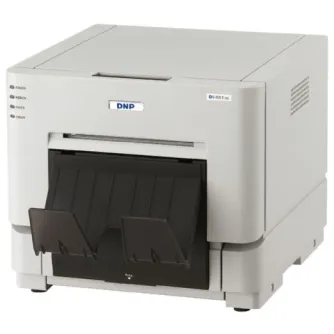
Create professional passport photos for all countries with ID Photos Pro. The English-language, step-by-step software helps you print and upload approved passport photos step by step. Thanks to the universal printer link, you can print photos with DNP printers and others.
This is why you use ID Photos Pro
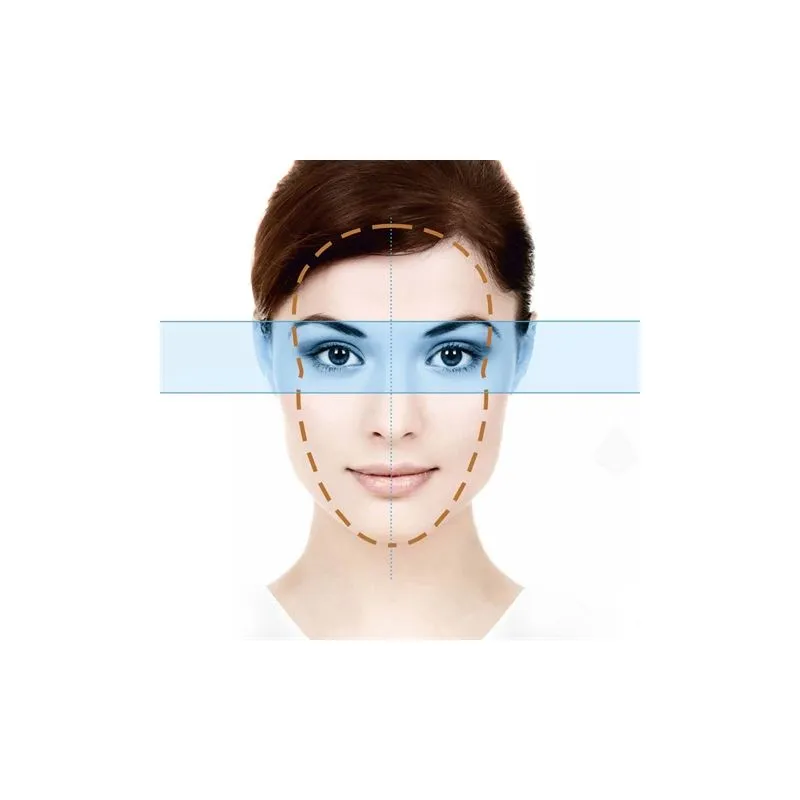
- Biometric verification - the software recognizes faces, automatically creates the correct crop, and checks the photo for 15 official points.
- Internationally recognized - ID Photos Pro is suitable for more than 280 documents in over 87 countries worldwide. New documents and requirements are actively pushed to the software via updates.
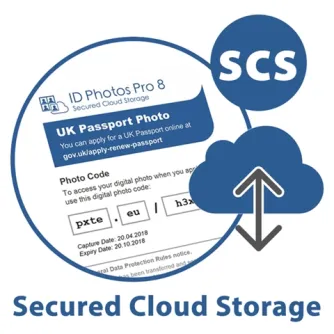
- RDW recognized - Upload photos directly to the RDW (for Dutch documents). For other countries, use Secured Cloud Storage for secure digital upload to the government agency.
Here's how to use ID Photos Pro in practice
 Choose passport photo document and create the passport photo based on the instructions.
 ID Photos Pro automatically checks the passport photo for 15 points.
 Choose a layout and click the print button.
Free trial
Wondering how it works in practice? Download the free demo version of ID Photos Pro. If you don't currently take passport photos or want to switch to ID Photos Pro, you can receive guidance.
Application ID Photos Pro - dongle license
When you want to take passport photos on multiple computers, ID Photos Pro's dongle license is ideal. In the computer where the dongle is inserted, the passport photo license is immediately activated. This is handy when you not only take photos on the fixed computer in your store but sometimes also take your laptop with you on location. Also check out the digital license (more economical, but less flexible).
ID Photos Pro's minimum system requirements
- Processor - minimum Intel Core 2 Duo 2GHz
- Storage - minimum 128GB, SSD preferred
- Memory - minimum 4GB
- Display - minimum 1024x768 pixels
- Operating system - Windows 10 or Windows 11, 64 bit
- USB - at least two direct USB ports for printer and camera (without hub). Possibly additional USB ports for keyboard, mouse, and other accessories.