Nav produktu
 Facebook
  Google


- Uzrakstīt atsauksmi
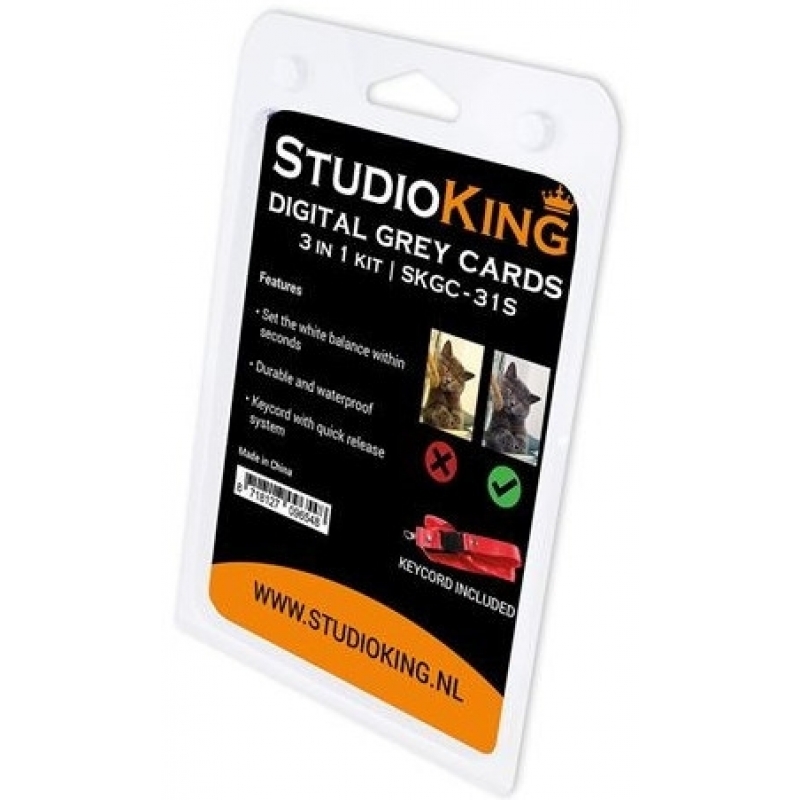
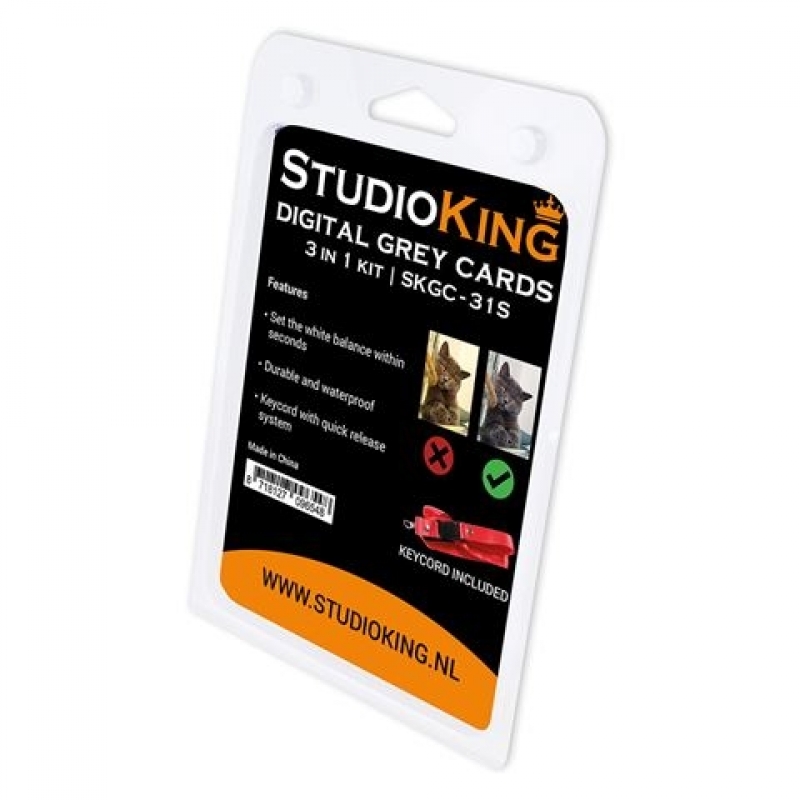
StudioKing Digital Grey Card SKGC-31S


 Mākslīgā intelekta asistents
vai pajautājiet par
| Produkta veids | Pelēkās balansa kartes |
StudioKing Digital Grey Card SKGC-31S
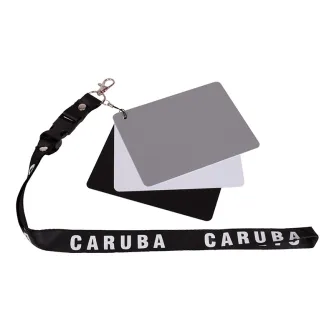
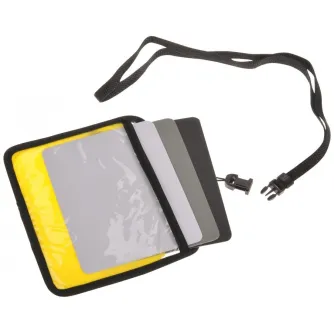
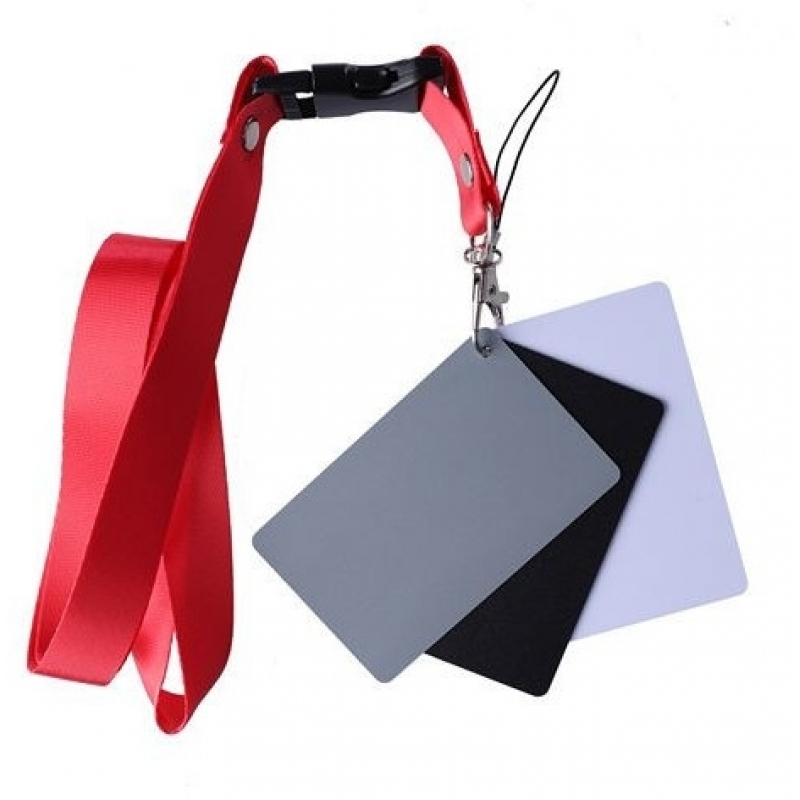
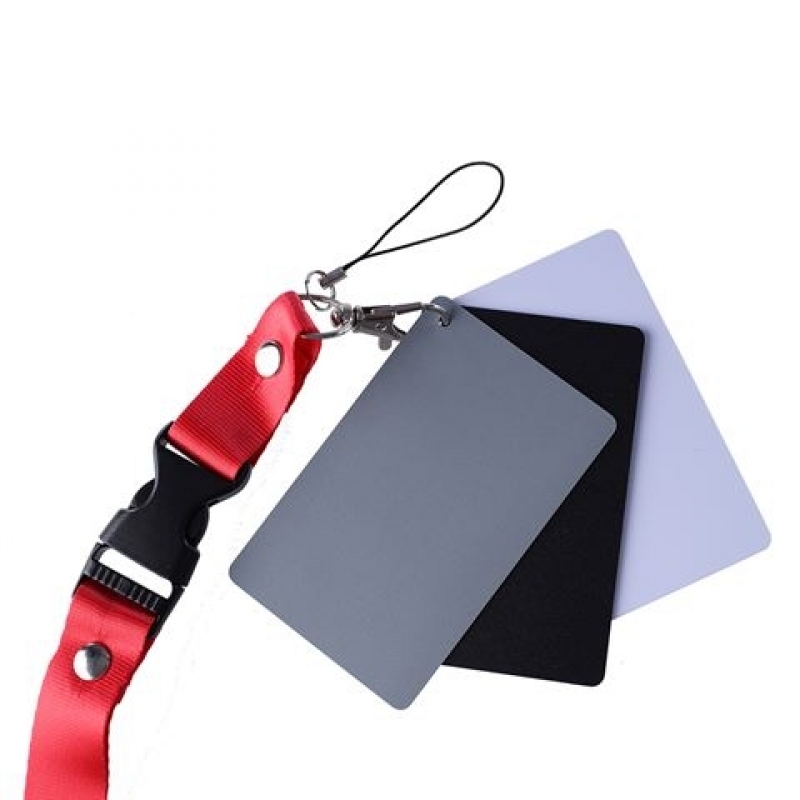
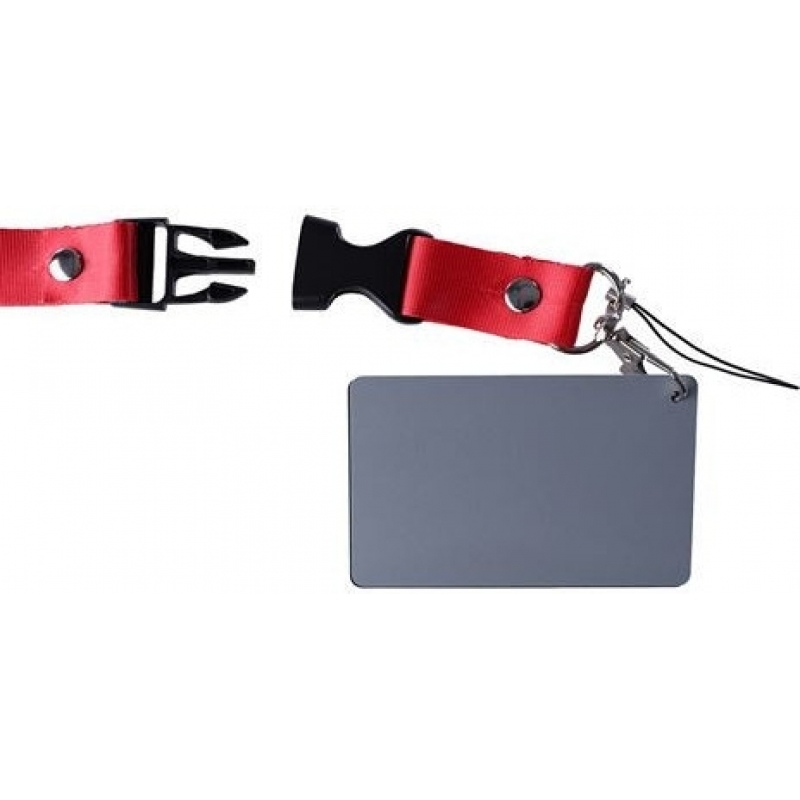
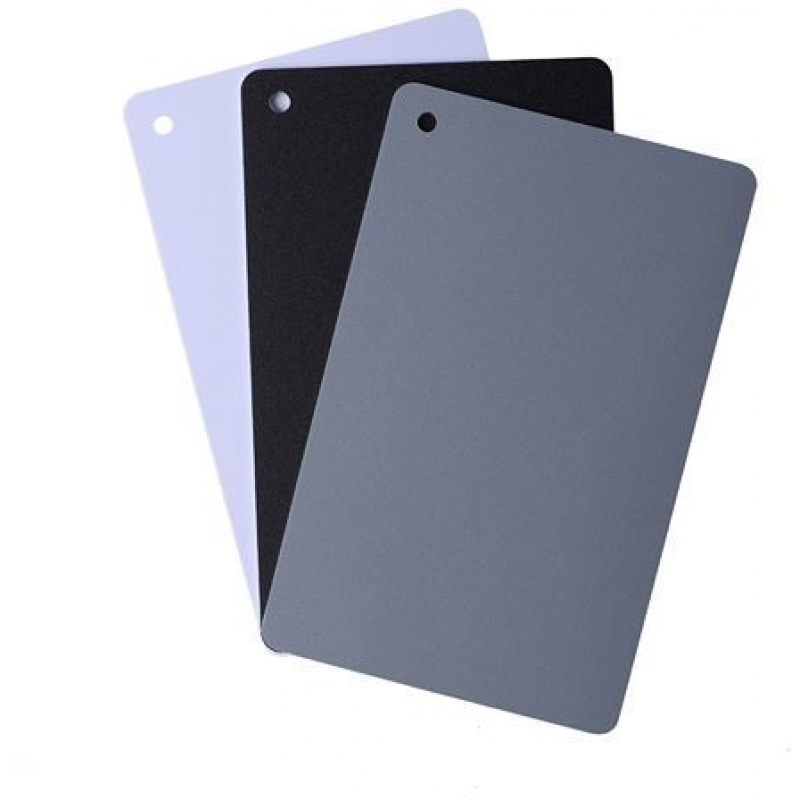
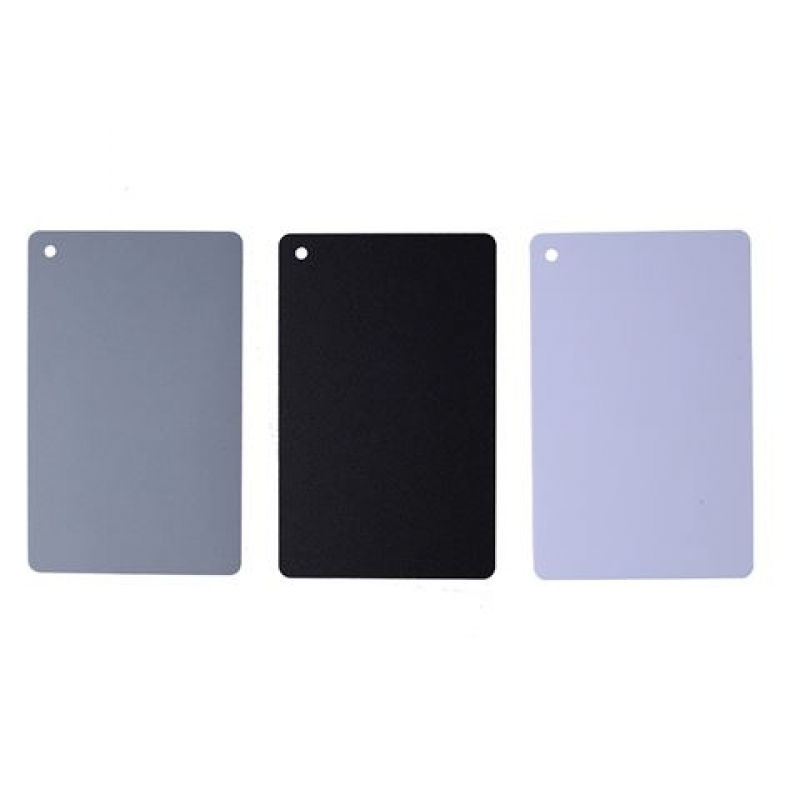
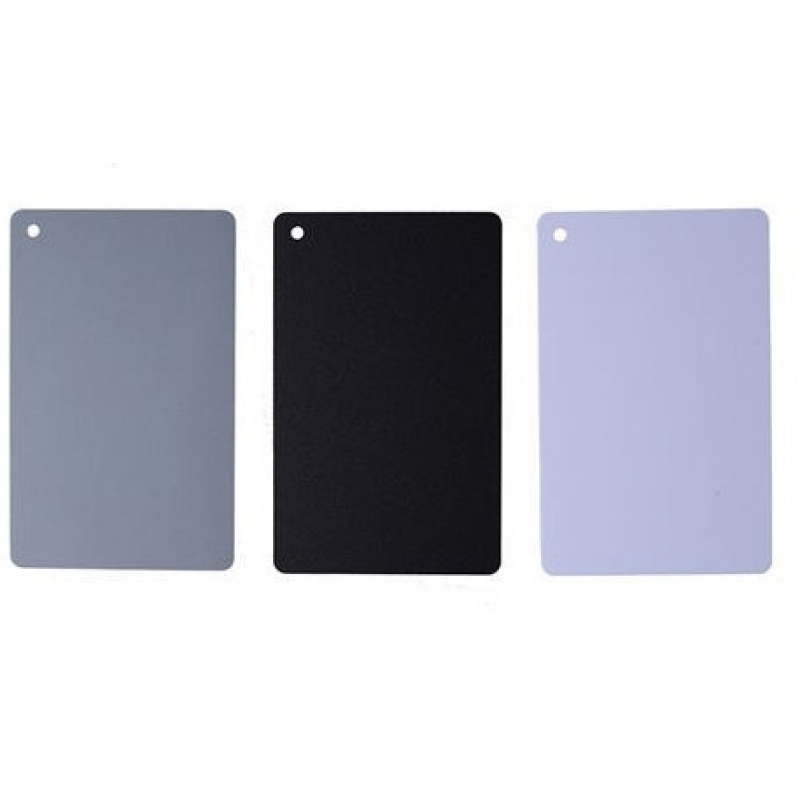
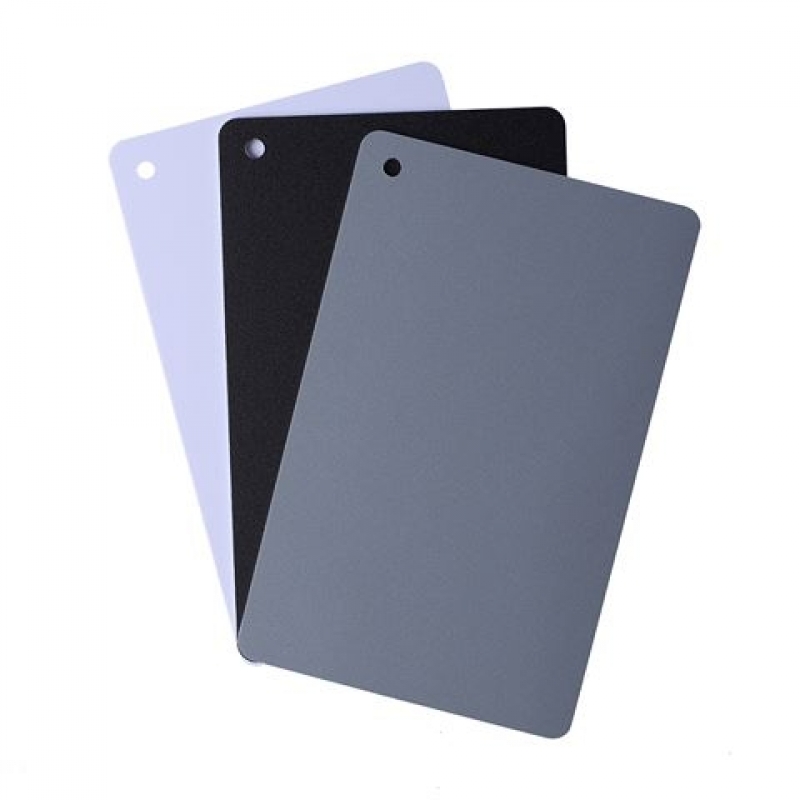
StudioKing Digital Grey Card SKGC-31S ir komplekts ar lielformaāta plastmasas kartēm matētā pelēkā, melnā un baltā krāsā. Šīs kartes ir izstrādātas, lai uzlabotu krāsu precizitāti fotogrāfijā, nodrošinot, ka krāsas, piemēram, rozā kafijas krūze, tiek attēlotas reālistiski bez nevēlamiem krāsu nokrāsām. Pelēkā karte atstaro 18% gaismas, padarot to piemērotu gan krāsu kalibrācijai, gan gaismas mērīšanai.
Īpašības
- Komplektā ietilpst matētas pelēkas, melnas un baltas kartes
- Izturīgs plastmasas materiāls ilgstošai lietošanai
- Lielformaāta kartes izmēros 8.5 × 5.5 cm
- Viegli lietojams fotogrāfiem ar dažādu pieredzes līmeni
Lietošanas norādījumi
Lai izmantotu pelēko karti, vispirms manuāli iestatiet baltā balansu savā kamerā. Novietojiet pelēko karti pilnībā kadra ietvarā un uzņemiet fotoattēlu. Pielāgojiet baltā balansu tā, lai pelēkā karte attēlā izskatītos neitrāli pelēka. Pēc šīs kalibrācijas bildes varat noņemt pelēko karti nākamajiem attēliem, ja vien apgaismojuma iestatījumi nemainās. Lai nodrošinātu vēl lielāku precizitāti, varat veikt pēcapstrādi fotoattēlu rediģēšanas programmās, piemēram, Photoshop, pārliecinoties, ka pelēkā karte attēlā ir patiesi pelēka, kas garantē pareizu krāsu atveidi visā attēlā.
Saistītie produkti
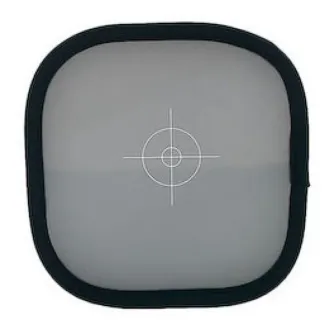
Manfrotto EzyBalance 30cm Grey/White Card LA-1250
Pēc pieprasījuma. Piegādes laiks no 3 nedēļām.
Calibrite ColorChecker Grey Scale Balance Card (3 step)

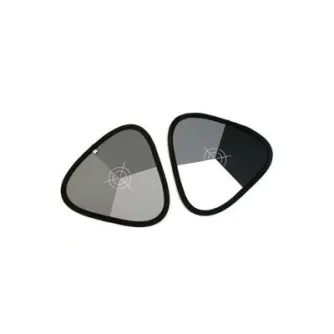
Manfrotto pelēkā karte Xpobalance 38cm (LA-1558) LL LR1558
Pēc pieprasījuma. Piegādes laiks no 3 nedēļām.
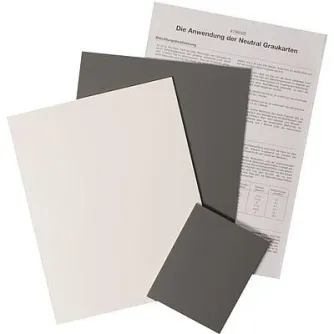
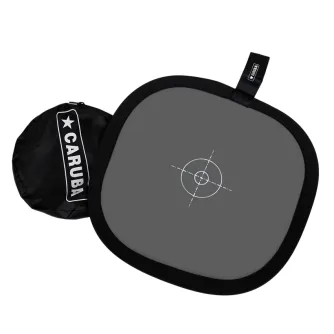
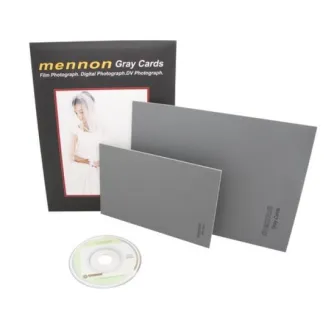
Falcon Eyes Grey Cards 1x A5, 1x 10x15 + Instruction CD